
My Toll Free Number + Fax, VM 5.1
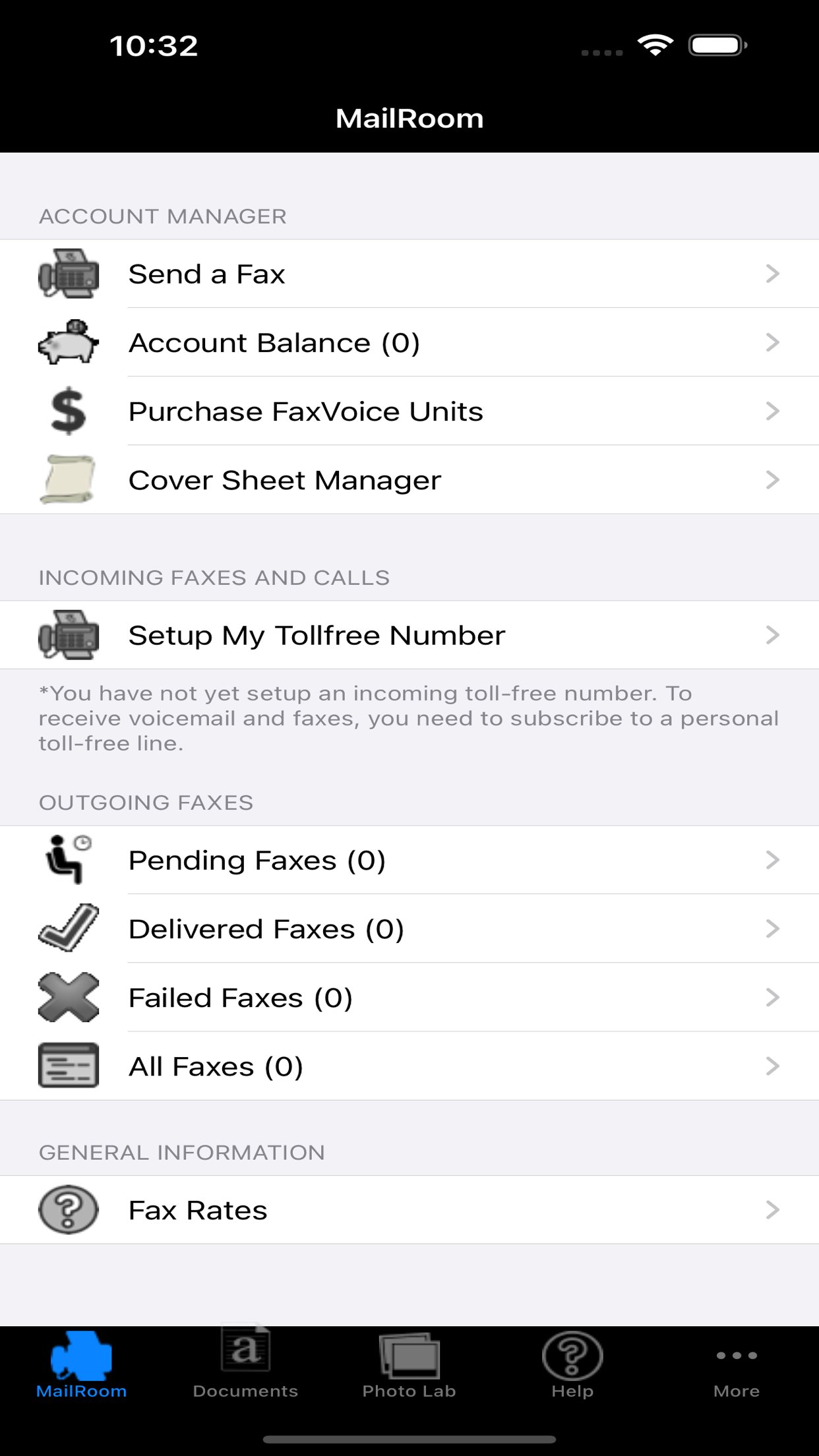
Send and RECEIVE faxes and voicemail on your iPad/iPhone with My Toll Free Number, a robust app with support for voicemail, printing, and faxing.
Download
170.96 MB
16downloads
2this week
FreeCommercial
0reviews
Screenshots
About My Toll Free Number + Fax, VM
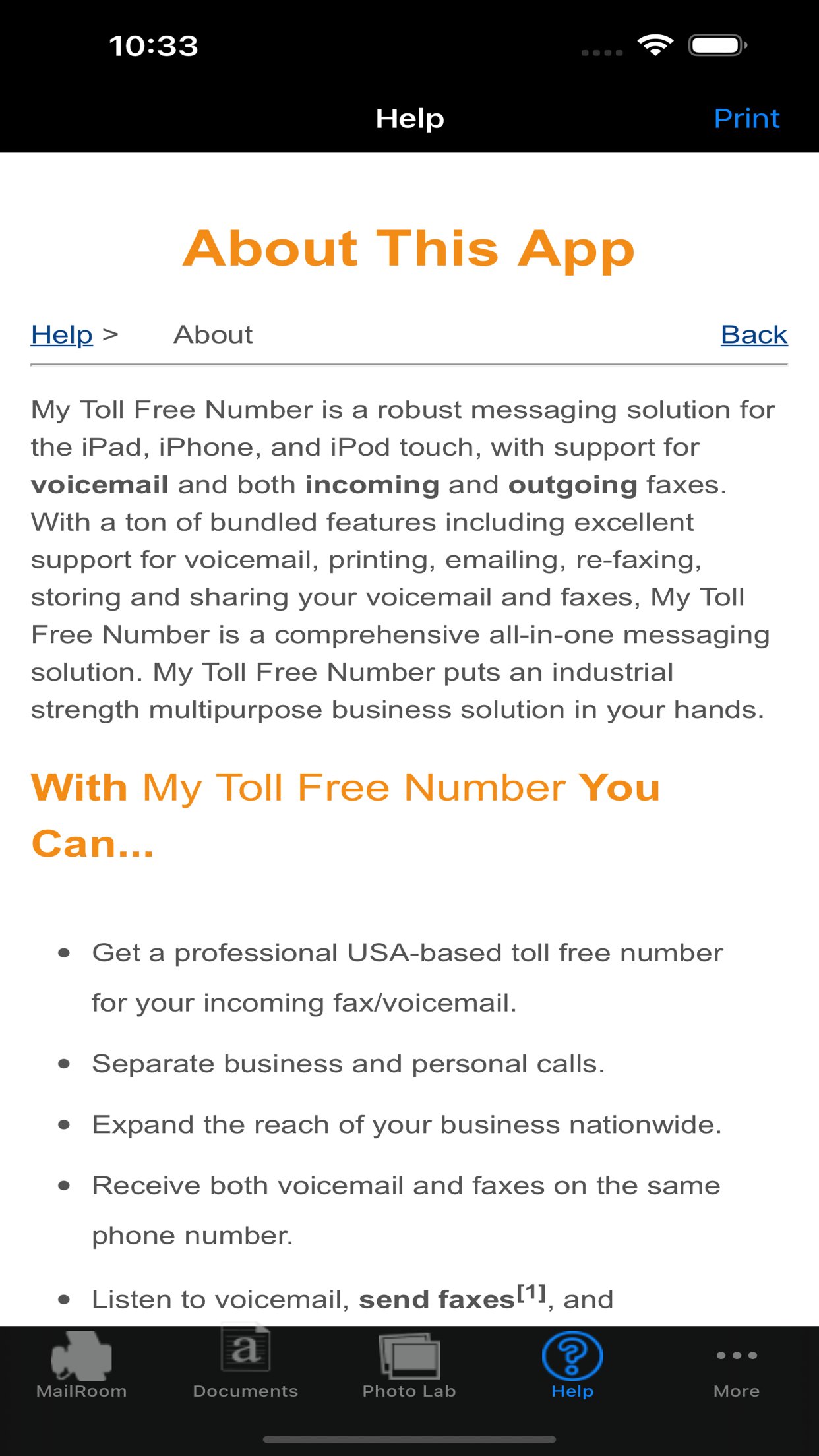
Send and RECEIVE faxes and voicemail on your iPad/iPhone with My Toll Free Number, a robust app with support for voicemail, printing, and faxing.
FEATURES
• View/print many document types, including PDF, Word, Excel, bitmap, TIFF, text, HTML, Open Office, GIF, and encapsulated PostScript.
• Create new text documents.
• Use a web browser to transfer files between your computer and this app.
• Print to networked or shared printers. No additional software is necessary. This app includes support for over 1,400 printers from HP, Epson, Canon, Samsung, Brother, Lexmark, Xerox, Ricoh, Oki, Kyocera, NRG, Lanier, and many more!
• Send faxes to over 220 countries and territories worldwide - no subscription required![1]
• Get a professional USA-based toll-free number for your incoming faxes and voicemail.[2]
• Separate business and personal calls.
• Expand the reach of your business nationwide.
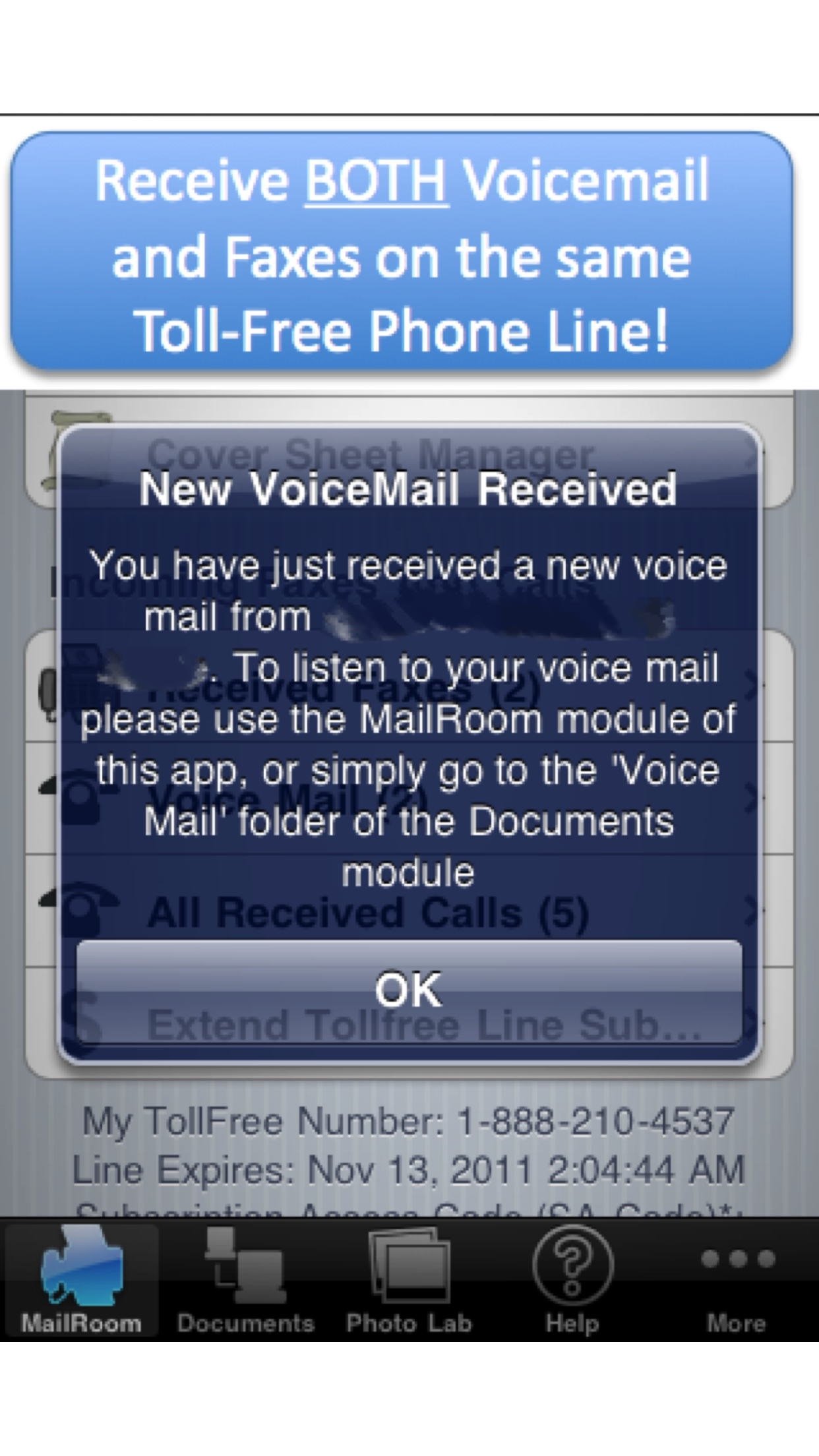
• Receive both voicemail and faxes on the same phone number.
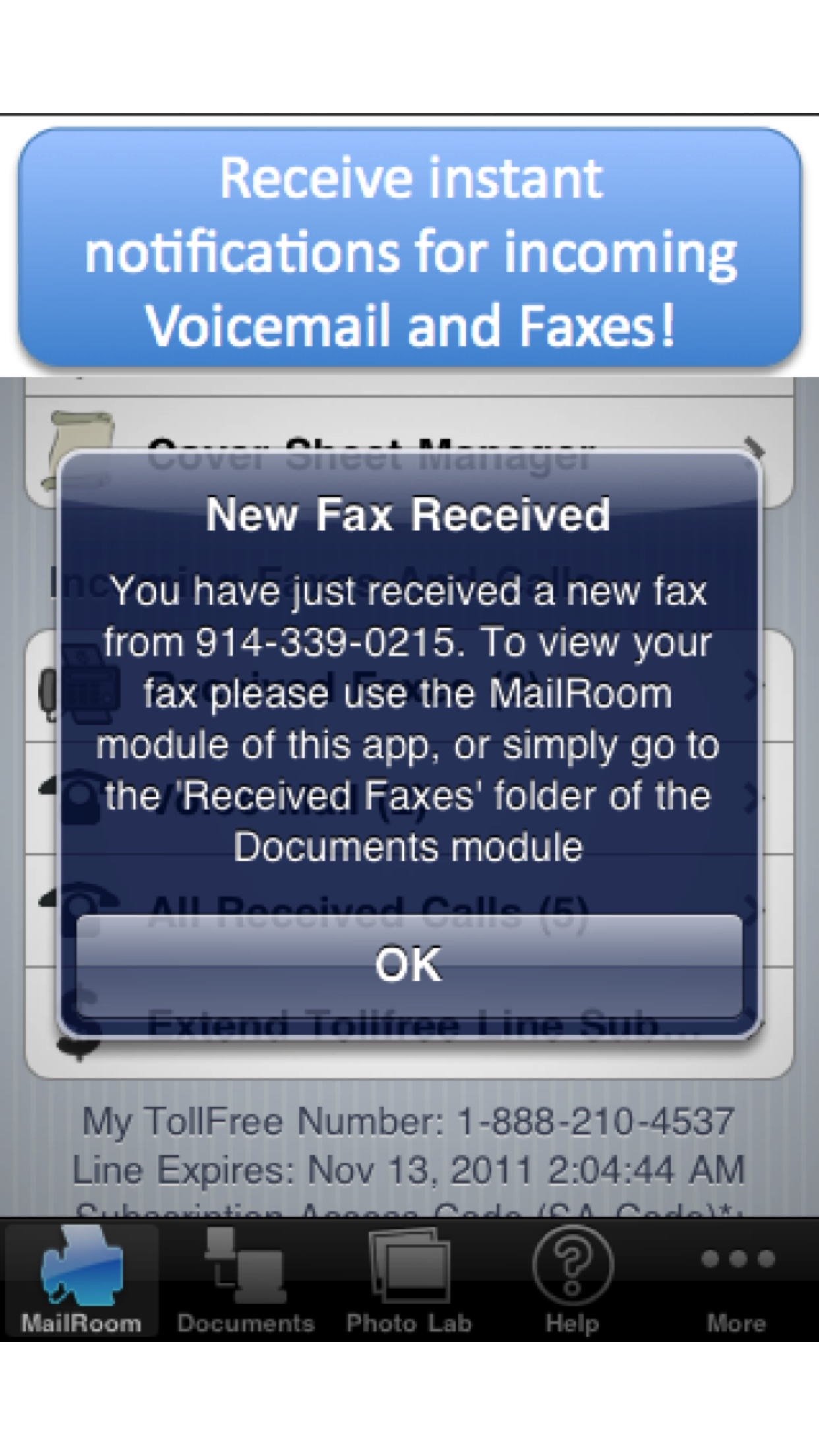
• Listen to voicemail, send faxes[1], and receive faxes[2] directly on your iPad/iPhone.
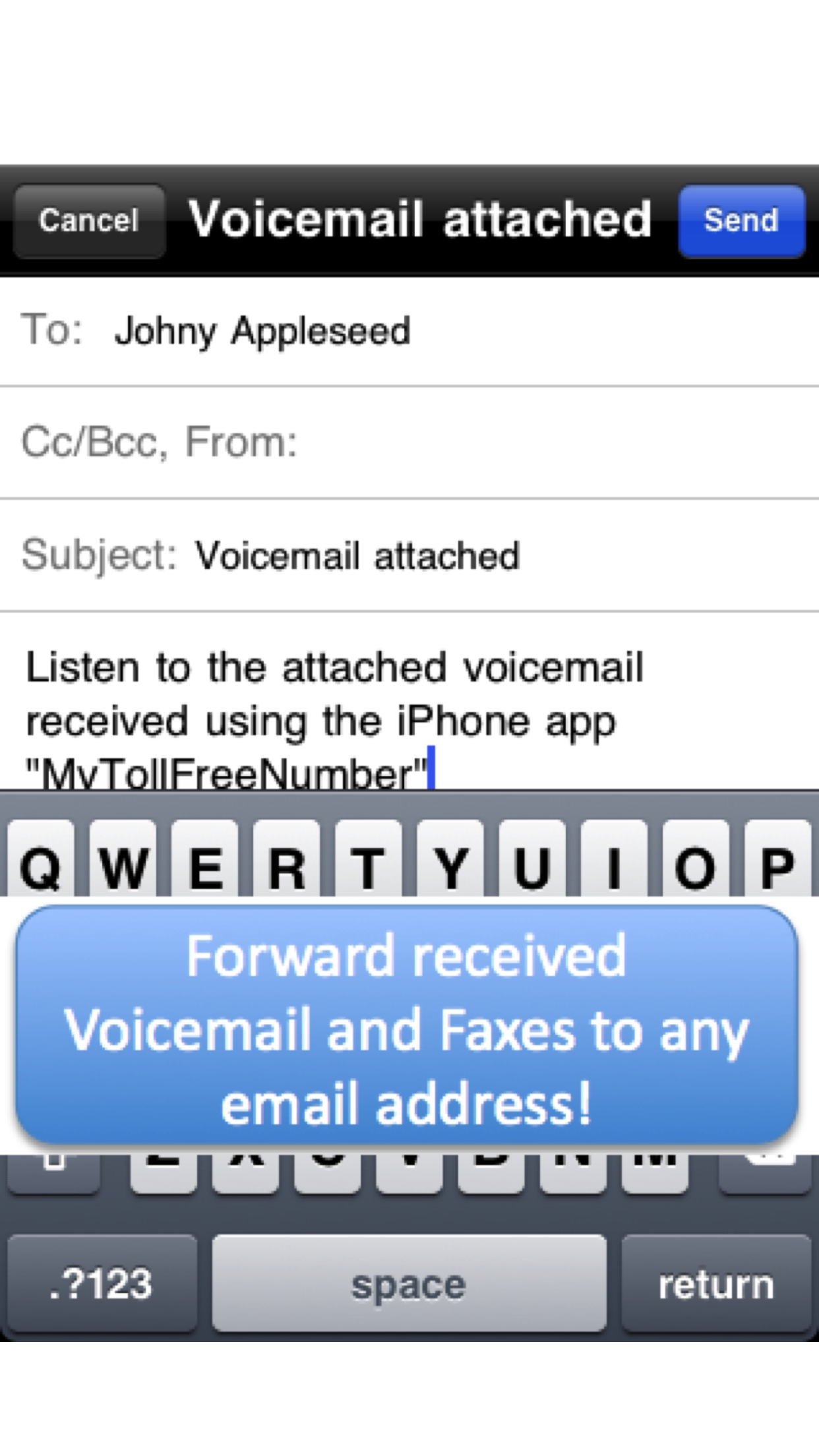
• Print and re-fax received faxes from your iPad/iPhone.
• Receive immediate notification of all incoming calls.
• Capture and process images from your onboard camera or photo album.
DOES THIS APP SUPPORT MY PRINTER?
See the list of printer models this app supports at [link removed].
HOW DO I USE THIS APP TO PRINT/FAX FROM MY OTHER APPS?
Import files from your other apps into this app, and then print/fax them.
(The iOS is designed such that each app you install is given its own storage space. There is no centralized (shared) storage space on your device. This means that this app's proprietary printing engine only works within this app. The iOS cannot use this app to print files within another app's storage space—for example, files stored in Pages, Numbers, Safari, Notes, Mail, etc. Therefore, files created in other apps must be imported into this app.)
HOW DO I IMPORT FILES INTO THIS APP?
• Use a web browser to transfer files between your computer and this app.
• Use iTunes to upload files into this app.
• Use a WebDAV server to transfer files.
• Email a file to yourself. Then, open the Mail app, press and hold down the attachment until the "Open In..." menu appears. Select this app from the list of apps displayed.
IS THERE HELP AVAILABLE?
Yes. In addition to the built-in user guide, you can also ask questions via our real-time chat Customer Support module.
[1] Each fax unit purchases a one-page fax that can be sent in 60 seconds or less to a destination in the United States or Canada. The number of fax units needed to transmit a one-page 60-second fax to a destination in another country is listed in the rate card within this app. Please note that a page that requires a longer transmission time (for example, a page containing high resolution graphics) consumes additional fax units.
[2] To receive voicemail or faxes, you must setup an incoming toll-free phone number. The toll-free phone number requires a monthly subscription. 60 minutes/month are included free with subscription. Toll-free numbers are USA-based numbers and are accessible in the United States only.
Optional Toll Free Number Subscription Notes:
• Title: Toll-Free Number Subscription
• Length: 1,3, 6 or 12 month options
• Payment will be charged to iTunes Account at purchase confirmation
• Subscription automatically renews unless auto-renew is turned off at least 24-hours before the end of the current period
• Account will be charged for renewal within 24-hours prior to the end of the current period
• No cancellation of the current subscription is allowed during active period
• Subscriptions may be managed by the user and auto-renewal may be turned off by going to the user’s Account Settings after purchase
• Privacy Policy: [link removed]
• Terms of use: [link removed]
License: Commercial
| Release info | New Release on Apr 28, 2026 |
|---|---|
| Release notes | - performance enhancements and bug fix |
| Listing data | App Store |
Reviews
No reviews yet. Be the first to review My Toll Free Number + Fax, VM.
Used My Toll Free Number + Fax, VM? Tell other visitors what you thought.
Log in to write a reviewOther products by this publisher
- "No Distractions" for YouTube 4.10 ----
- #Bible 11.6.1 "Incredible App - My sister shared this app with me a few weeks ago and it is truly incredible.
- #filmphotography 1.4.2 So, you decided to shoot on film?
- #LookBusy Fake Calendar Events 1.0.6 Look Busy scans your work calendar for open time slots and fills them with realistic-looking (but secretly fake) work events.
- #Small Talk Is Canceled 1.0.2 #Small Talk Is Canceled — Conversations That Matter
Most viewed iOS Business
-
1
 Navy Federal Credit Union 2026.10.2
Bank easy with the Navy Federal mobile app!
-
2
 Paycom 8.0.14
If you or your company use Paycom’s HR and software, the Paycom app helps you manage everyday HR and payroll tasks in one place — like checking your schedule, requesting time off and reviewing your pay.
-
3
 Entrust Identity 26.4.0
The Entrust Identity mobile application is the new Entrust mobile platform for delivering strong identity credentials to both employee and consumer users.
- 4 % Percentage Calculator Pro 1.41 This is the Pro version of % Percentage Calculator.
-
5
 Intune Company Portal 5.2610.0
Microsoft Intune helps organizations manage access to corporate apps, data, and resources.
-
6
 ParkNYC Powered by Flowbird 2.2.1
Have you ever been late to an important meeting and you can’t find a parking spot?
-
7
 Shopify 11.2646.0
Shopify: build your online store, sell anywhere, run your business
-
8
 Budget-Beacon 1.5
Budget Beacon connects to your Apple Wallet to help you understand and manage your spending.
- 9 $quirrel 1.5.1 $quirrel Budget & Finance helps you plan each paycheck, track spending, manage debt, and see what is safe to spend before the next payday.
-
10
 MiniVAN Touch 9.4.7
miniVAN Touch is a mobile canvassing application that integrates with websites provided by NGP VAN.
Most downloaded iOS Business
-
1
ParkNYC Powered by Flowbird 2.2.1
Have you ever been late to an important meeting and you can’t find a parking spot?
-
2
Budget-Beacon 1.5
Budget Beacon connects to your Apple Wallet to help you understand and manage your spending.
-
3
 Rocket.Chat 4.78.1
Rocket.Chat Secure CommsOS™ is a communication platform that unifies messaging, voice, video, AI, and mission-critical applications—ensuring uncompromising security, compliance, and operational efficiency for governments, defense, and critical infra…
-
4
 Business Timesheet 6.0
Are you looking for timesheet to track the work hours spent on hourly, daily or weekly basis accurately?
-
5
 Receivable Payment Ledger2026 1.1
Payment Ledger is a fully offline accounts receivable management tool for small businesses, shops, wholesalers, and salespeople who need to track customer debts and payment progress.
-
6
 Simple Budget Envelopes 2.2.1
An incredibly simple app, perfect for keeping track of how much money remains in your budget.
-
7
 Cvent Events 2.9.0
Cvent Events is your place to easily plan out your event experience, find where you need to go next, network with other attendees, and learn more about sponsors and exhibitors.
-
8
 Power Apps 3.26112.10
Get Power Apps to conveniently access your work or school apps no matter where you are: at home, on the road, in the field, off-campus, at the airport, or at the beach – anywhere life takes you.
-
9
 Vola 4.9.02
Vola is the only cash advance app built for Real-Time Payments (RTP).
-
10
 Checkbook Pro 3.3.5
An easy & quick way to manage your daily finances, Checkbook Pro keeps track of your credit card charges, cash expenditures...etc.