8downloads
8this week
FreeFreeware
0reviews
Screenshots


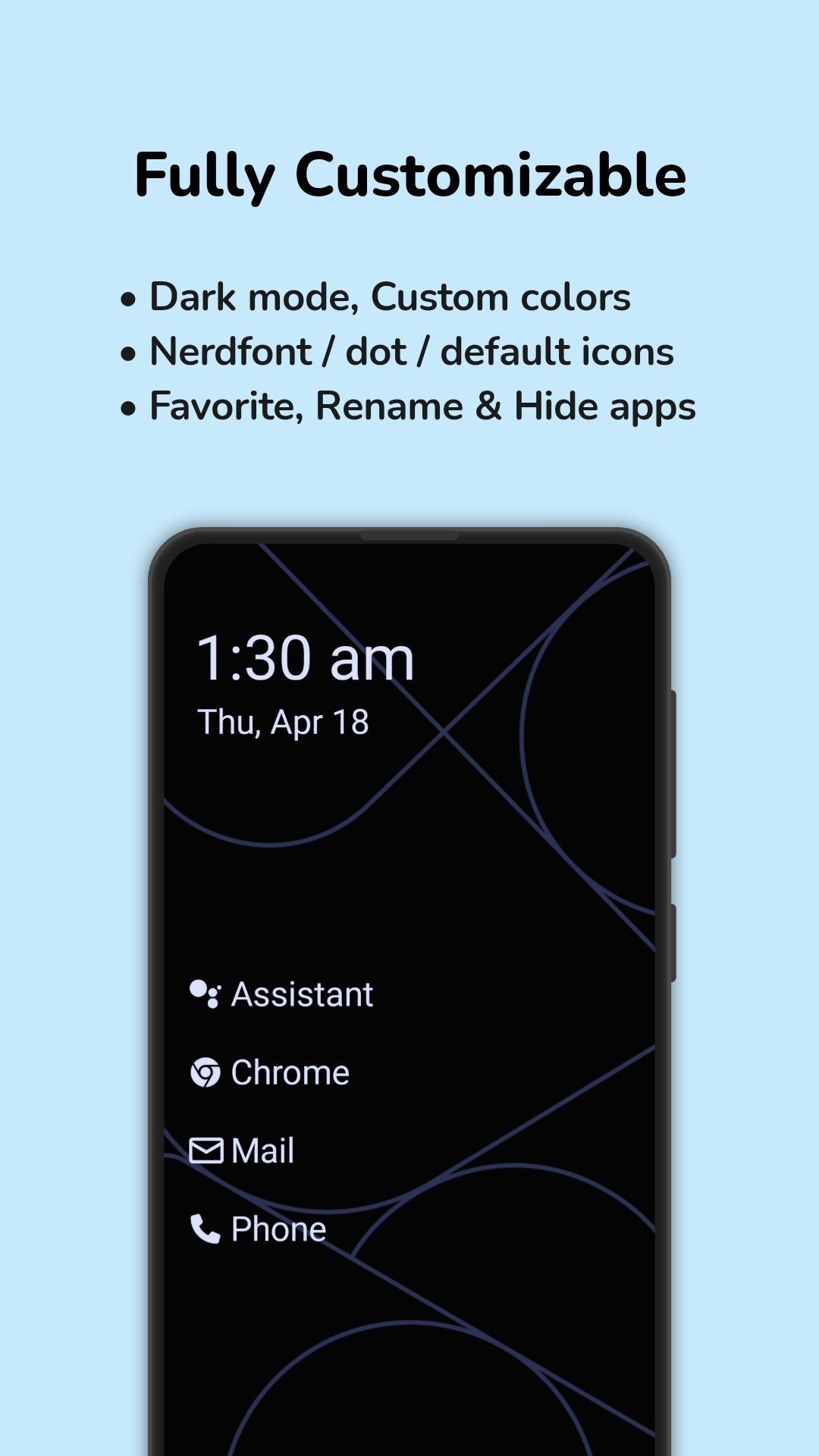
About Multi Launcher ? Home Screen
Multi Launcher: A Clean, Simple Android Launcher Built for Readability and Control
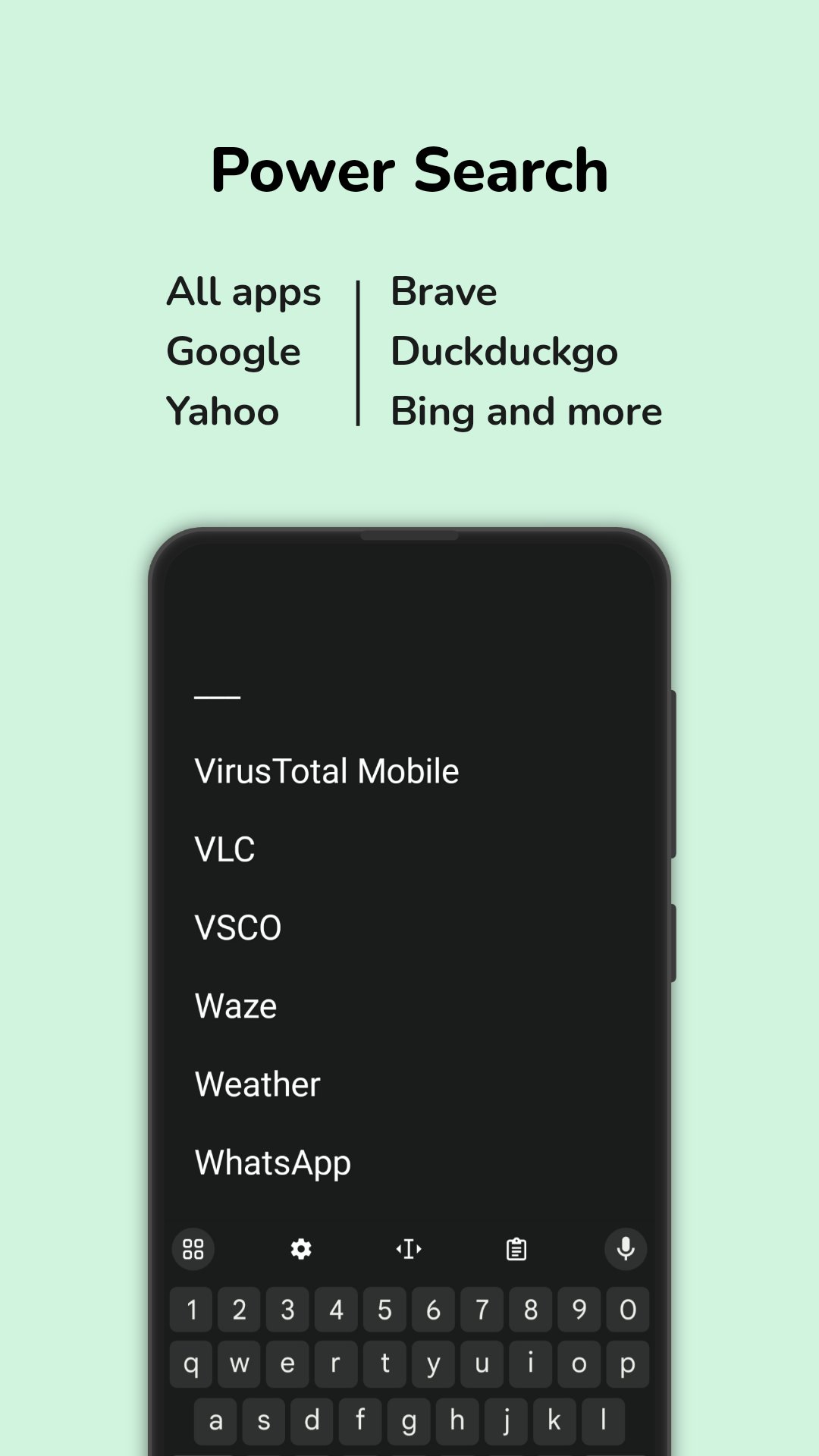
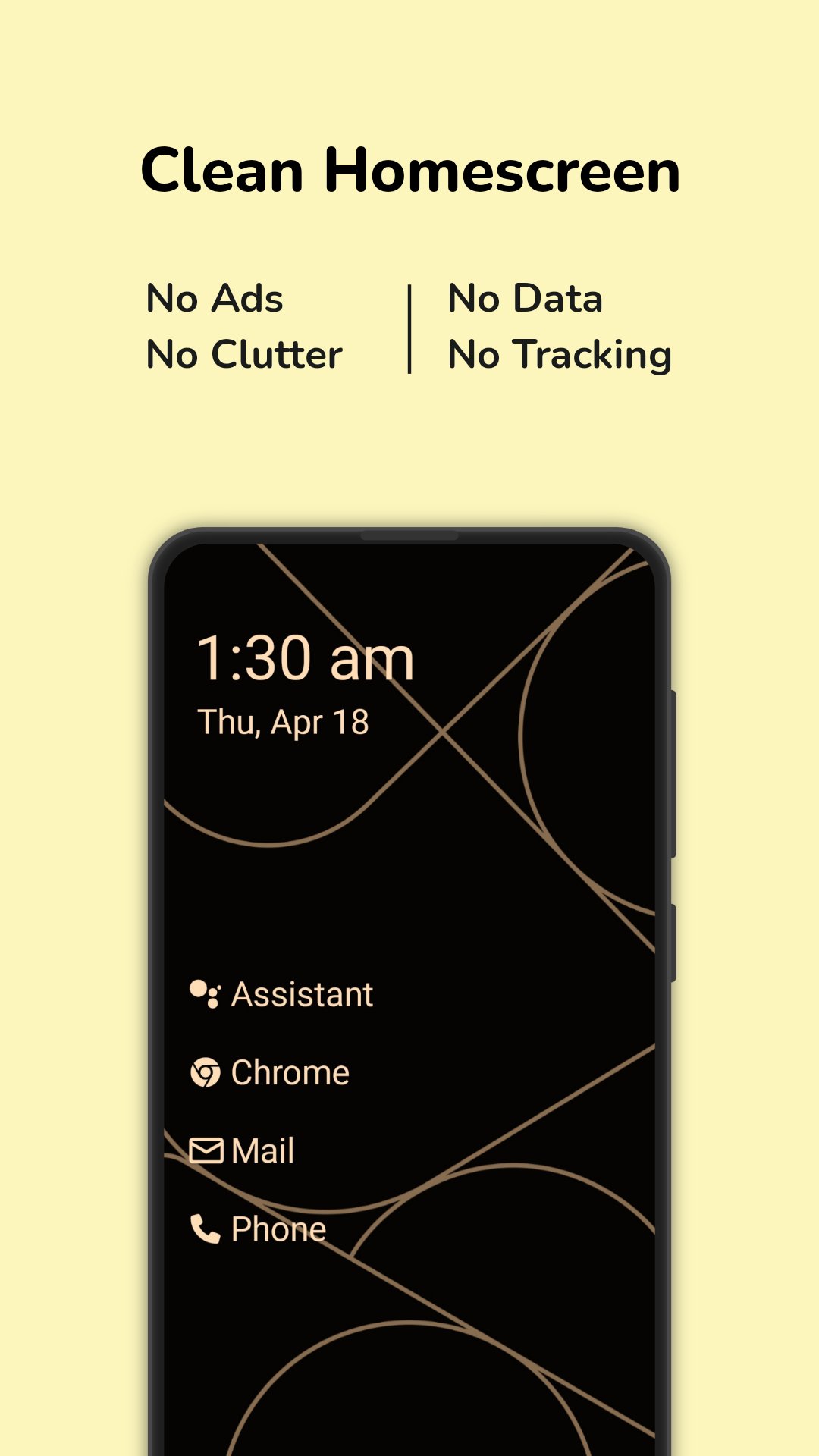
Looking for a launcher that ditches the clutter and keeps things easy? Multi Launcher is a powerful yet minimalist Android launcher that replaces tiny icons with clear, readable text buttons, making your phone easier to navigate.
Whether you want a simple home screen, need large text for visibility, or prefer quick gesture-based actions, Multi Launcher gives you full control without overwhelming you with options.
Why Choose Multi Launcher?
• Text-Based Launcher: No confusing icons — just labeled text buttons for your apps.
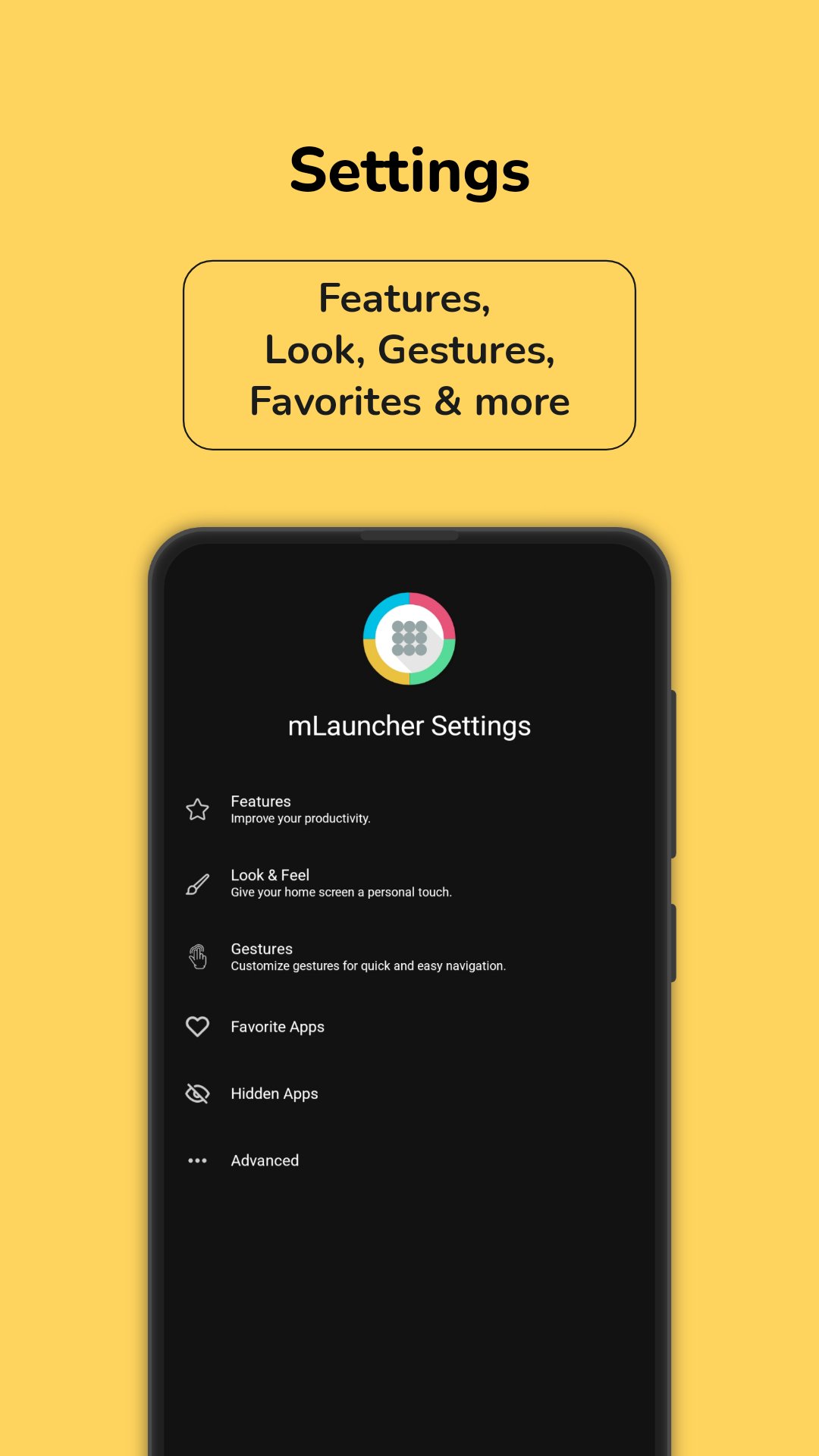
• Highly Customizable: Adjust layout, font sizes, clock position, and more.
• Quick Gestures: Use taps, swipes, and long swipes to open apps, lock the screen, and access notifications.
• Secure: Biometric lock for settings and privacy.
• Great for Seniors or Simplicity-Lovers: Easy to read, use, and customize.
Key Features:
• Custom App Names: Rename apps to match how you think of them.
• Flexible Layouts: Organize apps in the way that makes sense for you.
• Clock & Date Customization: Place widgets wherever you want.
• App Usage Insights: See how much time you spend in each app.
• Gesture Shortcuts: Set custom actions for double taps, swipes, and more.
Accessibility Features:
This app uses the AccessibilityService API to:
• Lock the screen with a gesture
• Open the power menu
• Pull down the notification drawer
Multi Launcher respects your privacy. These features do not collect or share personal data.
If you’re tired of flashy, cluttered launchers and want something straightforward, stylish, and empowering, Multi Launcher is your perfect home screen solution.
License: GPL-3.0-only
Looking for a launcher that ditches the clutter and keeps things easy? Multi Launcher is a powerful yet minimalist Android launcher that replaces tiny icons with clear, readable text buttons, making your phone easier to navigate.
Whether you want a simple home screen, need large text for visibility, or prefer quick gesture-based actions, Multi Launcher gives you full control without overwhelming you with options.
Why Choose Multi Launcher?
• Text-Based Launcher: No confusing icons — just labeled text buttons for your apps.
• Highly Customizable: Adjust layout, font sizes, clock position, and more.
• Quick Gestures: Use taps, swipes, and long swipes to open apps, lock the screen, and access notifications.
• Secure: Biometric lock for settings and privacy.
• Great for Seniors or Simplicity-Lovers: Easy to read, use, and customize.
Key Features:
• Custom App Names: Rename apps to match how you think of them.
• Flexible Layouts: Organize apps in the way that makes sense for you.
• Clock & Date Customization: Place widgets wherever you want.
• App Usage Insights: See how much time you spend in each app.
• Gesture Shortcuts: Set custom actions for double taps, swipes, and more.
Accessibility Features:
This app uses the AccessibilityService API to:
• Lock the screen with a gesture
• Open the power menu
• Pull down the notification drawer
Multi Launcher respects your privacy. These features do not collect or share personal data.
If you’re tired of flashy, cluttered launchers and want something straightforward, stylish, and empowering, Multi Launcher is your perfect home screen solution.
License: GPL-3.0-only
| Release info | Update on Oct 02, 2026 |
|---|---|
| Release notes | What's New in Multi Launcher 1.12.2 Build 0 --- ? Enhancements o Filter out sleep mode alarms from Samsung and Google Clock o Support pinned shortcuts from "Add to home screen" (#1104) o Add is_play_store resource to differentiate installation source o Add isInstalledFromGooglePlay helper function and update UI logic based on installation source Bug Fixes o Handle contact permission checks and observer lifecycle o Adjust button margin and improve clearView formatting o Correct wording in app-drawer alignment description o Update Google Play badge URLs to use the correct endpoint --- Installation Instructions 1. Download the APK. 2. Allow your browser/files app to install apps. 3. Install Multi Launcher. --- ? Note for Double Tap to Lock Feature Manually installed APKs may block accessibility settings needed for this feature. To enable: 1. Go to Settings -> Apps -> Multi Launcher. 2. Tap the three-dot menu at the top right. 3. Select Allow restricted settings. --- New Contributors o @smrtkrft made their first contribution in https://github.com/CodeWorksCreativeHub/mLauncher/pull/1104 Full Changelog: https://github.com/CodeWorksCreativeHub/mLauncher/compare/1.12.0.1...1.12.2.0 --- ? Improvements in this build: Version 1.12.2.0 introduces support for pinned shortcuts created via "Add to home screen" and adapts UI logic dynamically based on whether the app was installed from Google Play. Additionally, this release fixes contact permission checks, refines app-drawer alignment text, and corrects Google Play badge URL endpoints. |
| Listing data | F-Droid |
Reviews
No reviews yet. Be the first to review Multi Launcher ? Home Screen.
Used Multi Launcher ? Home Screen? Tell other visitors what you thought.
Log in to write a reviewOther products by this publisher
- "No Distractions" for YouTube 4.10 ----
- #Bible 11.5 "Incredible App - My sister shared this app with me a few weeks ago and it is truly incredible.
- #filmphotography 1.4.2 So, you decided to shoot on film?
- $quirrel 1.5.1 $quirrel Budget & Finance helps you plan each paycheck, track spending, manage debt, and see what is safe to spend before the next payday.
- % Percentage Calculator Pro 1.41 This is the Pro version of % Percentage Calculator.
Most viewed Android Launcher
- 1 Cyclauncher 1.0.0 Ergonomic one-handed launcher with side alphabet grid, tags & widgets
- 2 Entropy's Defiance 3.4.0 Minimalist launcher and time-horizon task manager.
- 3 G2L 2.2 Gesture Launcher
- 4 Scratchpad Launcher 2026.10.5 A minimal launcher with an always-visible scratchpad. Zero ads.
- 5 Slauncher 0.1.5 I use this launcher.
- 6 Dragon Launcher 4.6.0 Fast and efficient Android launcher based on gestures and minimalism
- 7 Activity Launcher 2.5.0-alpha.1 Create shortcuts for apps and activities
- 8 Defang 0.1.24 Launcher that puts speed bumps between you and the apps engineered against you
- 9 DroidOS Launcher 5.0 Cover-screen launcher and window manager for DroidOS.
- 10 Alt Launcher 1.0.6 Launch apps on boot and fastboot on Phoenix Android (and similar) radios
Most downloaded Android Launcher
- 1 KISS Launcher 3.26.0 Blazingly fast launcher focused on search
- 2 Cyclauncher 1.0.0 Ergonomic one-handed launcher with side alphabet grid, tags & widgets
-
3
 PaperLaunch: Side launcher 2.1.1
Side launcher in material design that launches apps with one gesture
-
4
 TinyBit Launcher 7.5
Small memory footprint, icon pack support, color and behaviour customizable
- 5 Be nice 2.4.1 Modern aesthetics. Open-source soul. Your Android launcher.
-
6
 LaunchTime Homescreen 0.8.6
An easy and customizable categorizing homescreen/launcher
- 7 Smart Dock 1.15.0 A user-friendly desktop mode launcher that offers a modern and customizable user
-
8
 tmtLauncher 1.2.1
Minimalist Android Launcher | made by Timothy Choi
- 9 Alt Launcher 1.0.6 Launch apps on boot and fastboot on Phoenix Android (and similar) radios
- 10 Slate 1.2 Minimal customisable launcher. A blank slate where your apps go anywhere.