
Money Manager (Remove Ads) 2.15.4
“Money Manager” is an optimized application for personal account management.
Download
80.34 MB
12downloads
1this week
FreeCommercial
0reviews
Screenshots
About Money Manager (Remove Ads)
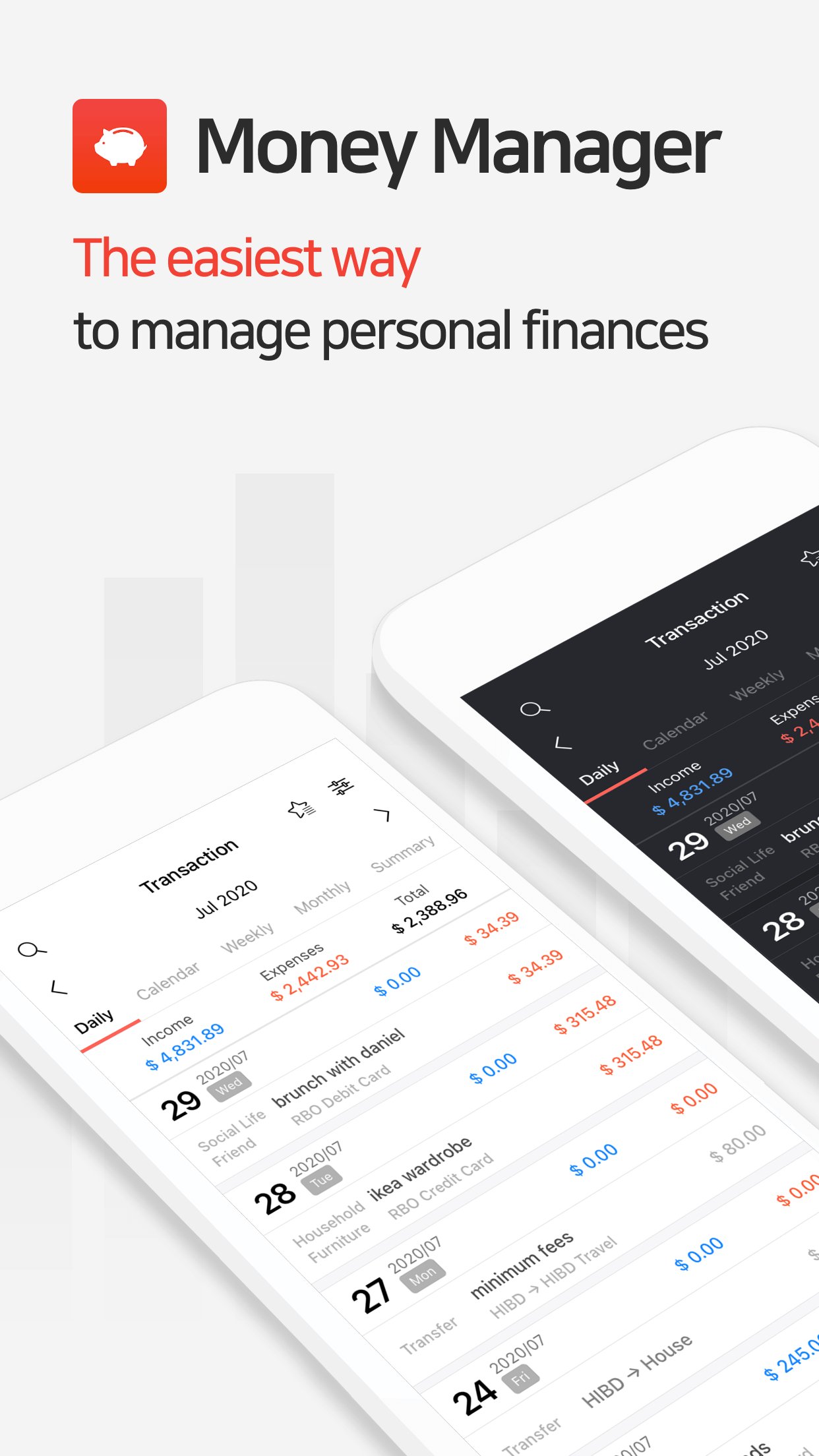
"Money Manager" is an optimized application for personal account management.
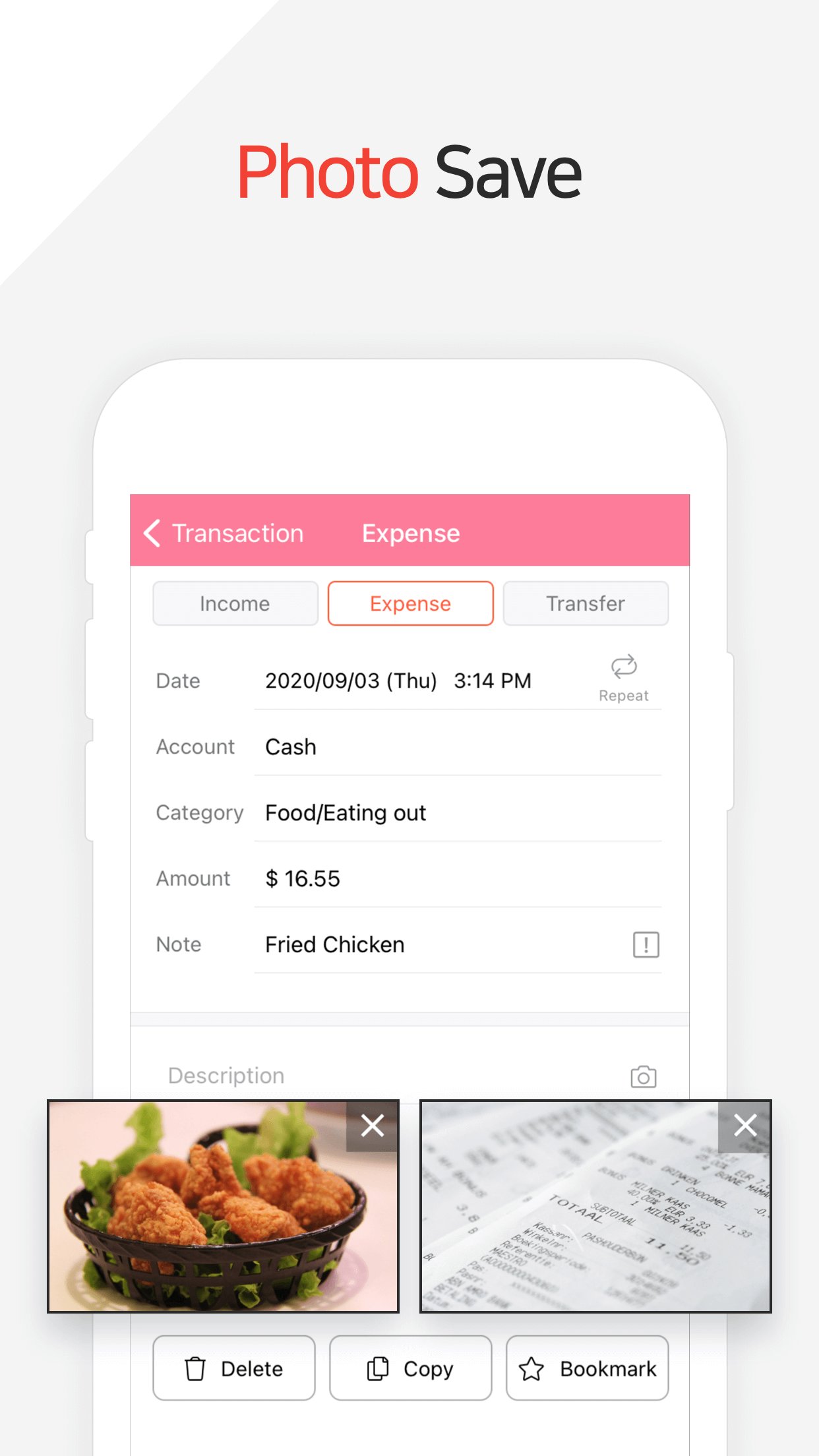
Household account management is complicated. But we make it simple by simplifying the things that are complex. The default settings will get you started, and once you get used to it, you can alter the settings according to your needs with the highly flexible and customizable functions available.
- Super easy and simple to enter data anytime, anywhere.
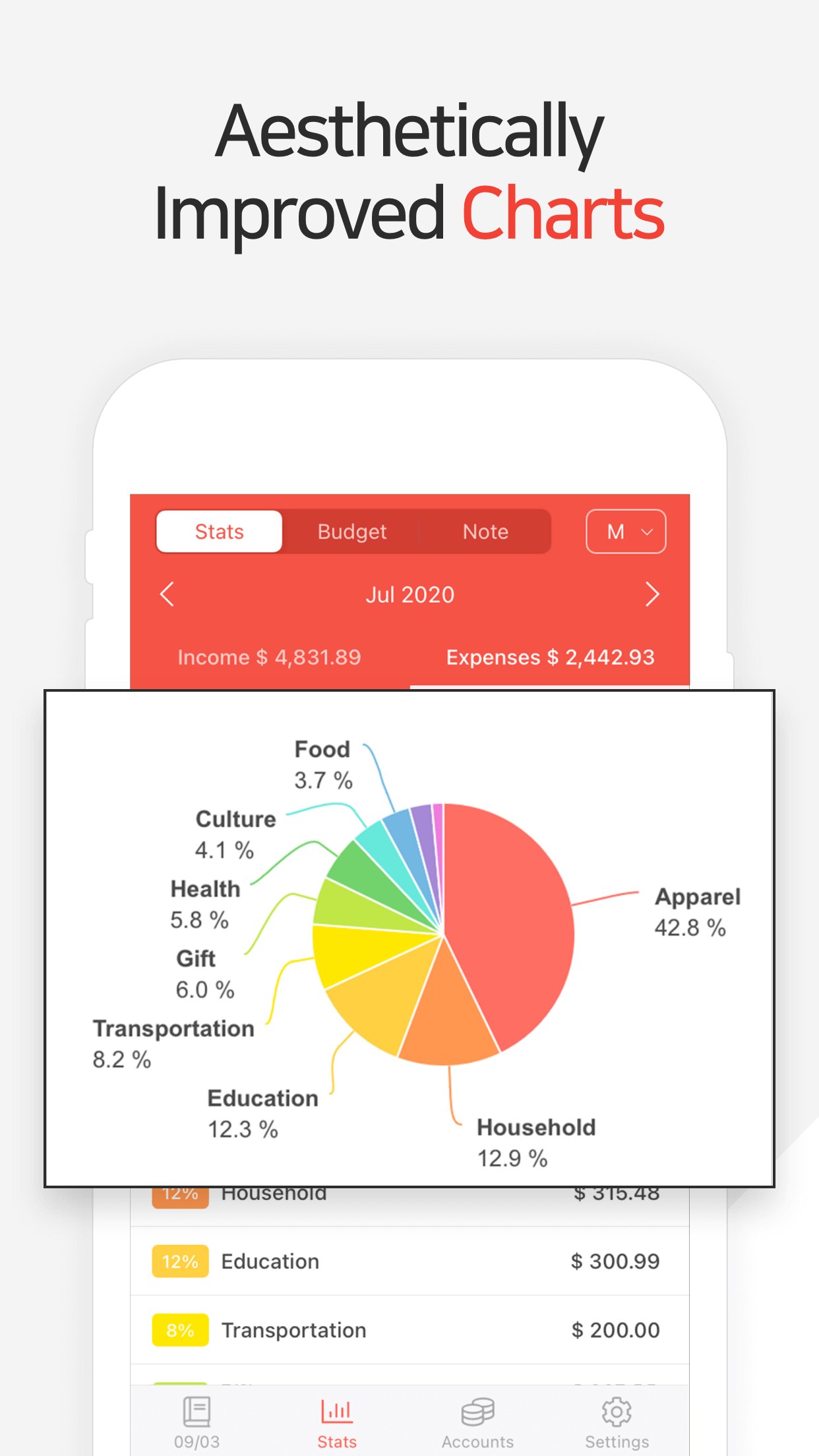
- View your spending tendencies graphically.
- View statistics by simply entering the data.
- Search and calculator functions.
- Set up sub-categories and main categories as necessary.
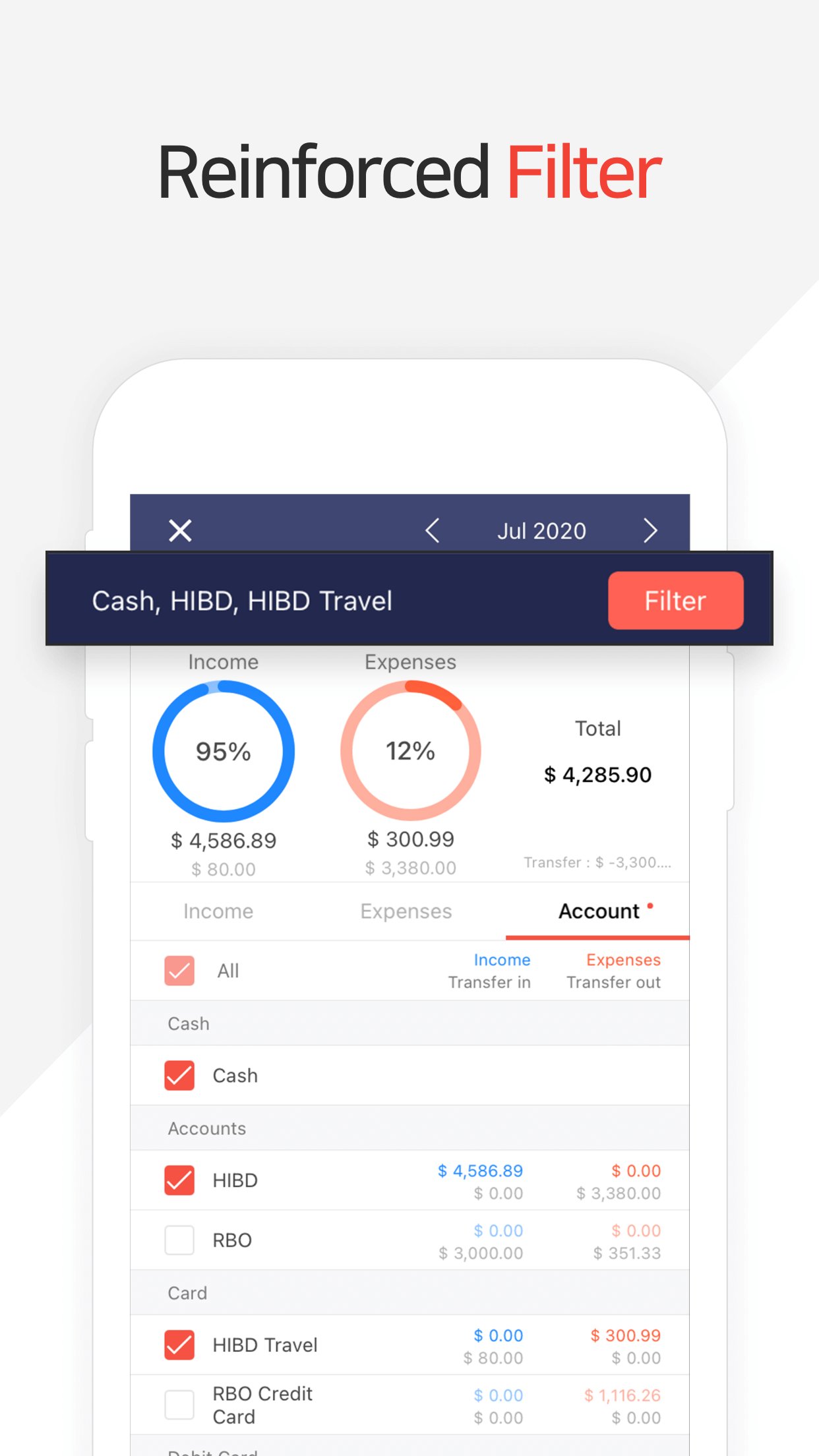
- Manage all your accounts at once.
- Use multiple currencies.
- Check weekly, monthly, and annual statistics.
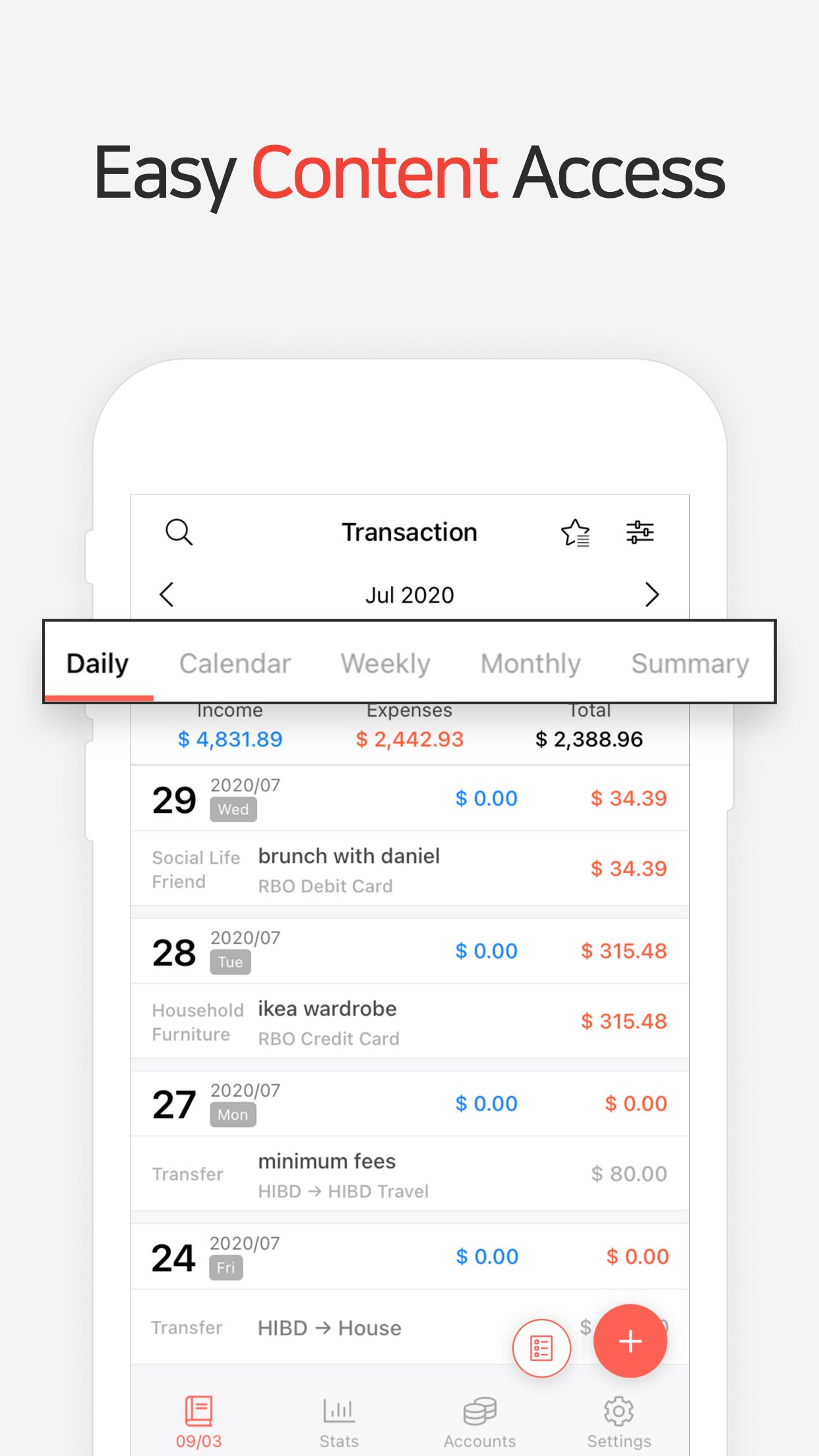
- Use calendar view.
- Use budget planning features to plan weekly, monthly, and annual budgets.
- Change the start date of the month.
? Applying double entry bookkeeping
It facilitates efficient account management. Automatic double entry bookkeeping.
? PC manager function
You can view '"The New Money Manager" application using Wi-Fi. You can edit and sort the data by date, category or account group on the screen of your PC. In addition, you can see fluctuations of your accounts indicated on graphs on your PC.
? Budget management function
You can manage your budget. It shows your budget and expenditures on a graph so you can compare the number of your expenditures against your budget quickly.
? Credit Card / Debit Card management function
When entering a future payment date, you can see the payment amount and outstanding balance on the accounts page. You can connect your debit card to your accounts so that expenses are automatically recorded under a specific account.
? Passcode
You can specify the desired time lapse before the app requests a passcode.
? Automatic money transfer and frequency functions
You can set up automatic money transfers between your accounts and configure the frequency of those transfers.
? Sort expenses by the recipient
You can sort your expenses by the recipient and view this information graphically.
? Payment Profiles
You can easily enter frequent expenditures by creating payment profiles.
? Backup / Restore
You can backup and restore your data via email, iTunes and iCloud.
? Multiple currency support - you can have individual entries in multiple currencies, and configure each account to calculate the total balance in your desired currency.
Subscription pricing and terms:
Money Manager offers auto-renewing monthly subscription at US$2.49/month and an auto-renewing yearly subscription at US$19.99/year to provide you with unlimited access to the Money Manager Data Sync Service while you maintain an active subscription.
Payment will be charged to the credit card connected to your iTunes Account when you confirm the initial subscription purchase.
Subscriptions automatically renew unless auto-renew is turned off at least 24-hours before the end of the current subscription period. Your account will be charged for renewal within 24-hours prior to the end of the current period, and the cost of the renewal will be identified.
You may manage your subscription and auto-renewal may be turned off by going to your Account Settings after the purchase.
Read more about our terms and conditions here:
[link removed]
Privacy Policy:
[link removed]
License: Commercial
Household account management is complicated. But we make it simple by simplifying the things that are complex. The default settings will get you started, and once you get used to it, you can alter the settings according to your needs with the highly flexible and customizable functions available.
- Super easy and simple to enter data anytime, anywhere.
- View your spending tendencies graphically.
- View statistics by simply entering the data.
- Search and calculator functions.
- Set up sub-categories and main categories as necessary.
- Manage all your accounts at once.
- Use multiple currencies.
- Check weekly, monthly, and annual statistics.
- Use calendar view.
- Use budget planning features to plan weekly, monthly, and annual budgets.
- Change the start date of the month.
? Applying double entry bookkeeping
It facilitates efficient account management. Automatic double entry bookkeeping.
? PC manager function
You can view '"The New Money Manager" application using Wi-Fi. You can edit and sort the data by date, category or account group on the screen of your PC. In addition, you can see fluctuations of your accounts indicated on graphs on your PC.
? Budget management function
You can manage your budget. It shows your budget and expenditures on a graph so you can compare the number of your expenditures against your budget quickly.
? Credit Card / Debit Card management function
When entering a future payment date, you can see the payment amount and outstanding balance on the accounts page. You can connect your debit card to your accounts so that expenses are automatically recorded under a specific account.
? Passcode
You can specify the desired time lapse before the app requests a passcode.
? Automatic money transfer and frequency functions
You can set up automatic money transfers between your accounts and configure the frequency of those transfers.
? Sort expenses by the recipient
You can sort your expenses by the recipient and view this information graphically.
? Payment Profiles
You can easily enter frequent expenditures by creating payment profiles.
? Backup / Restore
You can backup and restore your data via email, iTunes and iCloud.
? Multiple currency support - you can have individual entries in multiple currencies, and configure each account to calculate the total balance in your desired currency.
Subscription pricing and terms:
Money Manager offers auto-renewing monthly subscription at US$2.49/month and an auto-renewing yearly subscription at US$19.99/year to provide you with unlimited access to the Money Manager Data Sync Service while you maintain an active subscription.
Payment will be charged to the credit card connected to your iTunes Account when you confirm the initial subscription purchase.
Subscriptions automatically renew unless auto-renew is turned off at least 24-hours before the end of the current subscription period. Your account will be charged for renewal within 24-hours prior to the end of the current period, and the cost of the renewal will be identified.
You may manage your subscription and auto-renewal may be turned off by going to your Account Settings after the purchase.
Read more about our terms and conditions here:
[link removed]
Privacy Policy:
[link removed]
License: Commercial
| Release info | Update on Nov 08, 2026 |
|---|---|
| Release notes | Fixed bugs and improved performance. |
| Listing data | App Store |
Reviews
No reviews yet. Be the first to review Money Manager (Remove Ads).
Used Money Manager (Remove Ads)? Tell other visitors what you thought.
Log in to write a reviewOther products by this publisher
- "No Distractions" for YouTube 4.10 ----
- #Bible 11.6 "Incredible App - My sister shared this app with me a few weeks ago and it is truly incredible.
- #filmphotography 1.4.2 So, you decided to shoot on film?
- $quirrel 1.5.1 $quirrel Budget & Finance helps you plan each paycheck, track spending, manage debt, and see what is safe to spend before the next payday.
- % Percentage Calculator Pro 1.41 This is the Pro version of % Percentage Calculator.
Most viewed iOS Business
-
1
 Navy Federal Credit Union 2026.10.2
Bank easy with the Navy Federal mobile app!
-
2
 Paycom 8.0.14
If you or your company use Paycom’s HR and software, the Paycom app helps you manage everyday HR and payroll tasks in one place — like checking your schedule, requesting time off and reviewing your pay.
-
3
 Entrust Identity 26.4.0
The Entrust Identity mobile application is the new Entrust mobile platform for delivering strong identity credentials to both employee and consumer users.
-
4
 Intune Company Portal 5.2610.0
Microsoft Intune helps organizations manage access to corporate apps, data, and resources.
- 5 % Percentage Calculator Pro 1.41 This is the Pro version of % Percentage Calculator.
-
6
 ParkNYC Powered by Flowbird 2.2
Have you ever been late to an important meeting and you can’t find a parking spot?
-
7
 Budget-Beacon 1.5
Budget Beacon connects to your Apple Wallet to help you understand and manage your spending.
-
8
 Shopify 11.2645.0
Shopify: build your online store, sell anywhere, run your business
-
9
 MiniVAN Touch 9.4.6
miniVAN Touch is a mobile canvassing application that integrates with websites provided by NGP VAN.
-
10
 Muha Members 2.0.3
With Muha Members, you’re now equipped to verify authenticity like a pro and protect yourself from counterfeits.
Most downloaded iOS Business
-
1
ParkNYC Powered by Flowbird 2.2
Have you ever been late to an important meeting and you can’t find a parking spot?
-
2
Budget-Beacon 1.5
Budget Beacon connects to your Apple Wallet to help you understand and manage your spending.
-
3
 Rocket.Chat 4.78.1
Rocket.Chat Secure CommsOS™ is a communication platform that unifies messaging, voice, video, AI, and mission-critical applications—ensuring uncompromising security, compliance, and operational efficiency for governments, defense, and critical infra…
-
4
 Business Timesheet 6.0
Are you looking for timesheet to track the work hours spent on hourly, daily or weekly basis accurately?
-
5
 Cvent Events 2.8.1
Cvent Events is your place to easily plan out your event experience, find where you need to go next, network with other attendees, and learn more about sponsors and exhibitors.
-
6
 Receivable Payment Ledger2026 1.1
Payment Ledger is a fully offline accounts receivable management tool for small businesses, shops, wholesalers, and salespeople who need to track customer debts and payment progress.
-
7
 Simple Budget Envelopes 2.2.1
An incredibly simple app, perfect for keeping track of how much money remains in your budget.
- 8 $quirrel 1.5.1 $quirrel Budget & Finance helps you plan each paycheck, track spending, manage debt, and see what is safe to spend before the next payday.
-
9
 Vola 4.9.01
Vola is the only cash advance app built for Real-Time Payments (RTP).
-
10
 Power Apps 3.26103.23
Get Power Apps to conveniently access your work or school apps no matter where you are: at home, on the road, in the field, off-campus, at the airport, or at the beach – anywhere life takes you.