
0downloads
0this week
FreeCommercial
0reviews
Screenshots
About Mola
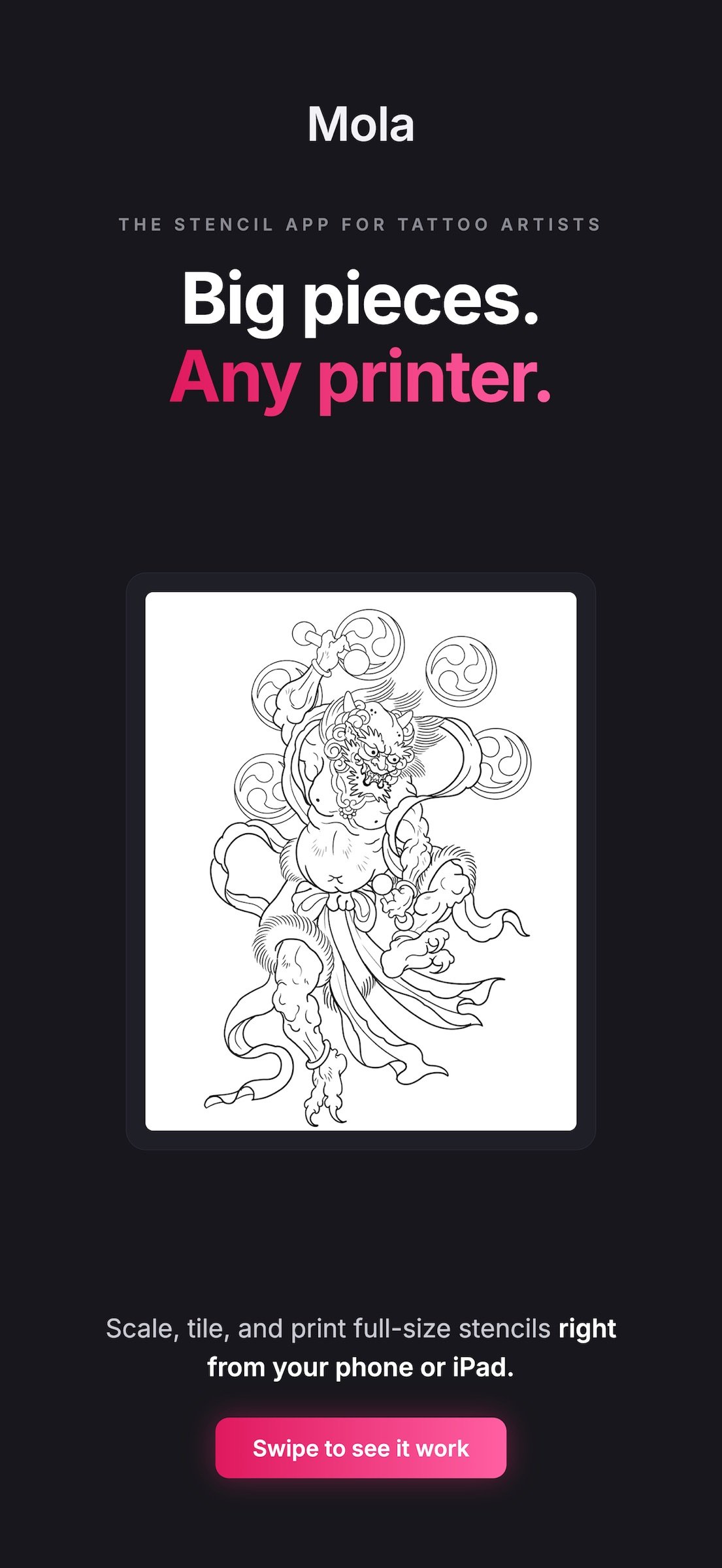
Mola is a stencil tiling tool for tattoo artists.
Whether you're printing a full sleeve, back piece, or any design too big to fit on a single sheet of paper, Mola splits your design across multiple A4 pages so you can print stencils at any size — using the printer you already have.
No thermal transfer printer required. No proprietary hardware. No subscriptions.
HOW IT WORKS
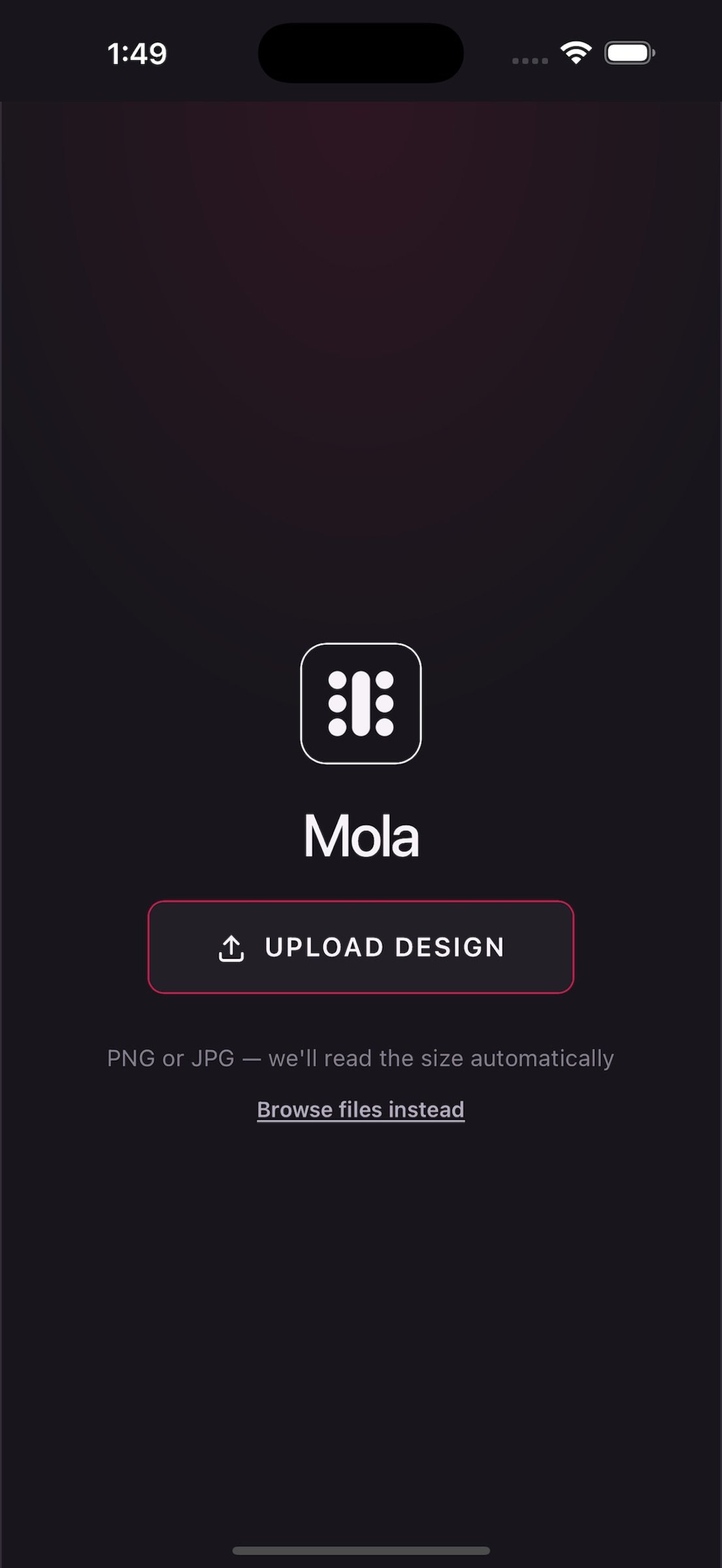
1. Upload your design (PNG or JPG)
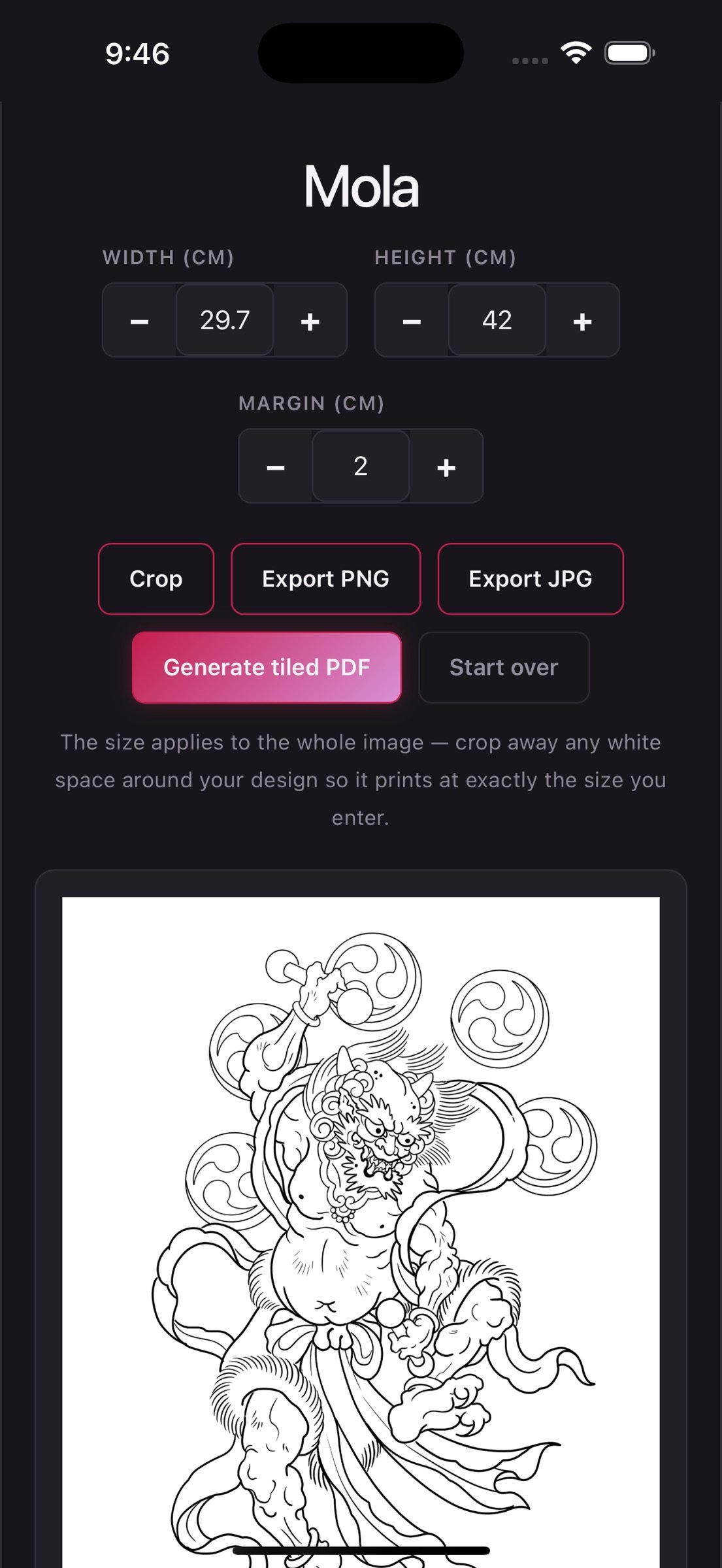
2. Enter the size you want in centimeters — or let Mola read the DPI automatically
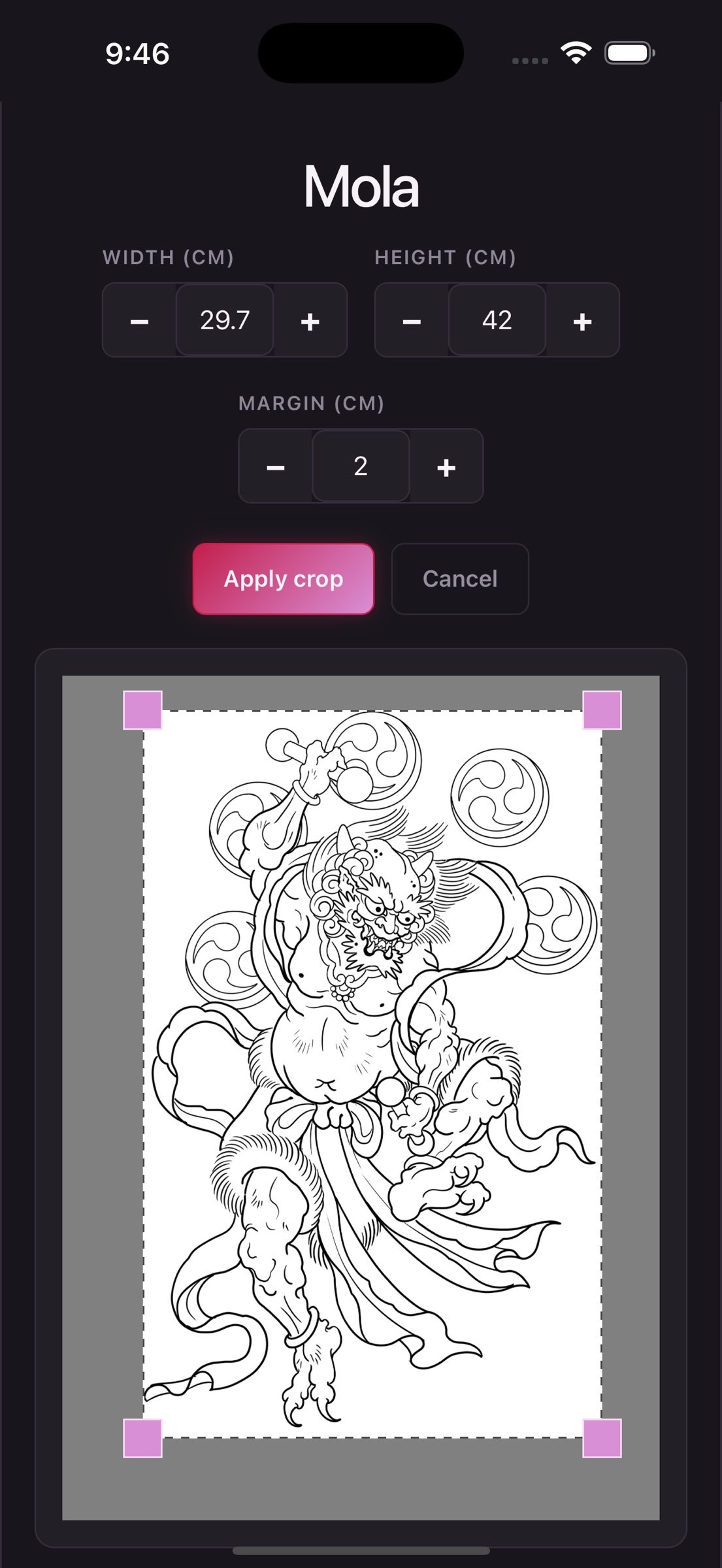
3. Optionally crop out whitespace
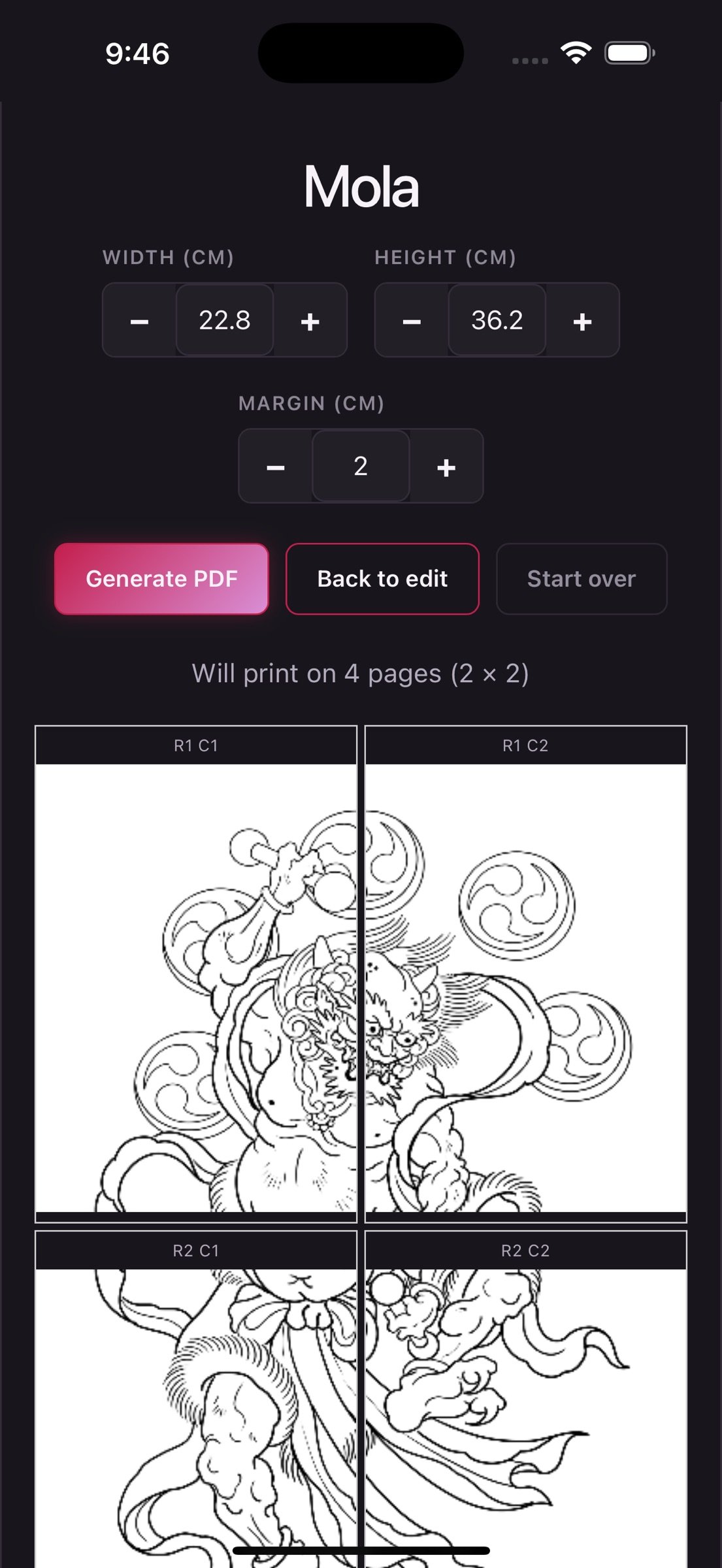
4. Preview the tiled layout
5. Export as PDF, ready to print
Each page includes crop marks and page labels (R1 C1, R1 C2, etc.) so aligning your printed sheets is straightforward.
DESIGNED FOR TATTOO ARTISTS
Mola was built with input from a working tattoo artist and tested in real studio environments. It fits into your workflow whether you're using Procreate on iPad, importing scans, or working from any digital source.
FEATURES
- Automatic DPI detection from Procreate and standard image exports
- Precise cm-based sizing with real-time page count preview
- Free-form crop tool with pointer-perfect precision
- Adjustable page margins (default 15mm, adjust as needed)
- Multi-page A4 PDF export with crop marks
- PNG and JPG export options
- Works offline — your designs stay on your device
- No accounts, no logins, no cloud uploads
PRIVACY
Mola processes everything on your device. Your designs never leave your iPhone or iPad. No accounts, no tracking, no data collection.
For questions or feedback: support@mola-tattoo.com
Website: mola-tattoo.com
License: Commercial
Whether you're printing a full sleeve, back piece, or any design too big to fit on a single sheet of paper, Mola splits your design across multiple A4 pages so you can print stencils at any size — using the printer you already have.
No thermal transfer printer required. No proprietary hardware. No subscriptions.
HOW IT WORKS
1. Upload your design (PNG or JPG)
2. Enter the size you want in centimeters — or let Mola read the DPI automatically
3. Optionally crop out whitespace
4. Preview the tiled layout
5. Export as PDF, ready to print
Each page includes crop marks and page labels (R1 C1, R1 C2, etc.) so aligning your printed sheets is straightforward.
DESIGNED FOR TATTOO ARTISTS
Mola was built with input from a working tattoo artist and tested in real studio environments. It fits into your workflow whether you're using Procreate on iPad, importing scans, or working from any digital source.
FEATURES
- Automatic DPI detection from Procreate and standard image exports
- Precise cm-based sizing with real-time page count preview
- Free-form crop tool with pointer-perfect precision
- Adjustable page margins (default 15mm, adjust as needed)
- Multi-page A4 PDF export with crop marks
- PNG and JPG export options
- Works offline — your designs stay on your device
- No accounts, no logins, no cloud uploads
PRIVACY
Mola processes everything on your device. Your designs never leave your iPhone or iPad. No accounts, no tracking, no data collection.
For questions or feedback: support@mola-tattoo.com
Website: mola-tattoo.com
License: Commercial
| Release info | New Release on Aug 02, 2026 |
|---|---|
| Release notes | • Added Letter (8.5×11in) as a paper size option, alongside A5, A4, A3, and Legal • Cut lines now clearly mark where to trim between pages so your printed sheets line up perfectly • Smoother scrolling throughout the app |
| Listing data | App Store |
Reviews
No reviews yet. Be the first to review Mola.
Used Mola? Tell other visitors what you thought.
Log in to write a reviewOther products by this publisher
- #Bible 11.5 "Incredible App - My sister shared this app with me a few weeks ago and it is truly incredible.
- % Percentage Calculator Pro 1.41 This is the Pro version of % Percentage Calculator.
- (beat) for iOS 0.5.8 An elegant Fountain screenwriting app, created by a screenwriter for screenwriters.
- (Deep) HIARCS Chess Explorer 1.14 Chess database, analysis and game playing program
- (How to) Pronounce PRO 1.5.6 This is a PRO version of (How to) Pronounce.
Most viewed iOS Photo & Video
-
1
 Ai Photo 1.1.0
AI Photo Retouch – BG Eraser
Ai Photo 1.1.0
AI Photo Retouch – BG Eraser
-
2
 AI Video Generator 1.8.2
Vixel – AI Video Generator
AI Video Generator 1.8.2
Vixel – AI Video Generator
-
3
 Sci-Fi Keyboard 3.0
Make your keyboard a Sci-Fi input panel.
Sci-Fi Keyboard 3.0
Make your keyboard a Sci-Fi input panel.
-
4
 TouchSiren Delta 3.1
--------------------------------------------------------------
TouchSiren Delta 3.1
--------------------------------------------------------------
-
5
 Locket Widget 2.68.0
Locket is a widget that shows live photos from your best friends, right to your Home Screen.
Locket Widget 2.68.0
Locket is a widget that shows live photos from your best friends, right to your Home Screen.
-
6
 Dance AI 1.1.0
CREATE YOUR AI DANCE VIDEOS
Dance AI 1.1.0
CREATE YOUR AI DANCE VIDEOS
-
7
 CapCut 19.7.0
CapCut offers easy-to-use video editing functions, in-APP fonts and effects, advanced features such as keyframe animation, smooth slow-motion, chroma key, and stabilization, to help you capture and snip moments.
CapCut 19.7.0
CapCut offers easy-to-use video editing functions, in-APP fonts and effects, advanced features such as keyframe animation, smooth slow-motion, chroma key, and stabilization, to help you capture and snip moments.
-
8
 BeReal 4.96.1
BeReal is the simplest photo-sharing app where you and your friends post once a day to show what you’re really up to.
BeReal 4.96.1
BeReal is the simplest photo-sharing app where you and your friends post once a day to show what you’re really up to.
-
9
 Forum, a Facebook app 29.0
Facebook is great for keeping up with friends, watching videos, and staying connected.
Forum, a Facebook app 29.0
Facebook is great for keeping up with friends, watching videos, and staying connected.
-
10
 setlog 2.7.1
share everyday moments with your friends
setlog 2.7.1
share everyday moments with your friends
Most downloaded iOS Photo & Video
-
1
 JLab 1.4.2
Compatible Models:
JLab 1.4.2
Compatible Models:
-
2
 Griddy Pro 3.0.6
Instagram is a nice Photo Sharing app where you can share photos with millions of people.
Griddy Pro 3.0.6
Instagram is a nice Photo Sharing app where you can share photos with millions of people.
-
3
 Mega Photo Pro 3.2.10
The most fun you can have with your photos -- Mega Photo Pro is the hilarious app that brings your photos and videos to life.
Mega Photo Pro 3.2.10
The most fun you can have with your photos -- Mega Photo Pro is the hilarious app that brings your photos and videos to life.
-
4
 Disney+ 5.19.0
Disney+ is the streaming home of your favorite stories.
Disney+ 5.19.0
Disney+ is the streaming home of your favorite stories.
-
5
 Emoji Maker 3.11.2
Emoji Up is an emoji maker that lets you create your own custom emojis.
Emoji Maker 3.11.2
Emoji Up is an emoji maker that lets you create your own custom emojis.
-
6
 Explorer for Sketchfab 1.2
Discover the world of 3D models with Explorer for Sketchfab, an unofficial Sketchfab app from Sozzled.
Explorer for Sketchfab 1.2
Discover the world of 3D models with Explorer for Sketchfab, an unofficial Sketchfab app from Sozzled.
-
7
 Koala FX 1.0.2
*** IMPORTANT! Koala FX is an Audio Unit Effect plugin (AUv3) which requires a compatible host or DAW to work such as Garageband, Beat Maker 3, AUM etc ***
Koala FX 1.0.2
*** IMPORTANT! Koala FX is an Audio Unit Effect plugin (AUv3) which requires a compatible host or DAW to work such as Garageband, Beat Maker 3, AUM etc ***
-
8
 Giggles 2.9
YOU'VE BEEN INVITED
Giggles 2.9
YOU'VE BEEN INVITED
-
9
 FrostLink- WOS 5.4
FrostLink is the recruitment platform built for Whiteout Survival players, by Whiteout Survival players.
FrostLink- WOS 5.4
FrostLink is the recruitment platform built for Whiteout Survival players, by Whiteout Survival players.
-
10
CapCut 19.7.0
CapCut offers easy-to-use video editing functions, in-APP fonts and effects, advanced features such as keyframe animation, smooth slow-motion, chroma key, and stabilization, to help you capture and snip moments.