LiDAR & Infrared Night Vision 1.0.6
This app requires an iOS device with FaceID (uses your face to unlock the device)!
Download
2.52 MB
13downloads
4this week
FreeCommercial
0reviews
Screenshots

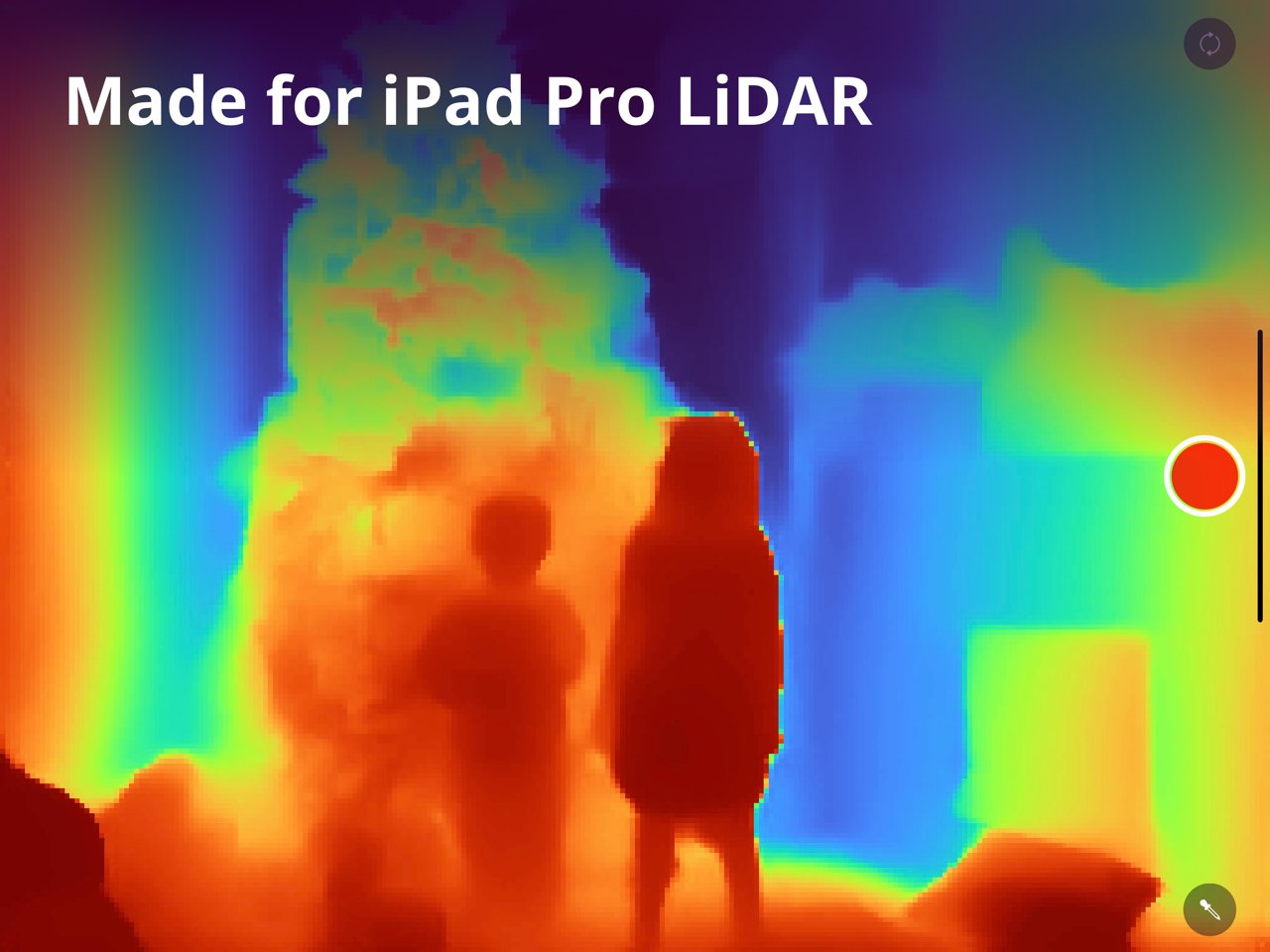
About LiDAR & Infrared Night Vision
This app requires an iOS device with FaceID (uses your face to unlock the device)! See the full list of devices at the bottom of this description.
SEE IN THE DARK
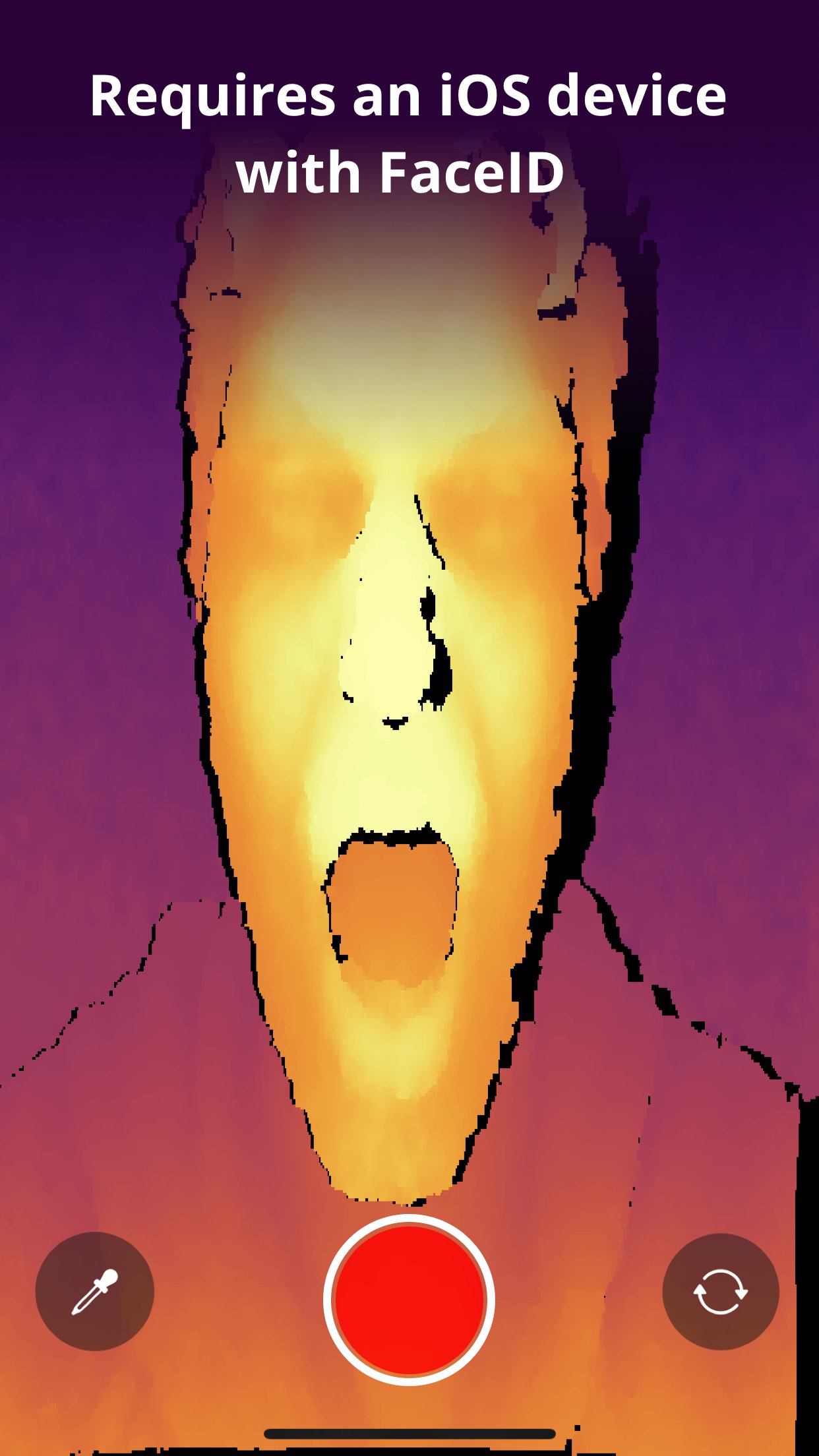
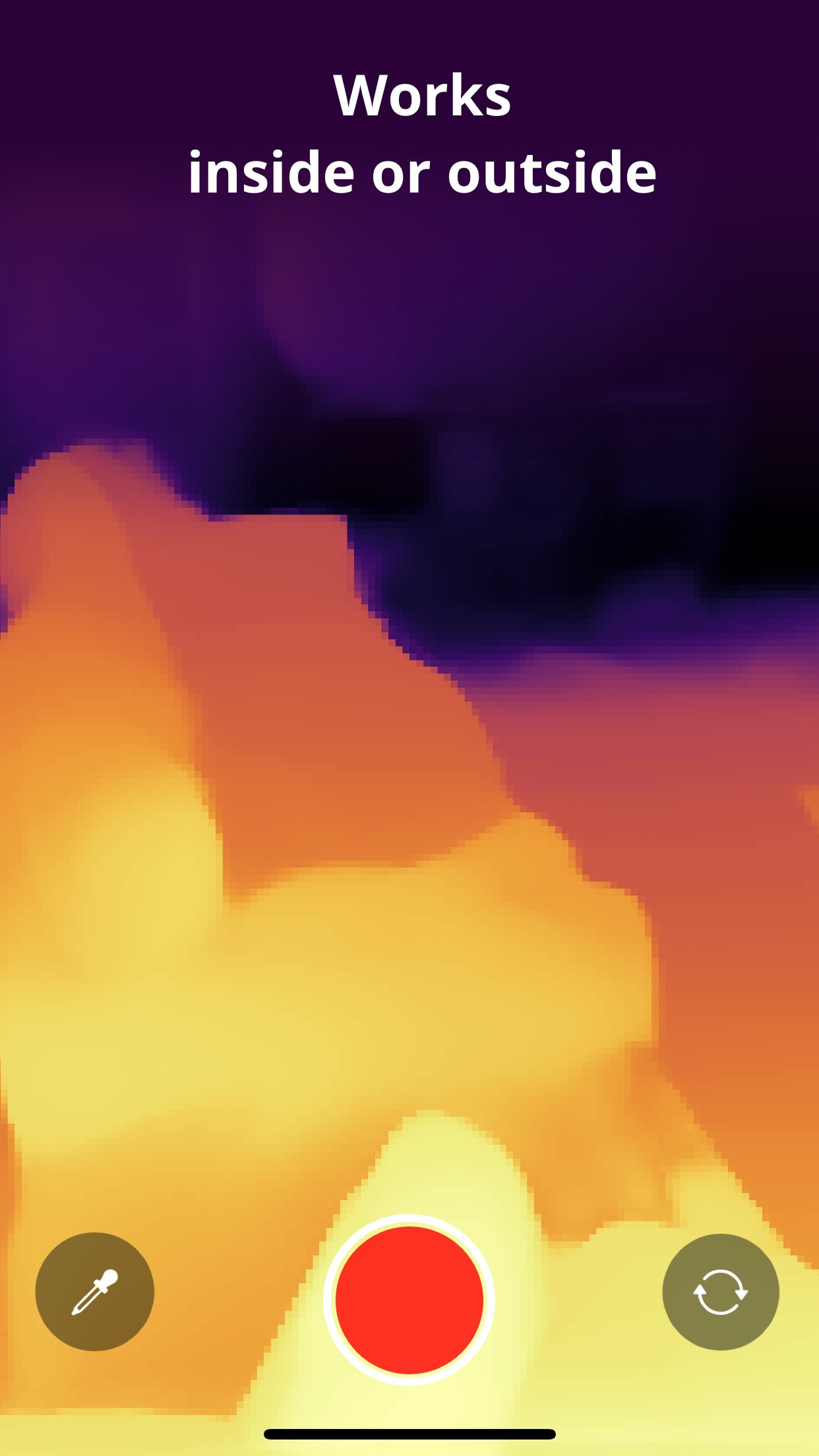
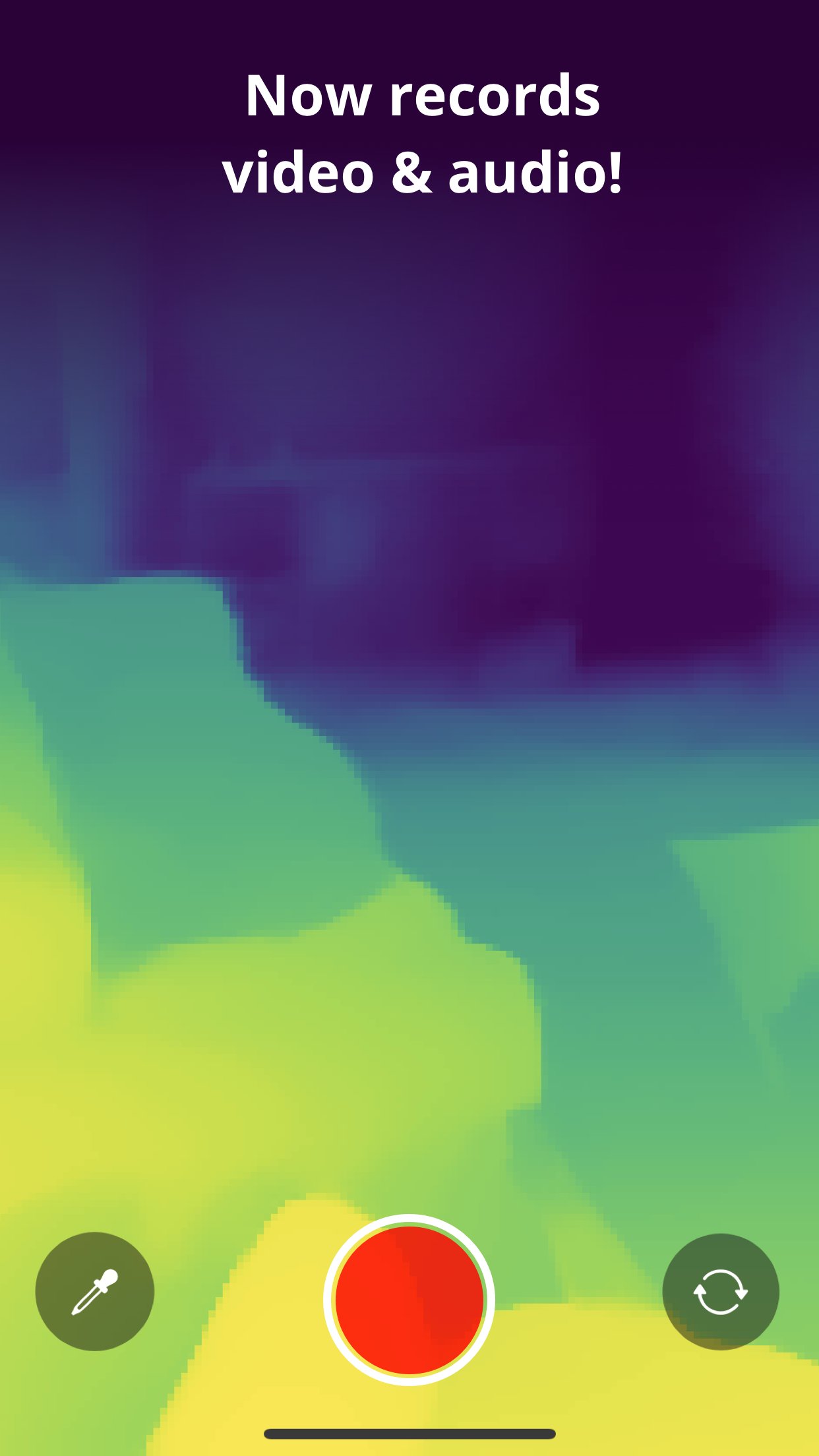
With the LiDAR & Infrared Night Vision app, you can use the front camera on devices with FaceID, and the front and back cameras on iPhone 12 Pro, iPad Pro, iPhone 13 Pro, and iPhone 13 Pro Max in complete darkness! The front-facing camera will use the infrared sensor in the TrueDepth camera. The rear-facing camera will use the new LiDAR sensor. The LiDAR & Infrared Night Vision app turns the world around you into a depth map, where different colors represent distances from your device.
SCARE YOUR FRIENDS
Trigger scare-mode and set your friends up for a huge scream.
For best results, be in complete darkness in a room with space behind you. Explain to your friends how the cool new app shows things around the room you can’t see with the naked eye. Make sure your friend’s face is on the screen, and after 30 seconds, a jump-scare flashes on screen, and captures the terrified face.
APPLICATIONS
See in the dark without turning on your flashlight
Show off your new phone capabilities
Scare Your Friends
Make Your Friends Cry
Share your friend’s terror with a captured picture or video.
Explore how LiDAR and infrared technology works
Learn about depth maps and seeing without light
HOW DOES IT WORK?
Unlike a regular camera, LiDAR and infrared sensors do not need ambient light. They both generate their own light, which you cannot see. Therefore, both sensors will work in complete darkness.
OTHER DEVICES
This app will work on devices that don’t have LiDAR. It will use the front TrueDepth camera to provide a depth map of yourself and objects behind you. The rear-facing display will not work without an iPhone 12 Pro, iPhone 13 Pro, or iPad Pro (4th Generation).
Works on any iOS device with FaceID/TrueDepth including: iPhone X, iPhone XS, iphone XS Max, iPhone XR, iPhone 11, iPhone 11 Pro, iPhone 11 Pro Max, iPhone 12, iPhone 12 Pro, iPhone 12 Mini, iPhone 12 Pro Max, iPhone 13, iPhone 13 Pro, iPhone 13 Pro Max, iPad Pro (3rd generation), iPad Pro (4th generation), iPad Pro 2021
License: Commercial
SEE IN THE DARK
With the LiDAR & Infrared Night Vision app, you can use the front camera on devices with FaceID, and the front and back cameras on iPhone 12 Pro, iPad Pro, iPhone 13 Pro, and iPhone 13 Pro Max in complete darkness! The front-facing camera will use the infrared sensor in the TrueDepth camera. The rear-facing camera will use the new LiDAR sensor. The LiDAR & Infrared Night Vision app turns the world around you into a depth map, where different colors represent distances from your device.
SCARE YOUR FRIENDS
Trigger scare-mode and set your friends up for a huge scream.
For best results, be in complete darkness in a room with space behind you. Explain to your friends how the cool new app shows things around the room you can’t see with the naked eye. Make sure your friend’s face is on the screen, and after 30 seconds, a jump-scare flashes on screen, and captures the terrified face.
APPLICATIONS
See in the dark without turning on your flashlight
Show off your new phone capabilities
Scare Your Friends
Make Your Friends Cry
Share your friend’s terror with a captured picture or video.
Explore how LiDAR and infrared technology works
Learn about depth maps and seeing without light
HOW DOES IT WORK?
Unlike a regular camera, LiDAR and infrared sensors do not need ambient light. They both generate their own light, which you cannot see. Therefore, both sensors will work in complete darkness.
OTHER DEVICES
This app will work on devices that don’t have LiDAR. It will use the front TrueDepth camera to provide a depth map of yourself and objects behind you. The rear-facing display will not work without an iPhone 12 Pro, iPhone 13 Pro, or iPad Pro (4th Generation).
Works on any iOS device with FaceID/TrueDepth including: iPhone X, iPhone XS, iphone XS Max, iPhone XR, iPhone 11, iPhone 11 Pro, iPhone 11 Pro Max, iPhone 12, iPhone 12 Pro, iPhone 12 Mini, iPhone 12 Pro Max, iPhone 13, iPhone 13 Pro, iPhone 13 Pro Max, iPad Pro (3rd generation), iPad Pro (4th generation), iPad Pro 2021
License: Commercial
| Release info | New Release on Oct 08, 2021 |
|---|---|
| Release notes | - Support for iOS 15 on all devices - Added all iPhone 13s to device list - On first use, we provide details on how it works, along with hidden features (English only) - Squashed some bugs with instructional text getting cut off |
| Listing data | App Store |
Reviews
No reviews yet. Be the first to review LiDAR & Infrared Night Vision.
Used LiDAR & Infrared Night Vision? Tell other visitors what you thought.
Log in to write a reviewOther products by this publisher
- "No Distractions" for YouTube 4.10 ----
- #Bible 11.5 "Incredible App - My sister shared this app with me a few weeks ago and it is truly incredible.
- #filmphotography 1.4.2 So, you decided to shoot on film?
- $quirrel 1.5.1 $quirrel Budget & Finance helps you plan each paycheck, track spending, manage debt, and see what is safe to spend before the next payday.
- % Percentage Calculator Pro 1.41 This is the Pro version of % Percentage Calculator.
Most viewed iOS Utilities
-
1
 APTV 2.4.7
APTV,?????????????? IPTV M3U???,?????????????????
-
2
 DRC 2.0.1
A simple to use app to help calculate any dilution ratio.
-
3
 Demod 1.5.1
Demod turns your iPhone into a software-defined radio receiver.
-
4
 Plague Inc 1.27.3
Enter the lab and develop your own custom scenarios for Plague Inc.
-
5
 ECHOCAT 1.5.2
ECHOCAT is the iPhone and iPad companion for POTACAT, the desktop app for amateur radio operators chasing Parks on the Air (POTA), Summits on the Air (SOTA), Worldwide Bunkers on the Air (WWBOTA), Tiles on the Air and DX.
-
6
 VibeSDR 11.0.16
VibeSDR is a mobile-first software-defined radio (SDR) receiver — and far more than a single-server client.
-
7
 DXClock 4.0.0
Connect, collaborate, and operate smarter with DX Clock — the ultimate meeting place for amateur radio operators.
-
8
 Ally Pro 1.4.0
Ally Pro – Amiibo & NFC Tool gives advanced collectors complete control over their Amiibo library.
-
9
 Xfinity 6.14.0
Your Xfinity experience, enhanced.
-
10
 iNetTools 11.0
iNetTools Pro is the Pro Version of iNetTools.
Most downloaded iOS Utilities
-
1
 Rat And Mouse Sound Repeller 2.8
Keep mice and rats away overnight with ultrasonic waves and predator sounds.
-
2
Demod 1.5.1
Demod turns your iPhone into a software-defined radio receiver.
-
3
 Screen Mirroring With Miracast 1.6
Turn your iPhone into a complete TV companion.
-
4
DRC 2.0.1
A simple to use app to help calculate any dilution ratio.
-
5
 Guardio 2026.105.1
Guardio protects every part of your digital life: your devices, identity, accounts, and activity, so you can browse, shop, text, and bank online with confidence.
-
6
 Google 445.5
Download the Google app to find quick answers, explore your interests, and ask anything on your mind in any way.
-
7
Xfinity 6.14.0
Your Xfinity experience, enhanced.
-
8
 Royal TSi 2.5.4
Royal TSi provides easy and secure access to your remote systems (RDP, VNC, SSH, etc.) by allowing you to open your Royal TS documents created with Royal TSX (for macOS) or Royal TS (for Windows).
-
9
 RigCalc 1.0
RigCalc puts the everyday drilling calculations you need on the rig floor, in the mud pit, or in the office into one fast, offline app.
-
10
 Facemoji AI Emoji Keyboard 4.63
Facemoji Emoji Keyboard is a Free AI-Powered Custom Keyboard with Cool Fonts.