
10downloads
1this week
FreeFreeware
0reviews
Screenshots
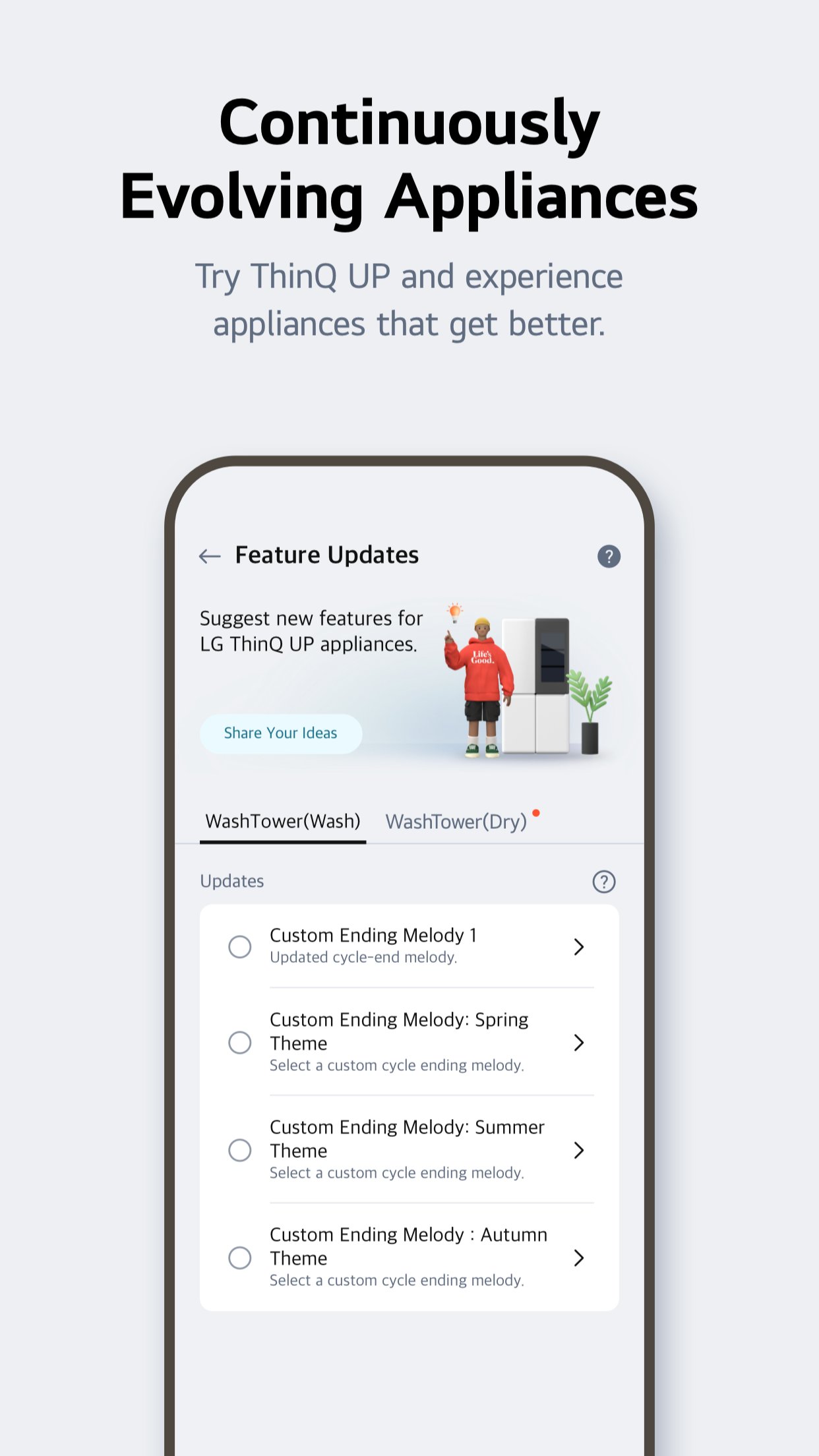
About LG ThinQ
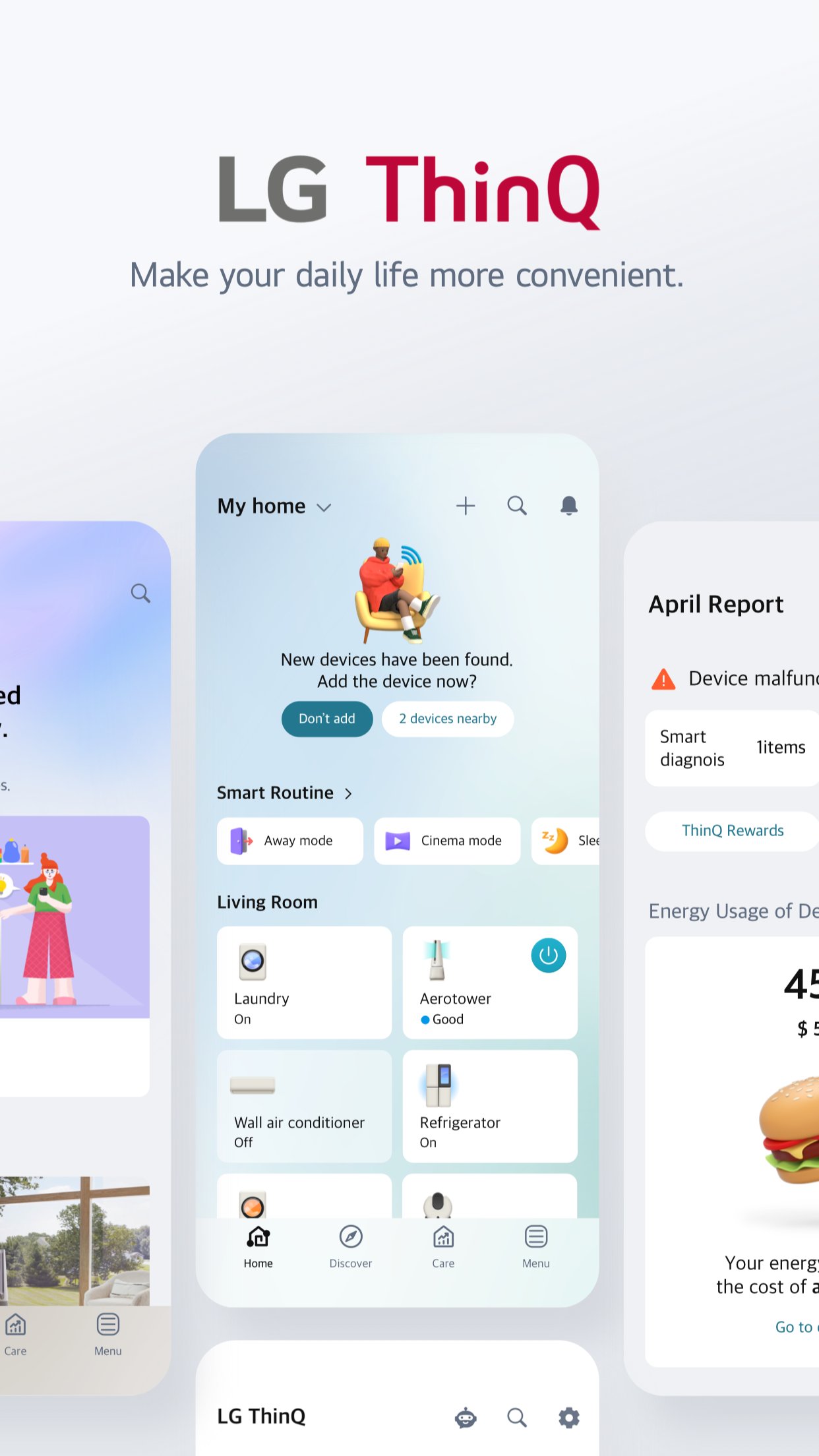
Connect your IoT home appliances to the LG ThinQ app.
Enjoy effortless product control, smart care, and convenient automation in one simple solution.
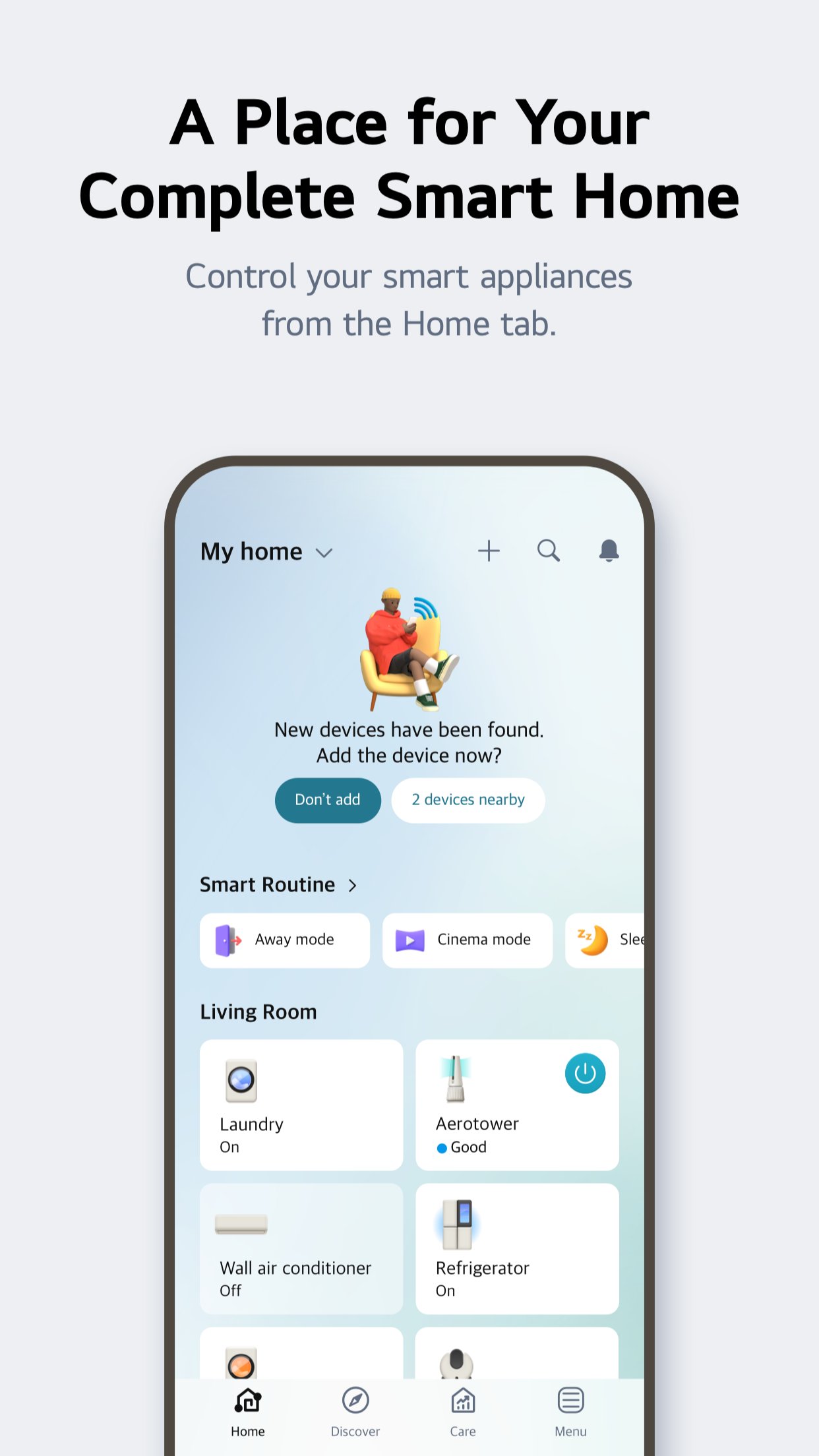
? Discover the convenience of smart home appliances through the Home tab.
- Control your IoT home appliances from anywhere with our app.
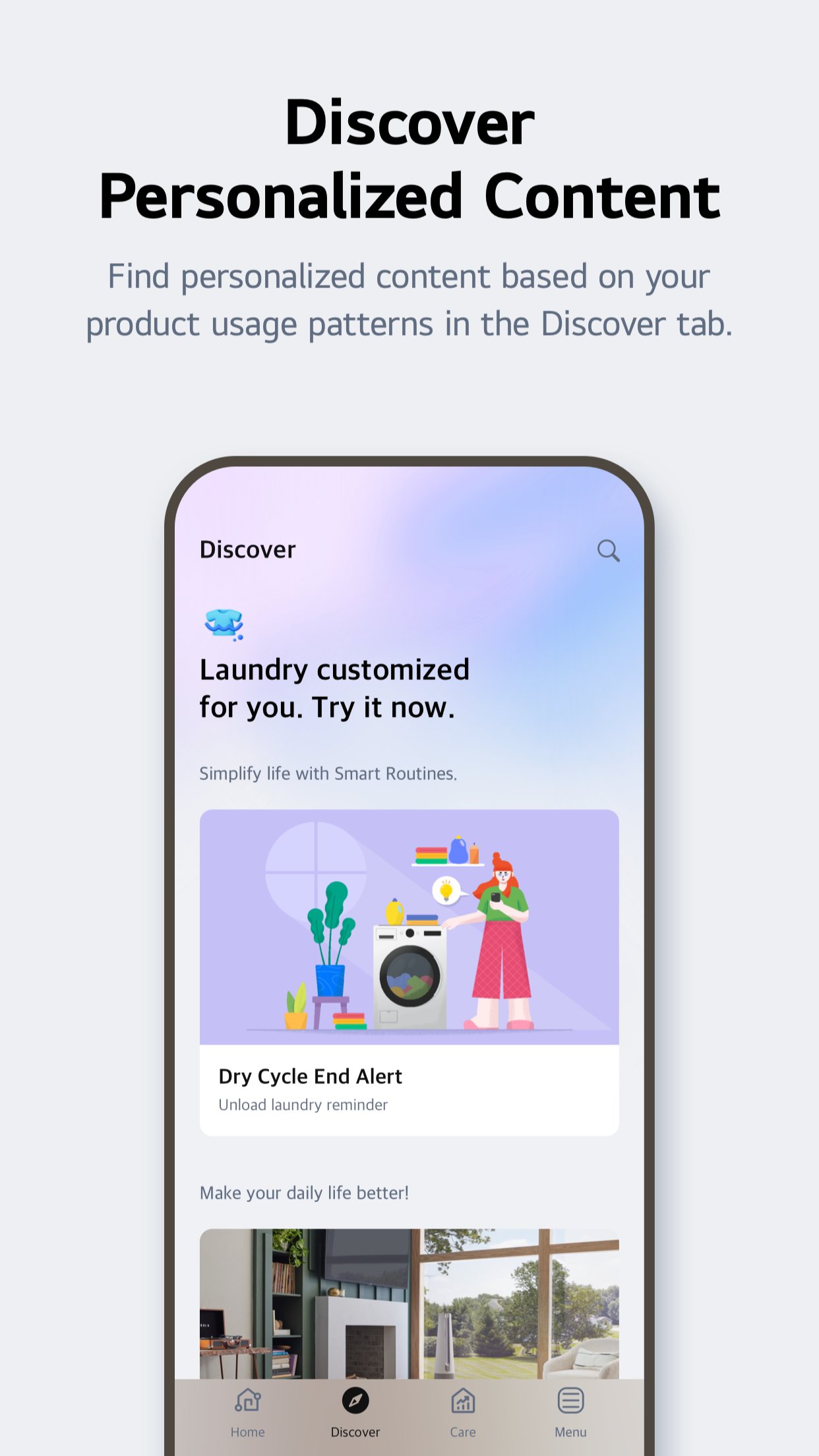
- Get personalized recommendations for managing appliances based on usage history.
- Find out ways to better make use of the app's features from ""Explore""
? Upgrade your products and your living spaces from ThinQ Play.
- Download a variety of apps available for use from LG ThinQ On(AI Home Hub)
- Use your products more efficiently and with greater ease by introducing new features to products you are currently using.
- Upgrade your products based on your lifestyle and personal preferences.
? Create smart routines to match your needs.
- Automatically turn on the lights and air purifier when it's time to wake up.
- When you're on vacation, automatically turn off products to save energy.
? Monitor your energy consumption data quickly.
- Use Energy Monitoring to compare your power usage with your neighbors'.
- Set energy saving goals and get usage status notifications to help save energy more efficiently.
- Receive care services for your products all in one place.
? Handle everything from troubleshooting to service requests directly from the app.
- Use the Smart Diagnosis function to check your product's status.
- Book a service visit from a professional engineer for an accurate diagnosis and inspection.
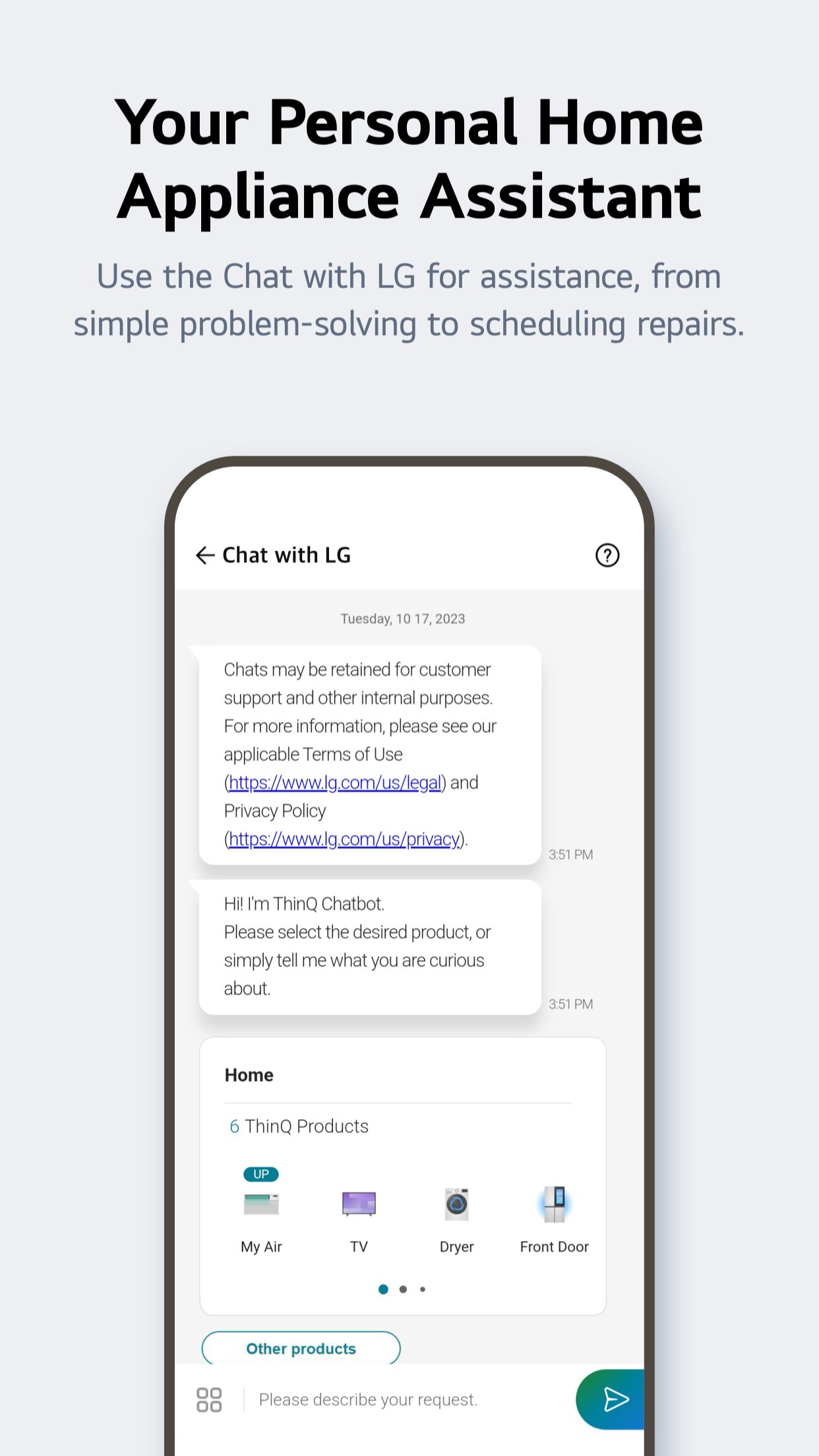
? Ask our AI-powered 'Chat with LG' about ThinQ home appliances.
- Our 'Chat with LG' provides answers tailored to your product's situation and condition.
? Services and features may vary depending on your product model and your country or region of residence.
The following access permissions are necessary for the ThinQ app.
All the access permissions requested are optional access permission, so even if you do not allow them, you can still use the app except for the related services. (Including OS Request Permissions such as ""Siri & Search"", ""Notification"", ""Background App Refresh"", and ""Cellular Data"")
[Optional Access Permissions]
o Location
- To find and connect to nearby Wi-Fi when registering the product.
- To set and save the home location in Manage Home
- To search for and use information about current locations, such as weather.
- To check your current location in the ""Smart Routines"" function.
o Camera
- To take a profile picture
- To share a home or account scanned from a QR code.
- To take and attach photos in ""1:1 Inquiry.""
- To record and store purchase receipts when registering additional information about the product..(?? Only)
- To use the AI oven Cooking Record feature.
- To use in "Chat with LG" when entering the product and serial number information
o Photo, Media, File
- To use the smartphone's storage when downloading the information of the product to be connected
- To take and attach photos in ""1:1 Inquiry.""
- To record and store purchase receipts when registering additional information about the product.
- To view photo/video on your smartphone on the TV.
- To use in "Chat with LG" to save photos/videos of product symptoms or proof of purchase
- To use in "Chat with LG" when entering the product and serial number information
o Media and Apple Music
- To view photo/video on your smartphone on the TV.
o Microphone
- To check product status via Smart Diagnosis
- To use in "Chat with LG" when inputting through the microphone in the input window and using STT.
o Local Network
- To obtain the device connecting Wi-Fi info when adding devices
o Bluetooth
- To find and connect to nearby Bluetooth devices when adding a product to the app.
o HomeKit
- To add IoT-based products
o Notifications
- Notifications are essential for receiving updates on product status, important notices, benefits, and information.
License: Free
Enjoy effortless product control, smart care, and convenient automation in one simple solution.
? Discover the convenience of smart home appliances through the Home tab.
- Control your IoT home appliances from anywhere with our app.
- Get personalized recommendations for managing appliances based on usage history.
- Find out ways to better make use of the app's features from ""Explore""
? Upgrade your products and your living spaces from ThinQ Play.
- Download a variety of apps available for use from LG ThinQ On(AI Home Hub)
- Use your products more efficiently and with greater ease by introducing new features to products you are currently using.
- Upgrade your products based on your lifestyle and personal preferences.
? Create smart routines to match your needs.
- Automatically turn on the lights and air purifier when it's time to wake up.
- When you're on vacation, automatically turn off products to save energy.
? Monitor your energy consumption data quickly.
- Use Energy Monitoring to compare your power usage with your neighbors'.
- Set energy saving goals and get usage status notifications to help save energy more efficiently.
- Receive care services for your products all in one place.
? Handle everything from troubleshooting to service requests directly from the app.
- Use the Smart Diagnosis function to check your product's status.
- Book a service visit from a professional engineer for an accurate diagnosis and inspection.
? Ask our AI-powered 'Chat with LG' about ThinQ home appliances.
- Our 'Chat with LG' provides answers tailored to your product's situation and condition.
? Services and features may vary depending on your product model and your country or region of residence.
The following access permissions are necessary for the ThinQ app.
All the access permissions requested are optional access permission, so even if you do not allow them, you can still use the app except for the related services. (Including OS Request Permissions such as ""Siri & Search"", ""Notification"", ""Background App Refresh"", and ""Cellular Data"")
[Optional Access Permissions]
o Location
- To find and connect to nearby Wi-Fi when registering the product.
- To set and save the home location in Manage Home
- To search for and use information about current locations, such as weather.
- To check your current location in the ""Smart Routines"" function.
o Camera
- To take a profile picture
- To share a home or account scanned from a QR code.
- To take and attach photos in ""1:1 Inquiry.""
- To record and store purchase receipts when registering additional information about the product..(?? Only)
- To use the AI oven Cooking Record feature.
- To use in "Chat with LG" when entering the product and serial number information
o Photo, Media, File
- To use the smartphone's storage when downloading the information of the product to be connected
- To take and attach photos in ""1:1 Inquiry.""
- To record and store purchase receipts when registering additional information about the product.
- To view photo/video on your smartphone on the TV.
- To use in "Chat with LG" to save photos/videos of product symptoms or proof of purchase
- To use in "Chat with LG" when entering the product and serial number information
o Media and Apple Music
- To view photo/video on your smartphone on the TV.
o Microphone
- To check product status via Smart Diagnosis
- To use in "Chat with LG" when inputting through the microphone in the input window and using STT.
o Local Network
- To obtain the device connecting Wi-Fi info when adding devices
o Bluetooth
- To find and connect to nearby Bluetooth devices when adding a product to the app.
o HomeKit
- To add IoT-based products
o Notifications
- Notifications are essential for receiving updates on product status, important notices, benefits, and information.
License: Free
| Release info | Update on Nov 08, 2026 |
|---|---|
| Release notes | More devices. One connected home. Now add Outdoor Camera, Floodlight Camera, Indoor Camera, Doorbell, Lock, Thermostat, and Temperature Sensor to ThinQ. |
| Listing data | App Store |
Reviews
No reviews yet. Be the first to review LG ThinQ.
Used LG ThinQ? Tell other visitors what you thought.
Log in to write a reviewOther products by this publisher
- "No Distractions" for YouTube 4.10 ----
- #Bible 11.6 "Incredible App - My sister shared this app with me a few weeks ago and it is truly incredible.
- #filmphotography 1.4.2 So, you decided to shoot on film?
- $quirrel 1.5.1 $quirrel Budget & Finance helps you plan each paycheck, track spending, manage debt, and see what is safe to spend before the next payday.
- % Percentage Calculator Pro 1.41 This is the Pro version of % Percentage Calculator.
Most viewed iOS Lifestyle
-
1
 Shefa Gold 1.6.2.5
More than 100 new and delicious Hallelu-Yah chants to exalt and bless and celebrate the simple fact of existence.
-
2
 Light Language Grid Creator 6.4
Light Language Grid Creator lets you create Grids with 3D shapes and colours, then export them as images.
-
3
 UltiPro 3.0
Ulti Servives is your one stop destination for your day by day services.
-
4
 CHAI 2.198
Our app revolutionizes the way we interact with AI chatbots.
-
5
 CopperKnob 2.1.1
CopperKnob is an App which allows you to browse over 185,000 line dance stepsheets from the CopperKnob website.
-
6
 Booksy for Customers 26.11.1000
Self-care, on your schedule.
-
7
 Anker eufy 6.1.31
The new all-in-one eufy app that designed to bring together all your favorite eufy products—eufy Security, eufy Clean, eufy Baby, eufy Life, and eufy Pet—into one seamless platform.
-
8
 12 Steps Companion 3.0.9
First developed in 2008, 12 Steps Companion was the world’s first recovery app.
-
9
 Roomba Home 3.4
The Roomba® Home App is compatible with Roomba® 100, 200, 400, 500, 700, 800, and Mini series robots sold after March 2025.
-
10
 Tesla 4.62.5
The Tesla app puts owners in direct communication with their vehicles and energy products anytime, anywhere.
Most downloaded iOS Lifestyle
-
1
Light Language Grid Creator 6.4
Light Language Grid Creator lets you create Grids with 3D shapes and colours, then export them as images.
-
2
 Pieceful 3.1.0
Capture briefly. Remember deeply.
-
3
UltiPro 3.0
Ulti Servives is your one stop destination for your day by day services.
-
4
 Joguman Daily Calendar 1.0.14
New drawings every day, and every day feels brand new.
-
5
 Electronic Rosary 4.0.3
The Rosary (from Latin rosarium, meaning "rose garden") is a traditional Catholic devotion.
-
6
 Core Values 1.0.1
Core Values: Find Yours is a guided self-reflection exercise that helps you identify your top five values that matter most to you.
-
7
CopperKnob 2.1.1
CopperKnob is an App which allows you to browse over 185,000 line dance stepsheets from the CopperKnob website.
-
8
 Santa Christmas Snowing 1.1.0
Experience the magic of Christmas right on your wrist!
-
9
 Flush Toilet Finder Pro 26.4.6
Flush Toilet Finder Pro is the quickest, simplest way of finding a public bathroom or restroom.
-
10
CHAI 2.198
Our app revolutionizes the way we interact with AI chatbots.