
11downloads
4this week
FreeFreeware
0reviews
Screenshots
About ksnip
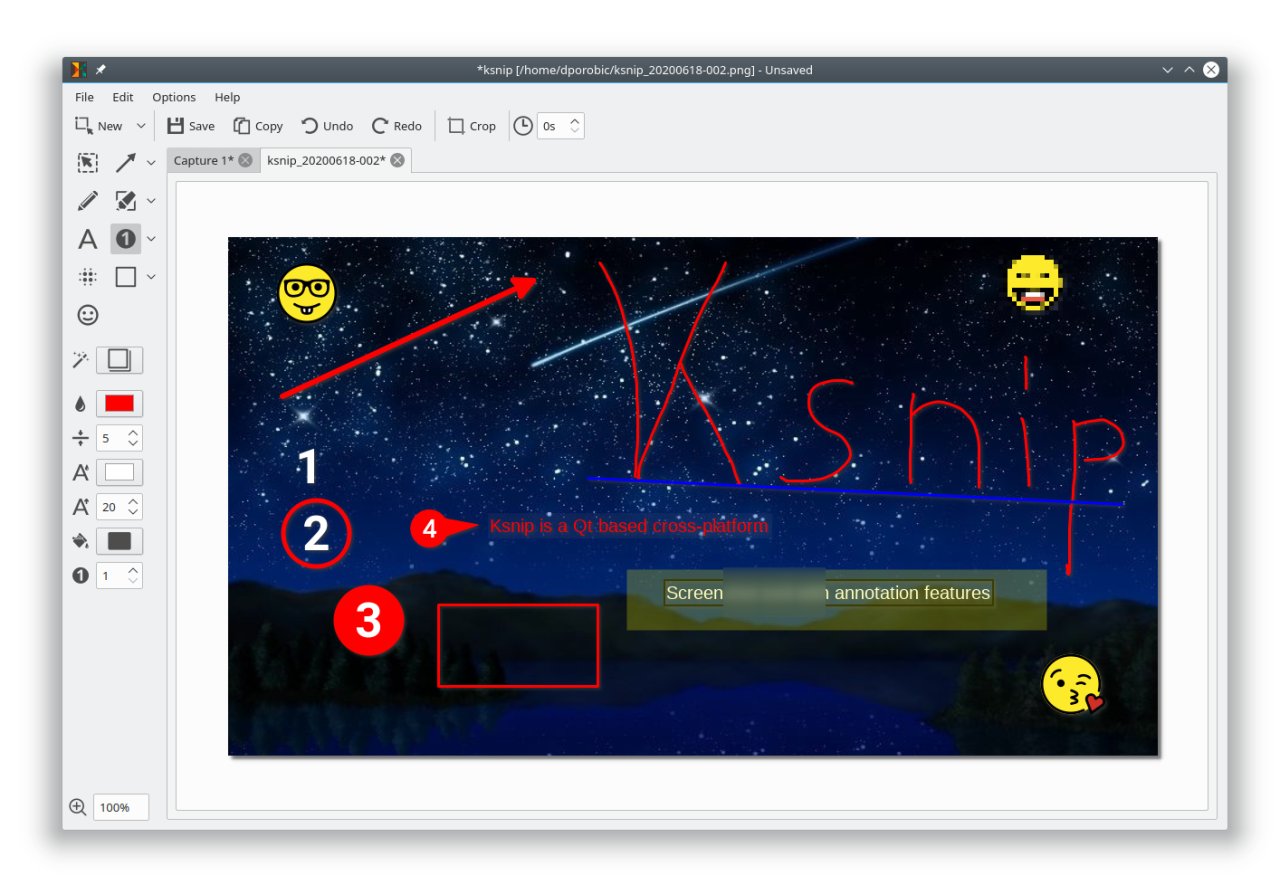
Ksnip is a Qt based cross-platform screenshot tool that provides many annotation features for your screenshots.
Features:
• Supports Linux (X11, Plasma Wayland, GNOME Wayland and xdg-desktop-portal Wayland), Windows and macOS.
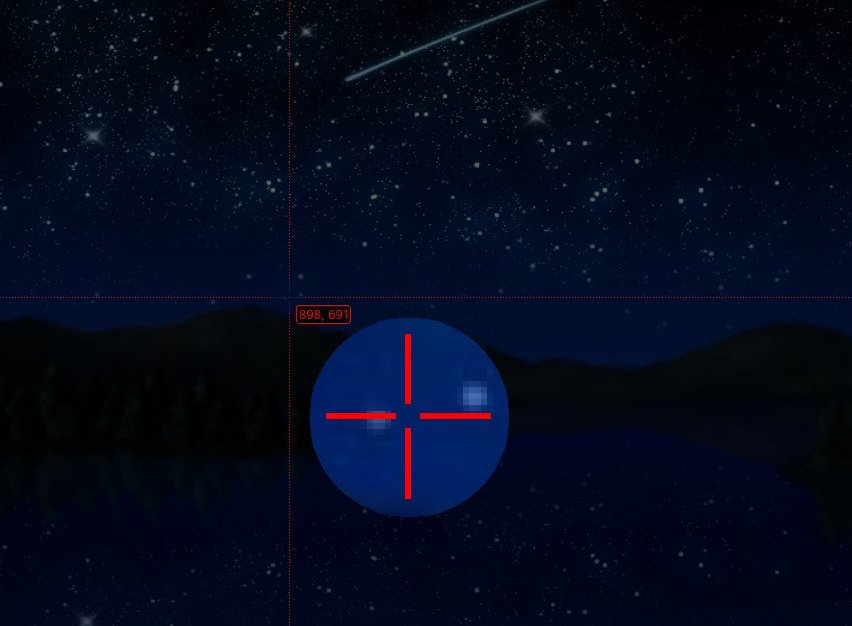
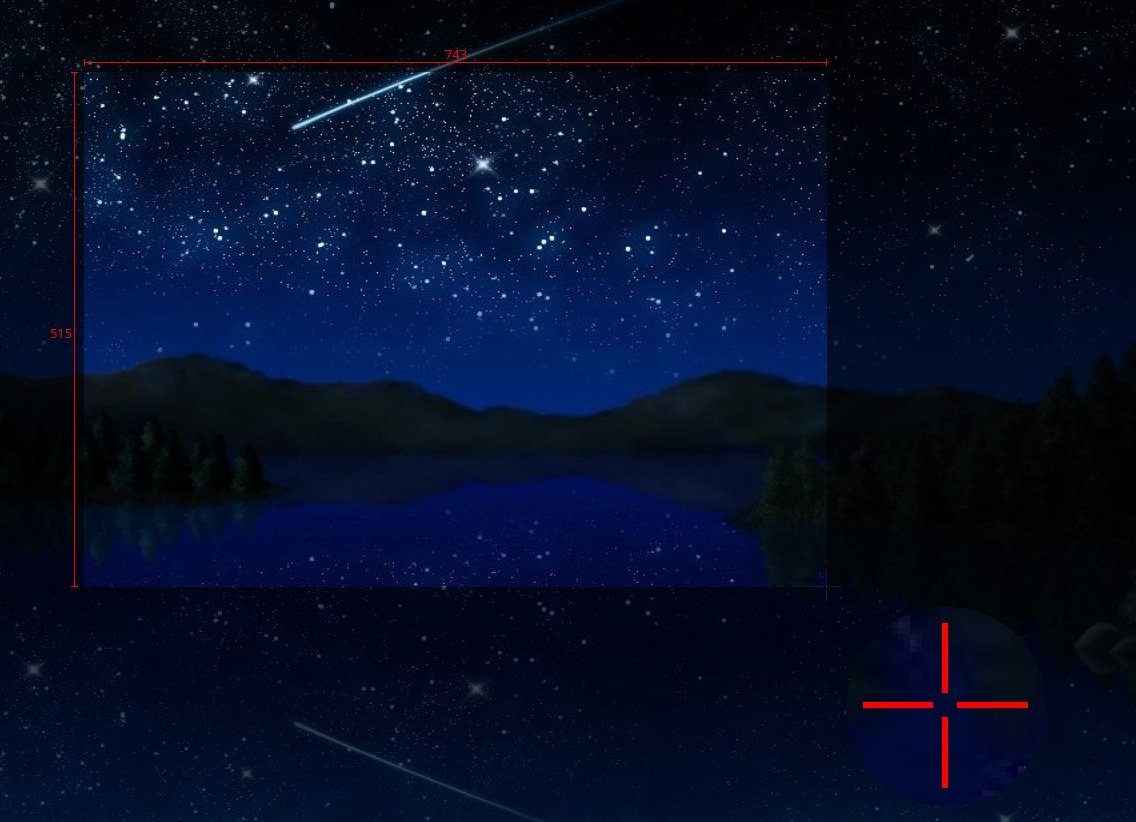
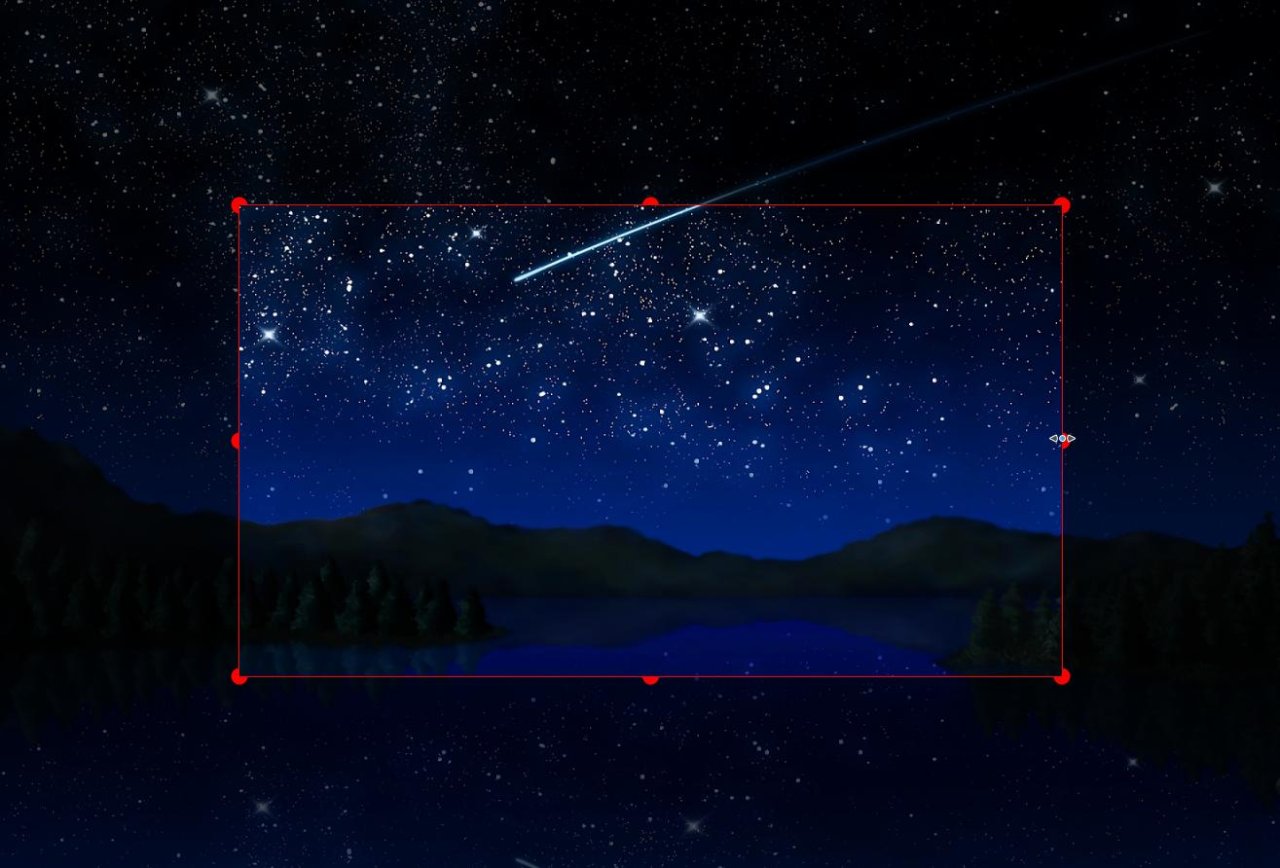
• Taking screenshot of a custom rectangular area that can be drawn with mouse cursor.
• Taking screenshot of last selected rectangular area without selecting again.
• Taking screenshot of the screen/monitor where the mouse cursor is currently located.
• Taking screenshot of full screen, including all screens/monitors.
• Taking screenshot of window that currently has focus.
• Taking screenshot of window under mouse cursor.
• Take screenshot with or without mouse cursor.
• Capture mouse cursor as annotation item that can be moved and deleted.
• Customizable capture delay for all capture options.
• Upload screenshots directly to imgur.com in anonymous or user mode.
• Upload screenshots via custom user defined scripts.
• Command line support, for taking screenshot and saving it to default location, filename and format.
• Filename wildcards for Year ($Y), Month ($M), Day ($D), Time ($T) and Counter (multiple # characters for number with zero leading padding).
• Print screenshot or save is to pdf/ps.
• Annotate screenshots with pen, marker, rectangles, ellipses, texts and other tools.
• Annotate screenshots with stickers and add custom stickers.
• Obfuscate image regions with blur and pixelate.
• Add effects to image (Drop Shadow, Grayscale, invert color or Border).
• Add watermarks to captured images.
• Global HotKeys for taking Screenshots (Currently only for Windows and X11).
• Tabs for Screenshots and images.
• Open existing images via dialog, drag-and-drop or paste from clipboard.
• Run as single instance application (secondary instances send cli parameter to primary instance).
• Pin Screenshots in Frameless windows that stay on top of other windows.
• User-defined actions for taking screenshot and post-processing.
• OCR support through plugin (Window and Linux/Unix).
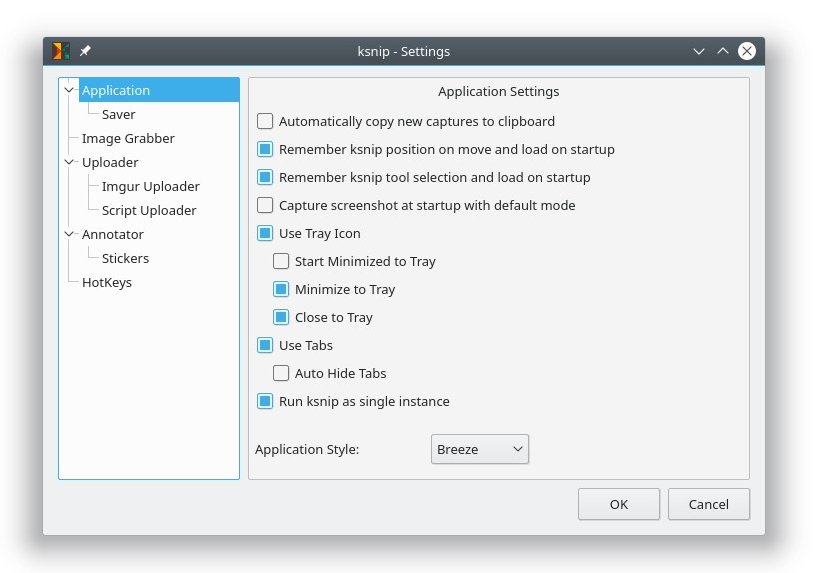
• Many configuration options.
License: GPL-2.0+
Features:
• Supports Linux (X11, Plasma Wayland, GNOME Wayland and xdg-desktop-portal Wayland), Windows and macOS.
• Taking screenshot of a custom rectangular area that can be drawn with mouse cursor.
• Taking screenshot of last selected rectangular area without selecting again.
• Taking screenshot of the screen/monitor where the mouse cursor is currently located.
• Taking screenshot of full screen, including all screens/monitors.
• Taking screenshot of window that currently has focus.
• Taking screenshot of window under mouse cursor.
• Take screenshot with or without mouse cursor.
• Capture mouse cursor as annotation item that can be moved and deleted.
• Customizable capture delay for all capture options.
• Upload screenshots directly to imgur.com in anonymous or user mode.
• Upload screenshots via custom user defined scripts.
• Command line support, for taking screenshot and saving it to default location, filename and format.
• Filename wildcards for Year ($Y), Month ($M), Day ($D), Time ($T) and Counter (multiple # characters for number with zero leading padding).
• Print screenshot or save is to pdf/ps.
• Annotate screenshots with pen, marker, rectangles, ellipses, texts and other tools.
• Annotate screenshots with stickers and add custom stickers.
• Obfuscate image regions with blur and pixelate.
• Add effects to image (Drop Shadow, Grayscale, invert color or Border).
• Add watermarks to captured images.
• Global HotKeys for taking Screenshots (Currently only for Windows and X11).
• Tabs for Screenshots and images.
• Open existing images via dialog, drag-and-drop or paste from clipboard.
• Run as single instance application (secondary instances send cli parameter to primary instance).
• Pin Screenshots in Frameless windows that stay on top of other windows.
• User-defined actions for taking screenshot and post-processing.
• OCR support through plugin (Window and Linux/Unix).
• Many configuration options.
License: GPL-2.0+
| Release info | New Release on Mar 14, 2023 |
|---|---|
| Release notes | • Fixed: DragAndDrop not working with snaps. • Fixed: Loading image from stdin single instance client runner side doesn't work. • Fixed kImageAnnotator: Fix for unnecessary scrollbars when a screenshot has a smaller size than the previous one. • Fixed kImageAnnotator: Add KDE support for scale factor. • Fixed kImageAnnotator: Show tab tooltips on initial tabs. • Fixed kImageAnnotator: Sticker resizing is broken when bounding rect flipped. |
| Listing data | Flathub |
Reviews
No reviews yet. Be the first to review ksnip.
Used ksnip? Tell other visitors what you thought.
Log in to write a reviewOther products by this publisher
- "No Distractions" for YouTube 4.10 ----
- #Bible 11.6 "Incredible App - My sister shared this app with me a few weeks ago and it is truly incredible.
- #filmphotography 1.4.2 So, you decided to shoot on film?
- $quirrel 1.5.1 $quirrel Budget & Finance helps you plan each paycheck, track spending, manage debt, and see what is safe to spend before the next payday.
- % Percentage Calculator Pro 1.41 This is the Pro version of % Percentage Calculator.
Most viewed Linux Utilities
-
1
 Press 0.4.0
Music library compressor
-
2
 Anytype 0.57.8-alpha
The everything app for those who celebrate trust and autonomy
-
3
 Secrets 14.0
Manage your passwords
- 4 vCard Studio 1.5.0 Contact management application
-
5
 SlimeVR 21.1.0
Accessible full-body tracking in VR
-
6
 Tasks 0.3.1
Get things done
-
7
 Luna 1.1.6
An amazing calendar widget
-
8
 openterfaceQT 0.5.33
App control openterface-Mini-KVM
-
9
 Greenery 1.0.0
Crypto bookkeeping wallet
-
10
 Barrier 2.4.0-5.15-23.08
Barrier - Share mouse and keyboard over the local network
Most downloaded Linux Utilities
-
1
 FormatLab 2026.11.3
Convert Video, Audio and Images
-
2
 YankLog 2.5.2
Searchable clipboard history
-
3
 Millisecond 0.2.3
Optimize for low latency
-
4
 NeoRegex 3.2.0
Regular expression editor and tester.
-
5
 Dabri 2.4.1
Offline speech-to-text desktop app
-
6
openterfaceQT 0.5.33
App control openterface-Mini-KVM
-
7
 Khushu 1.3.5
An all-in-one Muslim app for Linux
-
8
 VNote 4.14.1
A pleasant note-taking platform
-
9
 Redumper GUI 1.1.1
Dump optical discs with a graphical interface
-
10
 JRomManager 3.0.5
A Mame and Retrogaming Rom Manager