
Kiosk Pro Plus 11.3
Kiosk Pro is a flexible solution for any project that makes an iPad available to visitors.
Download
35.86 MB
8downloads
3this week
FreeCommercial
0reviews
Screenshots
About Kiosk Pro Plus
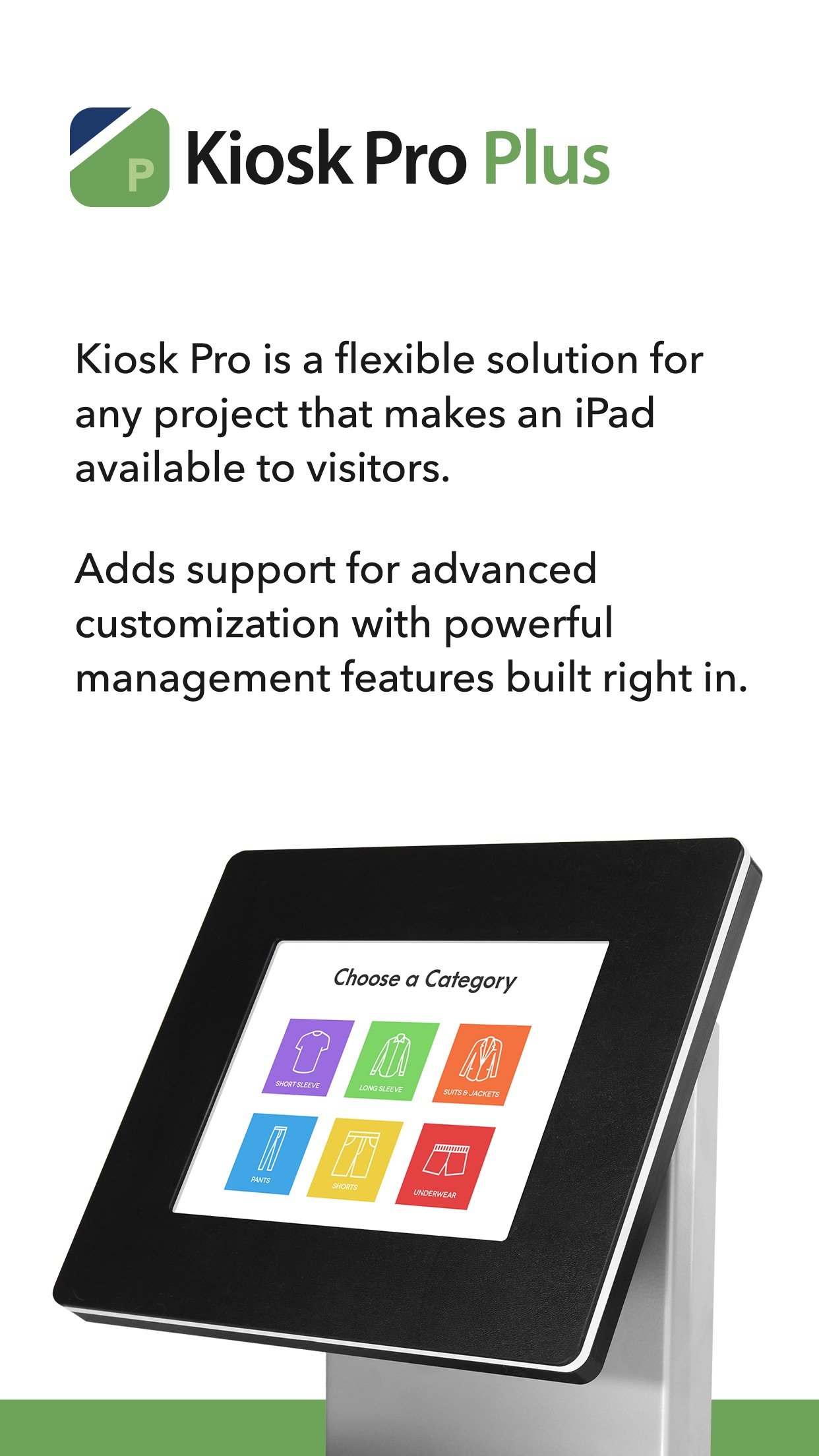
Kiosk Pro is a flexible solution for any project that makes an iPad available to visitors.
As a specialized web browser, Kiosk Pro Plus can display web pages, documents or audio & video files. Show content that’s hosted online or stored locally on the device.
Kiosk Pro Plus builds on the functionality included in our Basic version, adding a screensaver loop, a schedule for when the kiosk is available for use, and the ability to update locally stored files from a remote server or Dropbox account.
ATTRACT VISITORS
• Define a homepage as the starting place for the presentation.
• Set an idle timer so that when a visitor walks away, the next person will have a fresh experience, starting right at the beginning.
• Increase visitor turnover at your kiosk by setting a browsing time limit.
• Clear the cache and/or cookies to secure personal information.
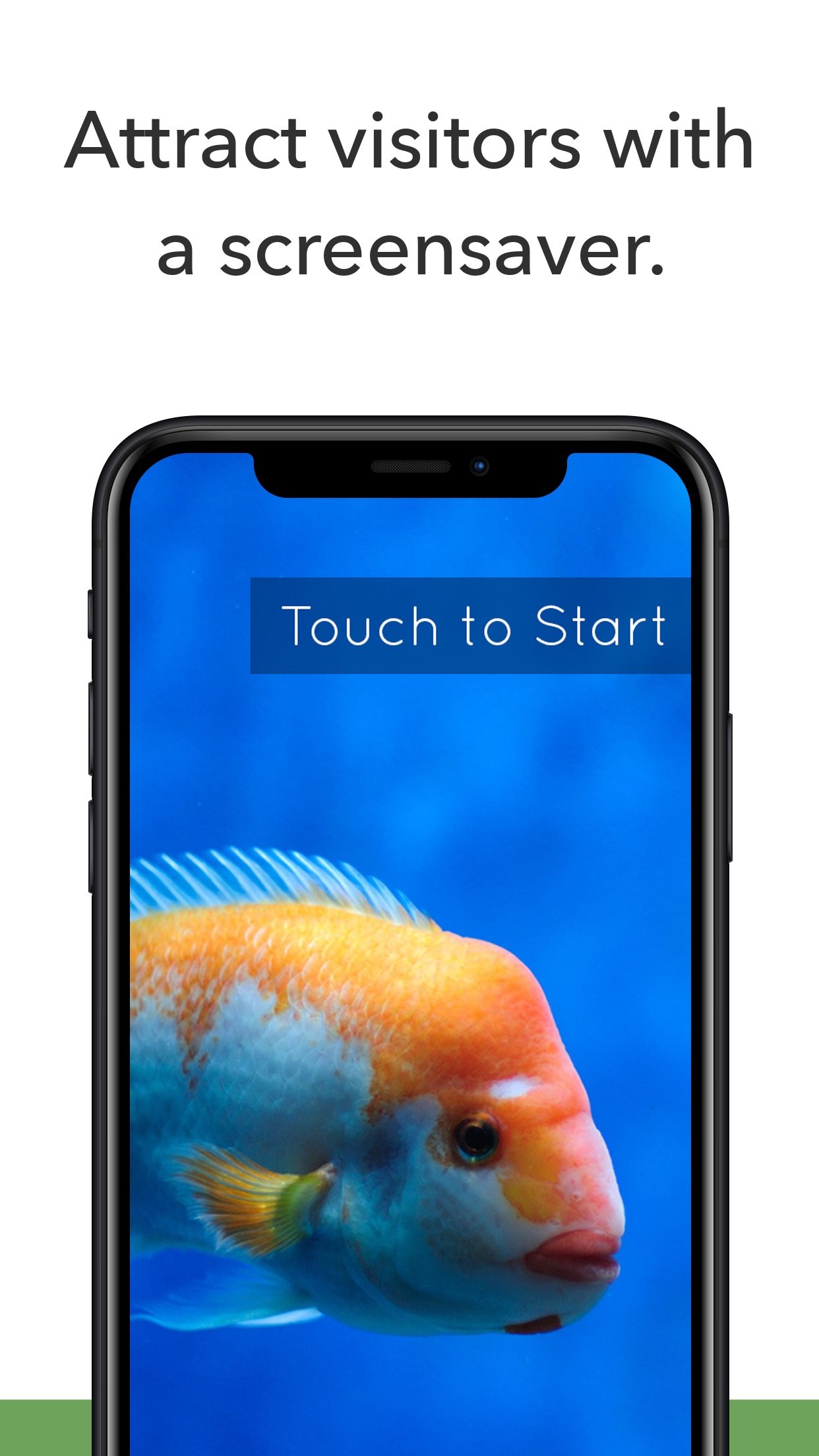
• Display a screensaver loop using local images and/or videos.
LIMIT NAVIGATION
• Specify what’s off limits on the web by creating lists of allowed & restricted domains.
• Block access to other apps, including the native email or phone, that could otherwise be opened through links.
• Disable touch interaction when used for digital signage.
• Autofill username & password for specific URLs.
CONTROL THE DISPLAY
• Hide status, address, and/or navigation bars to make your content look like a native app.
• Allow windows to open in multiple tabs.
• Customize the navigation with your own color scheme and bookmarked links.
• Works in any language - add your own translated text for on-screen alerts and navigation.
WORKS OFFLINE
• Store content locally for offline viewing.
• Shift between online and offline content automatically if your device drops its internet connection.
REMOTE MANAGEMENT
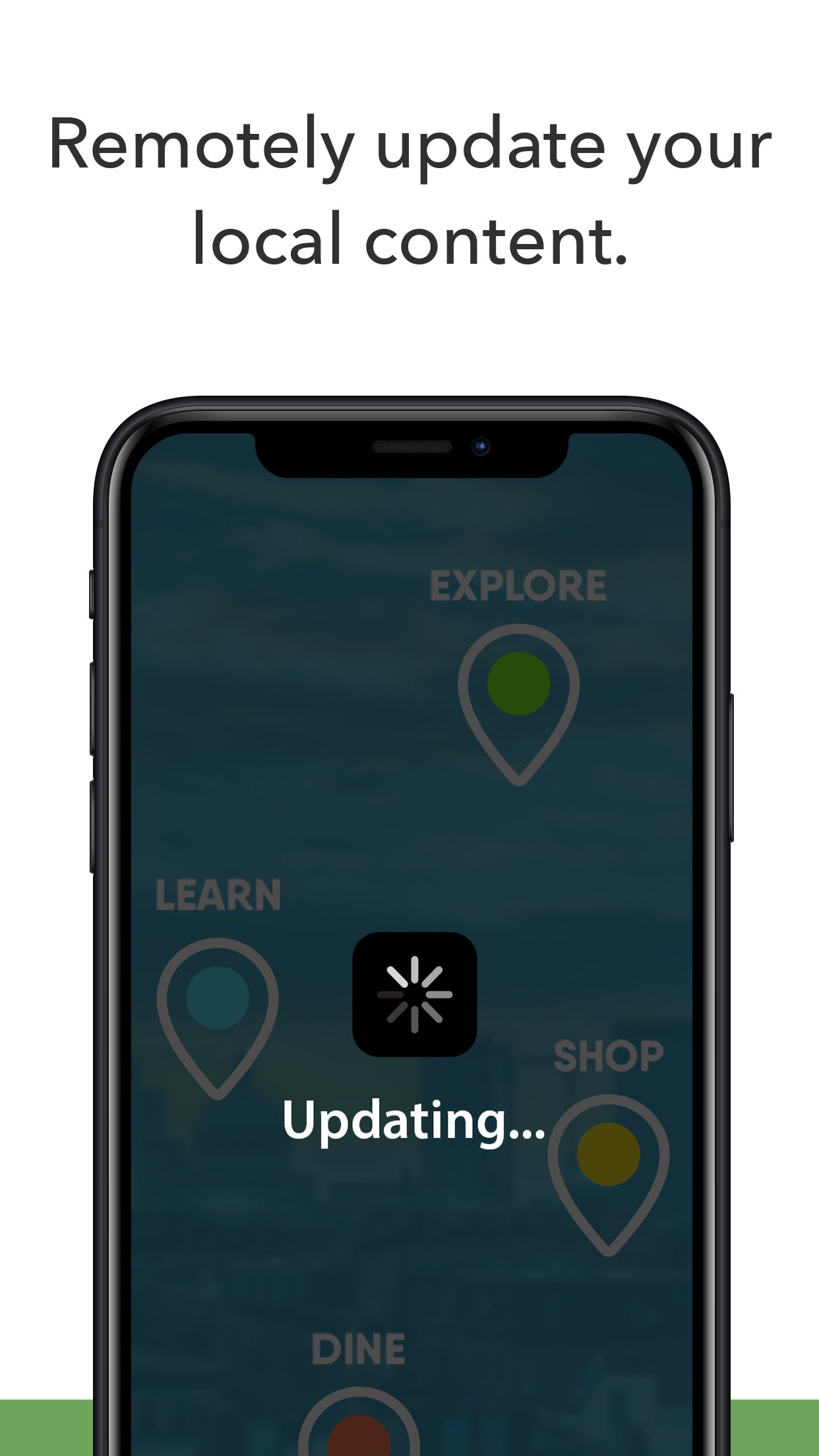
• Update your app settings or content files by uploading them onto your own servers or by syncing with your Dropbox account.
• Set up email alerts for power loss, remote updates, or motion detection.
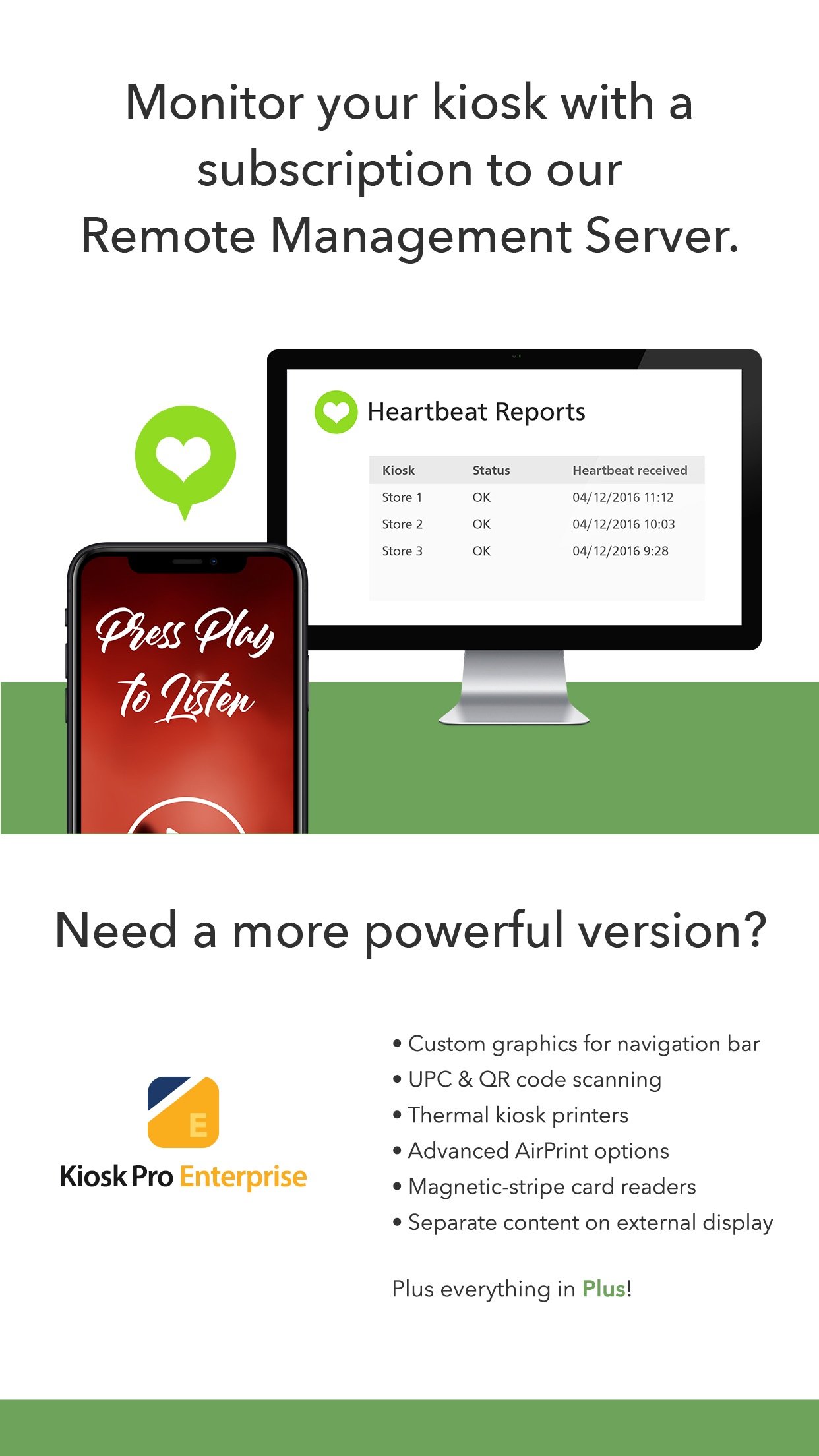
• Have your kiosks check in with regular heartbeats and monitor all your kiosks from a single location through our cloud-based Remote Management Server.
MANAGE AVAILABILITY & POWER USE
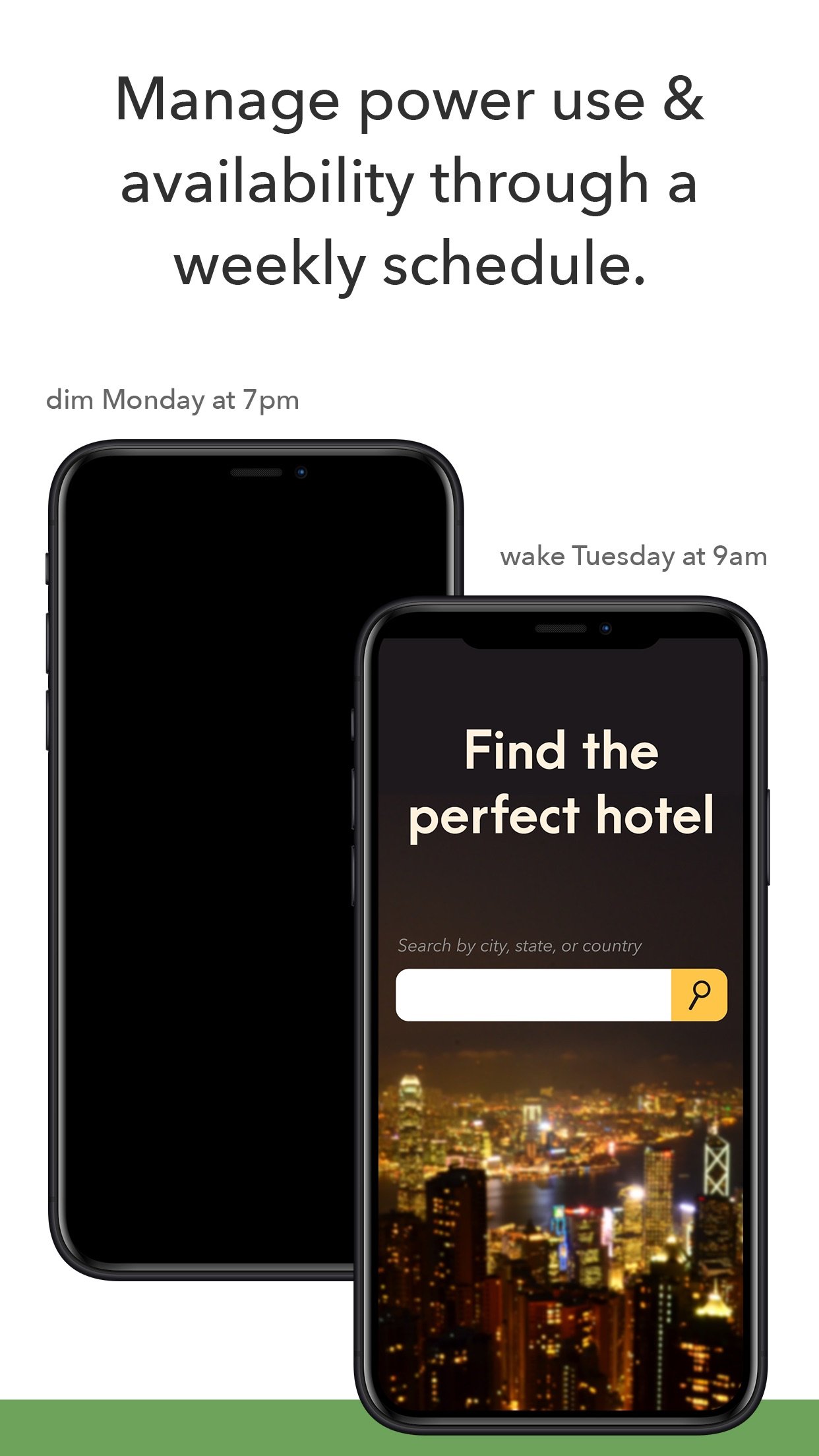
• Create a schedule to control when the kiosk is available for use.
• Control the screen brightness from inside the app settings or dim to minimum brightness while idle.
USE ADVANCED FUNCTIONS WITH OUR JAVASCRIPT API
• Access the iPad’s camera for capturing photos and videos.
• Save visitor form data locally on the device and collect signatures.
Support is built right into our apps with documentation of every feature and direct access to our extensive Knowledge Base.
Kiosk Pro Plus is compatible with most web content, including HTML web pages, PDFs, and multimedia (including .mp4 video). While certain Powerpoint, Keynote, and Word files are also supported, they are displayed as static documents. Kiosk Pro Plus cannot display pop-ups, other apps, or Flash-based content.
To prevent visitors from exiting Kiosk Pro Plus, you must enable Guided Access in the iPad settings or use Apple’s Configurator app to supervise the iPad into Single App Mode.
Our professional kiosk enclosures secure your iPad from theft or damage. See KioskGroup.com for more details!
License: Commercial
As a specialized web browser, Kiosk Pro Plus can display web pages, documents or audio & video files. Show content that’s hosted online or stored locally on the device.
Kiosk Pro Plus builds on the functionality included in our Basic version, adding a screensaver loop, a schedule for when the kiosk is available for use, and the ability to update locally stored files from a remote server or Dropbox account.
ATTRACT VISITORS
• Define a homepage as the starting place for the presentation.
• Set an idle timer so that when a visitor walks away, the next person will have a fresh experience, starting right at the beginning.
• Increase visitor turnover at your kiosk by setting a browsing time limit.
• Clear the cache and/or cookies to secure personal information.
• Display a screensaver loop using local images and/or videos.
LIMIT NAVIGATION
• Specify what’s off limits on the web by creating lists of allowed & restricted domains.
• Block access to other apps, including the native email or phone, that could otherwise be opened through links.
• Disable touch interaction when used for digital signage.
• Autofill username & password for specific URLs.
CONTROL THE DISPLAY
• Hide status, address, and/or navigation bars to make your content look like a native app.
• Allow windows to open in multiple tabs.
• Customize the navigation with your own color scheme and bookmarked links.
• Works in any language - add your own translated text for on-screen alerts and navigation.
WORKS OFFLINE
• Store content locally for offline viewing.
• Shift between online and offline content automatically if your device drops its internet connection.
REMOTE MANAGEMENT
• Update your app settings or content files by uploading them onto your own servers or by syncing with your Dropbox account.
• Set up email alerts for power loss, remote updates, or motion detection.
• Have your kiosks check in with regular heartbeats and monitor all your kiosks from a single location through our cloud-based Remote Management Server.
MANAGE AVAILABILITY & POWER USE
• Create a schedule to control when the kiosk is available for use.
• Control the screen brightness from inside the app settings or dim to minimum brightness while idle.
USE ADVANCED FUNCTIONS WITH OUR JAVASCRIPT API
• Access the iPad’s camera for capturing photos and videos.
• Save visitor form data locally on the device and collect signatures.
Support is built right into our apps with documentation of every feature and direct access to our extensive Knowledge Base.
Kiosk Pro Plus is compatible with most web content, including HTML web pages, PDFs, and multimedia (including .mp4 video). While certain Powerpoint, Keynote, and Word files are also supported, they are displayed as static documents. Kiosk Pro Plus cannot display pop-ups, other apps, or Flash-based content.
To prevent visitors from exiting Kiosk Pro Plus, you must enable Guided Access in the iPad settings or use Apple’s Configurator app to supervise the iPad into Single App Mode.
Our professional kiosk enclosures secure your iPad from theft or damage. See KioskGroup.com for more details!
License: Commercial
| Release info | New Release on Mar 12, 2025 |
|---|---|
| Release notes | NEW FEATURES • Added lists of mapped values to exported configuration files that include commented setting names to make them easier to understand and update. CHANGES & IMPROVEMENTS • Added option to include device location in heartbeat data sent back to the Remote Management Server for tracking purposes. • Added a remote update only setting to control how and when the app prints in duplex on AirPrint printers supporting this option. • Added a remote update only setting to control whether the app fills the safe area around the notch or Dynamic Island on iPhone with content. • Added a remote update only setting to prevent a PDF from being reloaded automatically when the visitor switches to another tab and back. This behavior keeps the PDF in memory so projects with large PDFs are recommended to test for performance issues prior to enabling this setting in a public kiosk. FIXED • An issue displaying pages containing an embedded image as a base64 string on devices running iOS/iPadOS 18. This affected our ability to successfully display Kiosk Pro’s standard error screens when the app was unable to load content. • An issue caused by a new behavior in iOS 18 where the dock appears for approximately one second and backgrounds Kiosk Pro whenever an ASAM session is ended. If the app was set to launch a new ASAM session when restarted or returned from the background, the session immediately restarted when the dock was dismissed. We love hearing from our users! If you have feedback or something to share, get in touch with us at software-support@kioskgroup.com. If you've found Kiosk Pro to be a helpful tool for your project, please leave us a rating or review. |
| Listing data | App Store |
Reviews
No reviews yet. Be the first to review Kiosk Pro Plus.
Used Kiosk Pro Plus? Tell other visitors what you thought.
Log in to write a reviewOther products by this publisher
- "No Distractions" for YouTube 4.10 ----
- #Bible 11.6 "Incredible App - My sister shared this app with me a few weeks ago and it is truly incredible.
- #filmphotography 1.4.2 So, you decided to shoot on film?
- $quirrel 1.5.1 $quirrel Budget & Finance helps you plan each paycheck, track spending, manage debt, and see what is safe to spend before the next payday.
- % Percentage Calculator Pro 1.41 This is the Pro version of % Percentage Calculator.
Most viewed iOS Business
-
1
 Navy Federal Credit Union 2026.10.2
Bank easy with the Navy Federal mobile app!
-
2
 Paycom 8.0.14
If you or your company use Paycom’s HR and software, the Paycom app helps you manage everyday HR and payroll tasks in one place — like checking your schedule, requesting time off and reviewing your pay.
-
3
 Entrust Identity 26.4.0
The Entrust Identity mobile application is the new Entrust mobile platform for delivering strong identity credentials to both employee and consumer users.
-
4
 Intune Company Portal 5.2610.0
Microsoft Intune helps organizations manage access to corporate apps, data, and resources.
- 5 % Percentage Calculator Pro 1.41 This is the Pro version of % Percentage Calculator.
-
6
 ParkNYC Powered by Flowbird 2.2
Have you ever been late to an important meeting and you can’t find a parking spot?
-
7
 Budget-Beacon 1.5
Budget Beacon connects to your Apple Wallet to help you understand and manage your spending.
-
8
 Shopify 11.2645.0
Shopify: build your online store, sell anywhere, run your business
-
9
 MiniVAN Touch 9.4.6
miniVAN Touch is a mobile canvassing application that integrates with websites provided by NGP VAN.
-
10
 Muha Members 2.0.3
With Muha Members, you’re now equipped to verify authenticity like a pro and protect yourself from counterfeits.
Most downloaded iOS Business
-
1
ParkNYC Powered by Flowbird 2.2
Have you ever been late to an important meeting and you can’t find a parking spot?
-
2
Budget-Beacon 1.5
Budget Beacon connects to your Apple Wallet to help you understand and manage your spending.
-
3
 Rocket.Chat 4.78.1
Rocket.Chat Secure CommsOS™ is a communication platform that unifies messaging, voice, video, AI, and mission-critical applications—ensuring uncompromising security, compliance, and operational efficiency for governments, defense, and critical infra…
-
4
 Business Timesheet 6.0
Are you looking for timesheet to track the work hours spent on hourly, daily or weekly basis accurately?
-
5
 Cvent Events 2.8.1
Cvent Events is your place to easily plan out your event experience, find where you need to go next, network with other attendees, and learn more about sponsors and exhibitors.
-
6
 Receivable Payment Ledger2026 1.1
Payment Ledger is a fully offline accounts receivable management tool for small businesses, shops, wholesalers, and salespeople who need to track customer debts and payment progress.
-
7
 Simple Budget Envelopes 2.2.1
An incredibly simple app, perfect for keeping track of how much money remains in your budget.
-
8
 Vola 4.9.01
Vola is the only cash advance app built for Real-Time Payments (RTP).
- 9 $quirrel 1.5.1 $quirrel Budget & Finance helps you plan each paycheck, track spending, manage debt, and see what is safe to spend before the next payday.
-
10
 Power Apps 3.26103.23
Get Power Apps to conveniently access your work or school apps no matter where you are: at home, on the road, in the field, off-campus, at the airport, or at the beach – anywhere life takes you.