
iBird Photo Sleuth 1.13
This new update to iBird Photo Sleuth now includes access to our ornithology experts who will help identify your bird if you want more help.
Download
462.98 MB
10downloads
4this week
FreeCommercial
0reviews
Screenshots
About iBird Photo Sleuth
This new update to iBird Photo Sleuth now includes access to our ornithology experts who will help identify your bird if you want more help. The “Help Me Identify a Bird” forum has been around for 10 years and has over 100,000 members.
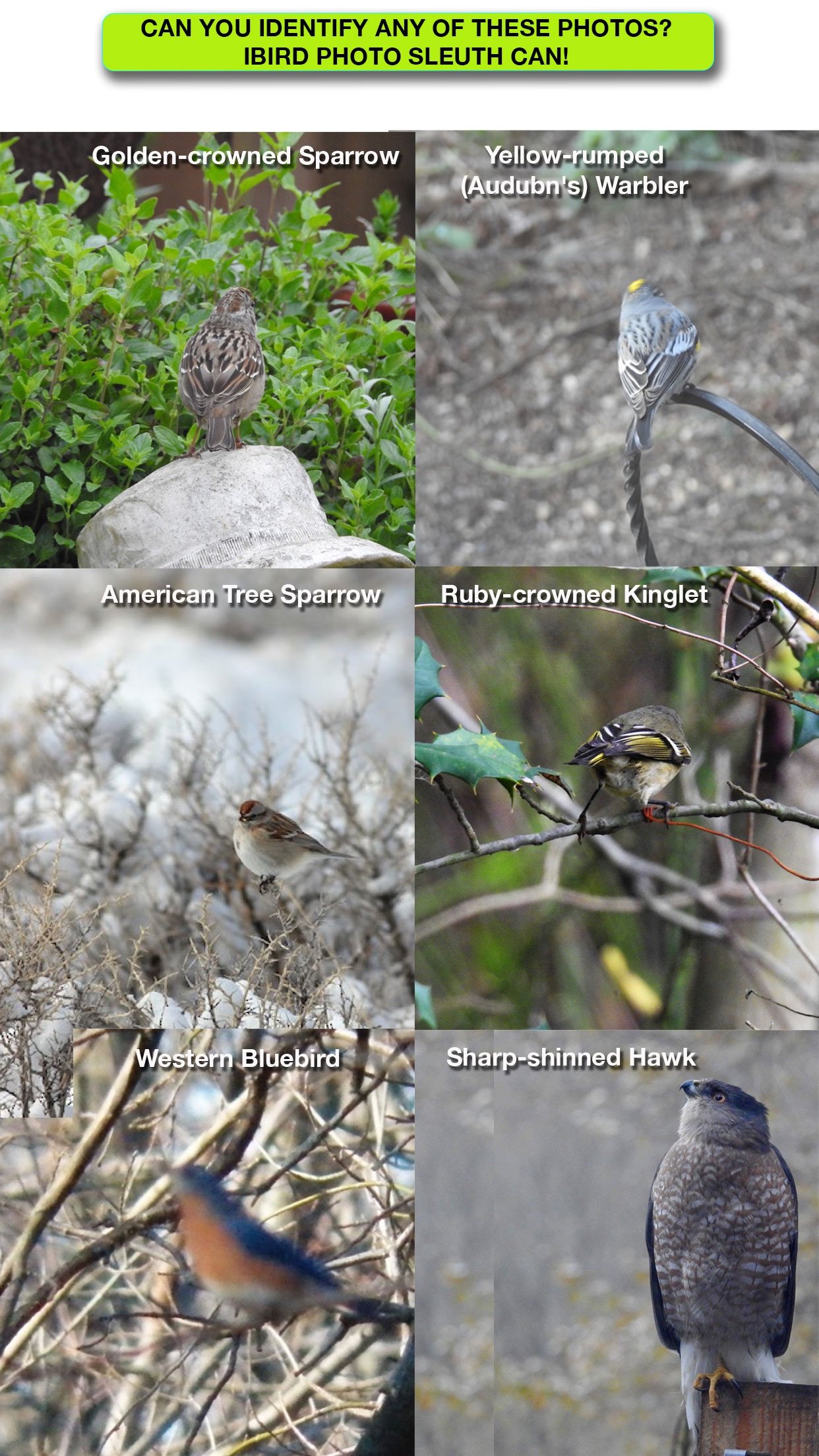
Every now and then an app breaks out from the pack with features that are simply astonishing. iBird Photo Sleuth fits that mold; use its machine learning "brain" to identify a photograph of any bird of North America, regardless of the photo’s quality. Photo Sleuth uses Apple’s new CoreML machine learning system to figure out the species in even the most distorted, fuzzy and poor contrast photograph. The Photo Sleuth app has been “trained” by over 2 million photos of bird species to ID birds with uncanny accuracy.
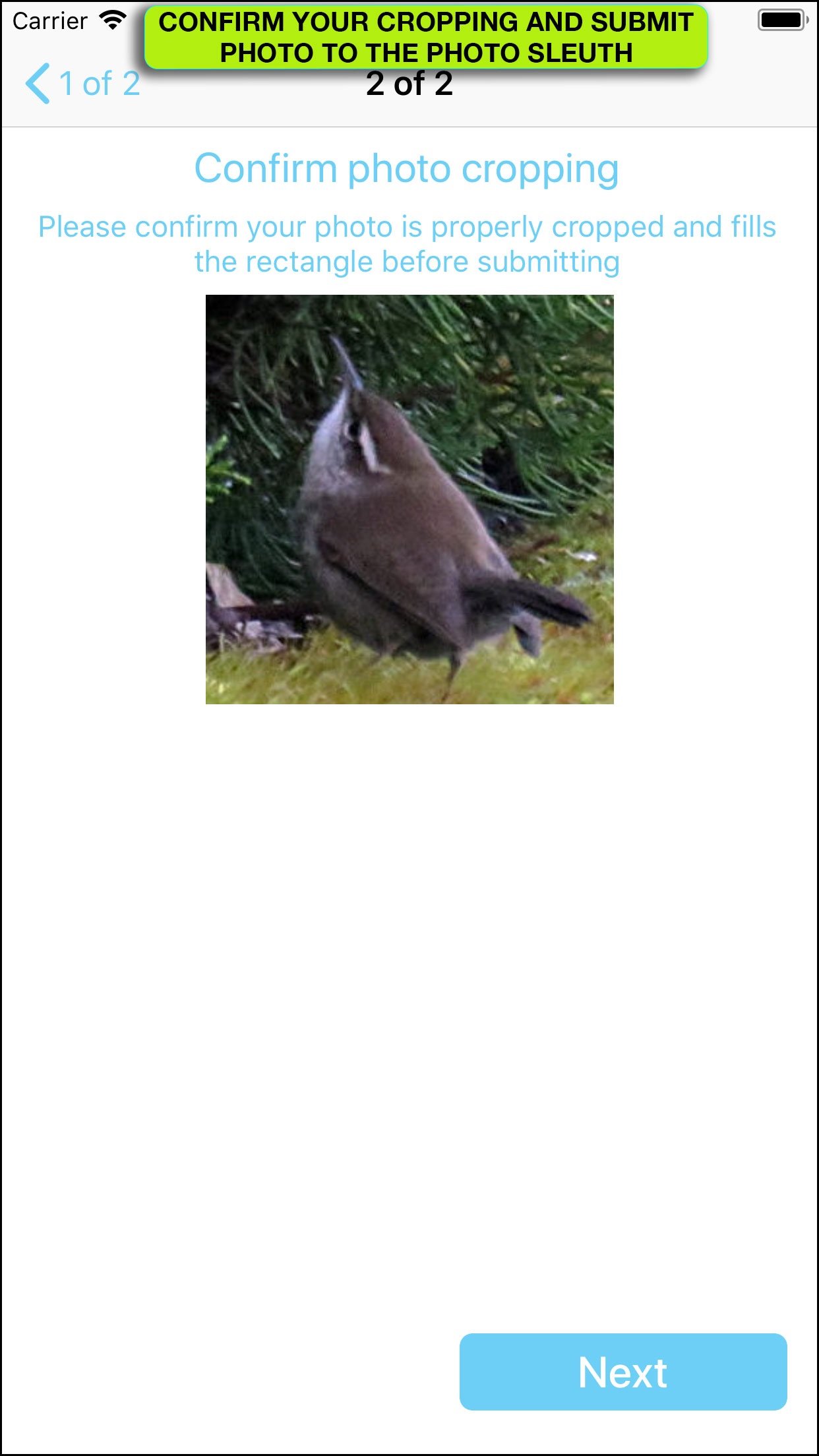
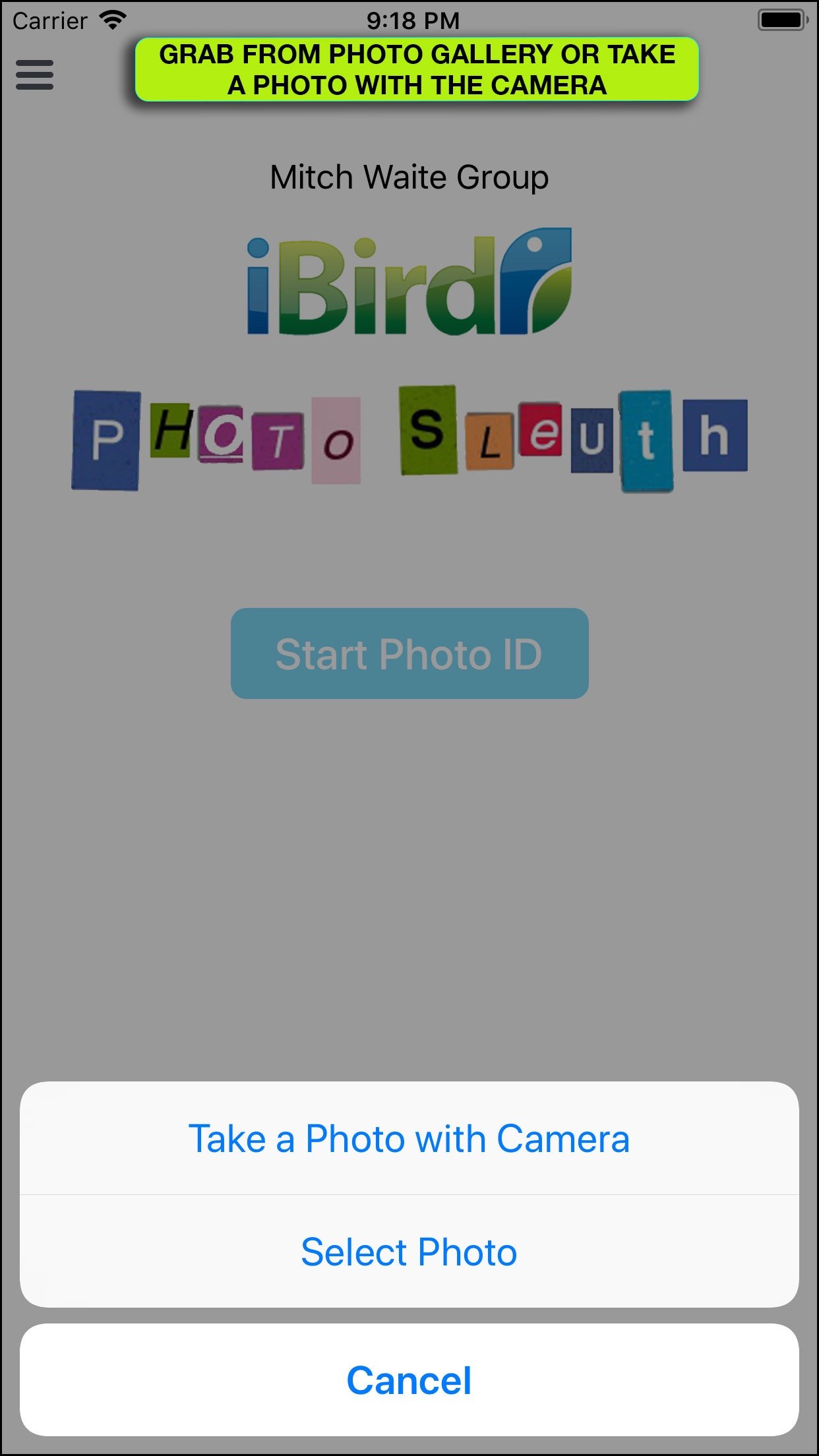
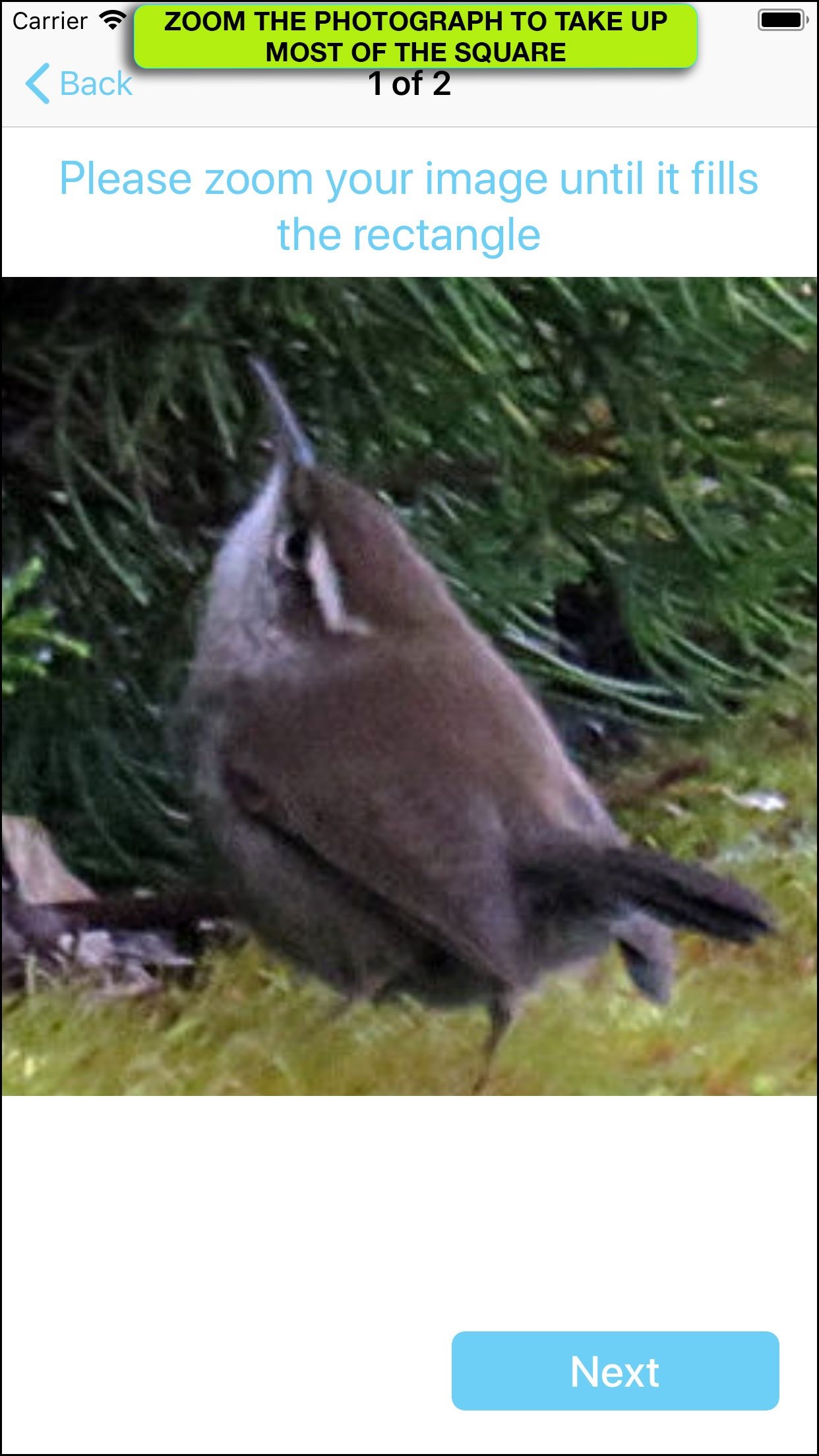
You can use iBird Photo Sleuth in the field -- no internet connection is required, because its CoreML database is contained in the app. Take a photo with your camera or select it from the built-in iPhone Photos gallery (Dropbox, Google Photos and OneDrive coming). Don’t worry if the bird is a tiny blob in the frame; Photo Sleuth is smart enough to find the features that distinguish it from all other 900+ bird species of North America.
After you submit your photo to the Sleuth, it will give you a list of its top 3 guesses as thumbnail sized images. Each will display a “Confidence” value between 0% and 100%. When the Sleuth is really sure of its analysis, it will produce a high value; when unsure it will display a low value. If the app thinks that you have submitted a photo of something other than a bird, it will display “Not a Bird.” Of course, some people’s faces look like birds, so it may still suggest a bird species. For example, my selfie came up with “Not a Bird” for the #1 spot and the Barn Owl for #2.
To help confirm the 3 guesses made by Photo Sleuth, you can tap on any of the thumbnail images to open more species details, including an enlarged illustration, text that explains important field marks and a range map that shows the migration coverage of the bird. The range map includes a range and habitat paragraph that helps confirm that the species is indeed located in your GPS area. A future update will add our “Birds Around Me” technology to further narrow the choices that Photo Sleuth guesses. On this same screen you may open a rich content species account in our iBird app (should you have it on your phone) to review much more information, including playing the bird’s songs and calls, seeing similar birds, behavior details and much more.
Sharing of your results can be done two ways: you can share your photo and the Photo Sleuth guesses with your friends via Apple Messages, Email, Facebook, Twitter and all other functions such as printing, which appear on the standard Apple activity menu.
There is also a button for optionally sharing your photo and the results of the Photo Sleuth guess with Mitch Waite Group, so that we can improve our neural network. Both correct and incorrect guesses help us improve the performance of artificial intelligence. Or course, we only use the photograph for training, and the copyright remains with you.
License: Commercial
Every now and then an app breaks out from the pack with features that are simply astonishing. iBird Photo Sleuth fits that mold; use its machine learning "brain" to identify a photograph of any bird of North America, regardless of the photo’s quality. Photo Sleuth uses Apple’s new CoreML machine learning system to figure out the species in even the most distorted, fuzzy and poor contrast photograph. The Photo Sleuth app has been “trained” by over 2 million photos of bird species to ID birds with uncanny accuracy.
You can use iBird Photo Sleuth in the field -- no internet connection is required, because its CoreML database is contained in the app. Take a photo with your camera or select it from the built-in iPhone Photos gallery (Dropbox, Google Photos and OneDrive coming). Don’t worry if the bird is a tiny blob in the frame; Photo Sleuth is smart enough to find the features that distinguish it from all other 900+ bird species of North America.
After you submit your photo to the Sleuth, it will give you a list of its top 3 guesses as thumbnail sized images. Each will display a “Confidence” value between 0% and 100%. When the Sleuth is really sure of its analysis, it will produce a high value; when unsure it will display a low value. If the app thinks that you have submitted a photo of something other than a bird, it will display “Not a Bird.” Of course, some people’s faces look like birds, so it may still suggest a bird species. For example, my selfie came up with “Not a Bird” for the #1 spot and the Barn Owl for #2.
To help confirm the 3 guesses made by Photo Sleuth, you can tap on any of the thumbnail images to open more species details, including an enlarged illustration, text that explains important field marks and a range map that shows the migration coverage of the bird. The range map includes a range and habitat paragraph that helps confirm that the species is indeed located in your GPS area. A future update will add our “Birds Around Me” technology to further narrow the choices that Photo Sleuth guesses. On this same screen you may open a rich content species account in our iBird app (should you have it on your phone) to review much more information, including playing the bird’s songs and calls, seeing similar birds, behavior details and much more.
Sharing of your results can be done two ways: you can share your photo and the Photo Sleuth guesses with your friends via Apple Messages, Email, Facebook, Twitter and all other functions such as printing, which appear on the standard Apple activity menu.
There is also a button for optionally sharing your photo and the results of the Photo Sleuth guess with Mitch Waite Group, so that we can improve our neural network. Both correct and incorrect guesses help us improve the performance of artificial intelligence. Or course, we only use the photograph for training, and the copyright remains with you.
License: Commercial
| Release info | New Release on Jul 10, 2025 |
|---|---|
| Release notes | - Fixed connection between Sleuth and iBird |
| Listing data | App Store |
Reviews
No reviews yet. Be the first to review iBird Photo Sleuth.
Used iBird Photo Sleuth? Tell other visitors what you thought.
Log in to write a reviewOther products by this publisher
- "No Distractions" for YouTube 4.10 ----
- #Bible 11.6 "Incredible App - My sister shared this app with me a few weeks ago and it is truly incredible.
- #filmphotography 1.4.2 So, you decided to shoot on film?
- $quirrel 1.5.1 $quirrel Budget & Finance helps you plan each paycheck, track spending, manage debt, and see what is safe to spend before the next payday.
- % Percentage Calculator Pro 1.41 This is the Pro version of % Percentage Calculator.
Most viewed iOS Education
-
1
 Bible 11.36.0
Take God’s Word with you wherever you go with the free YouVersion Bible App.
- 2 #Bible 11.6 "Incredible App - My sister shared this app with me a few weeks ago and it is truly incredible.
-
3
 Yanilomo 1.2.0
Yanilomo is a crew board for shorts and student films.
-
4
 Bible Chat 5.1.5
Bible Chat: Built for Christians Who Want to Hear God in the Noise of Everyday Life
-
5
 Healthy Horse 5.1.0
Estimate your horse's body weight and ideal weight in seconds, using equations developed through University of Minnesota research.
-
6
 ClassLink LaunchPad 41.0.5
Your school or organization must have CLASSLINK LAUNCHPAD WEB EDITION for this app to work.
- 7 (How to) Pronounce PRO 1.5.6 This is a PRO version of (How to) Pronounce.
-
8
 Another Monster At the End... 7.2
This is an animated storybook app, which will humorously help teach your child early reading and logic skills.
-
9
 AntiqSnap 2.11.0
Discover the true value of your antiques with AntiqSnap – from ceramics and glassware to furniture, silverware, jewelry, and other antiques and collectibles.
-
10
 Translate Now 2026.11.9
Translate text, voice, and photos in 320+ languages.
Most downloaded iOS Education
-
1
Another Monster At the End... 7.2
This is an animated storybook app, which will humorously help teach your child early reading and logic skills.
-
2
 Sailing Reference 2.1.4
Sailing Reference is the comprehensive reference guide for all of your nautical navigation needs.
-
3
 Lost Person Behavior 1.0.9
The Lost Person Behavior App is based upon the Search and Rescue (SAR) international gold standard reference tool on where to look for lost and missing persons.
-
4
 Talking Thai English Dictionary+Phrasebook 2.3
Whether you're on a short trip to Thailand, working with Thais, or studying the Thai language in-depth, this is the one dictionary you can really use.
-
5
 Bible 4.6.0
Bible KJV - Daily Bible Verse is a free KJV Bible study tool that people read bible verse of the day, listen to the audio bible - the holy bible king james version, share and learn king james version bible.
-
6
Yanilomo 1.2.0
Yanilomo is a crew board for shorts and student films.
-
7
 Greek English Lexicon 1.0
A Greek–English Lexicon, commonly known as LSJ, is a standard lexicographical work of the Ancient Greek language.
-
8
 Pre-Trip 1.6
Prepare for your CDL pre-trip inspection with guided study, spoken practice, and realistic mock testing.
-
9
 TouchChat HD- AAC w/ WordPower 2026.3.0
TouchChat is a full-featured Augmentative and Alternative Communication (AAC) solution for individuals who have difficulty using their natural voice.
-
10
 Presidents vs. Aliens® 3.3
From the creator of Stack the States!