
4downloads
2this week
FreeCommercial
0reviews
Screenshots

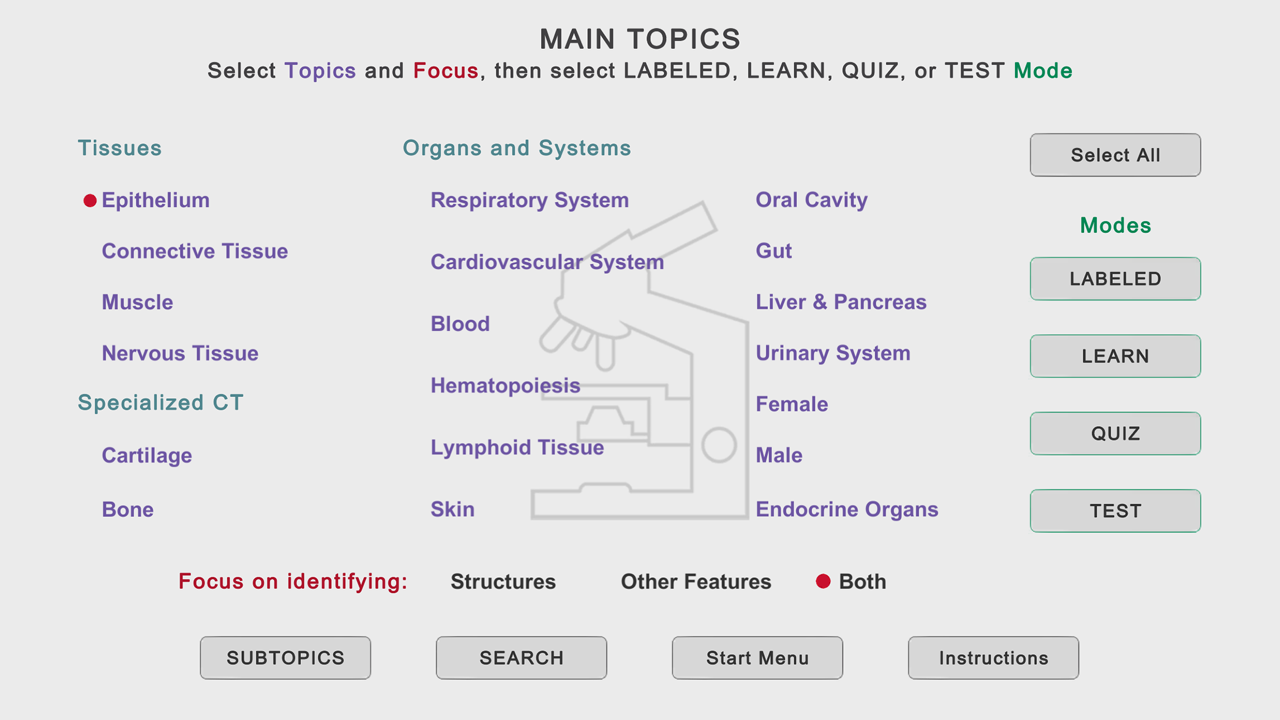
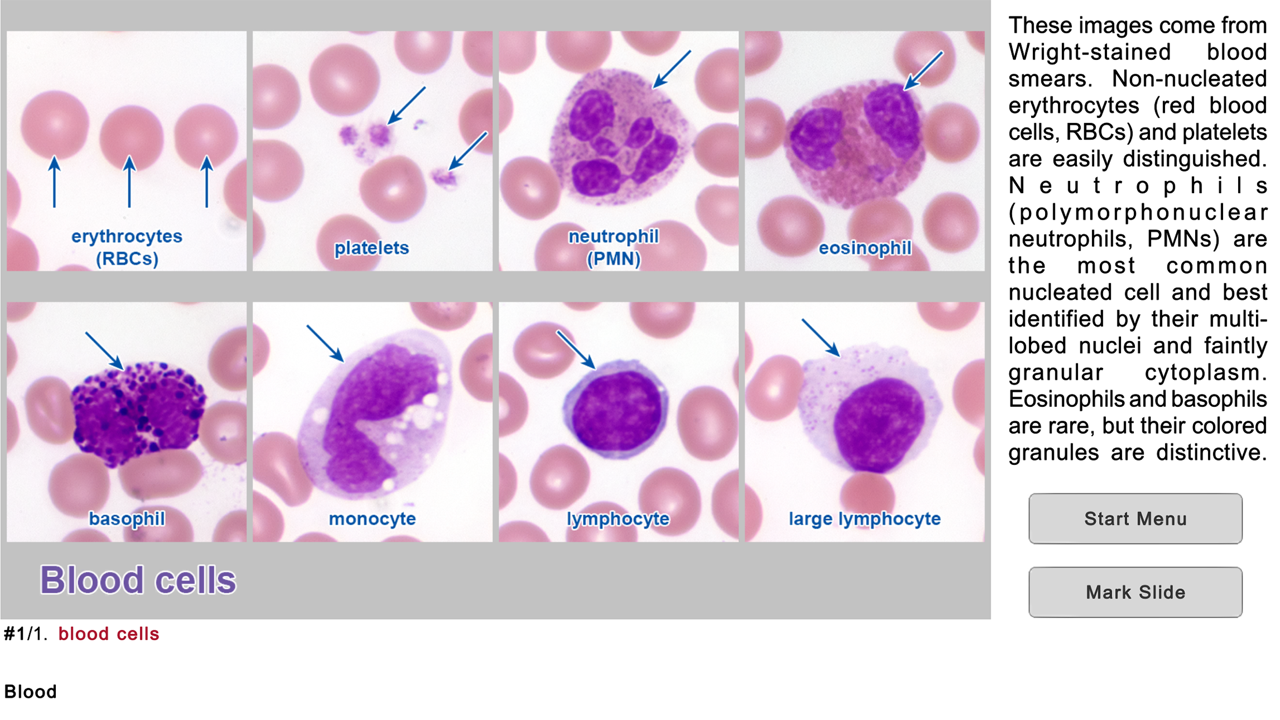
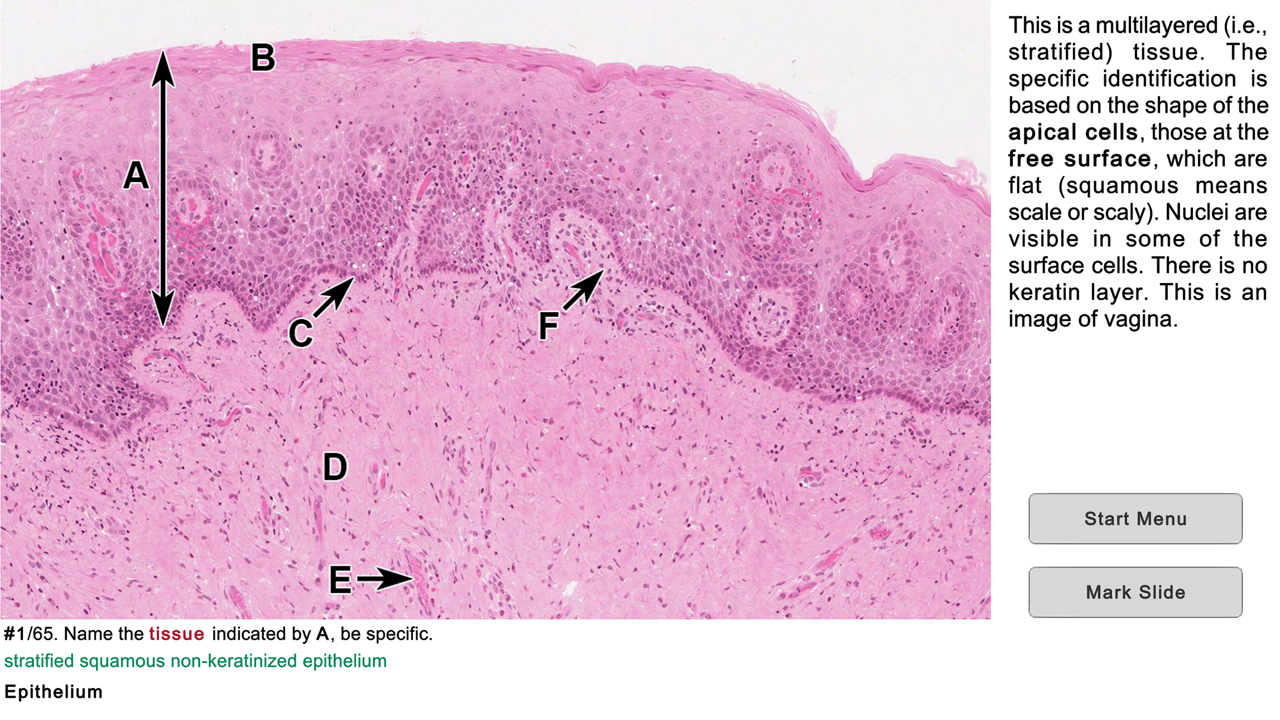
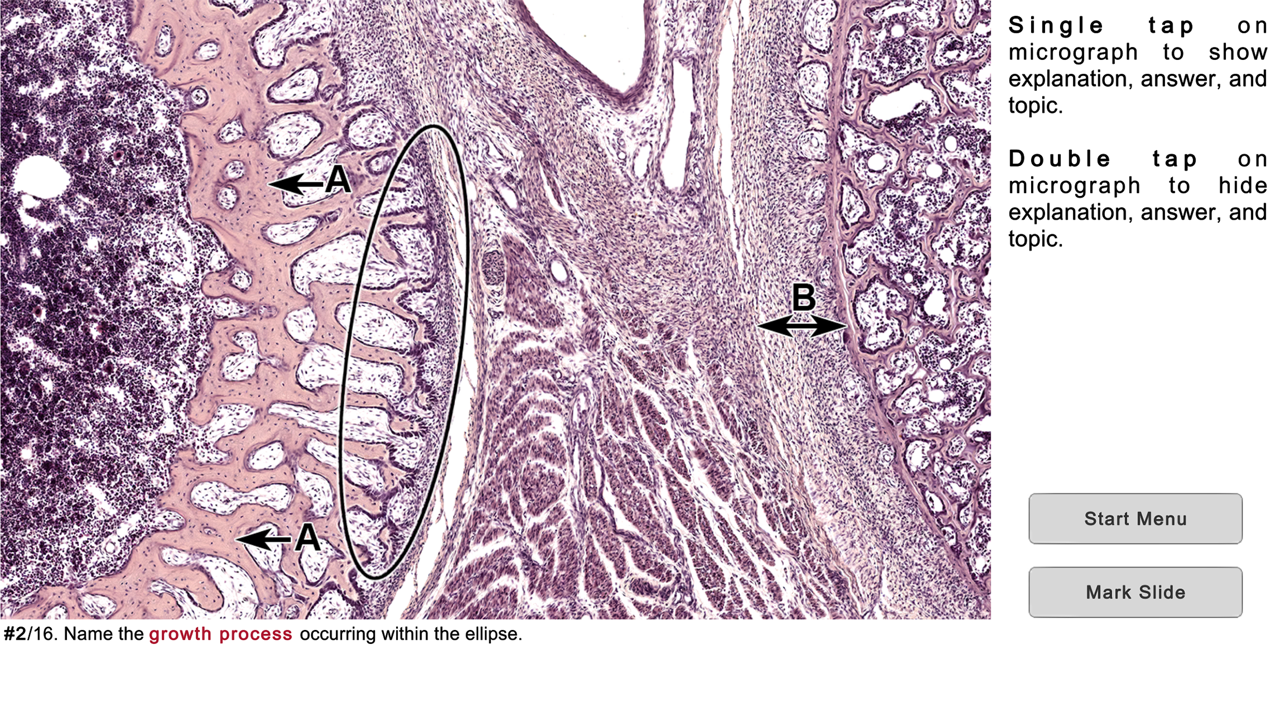
About Histo!
Histo! helps you learn histology and test your knowledge. It is the favorite study aid of medical and dental students in histology courses at the University of Utah.
The App currently contains 2179 identification slides, based on 547 photomicrographic images. It is organized into 19 Main Topics and 148 Subtopics.
It does not require an internet connection.
NAVIGATION
•Three navigation menus are provided, one to choose among the Main Topics, a second to select Subtopics of the Main Topics, and a Search feature to find slides using 675 keywords. These meus allow you focus your study as broadly or narrowly as desired.
•Once slides are displayed, a one-finger left or right swipe moves forward or backward by one slide, a two-finger swipe jumps 10 slides.
LABELED SLIDE MODE
•This mode presents 92 micrographs that cover the Main Topics. Important structural features are named, and short explanations are given. These micrographs provide an efficient way for anyone new to a topic to quickly learn the identifications and spatial relationships of the microanatomy that are key for identifying tissues and organs.
•The labels can be turned on and off by tapping, allowing immediate self-testing while learning.
LEARN, QUIZ, and TEST (LQT) MODES
•These modes are based on 2087 questions and answers related to 455 micrographs.
•In the Learn mode, each slide displays a question, the answer, and a short explanation. The slides are presented in a logical order that helps you learn the material.
•In the Quiz mode, only the question is shown, and the order of presentation is randomized. You can tap to see the answer and explanation. A Quiz persists until the user deletes it.
•In the Test mode, you tap to display the built-in keyboard to answer the question, then grade your response. Results for each Main Topic are shown when you have finished a Test.
STRUCTURES AND ADDITIONAL FEATURES
•Histo! addresses both microanatomy and functional histology. About 70% of the LQT slides ask for identification of structures, the remainder are related to other features of these structures, such as functions, molecular components, or diseases.
•From the Main Topic menu, you choose whether to review structures or other features, or both.
MARKING AND UNMARKING SLIDES
•Slides in any mode may be marked for later review. This happens automatically when you miss a question in the Test mode, and by tapping a button in the Label, Learn, or Quiz modes.
•Whenever you return to the Start screen, either during a session or later after exiting, you are offered the chance to review slides marked in any of the four modes. Buttons to review marked slides are also present on the Main and Subtopics menus.
•Slides that have been marked can be unmarked during a review by scoring the question as completely correct in the Test mode or tapping a button in the Learn or Quiz modes.
SHOWING SPECIFIC SLIDES
•Identifiers for slides viewed in the Labeled, Learn or Quiz modes can be recorded and then distributed via electronic documents. Anyone importing these identifiers can view the slides in the Learn mode.
•Students can ask for help with a structural or functional question related to a specific slide and instructors can present preselected examples to an individual or group.
License: Commercial
The App currently contains 2179 identification slides, based on 547 photomicrographic images. It is organized into 19 Main Topics and 148 Subtopics.
It does not require an internet connection.
NAVIGATION
•Three navigation menus are provided, one to choose among the Main Topics, a second to select Subtopics of the Main Topics, and a Search feature to find slides using 675 keywords. These meus allow you focus your study as broadly or narrowly as desired.
•Once slides are displayed, a one-finger left or right swipe moves forward or backward by one slide, a two-finger swipe jumps 10 slides.
LABELED SLIDE MODE
•This mode presents 92 micrographs that cover the Main Topics. Important structural features are named, and short explanations are given. These micrographs provide an efficient way for anyone new to a topic to quickly learn the identifications and spatial relationships of the microanatomy that are key for identifying tissues and organs.
•The labels can be turned on and off by tapping, allowing immediate self-testing while learning.
LEARN, QUIZ, and TEST (LQT) MODES
•These modes are based on 2087 questions and answers related to 455 micrographs.
•In the Learn mode, each slide displays a question, the answer, and a short explanation. The slides are presented in a logical order that helps you learn the material.
•In the Quiz mode, only the question is shown, and the order of presentation is randomized. You can tap to see the answer and explanation. A Quiz persists until the user deletes it.
•In the Test mode, you tap to display the built-in keyboard to answer the question, then grade your response. Results for each Main Topic are shown when you have finished a Test.
STRUCTURES AND ADDITIONAL FEATURES
•Histo! addresses both microanatomy and functional histology. About 70% of the LQT slides ask for identification of structures, the remainder are related to other features of these structures, such as functions, molecular components, or diseases.
•From the Main Topic menu, you choose whether to review structures or other features, or both.
MARKING AND UNMARKING SLIDES
•Slides in any mode may be marked for later review. This happens automatically when you miss a question in the Test mode, and by tapping a button in the Label, Learn, or Quiz modes.
•Whenever you return to the Start screen, either during a session or later after exiting, you are offered the chance to review slides marked in any of the four modes. Buttons to review marked slides are also present on the Main and Subtopics menus.
•Slides that have been marked can be unmarked during a review by scoring the question as completely correct in the Test mode or tapping a button in the Learn or Quiz modes.
SHOWING SPECIFIC SLIDES
•Identifiers for slides viewed in the Labeled, Learn or Quiz modes can be recorded and then distributed via electronic documents. Anyone importing these identifiers can view the slides in the Learn mode.
•Students can ask for help with a structural or functional question related to a specific slide and instructors can present preselected examples to an individual or group.
License: Commercial
| Release info | New Release on Sep 03, 2024 |
|---|---|
| Release notes | •The explanation text for the Label, Learn, and Quiz modes on iPads is now presented in a popup window controlled by a button, rather than being squeezed into a small window at the bottom right. •All Subtopics are now displayed in two scrollable windows on the Subtopic Menu. This replaces the single window of Main topics that required tapping to expand and contract the list of items. •The Search Menu has been reorganized and simplified. •The process for identifying and displaying specific slides has been simplified. |
| Listing data | App Store |
Reviews
No reviews yet. Be the first to review Histo!.
Used Histo!? Tell other visitors what you thought.
Log in to write a reviewOther products by this publisher
- "No Distractions" for YouTube 4.10 ----
- #Bible 11.5 "Incredible App - My sister shared this app with me a few weeks ago and it is truly incredible.
- % Percentage Calculator Pro 1.41 This is the Pro version of % Percentage Calculator.
- (beat) for iOS 0.5.9 An elegant Fountain screenwriting app, created by a screenwriter for screenwriters.
- (Deep) HIARCS Chess Explorer 1.14 Chess database, analysis and game playing program
Most viewed iOS Health & Fitness
-
1
 Cal AI 26.42.0
HOW TO USE CAL AI:
Cal AI 26.42.0
HOW TO USE CAL AI:
-
2
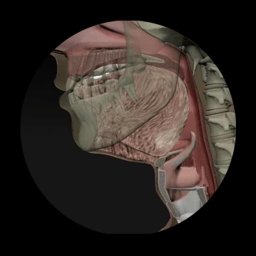 Dysphagia 2.3
Excellent visual tool to aid professionals in educating patients and families about swallowing disorders.
Dysphagia 2.3
Excellent visual tool to aid professionals in educating patients and families about swallowing disorders.
-
3
 AllTrails 26.10.30
Whether you hike, bike, run, or walk, AllTrails is your companion and guide to the outdoors.
AllTrails 26.10.30
Whether you hike, bike, run, or walk, AllTrails is your companion and guide to the outdoors.
-
4
 I am 7.6.0
How many negative thoughts have been repeating in your mind?
I am 7.6.0
How many negative thoughts have been repeating in your mind?
-
5
 Periodic Timer + 4.8
Keep track of time without being distracted by the device!
Periodic Timer + 4.8
Keep track of time without being distracted by the device!
-
6
 2026 Long Beach Marathon 3.2.2
Long Beach Marathon app is for race day tracking to receive turn-by-turn instructions and for your friends and family to track your progress in real-time.
2026 Long Beach Marathon 3.2.2
Long Beach Marathon app is for race day tracking to receive turn-by-turn instructions and for your friends and family to track your progress in real-time.
-
7
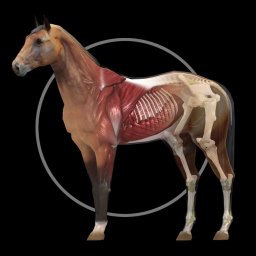 Horse Anatomy 4.2
Explore the anatomy of the horse in 3D space.
Horse Anatomy 4.2
Explore the anatomy of the horse in 3D space.
-
8
 HealthFit 12.16.3
Turn your Apple Watch into a complete training platform.
HealthFit 12.16.3
Turn your Apple Watch into a complete training platform.
-
9
 FaceVital 1.1.1
Understand your wellness in a smarter way with FaceVital: Health Monitor.
FaceVital 1.1.1
Understand your wellness in a smarter way with FaceVital: Health Monitor.
-
10
 Woods Lamp Lite 1.0
A Wood’s Lamp is an Ultra-Violet (UV) light used to detect fluorescence in the skin or hair .
Woods Lamp Lite 1.0
A Wood’s Lamp is an Ultra-Violet (UV) light used to detect fluorescence in the skin or hair .
Most downloaded iOS Health & Fitness
-
1
 HealthPatch 1.0.1
Take Full Control of Your Apple Health Workout Data
HealthPatch 1.0.1
Take Full Control of Your Apple Health Workout Data
-
2
 Stromno 1.2
Stromno app allows you easily broadcast your heart rate data from Apple Watch and show it on live stream.
Stromno 1.2
Stromno app allows you easily broadcast your heart rate data from Apple Watch and show it on live stream.
-
3
 TonalBloom Sound Bath 1.0
TonalBloom turns your iPhone into a tactile sound bath instrument with singing bowl tones, warm drones, shimmer controls, and saved local patches.
TonalBloom Sound Bath 1.0
TonalBloom turns your iPhone into a tactile sound bath instrument with singing bowl tones, warm drones, shimmer controls, and saved local patches.
-
4
AllTrails 26.10.30
Whether you hike, bike, run, or walk, AllTrails is your companion and guide to the outdoors.
-
5
2026 Long Beach Marathon 3.2.2
Long Beach Marathon app is for race day tracking to receive turn-by-turn instructions and for your friends and family to track your progress in real-time.
-
6
 PulseOSC 2.3
PulseOSC seamlessly bridges your Apple Watch, compatible headphones (AirPods Pro 3, Powerbeats Pro 2), or third-party Bluetooth devices health data with your OSC-compatible applications (like VRChat or Resonite).
PulseOSC 2.3
PulseOSC seamlessly bridges your Apple Watch, compatible headphones (AirPods Pro 3, Powerbeats Pro 2), or third-party Bluetooth devices health data with your OSC-compatible applications (like VRChat or Resonite).
-
7
 StairSplit 1.1
Turn any staircase into a workout with StairSplit!
StairSplit 1.1
Turn any staircase into a workout with StairSplit!
-
8
FaceVital 1.1.1
Understand your wellness in a smarter way with FaceVital: Health Monitor.
-
9
 Cardiogram 3.5
Track your heart in real time, right from your wrist.
Cardiogram 3.5
Track your heart in real time, right from your wrist.
-
10
 Dexteria VMI Visual-Motor Integration Skills 1.0
To be good at handwriting, kids must first possess and integrate basic skills like fine motor and visual perceptual skills.
Dexteria VMI Visual-Motor Integration Skills 1.0
To be good at handwriting, kids must first possess and integrate basic skills like fine motor and visual perceptual skills.