FlipaClip 5.1.0
Make animations you're proud to share with FlipaClip, the powerful animation app with a super simple interface.
Download
236.62 MB
27downloads
7this week
FreeFreeware
0reviews
Screenshots
About FlipaClip
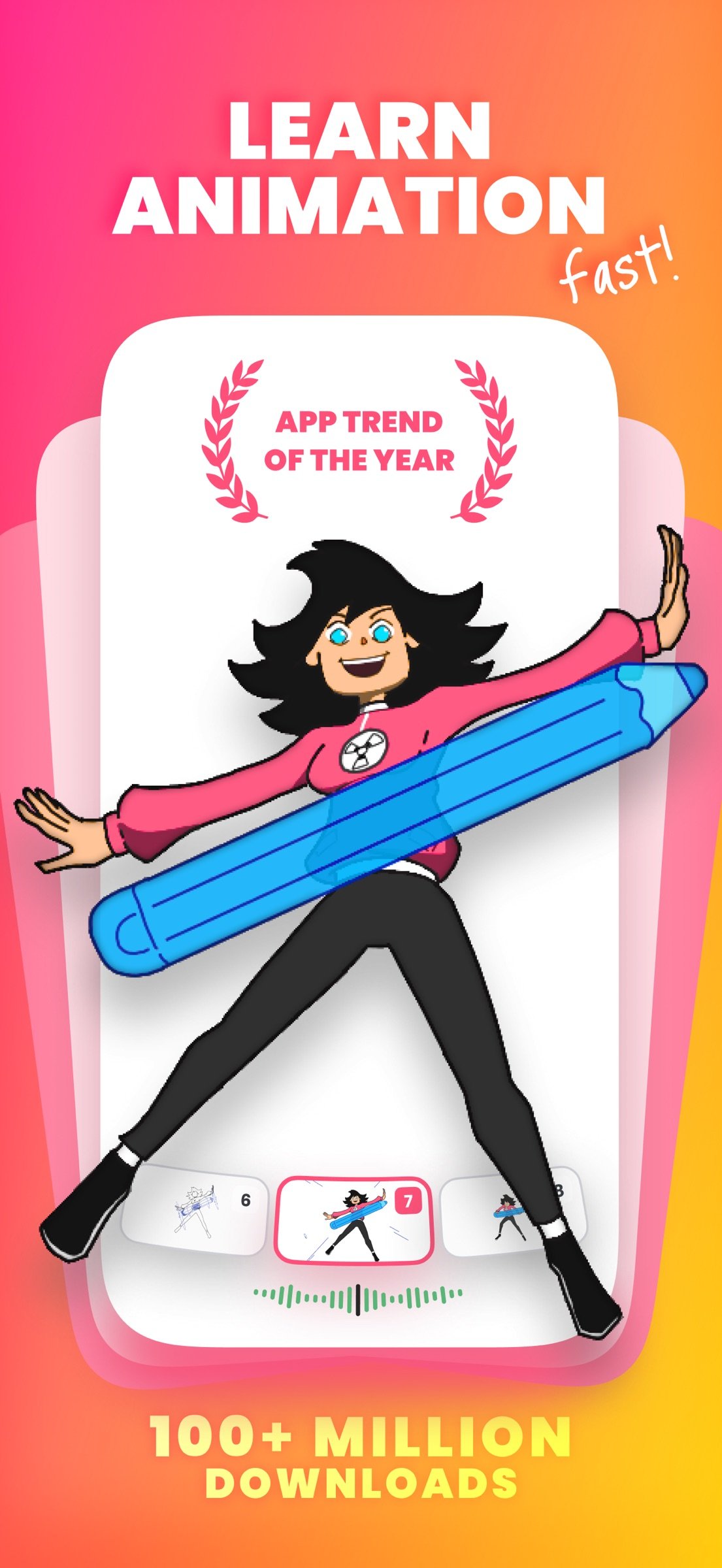
Make animations you're proud to share with FlipaClip, the powerful animation app with a super simple interface.
DISCOVER YOUR UNIQUE ANIMATION STYLE
Whether it's your first sketch or you have been animating for years, FlipaClip gives aspiring and emerging artists the tools to go further than ever before. The latest version was built with our community, and it's the beginning of a bigger evolution.
WHAT’S NEW IN THE LATEST VERSION
• Two Layouts, Your Call: Keep the familiar Classic layout for drawing, or open Studio to see every layer and audio track at once. Switch any time, and your project stays exactly the same.
• New Timeline: See your drawings, frames, images, videos, and sound together in one view, and adjust timing and order in one place.
• Frame Controls: Drag a frame to hold a drawing for as long as you need, without copying it again and again.
• A First Look at Groups: Group frames, then stretch the group to repeat or loop it. Hold a pose or a background for any length in one move.
• Draw Outside the Canvas: Keep sketches, references, and spare parts just outside the frame, right where you need them.
• Undo Everything: Undo now reaches your whole project, even a deleted frame or layer, so you can try the risky idea.
• Faster & Lighter: Everything's quicker, and your projects take up less room on your device.
EASY TUTORIALS
• Learn with guided how-to content and get inspired: Access tutorials and join our community for inspiration and guidance.
POWERFUL AND INTUITIVE ANIMATION TOOLS
• Art Tools: Use a variety of brushes, lasso, fill, eraser, ruler, mirror tool, and text. Draw on custom canvas sizes with Apple Pencil support.
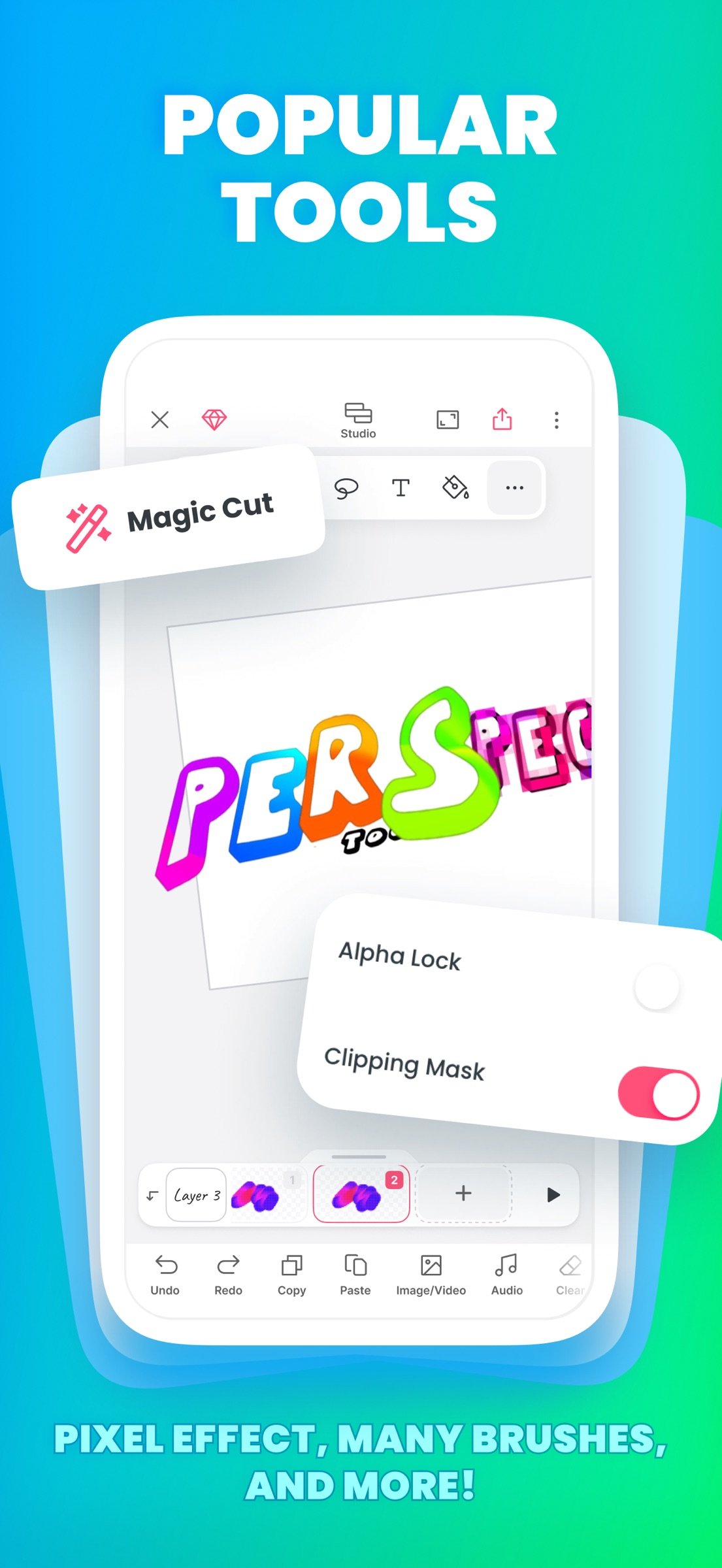
• Animation Layers: Animate like a pro with 3 free layers, or unlimited layers with FlipaClip Plus. Try blending modes, clipping masks, alpha lock, glow effect and Pixel Effect for free.
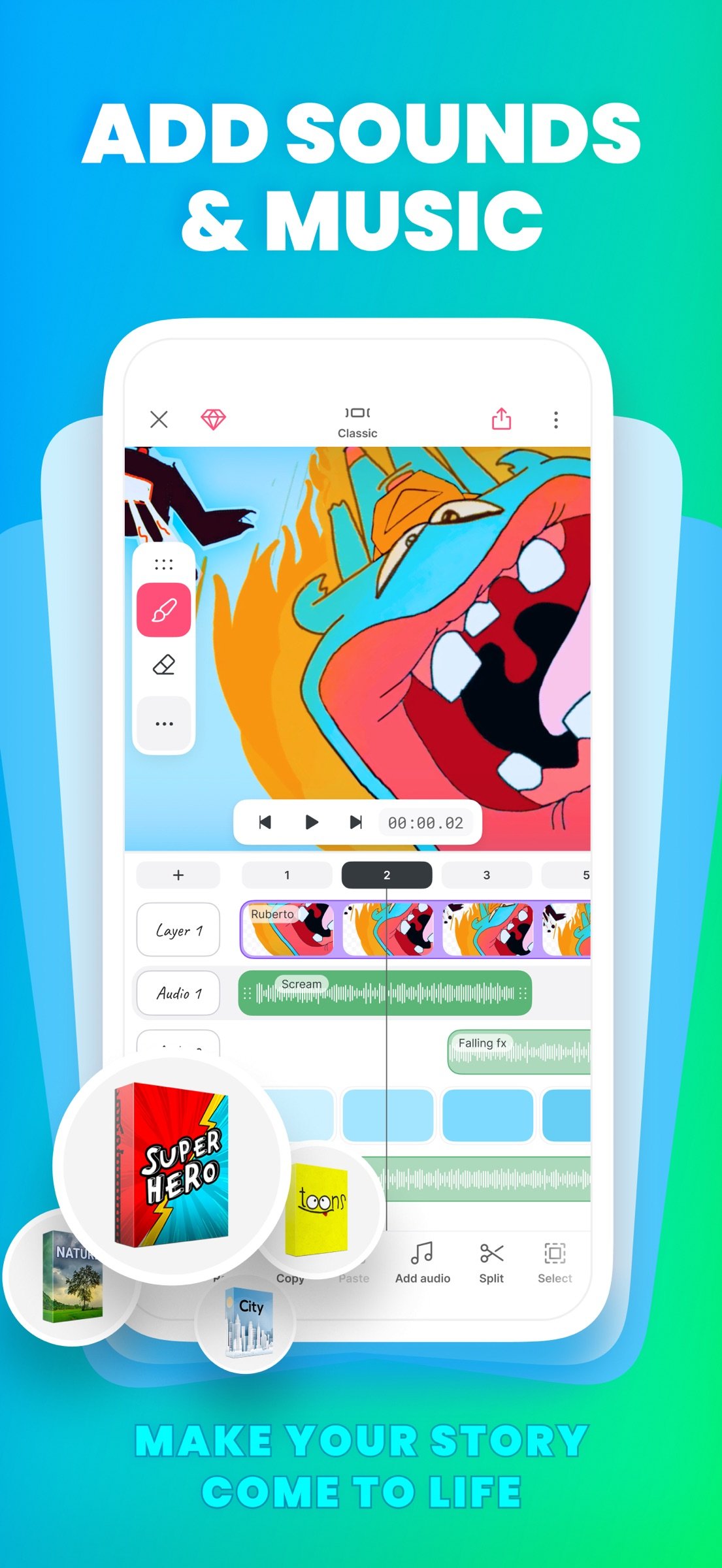
• Add Audio: Add sound effects, voiceovers, and music tracks. Edit your sound right on the timeline in the Studio layout. Record your own voice for dialogue and import personal audio files. Explore our curated sound effects packages, or type your dialogue and pick a character voice with Voice Maker.
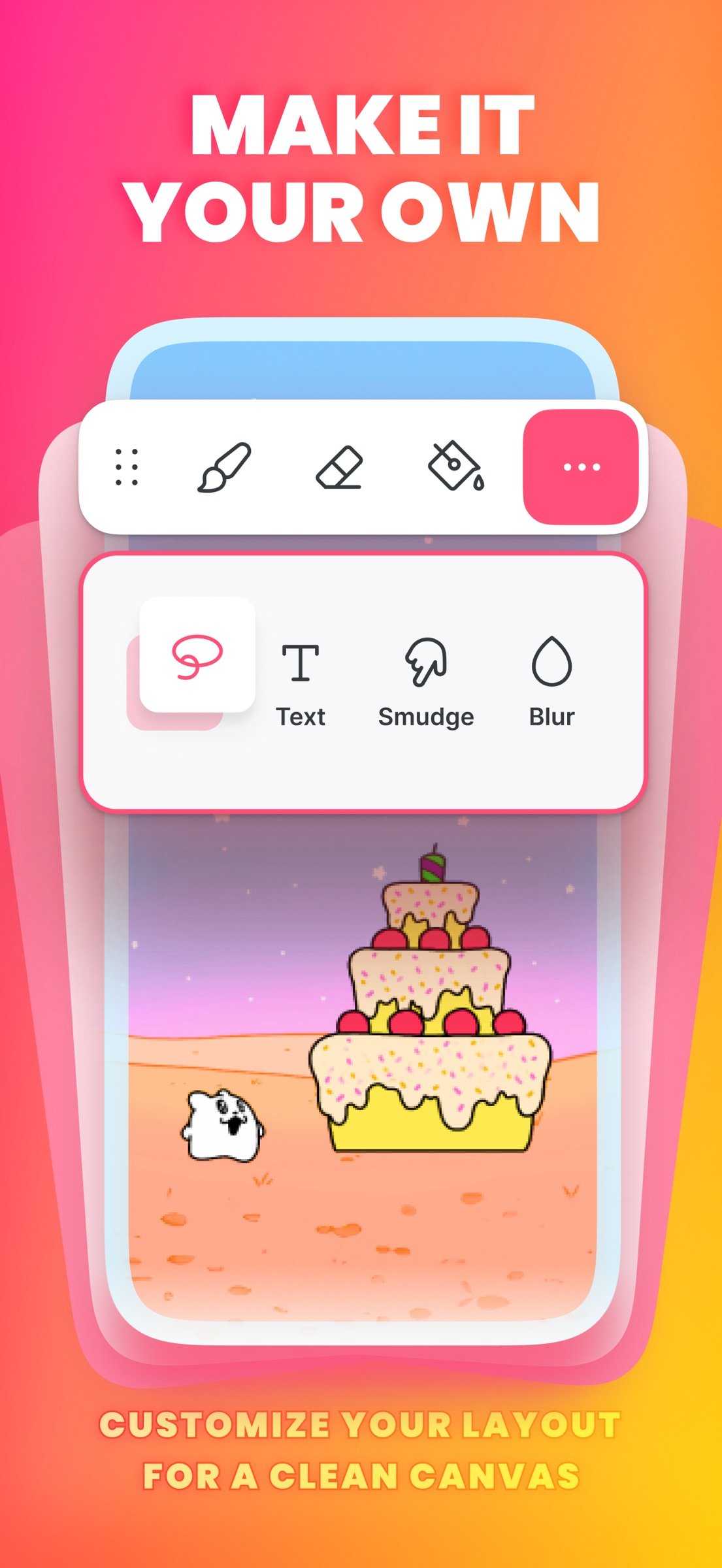
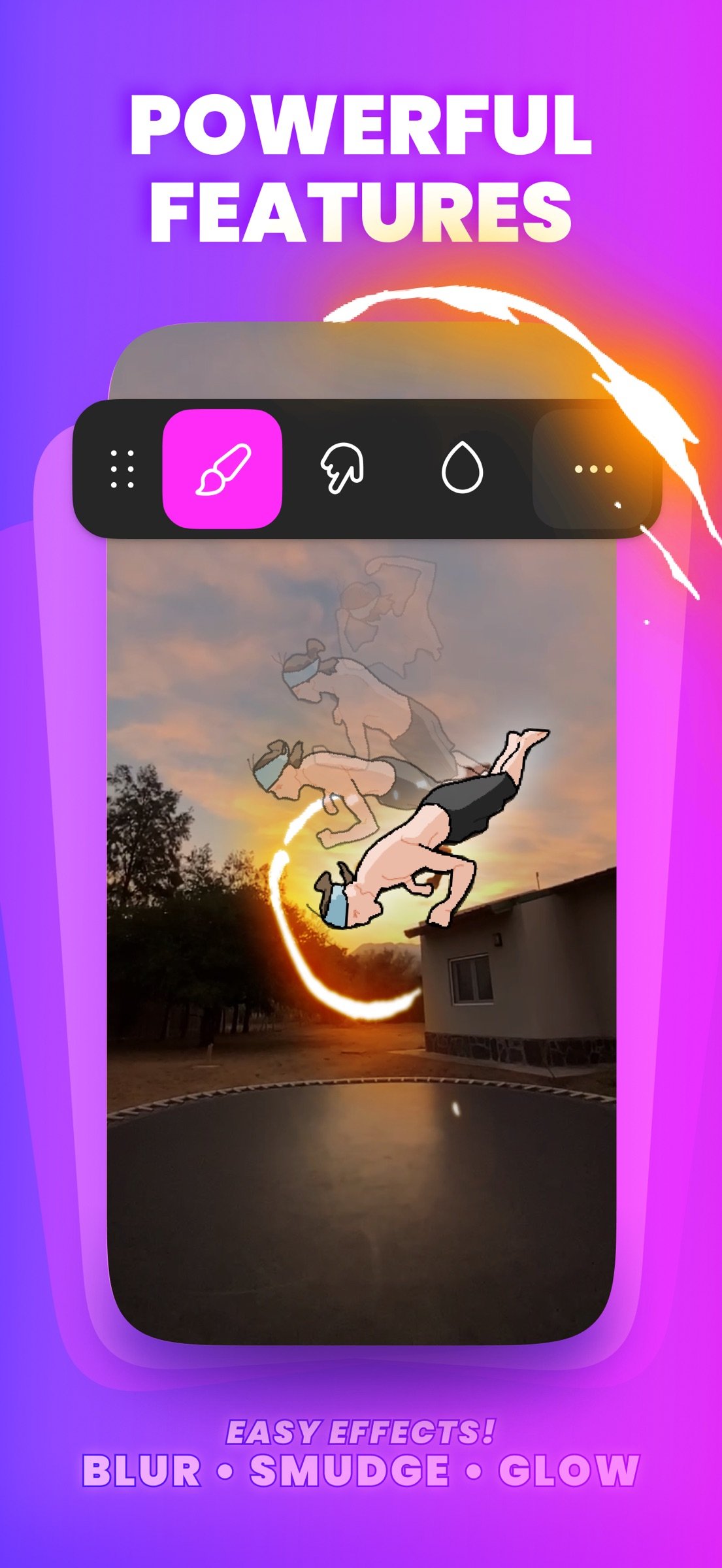
• Blur & Smudge Tools: Soften and blend your drawings.
• Magic Cut AI Tool: Cut out any image with AI.
FRAME-BY-FRAME ANIMATION MADE SIMPLE
• Onion Skin: See the frames before and after the one you're drawing.
• Scrubber: Move through your animation to check the timing as you go.
• Overlay Grid: Align and frame your drawings accurately.
PERSONALIZED EXPERIENCE
• Dark and Light Mode: Customize your app's appearance.
• Organize Projects: Stack projects and manage them efficiently.
• Move Your Tools: Move the draw tools bar around the stage to free up drawing space.
• Drag & Rearrange Tools: Customize your layout by dragging and rearranging tool icons for the perfect setup.
CREATORS MAKING ALL KINDS OF ANIMATION STYLES
Creators use FlipaClip for cartoons, memes, anime, stick figures, stop motion, Gacha, fan art, music videos, animals, and gaming characters.
COMMUNITY AND SHARING
• Join a Thriving Community: Share your animations with a global audience.
• Participate in Challenges: Win exciting prizes in various contests.
• Social Media Integration: Post directly to TikTok and YouTube, or share anywhere else from your device.
INSERT PHOTOS & VIDEOS
• Animate on top of images or videos: Trace over video footage, sync your animation to its sound, and drop images onto your canvas.
SAVE AND SHARE
• Multiple Export Options: Save your work as MP4 or GIF, or as a PNG sequence with FlipaClip Plus.
WATCH ANIMATED SHORTS
• Streaming Feature: Enjoy a selection of curated animated short movies created by our community.
Join millions of FlipaClip creators and share your unique animated stories.
SUPPORT AND COMMUNITY
• Website: www.flipaclip.com
• Support: support.flipaclip.com
• Discord: discord.com/invite/flipaclip
Terms of Use (EULA): [link removed]
DISCOVER YOUR UNIQUE ANIMATION STYLE
Whether it's your first sketch or you have been animating for years, FlipaClip gives aspiring and emerging artists the tools to go further than ever before. The latest version was built with our community, and it's the beginning of a bigger evolution.
WHAT’S NEW IN THE LATEST VERSION
• Two Layouts, Your Call: Keep the familiar Classic layout for drawing, or open Studio to see every layer and audio track at once. Switch any time, and your project stays exactly the same.
• New Timeline: See your drawings, frames, images, videos, and sound together in one view, and adjust timing and order in one place.
• Frame Controls: Drag a frame to hold a drawing for as long as you need, without copying it again and again.
• A First Look at Groups: Group frames, then stretch the group to repeat or loop it. Hold a pose or a background for any length in one move.
• Draw Outside the Canvas: Keep sketches, references, and spare parts just outside the frame, right where you need them.
• Undo Everything: Undo now reaches your whole project, even a deleted frame or layer, so you can try the risky idea.
• Faster & Lighter: Everything's quicker, and your projects take up less room on your device.
EASY TUTORIALS
• Learn with guided how-to content and get inspired: Access tutorials and join our community for inspiration and guidance.
POWERFUL AND INTUITIVE ANIMATION TOOLS
• Art Tools: Use a variety of brushes, lasso, fill, eraser, ruler, mirror tool, and text. Draw on custom canvas sizes with Apple Pencil support.
• Animation Layers: Animate like a pro with 3 free layers, or unlimited layers with FlipaClip Plus. Try blending modes, clipping masks, alpha lock, glow effect and Pixel Effect for free.
• Add Audio: Add sound effects, voiceovers, and music tracks. Edit your sound right on the timeline in the Studio layout. Record your own voice for dialogue and import personal audio files. Explore our curated sound effects packages, or type your dialogue and pick a character voice with Voice Maker.
• Blur & Smudge Tools: Soften and blend your drawings.
• Magic Cut AI Tool: Cut out any image with AI.
FRAME-BY-FRAME ANIMATION MADE SIMPLE
• Onion Skin: See the frames before and after the one you're drawing.
• Scrubber: Move through your animation to check the timing as you go.
• Overlay Grid: Align and frame your drawings accurately.
PERSONALIZED EXPERIENCE
• Dark and Light Mode: Customize your app's appearance.
• Organize Projects: Stack projects and manage them efficiently.
• Move Your Tools: Move the draw tools bar around the stage to free up drawing space.
• Drag & Rearrange Tools: Customize your layout by dragging and rearranging tool icons for the perfect setup.
CREATORS MAKING ALL KINDS OF ANIMATION STYLES
Creators use FlipaClip for cartoons, memes, anime, stick figures, stop motion, Gacha, fan art, music videos, animals, and gaming characters.
COMMUNITY AND SHARING
• Join a Thriving Community: Share your animations with a global audience.
• Participate in Challenges: Win exciting prizes in various contests.
• Social Media Integration: Post directly to TikTok and YouTube, or share anywhere else from your device.
INSERT PHOTOS & VIDEOS
• Animate on top of images or videos: Trace over video footage, sync your animation to its sound, and drop images onto your canvas.
SAVE AND SHARE
• Multiple Export Options: Save your work as MP4 or GIF, or as a PNG sequence with FlipaClip Plus.
WATCH ANIMATED SHORTS
• Streaming Feature: Enjoy a selection of curated animated short movies created by our community.
Join millions of FlipaClip creators and share your unique animated stories.
SUPPORT AND COMMUNITY
• Website: www.flipaclip.com
• Support: support.flipaclip.com
• Discord: discord.com/invite/flipaclip
Terms of Use (EULA): [link removed]
| Release info | Update on Nov 09, 2026 |
|---|---|
| Release notes | FlipaClip just got smoother and faster, with a clearer view of your layers. - See every layer at a glance: the layer picker now shows a preview of what's on each one. - A faster, lighter Studio: frames load quicker and use less memory, especially when using fill. - Smoother animating: fixes for copy and paste, Onion Loop and flickering frame thumbnails. - iPad: Apple Pencil double tap and keyboard undo/redo work as expected again. - Plus several improvements preventing app crashes. |
| Listing data | App Store |
Reviews
No reviews yet. Be the first to review FlipaClip.
Used FlipaClip? Tell other visitors what you thought.
Log in to write a reviewOther products by this publisher
- "No Distractions" for YouTube 4.10 ----
- #Bible 11.6 "Incredible App - My sister shared this app with me a few weeks ago and it is truly incredible.
- #filmphotography 1.4.2 So, you decided to shoot on film?
- $quirrel 1.5.1 $quirrel Budget & Finance helps you plan each paycheck, track spending, manage debt, and see what is safe to spend before the next payday.
- % Percentage Calculator Pro 1.41 This is the Pro version of % Percentage Calculator.
Most viewed iOS Photo & Video
-
1
 ShortDiShow 2.0
Drama Quest Island — An offline interactive short-drama adventure.
-
2
 Infuse 8.5.10
Infuse: Enterprise provides the same great features as the standard version of Infuse and includes permanent access to all Pro features via a traditional paid app.
-
3
 AI Video Generator 2.0.2
Vixel – AI Video Generator
-
4
 OPlayer 4.8
Play all your videos directly without having to convert them!
-
5
 Necrometer II 1.2
Necrometer II is a paranormal investigation companion designed for ghost hunters and researchers.
-
6
 CapCut 20.1.0
CapCut offers easy-to-use video editing functions, in-APP fonts and effects, advanced features such as keyframe animation, smooth slow-motion, chroma key, and stabilization, to help you capture and snip moments.
-
7
 Ai Photo 1.1.2
AI Photo Retouch – BG Eraser
-
8
 Treblo 1.6.0
Make songs with the world's best AI music model.
-
9
 TouchSiren Delta 3.1
--------------------------------------------------------------
-
10
 CNU 3.0.12
CNU?????????????????????,???????????????
Most downloaded iOS Photo & Video
-
1
Infuse 8.5.10
Infuse: Enterprise provides the same great features as the standard version of Infuse and includes permanent access to all Pro features via a traditional paid app.
-
2
 DJI Fly 1.21.18
DJI Fly is designed to help pilots fly drones with ease.
-
3
 Analog Radio 3.0
The iPhone and iPad devices don't have the FM/AM radio antenna installed.
-
4
 TurboCollage Automatic 1.2.4
#1 Easy automatic photo collage maker for iPhone & iPad.
-
5
 ReelyGo 1.1.42
ReelyGo: Your Daily Drama Escape
-
6
 AGAIN. Rehearsal Notes 2.0.1
AGAIN. is the rehearsal app that remembers why the band stopped — and, new in Version 2, who said what in a writing session or a table read.
-
7
 Rozeta Sequencer Suite 1.3.16
Rozeta is a suite of MIDI sequencers and controllers that lets you explore a new, freeform approach to sequencing and controlling mobile music apps.
-
8
Treblo 1.6.0
Make songs with the world's best AI music model.
-
9
 Pop Dot Comics 1.48
Create a comic worthy of the Sunday newspaper or your favorite pulp-fiction cover.
-
10
 SSS IPTV, Simple, Smart Super 1.0.2
An Easiest way to watch TV Online or Movies or Series, Bring your Own list M3u,