
EOM Sim 1.1
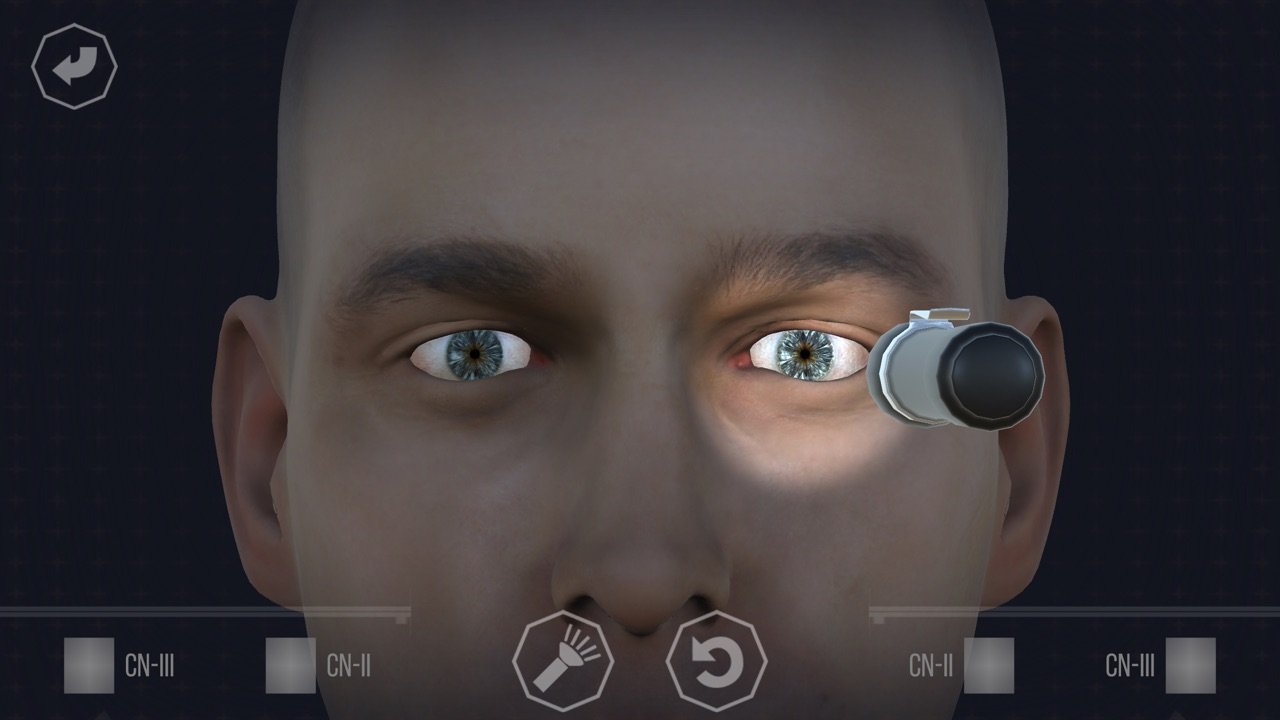
WesternU’s CETL team presents EOM Sim, a realistic 3D eye simulator that shows the movement of the extraocular muscles of the eye.
Download
312.44 MB
21downloads
1this week
FreeCommercial
0reviews
Screenshots
About EOM Sim
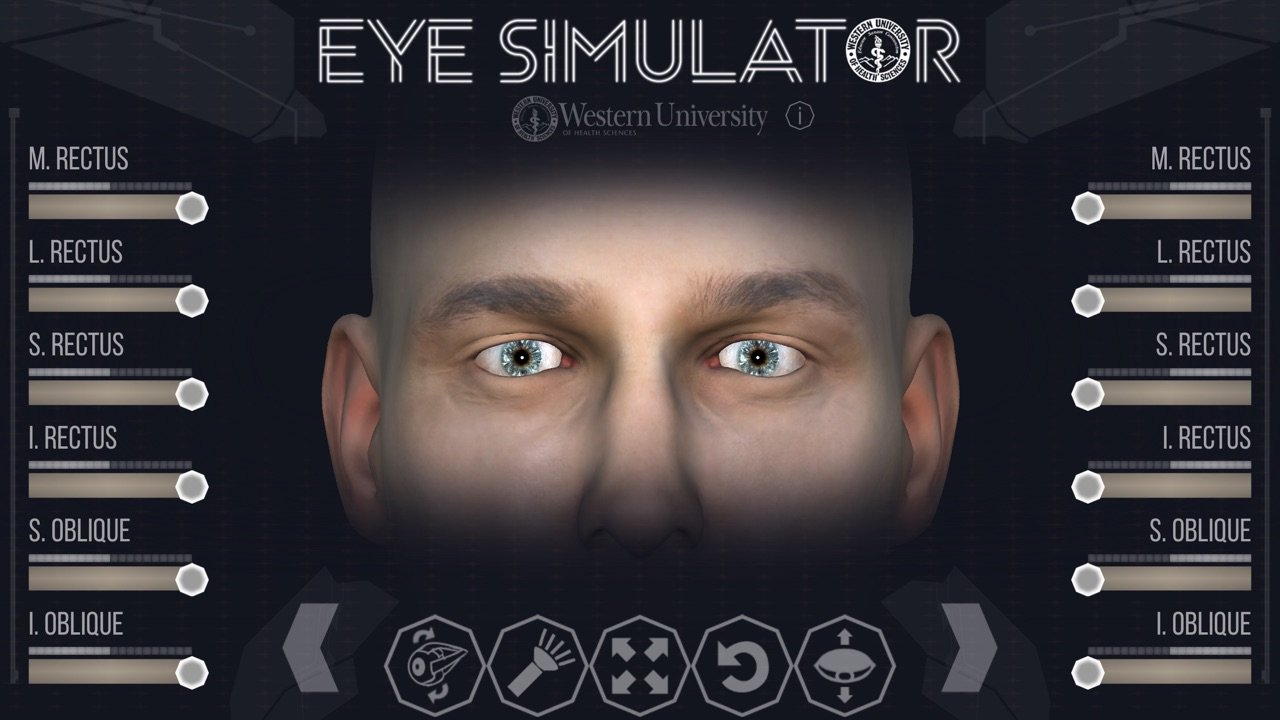
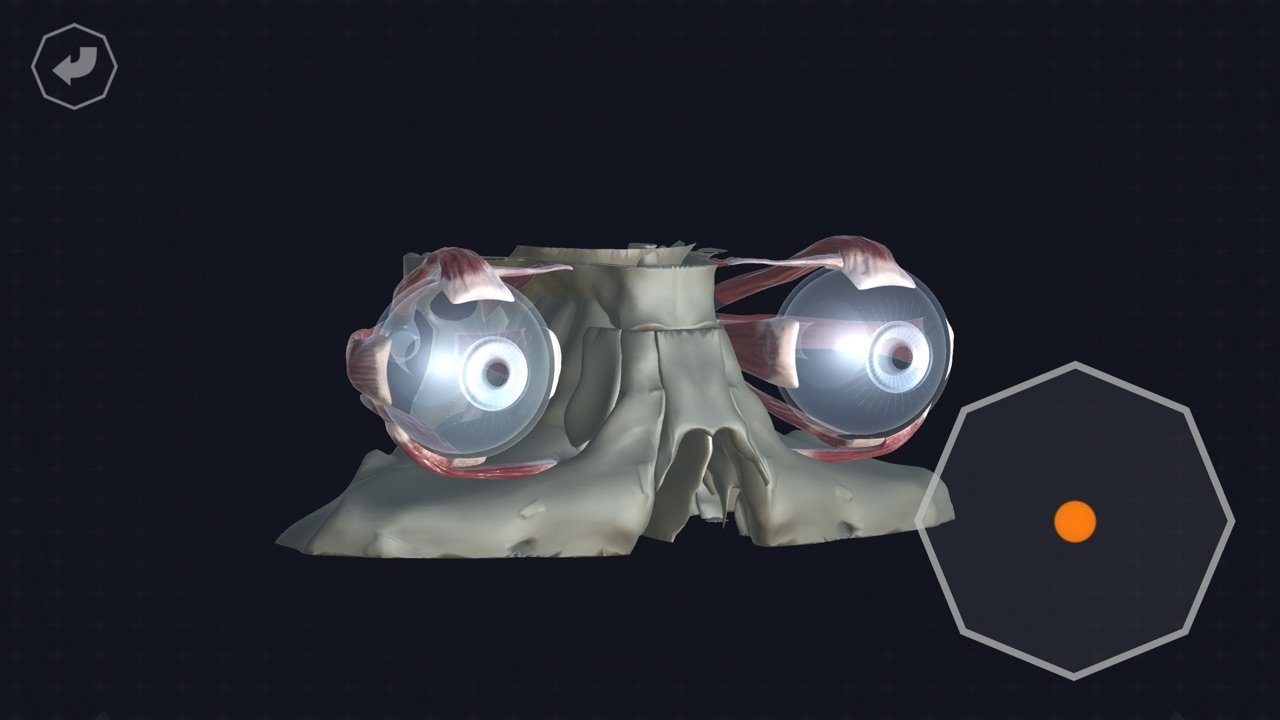
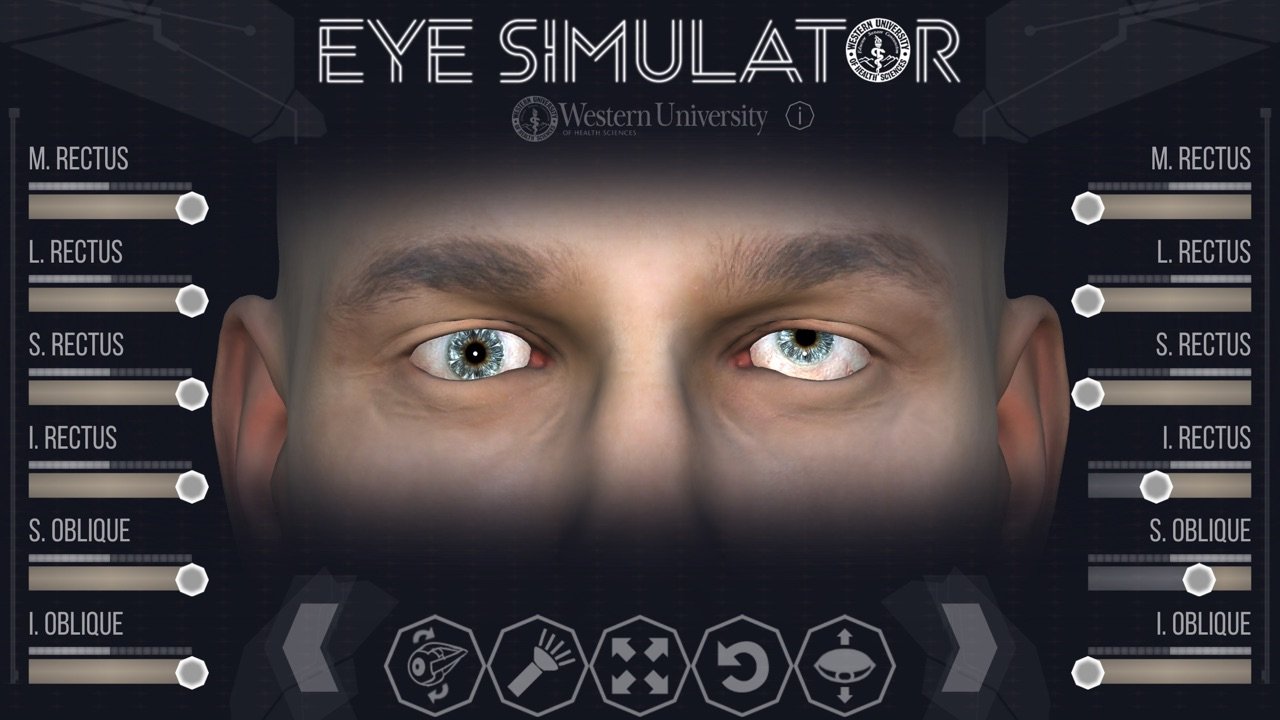
WesternU’s CETL team presents EOM Sim, a realistic 3D eye simulator that shows the movement of the extraocular muscles of the eye. The movement of the human eye is one of the most complex actions in the body, with multiple muscles working in conjunction to make the eye rotate. With EOM Sim, you can observe and control each of these muscles individually and learn how each of them affects eye movement. Useful as both a teaching tool and a study tool, EOM Sim is designed to help medical students (or anyone who is curious about how their eyes work) learn about eye movement using a 3D simulation rather than text.
Now in Version 2: Pupillary response and fully 3D eye muscle rendering!
How To Use:
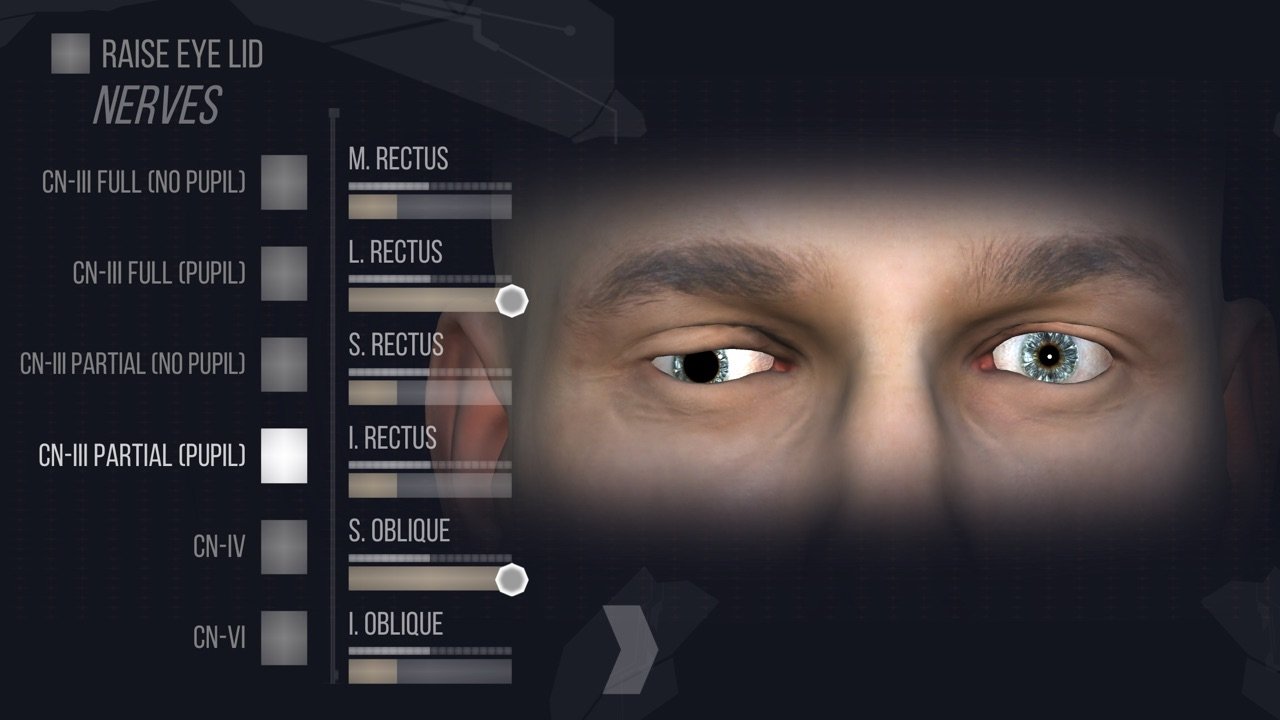
Simply touch the screen and the eyes will follow your finger. Use the sliders on the side of the screen to weaken individual muscles and simulate different conditions. By swiping left or right, you can find toggles to disable different cranial nerves. To access the pupil mode, use the flashlight button on the bottom.
To view the 3D eye model, use the leftmost button on the bottom bar. You can rotate and zoom in this mode, and you can control where the eyes look using the joystick controller to the right. You can also interact with individual muscles to further see how each works.
EOM Sim is still in active development, and we are always looking for feedback and suggestions!
Contact:
gamesupport@westernu.edu
License: Commercial
| Release info | New Release on Oct 02, 2019 |
|---|---|
| Release notes | * Added a new mode for viewing the actual eye muscles * Added a new mode for testing CNII and CNIII deficiencies (pupil responses) * Slightly changed the iris color * Improved responsiveness * Fixed some bugs |
| Listing data | App Store |
Reviews
No reviews yet. Be the first to review EOM Sim.
Used EOM Sim? Tell other visitors what you thought.
Log in to write a reviewOther products by this publisher
- "No Distractions" for YouTube 4.10 ----
- #Bible 11.6.1 "Incredible App - My sister shared this app with me a few weeks ago and it is truly incredible.
- #filmphotography 1.4.2 So, you decided to shoot on film?
- #LookBusy Fake Calendar Events 1.0.6 Look Busy scans your work calendar for open time slots and fills them with realistic-looking (but secretly fake) work events.
- #Small Talk Is Canceled 1.0.2 #Small Talk Is Canceled — Conversations That Matter
Most viewed iOS Health & Fitness
-
1
 Cal AI 26.46.1
HOW TO USE CAL AI:
-
2
 HealthPatch 1.0.3
Take Full Control of Your Apple Health Workout Data
-
3
 Stromno 1.3.2
Stromno app allows you easily broadcast your heart rate data from Apple Watch and show it on live stream.
-
4
 Environments 1.7
Environments is a historic catalog of long form field recordings created for the way you live.
-
5
 Dysphagia 2.3
Excellent visual tool to aid professionals in educating patients and families about swallowing disorders.
-
6
 I am 7.10.0
How many negative thoughts have been repeating in your mind?
-
7
 Health Exporter & Shortcuts 1.7.0
Your Apple Health data is yours, but it stays locked inside your iPhone.
-
8
 Periodic Timer + 4.8
Keep track of time without being distracted by the device!
-
9
 AllTrails 26.11.30
Whether you hike, bike, run, or walk, AllTrails is your companion and guide to the outdoors.
-
10
 Fitness Test Pro Elite 3.5.6
Fitness Test Pro Elite is a fitness test calculator for the Army, Navy, Air Force, Marine Corps, Coast Guard and special operations screening tests.
Most downloaded iOS Health & Fitness
-
1
HealthPatch 1.0.3
Take Full Control of Your Apple Health Workout Data
-
2
Stromno 1.3.2
Stromno app allows you easily broadcast your heart rate data from Apple Watch and show it on live stream.
-
3
 Fitness Data Sync 1.2
Tired of subscriptions just to sync your own fitness data?
-
4
 TonalBloom Sound Bath 1.0
TonalBloom turns your iPhone into a tactile sound bath instrument with singing bowl tones, warm drones, shimmer controls, and saved local patches.
-
5
 Adrian James 5.0.2019010401
Adrian James 6 Pack Abs Workout has become an international sensation.
-
6
Fitness Test Pro Elite 3.5.6
Fitness Test Pro Elite is a fitness test calculator for the Army, Navy, Air Force, Marine Corps, Coast Guard and special operations screening tests.
-
7
 Stelo by Dexcom 3.3.2
Welcome to the revolution in personalized glucose health.
-
8
 BrainWave 11.0.2
Advanced Binaural Brainwave Entrainment combined with Ambient Music, Nature Sounds, Other Audio Apps or your own iTunes Music.
-
9
 Epic Haiku & Limerick 12.1
Haiku provides authorized clinical users of Epic’s Electronic Health Record with secure access to clinic schedules, hospital patient lists, health summaries, test results and notes.
-
10
 Flo Cycle & Period Tracker 10.11.1
Flo Health is a science-backed cycle, ovulation, pregnancy, and period tracker with over 570 million downloads worldwide.*