eCurrency 4.2
eCurrency is far more than an easy to use currency converter and handy calculator.
Download
21.75 MB
9downloads
1this week
FreeCommercial
0reviews
Screenshots
About eCurrency
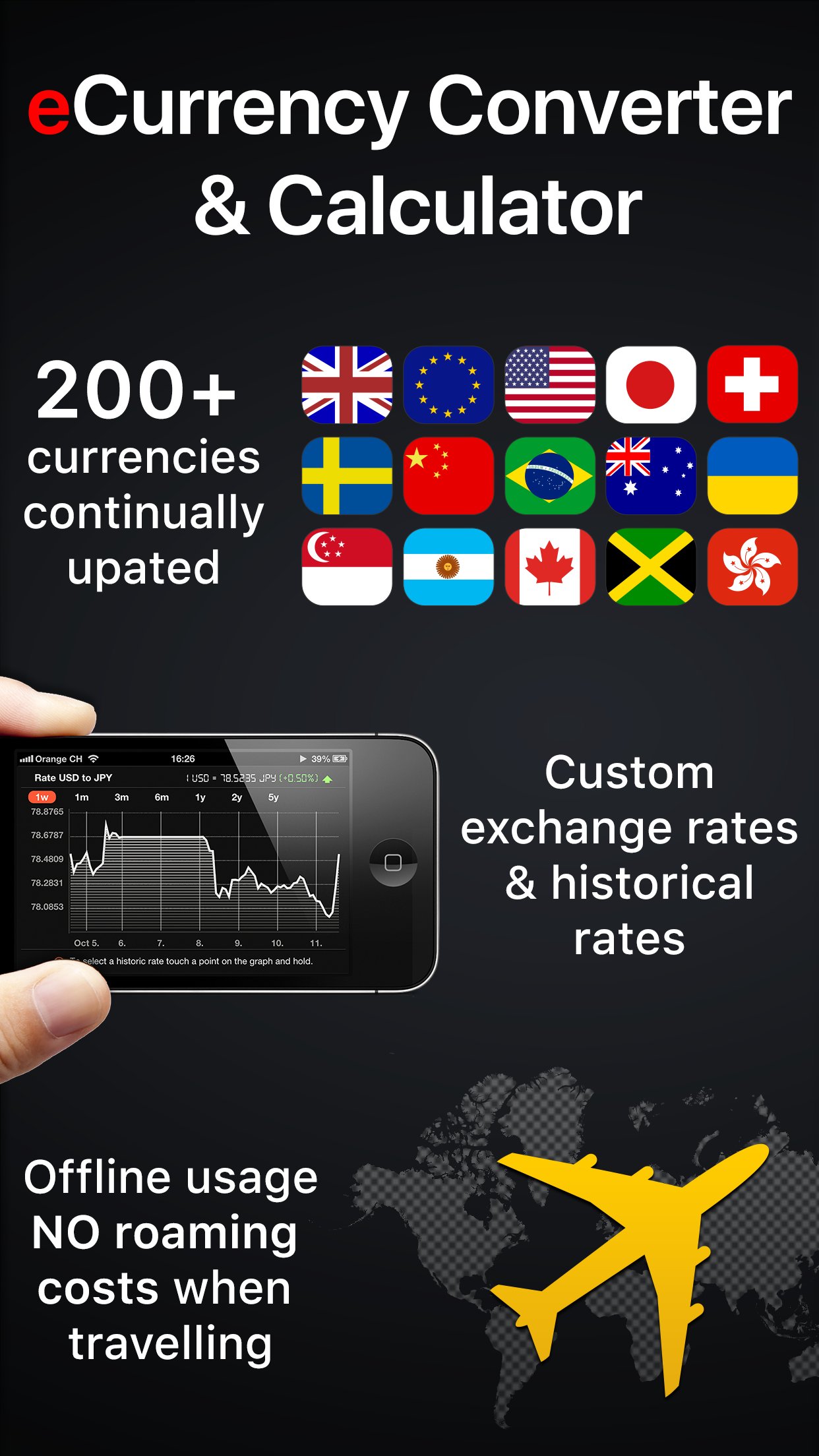
eCurrency is far more than an easy to use currency converter and handy calculator. It supports over 200 popular currencies; works without active internet connection and even supports custom rates. eCurrency offers rich graphical charts for all exchange rates and supports calculations with historical exchange rates, making this the perfect tool for business, overseas travel and for anyone interested in currency trading.
eCurrency offers the following features:
? Easy-to-use appealing interface
? One screen for all major functionalities
? Designated keypad for fast number entry; plus a handy built-in math's calculator
? Configures up to 8 converters; swipe through as on the iPhone's home screen
? Supports over 200 currencies (for a full list see: [link removed])
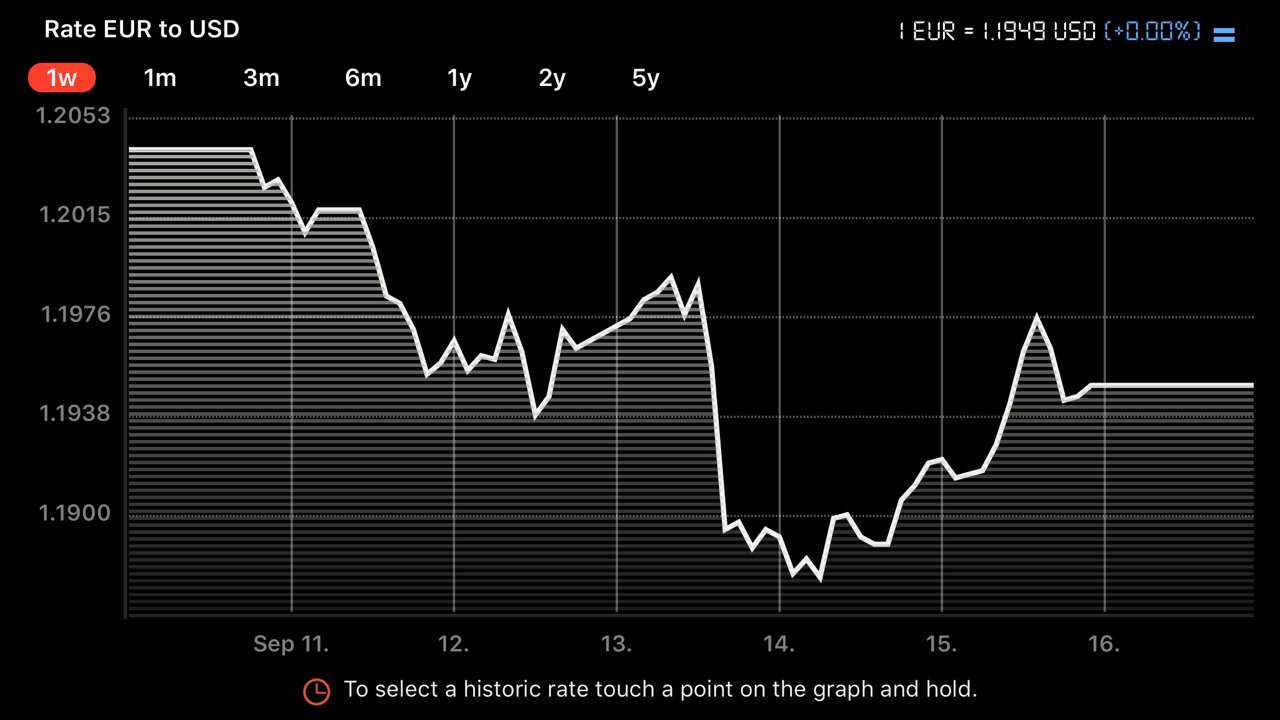
? Detailed graphical charts for all exchange rates (1-week, 1-month, 3-months, 6-months, 1-year, 2-years, and 5-years)
? Automatic setting of home currency and number formatting
? Reliable functionality: No active internet connection required
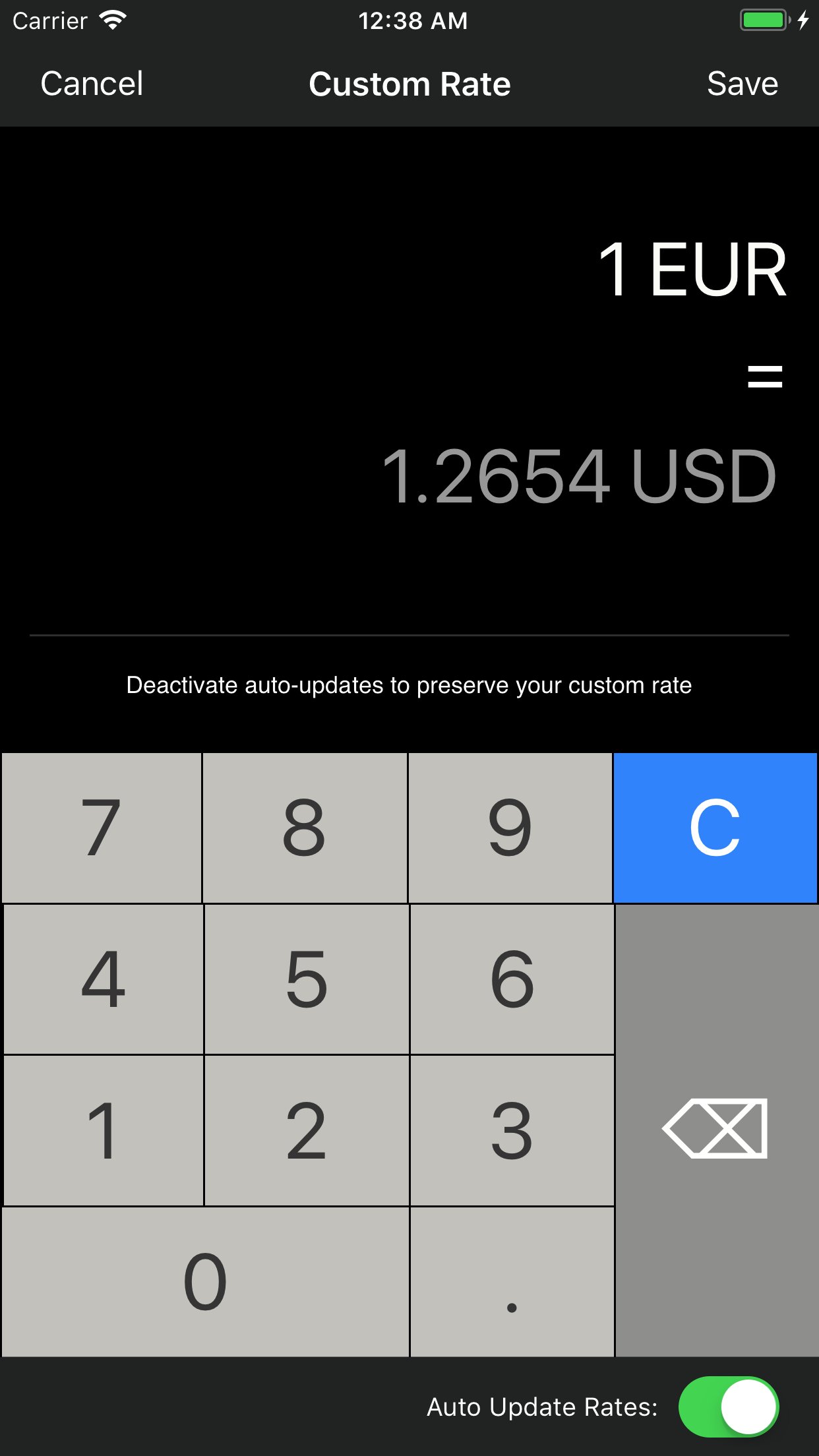
? Exchange rates automatically updated on startup (Automatic update can be deactivated to avoid roaming costs)
? Supports custom exchange rate entry
? One touch reverse currency conversion
? Special 'shake to inverse calculation' feature
? Select and create a list of preferred currencies for fast access
==Easy to use interface==
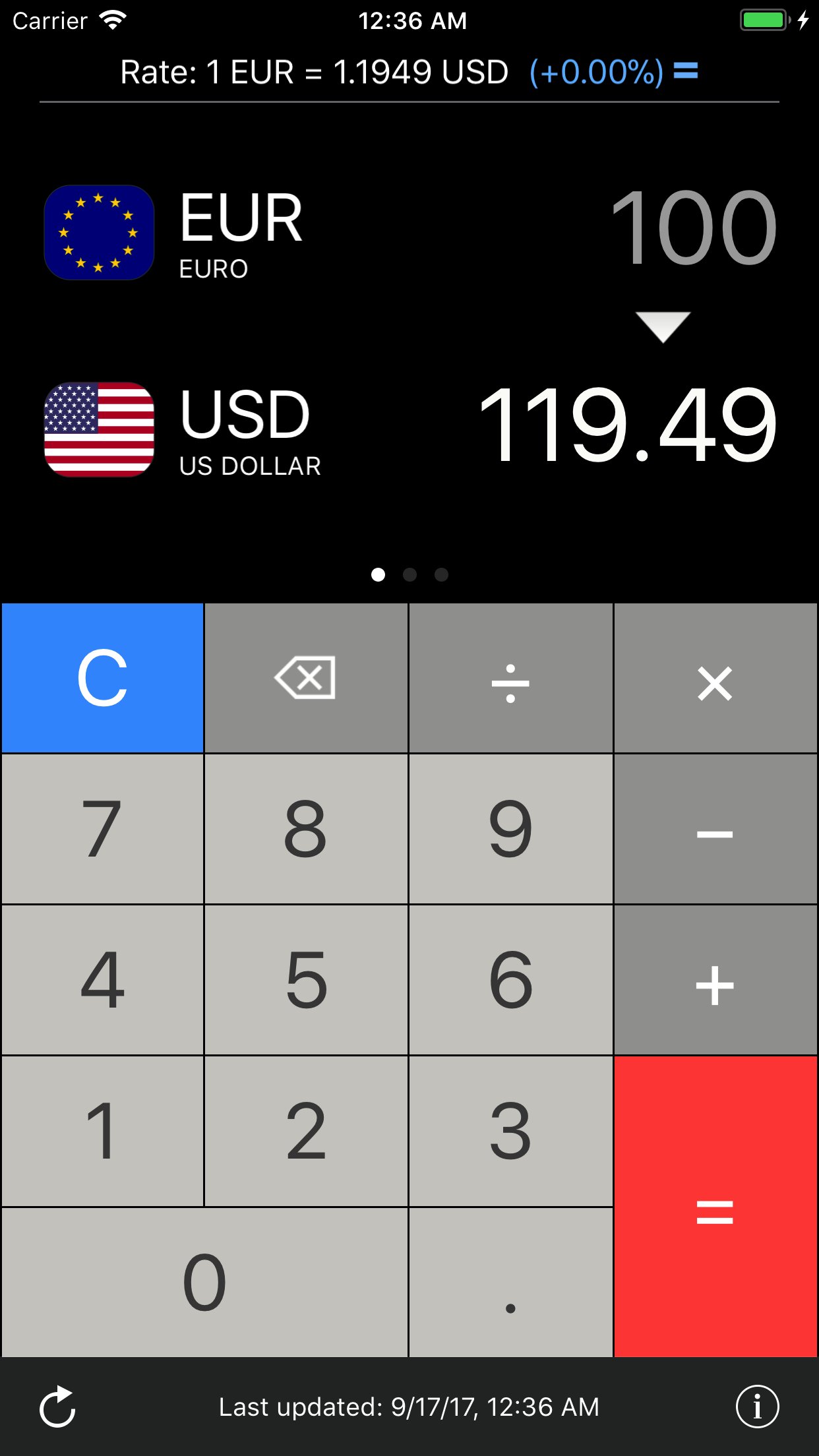
eCurrency interface is designed for ease of use. Just start the application and type in the amount you want to convert and eCurrency converts instantly. Tap on one of the flags to change the currency you want to convert to. A built-in calculator allows for math calculations. The current exchange rate and rate change compared to the previous day is conveniently displayed in the main interface.
==Favorites Support==
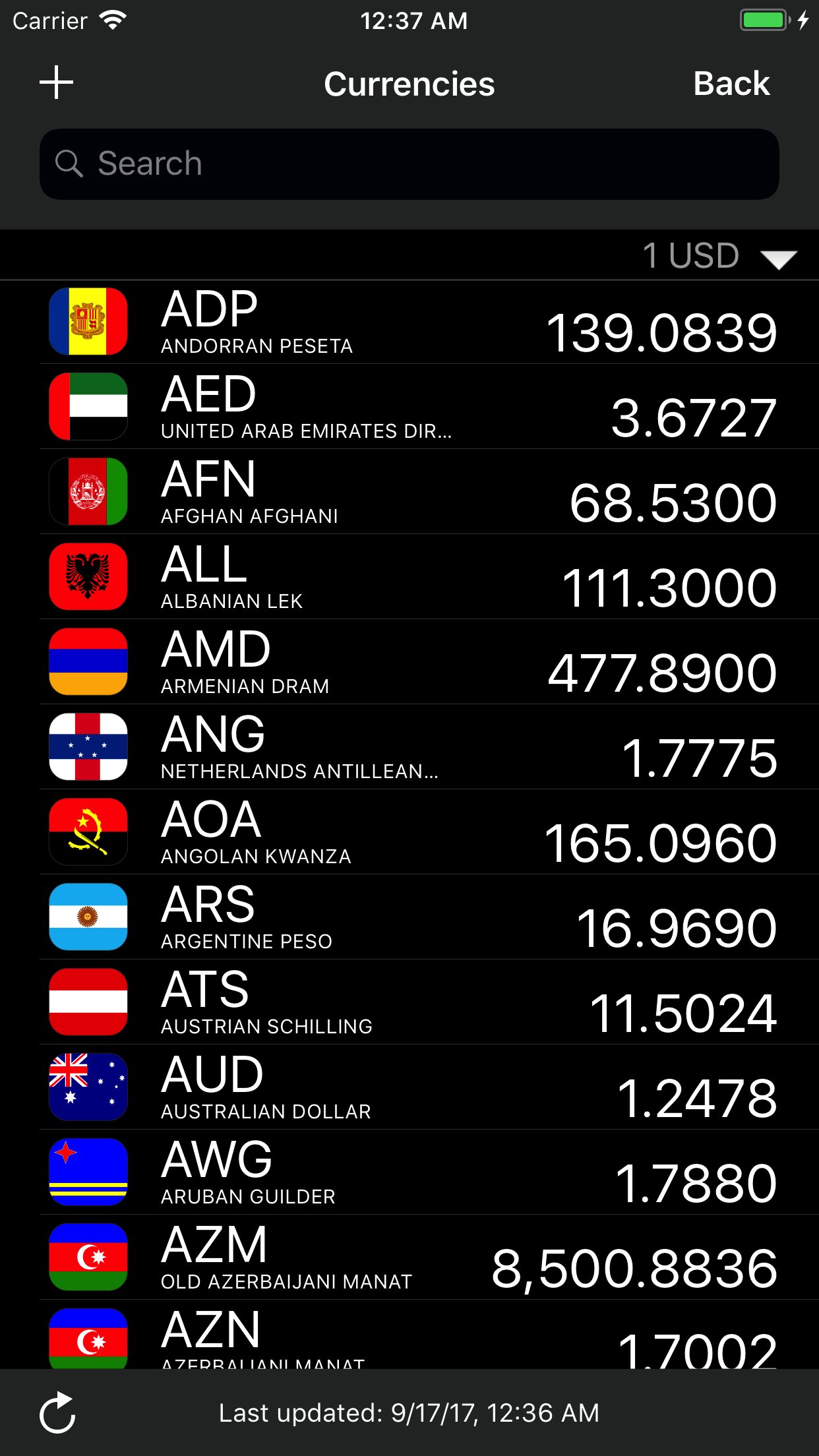
eCurrency supports over 200 currencies. The "Favorites" functionality allows you to define the currency pairs you use as favorites. To create a new favorite go into the "Settings" and touch the "+" Button. You can swipe through all your favorites on the main calculation interface just as you swipe the pages on the iPhone's home screen.
== Charts and Historic Rates==
eCurrency provides detailed historical charts for all exchange rates. Just rotate the device to landscape, to view the chart for the active currency pair. You can switch the chart display between a 1-week, 1-month, 3-month, 6-month, 1-year, 2-year or 5-year period. Tap on the chart to display the exact exchange rate tor a particular day. Tap and hold to use a specific exchange rate for historic calculations.
== Exchange Rate Updates ==
eCurrency updates exchange rates automatically on every start-up or on demand. You can turn off automatic updates to avoid roaming costs. The conversion and calculation functionally works completely offline using the latest downloaded exchange rates; the display of historical charts requires an active internet connection.
==Rates Provider==
eCurrency is not dependant on any single data-source. The application obtains its exchange rates from our self-developed Currency-Provider-engine that aggregates rates data from multiple sources to secure the reliability of exchange rate updates.
== Tutorial & Support==
On the first startup a short self-running demo is displayed to introduce you to the app. We appreciate any reviews or comments you may have on eCurrency in iTunes. If you have any questions please contact us directly, as we are unable to respond to your enquiries via iTunes.
License: Commercial
| Release info | New Release on Sep 18, 2018 |
|---|---|
| Release notes | * Added support for iOS 12 |
| Listing data | App Store |
Reviews
No reviews yet. Be the first to review eCurrency.
Used eCurrency? Tell other visitors what you thought.
Log in to write a reviewOther products by this publisher
- "No Distractions" for YouTube 4.10 ----
- #Bible 11.6.1 "Incredible App - My sister shared this app with me a few weeks ago and it is truly incredible.
- #filmphotography 1.4.2 So, you decided to shoot on film?
- #LookBusy Fake Calendar Events 1.0.6 Look Busy scans your work calendar for open time slots and fills them with realistic-looking (but secretly fake) work events.
- #Small Talk Is Canceled 1.0.2 #Small Talk Is Canceled — Conversations That Matter
Most viewed iOS Navigation
-
1
 Compass App 1.0.5
Find your direction with style.
-
2
 Open Road 1.2
Open Road is the one driving app for your iPhone.
-
3
 CARFACE Car Widgets & Lyrics 1.2.1
Make every drive feel more personal with CarFace.
-
4
 Turo 26.46.0
Turo is a better car rental app for travelers who want to rent a car without the rental counter.
-
5
 iGlide Lite 2.9.66
NaviLogic iGlide - the Soaring Navigation app for iOS
-
6
 Origin Ireland 4.0.2
The Origin Ireland App is your guide to exploring the ancient past of this fascinating island.
-
7
 Pocket Luach Deluxe 60058
Pocket Luach Deluxe is a Jewish calendar, zmanim, Siddur, Tehillim, and personal-event companion for iPhone, iPad, and Apple Watch.
-
8
 Lyft 2026.44.3
Get where you’re going with Lyft.
-
9
 Fly Delta 7.17.3
Welcome to Fly Delta, Delta’s award winning iOS app.
-
10
 Amtrak 6.1.8
Discover the convenience of traveling with Amtrak.
Most downloaded iOS Navigation
-
1
 Live Traffic 2.4
Navigate the globe with live traffic updates, satellite views, and location tools that make every journey clearer, smarter, and more confident from the very first tap.
-
2
 Peru’s Best 2.5
PERU’S BEST is the ideal travel guide to this extraordinary country.
-
3
 Grand Egyptian Museum (GEM) 0.1.060
You could call this a coincidence but the acronym of the Grand Egyptian Museum is an apt title for the GEM, which is truly one!
-
4
Pocket Luach Deluxe 60058
Pocket Luach Deluxe is a Jewish calendar, zmanim, Siddur, Tehillim, and personal-event companion for iPhone, iPad, and Apple Watch.
-
5
 Outdoor Photography Magazine 7.2.10
Outdoor Photography is the magazine for photographers who are passionate about being out in wild places, seeing inspiring nature and having great adventures.
-
6
 Passeporté 1.3.2
Passeporté reads the NFC chip in your biometric passport or national eID card, verifies its authenticity, and stores the data securely on your device.
-
7
 UK Map 4.12
* Unlimited free map downloads based on Ordnance Survey® OpenData, at 1:25,000 and 1:10,000 scales, and now also paid map downloads at 1:50,000, 1:25,000 and 1:10,000 scales, just like the paper maps.
-
8
 Great Circle Map 1.7.5
A globe you can turn in any direction, including straight over the poles.
-
9
 Connecticut-Parks & Trails 1.0
App Feature
-
10
 Cell Phone Towers World Map 1.1.6
219 countres !! The world's largest Database of Cell & Net Towers