
Disney Cruise Line Navigator 5.51.0
Use the Disney Cruise Line Navigator app before, during and after your voyage—to plan, explore and relive the fun.
Download
467.29 MB
23downloads
1this week
FreeFreeware
0reviews
Screenshots
About Disney Cruise Line Navigator
Use the Disney Cruise Line Navigator app before, during and after your voyage—to plan, explore and relive the fun.
AT HOME
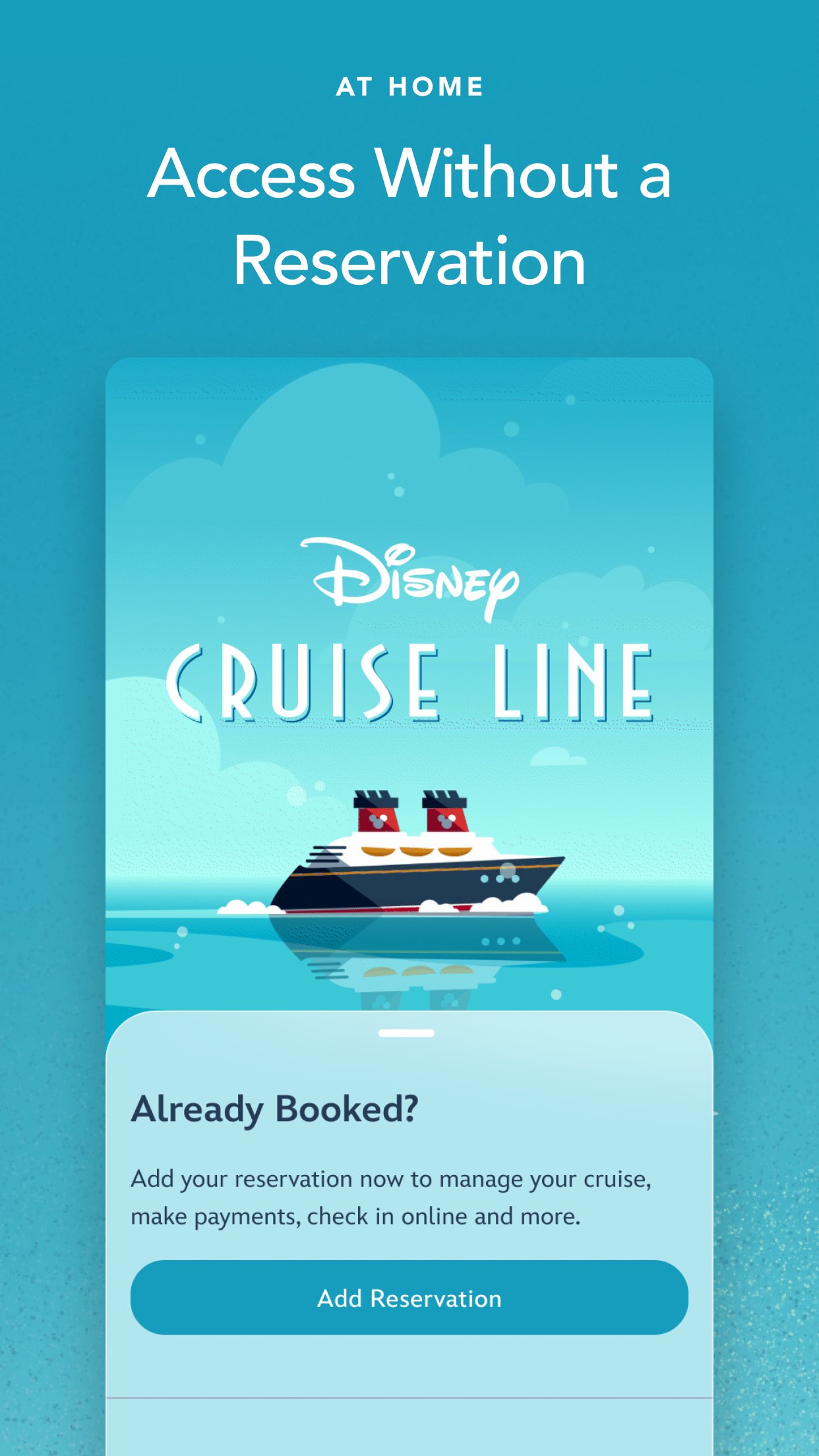
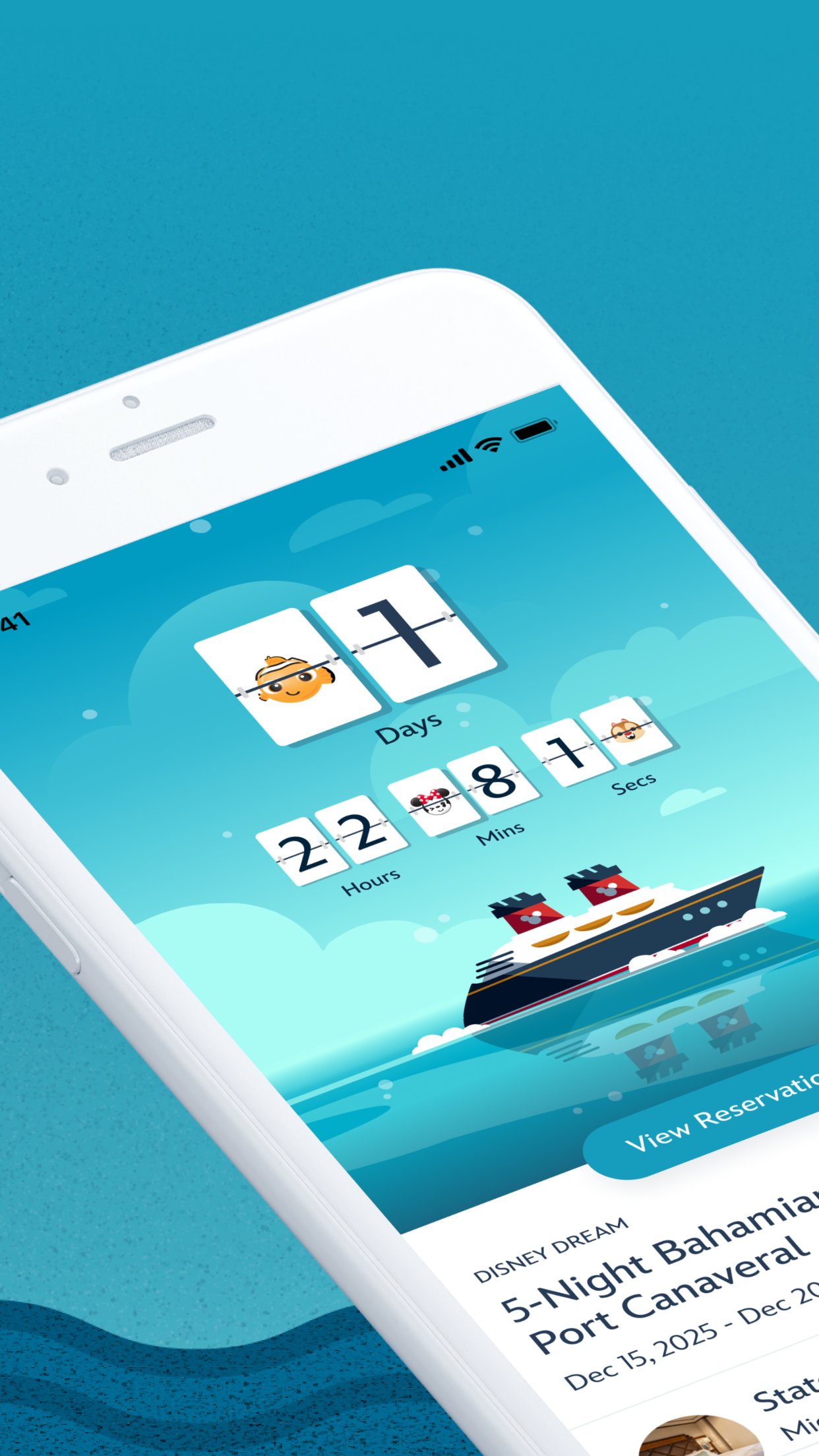
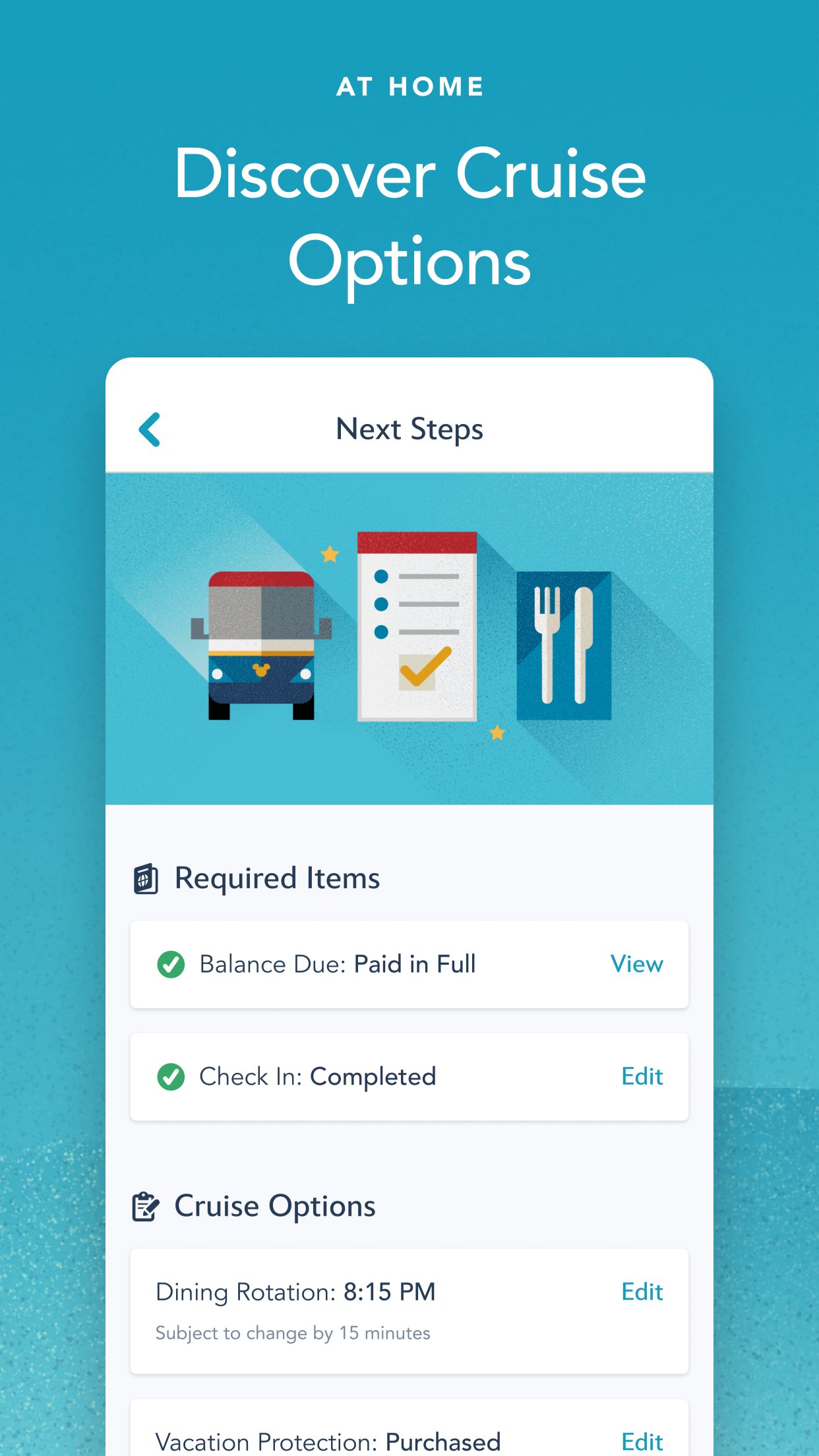
Plan your vacation, make payments, breeze through check-in, reserve onboard activities or make special requests—from dietary preferences to birthday surprises.
Get Ready to Cruise
• Retrieve your reservation to make payments, review required documents and more.
• Use My Online Check-In to fill out your cruise documents and register kids for youth clubs.
• Explore activities and entertainment.
• Book activities, including Port Adventures, Premium Dining, Onboard Fun, Spa & Fitness and Nursery.
• Change your dinner seating assignment.
• Add or edit Vacation Protection Plan and Ground Transportation.
• View your Air Transportation.
• Make Special Requests, including special diets, accommodations for little ones, celebrations and more.
ON BOARD THE SHIP
With your app in hand, you can explore your ship with Deck Plans, view favorite and booked activities, learn about the ports you’ll visit and use the onboard chat feature.
Enhance Your Experience
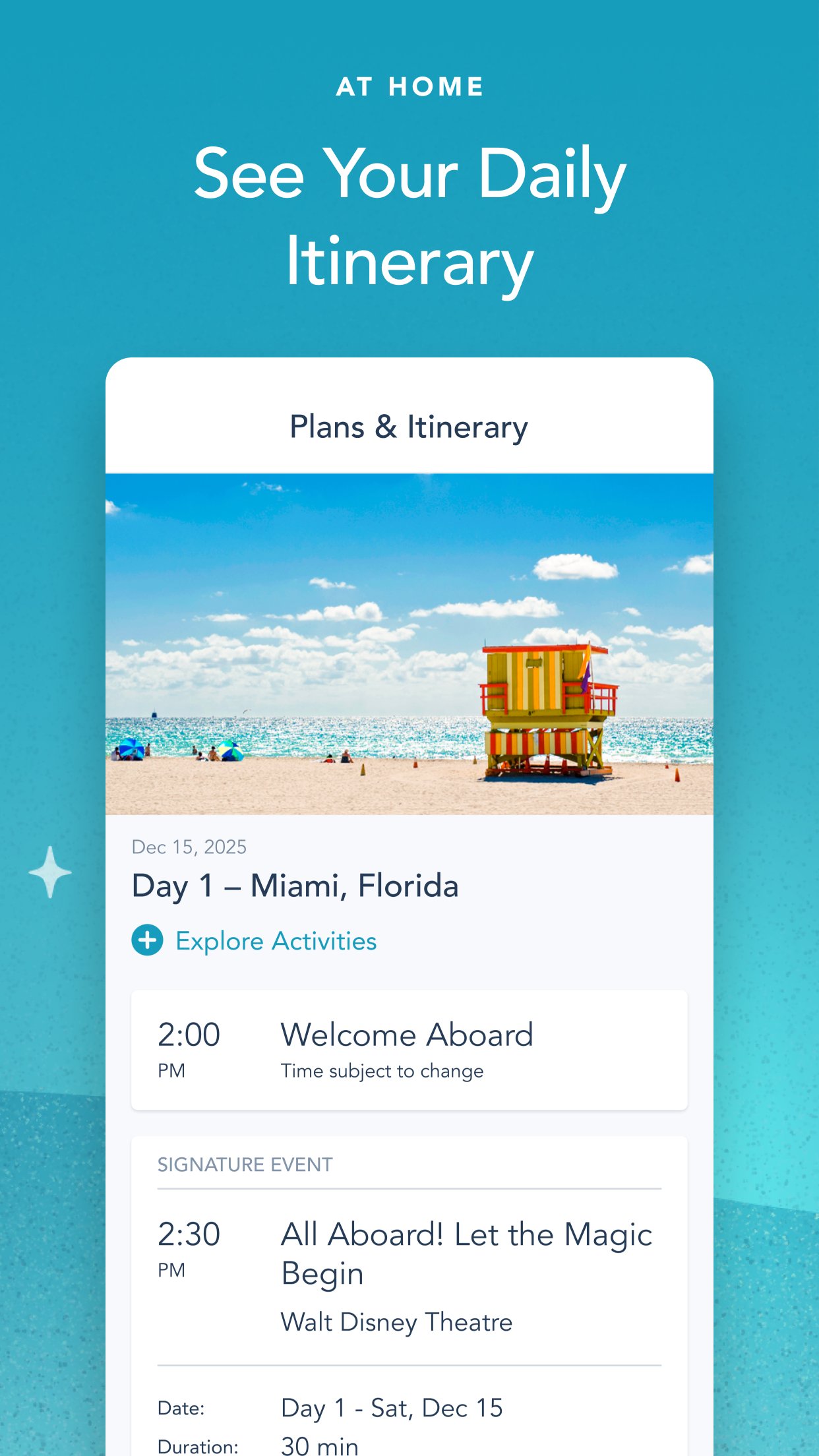
• View onboard activities across your entire voyage.
• Plan your day, from shows to shopping.
• Review your ports of call and at-sea days.
• Read details about activities that interest you.
• Check menus before dinner—kids’ menus too—and easily access your dining schedule.
• Check out the latest offers and specials.
• Save favorite activities in one convenient list.
• View booked activities, including Port Adventures, Premium Dining, Onboard Fun, Spa & Fitness and Nursery.
• Find Disney Characters throughout the ship.
• For assistance, visit our Help Center.
Know Where to Go
• Explore your ship deck by deck, from bow to stern.
• Find locations of the activities you want to do.
Stay in Touch
• Use onboard chat to stay connected to your family, friends and shipmates.
• While aboard your cruise, chat one-to-one or with multiple friends and family members at once.
• Use our wide array of Disney emoticons to express yourself as you chat.
AFTER YOUR CRUISE
View past reservations and more—and transport yourself back to the adventure when you download your purchased photos, available for a limited time.
Effortless Access All in One Place
• Easily view past reservations, including your stateroom number.
• Look back at onboard charges (within 90 days of your cruise).
• Explore and book your next cruise.
Download the Disney Cruise Line Navigator app today and enjoy it at home or on board. Simply connect to the ship’s Wi-Fi network—complimentary to app users only.
Note: To use onboard chat, you are required to provide your full name, stateroom number and birth date. Children should always ask their parent or guardian before using onboard chat. Control access for children with the permissions feature.
APP PERMISSIONS
Camera & Microphone Access: This app uses your device's camera and microphone for the Disney Uncharted Adventure game experience.
Storage Access: This app saves data locally to your device, including chat messages and embarkation information, to ensure a seamless experience even when connectivity is limited.
Location Services: This app requires location permission to connect to Wi-Fi networks and enable Bluetooth (BLE) features, such as DisneyBand+ functionality. Your actual location is not tracked or stored.
Privacy Policy: [link removed]
Children’s Online Privacy Policy: [link removed]
Your US State Privacy Rights: [link removed]
Terms of Use: [link removed]
Do Not Sell or Share My Personal Information: [link removed]
License: Free
AT HOME
Plan your vacation, make payments, breeze through check-in, reserve onboard activities or make special requests—from dietary preferences to birthday surprises.
Get Ready to Cruise
• Retrieve your reservation to make payments, review required documents and more.
• Use My Online Check-In to fill out your cruise documents and register kids for youth clubs.
• Explore activities and entertainment.
• Book activities, including Port Adventures, Premium Dining, Onboard Fun, Spa & Fitness and Nursery.
• Change your dinner seating assignment.
• Add or edit Vacation Protection Plan and Ground Transportation.
• View your Air Transportation.
• Make Special Requests, including special diets, accommodations for little ones, celebrations and more.
ON BOARD THE SHIP
With your app in hand, you can explore your ship with Deck Plans, view favorite and booked activities, learn about the ports you’ll visit and use the onboard chat feature.
Enhance Your Experience
• View onboard activities across your entire voyage.
• Plan your day, from shows to shopping.
• Review your ports of call and at-sea days.
• Read details about activities that interest you.
• Check menus before dinner—kids’ menus too—and easily access your dining schedule.
• Check out the latest offers and specials.
• Save favorite activities in one convenient list.
• View booked activities, including Port Adventures, Premium Dining, Onboard Fun, Spa & Fitness and Nursery.
• Find Disney Characters throughout the ship.
• For assistance, visit our Help Center.
Know Where to Go
• Explore your ship deck by deck, from bow to stern.
• Find locations of the activities you want to do.
Stay in Touch
• Use onboard chat to stay connected to your family, friends and shipmates.
• While aboard your cruise, chat one-to-one or with multiple friends and family members at once.
• Use our wide array of Disney emoticons to express yourself as you chat.
AFTER YOUR CRUISE
View past reservations and more—and transport yourself back to the adventure when you download your purchased photos, available for a limited time.
Effortless Access All in One Place
• Easily view past reservations, including your stateroom number.
• Look back at onboard charges (within 90 days of your cruise).
• Explore and book your next cruise.
Download the Disney Cruise Line Navigator app today and enjoy it at home or on board. Simply connect to the ship’s Wi-Fi network—complimentary to app users only.
Note: To use onboard chat, you are required to provide your full name, stateroom number and birth date. Children should always ask their parent or guardian before using onboard chat. Control access for children with the permissions feature.
APP PERMISSIONS
Camera & Microphone Access: This app uses your device's camera and microphone for the Disney Uncharted Adventure game experience.
Storage Access: This app saves data locally to your device, including chat messages and embarkation information, to ensure a seamless experience even when connectivity is limited.
Location Services: This app requires location permission to connect to Wi-Fi networks and enable Bluetooth (BLE) features, such as DisneyBand+ functionality. Your actual location is not tracked or stored.
Privacy Policy: [link removed]
Children’s Online Privacy Policy: [link removed]
Your US State Privacy Rights: [link removed]
Terms of Use: [link removed]
Do Not Sell or Share My Personal Information: [link removed]
License: Free
| Release info | New Release on Oct 15, 2026 |
|---|---|
| Release notes | With this release, we’ve fixed bugs and improved overall app performance to ensure smooth sailing through and through. |
| Listing data | App Store |
Reviews
No reviews yet. Be the first to review Disney Cruise Line Navigator.
Used Disney Cruise Line Navigator? Tell other visitors what you thought.
Log in to write a reviewOther products by this publisher
- "No Distractions" for YouTube 4.10 ----
- #Bible 11.6 "Incredible App - My sister shared this app with me a few weeks ago and it is truly incredible.
- #filmphotography 1.4.2 So, you decided to shoot on film?
- $quirrel 1.5.1 $quirrel Budget & Finance helps you plan each paycheck, track spending, manage debt, and see what is safe to spend before the next payday.
- % Percentage Calculator Pro 1.41 This is the Pro version of % Percentage Calculator.
Most viewed iOS Navigation
-
1
 Compass App 1.0.5
Find your direction with style.
-
2
 CARFACE Car Widgets & Lyrics 1.2.1
Make every drive feel more personal with CarFace.
-
3
 iGlide Lite 2.9.66
NaviLogic iGlide - the Soaring Navigation app for iOS
-
4
 Open Road 1.2
Open Road is the one driving app for your iPhone.
-
5
 Turo 26.45.1
Turo is a better car rental app for travelers who want to rent a car without the rental counter.
-
6
 Fly Delta 7.17.3
Welcome to Fly Delta, Delta’s award winning iOS app.
-
7
 Kruger Birding by Firefinch 7.6.0
Go birding in South Africa's foremost birding spot: the world renowned Kruger National Park!
-
8
 Uber 3.747.10000
Join the millions of riders who trust Uber for their everyday travel needs.
-
9
 Lyft 2026.43.3
Get where you’re going with Lyft.
-
10
 Amtrak 6.1.8
Discover the convenience of traveling with Amtrak.
Most downloaded iOS Navigation
-
1
 Live Traffic 2.4
Navigate the globe with live traffic updates, satellite views, and location tools that make every journey clearer, smarter, and more confident from the very first tap.
-
2
 Peru’s Best 2.5
PERU’S BEST is the ideal travel guide to this extraordinary country.
-
3
 Outdoor Photography Magazine 7.2.10
Outdoor Photography is the magazine for photographers who are passionate about being out in wild places, seeing inspiring nature and having great adventures.
-
4
 Grand Egyptian Museum (GEM) 0.1.060
You could call this a coincidence but the acronym of the Grand Egyptian Museum is an apt title for the GEM, which is truly one!
-
5
 Pocket Luach Deluxe 60058
Pocket Luach Deluxe is a Jewish calendar, zmanim, Siddur, Tehillim, and personal-event companion for iPhone, iPad, and Apple Watch.
-
6
 Passeporté 1.3.2
Passeporté reads the NFC chip in your biometric passport or national eID card, verifies its authenticity, and stores the data securely on your device.
-
7
 Great Circle Map 1.7.5
A globe you can turn in any direction, including straight over the poles.
-
8
 UK Map 4.12
* Unlimited free map downloads based on Ordnance Survey® OpenData, at 1:25,000 and 1:10,000 scales, and now also paid map downloads at 1:50,000, 1:25,000 and 1:10,000 scales, just like the paper maps.
-
9
 Connecticut-Parks & Trails 1.0
App Feature
-
10
 Cell Phone Towers World Map 1.1.6
219 countres !! The world's largest Database of Cell & Net Towers