
11downloads
1this week
FreeFreeware
0reviews
Screenshots
About Cuneo
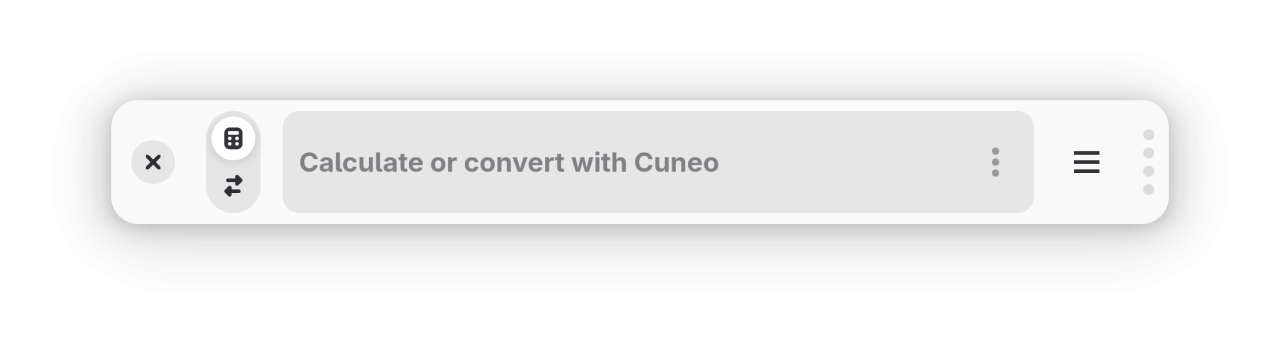
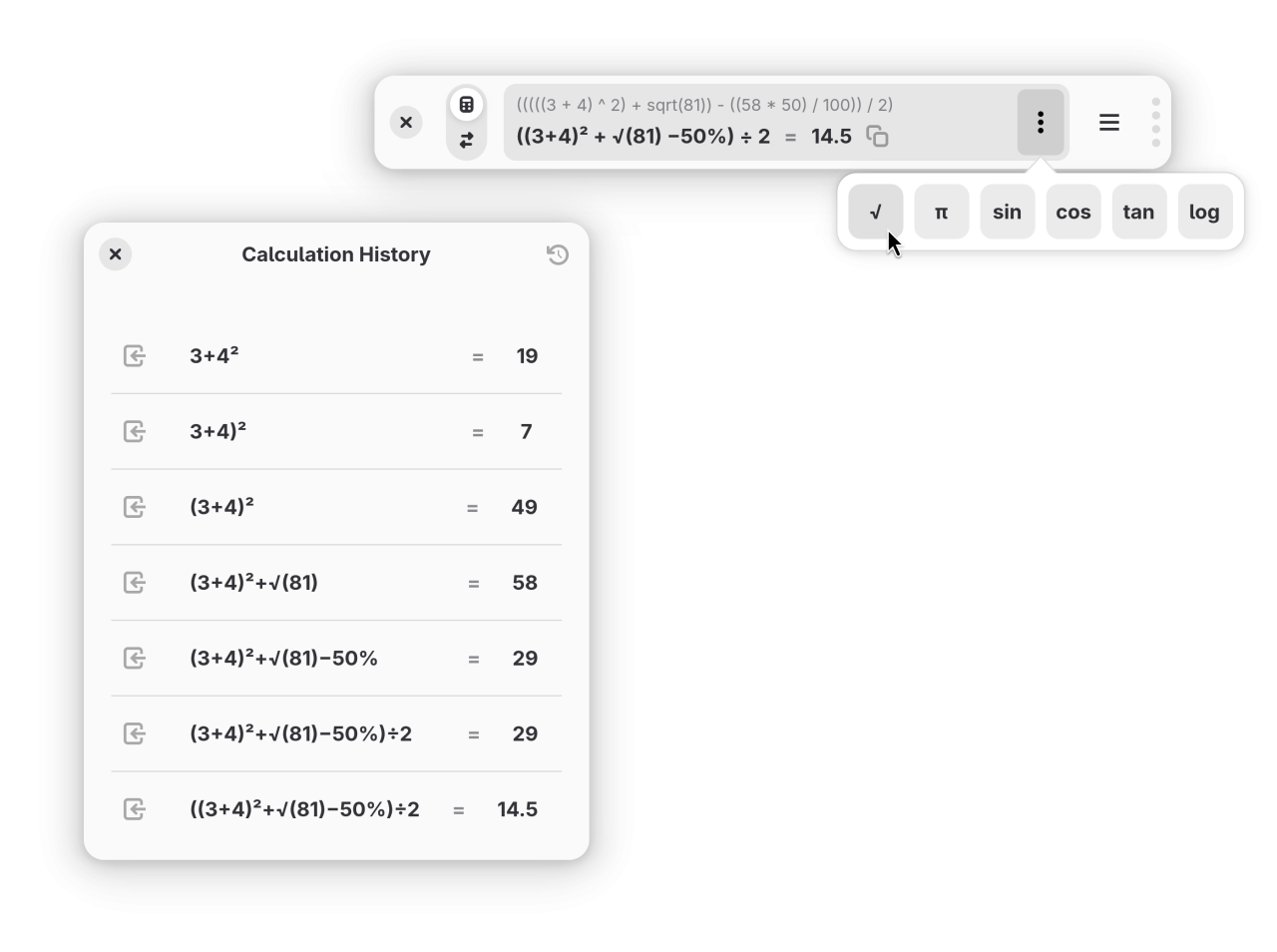
Cuneo is a simple and straightforward app that lets you calculate and convert anything you might encounter in your daily life. Being designed like a widget, Cuneo gets out of the way and is best used floating over a maximized window so you can focus on your actual tasks and not managing a calculation app covering half your screen.
Cuneo's name is inspired by the ancient writing system cuneiform. It is the earliest known wiritng system that's been originally used by the Sumer civilization. One use case for cuneiform was on numerical tablets likely to keep track of taxes, inventory, calculations and many other things people encountered in their daily lives. This is what Cuneo basically is. Cuneo is meant to be used "on-site". For when you need to get something done or look something up really quick. Designed like a tool that lives in your pocket which you get out when you need to crunch some numbers or conversions.
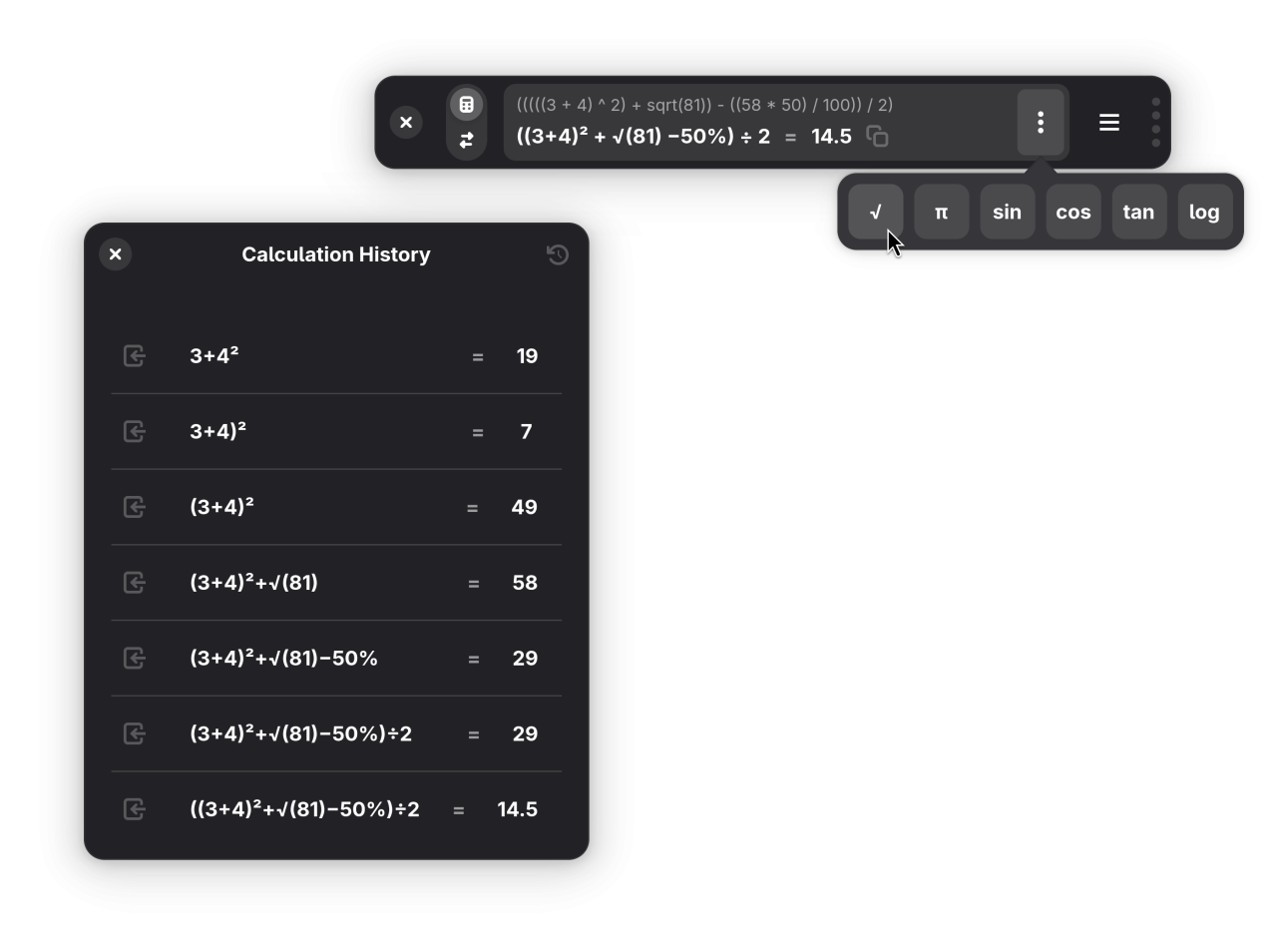
Cuneo features two distinct modes: a regular calculation mode and a conversion mode. To help you stay focused and avoid wasting any of your precious screen space, Cuneo skips the usual skeuomorphic calculator buttons. You just use the numbers on your keyboard, they're right there after all. For anything a little more complicated than your keyboard can handle theres an operator menu right at your disposal. Power users can also just type the operators like "sqrt()" for square root.
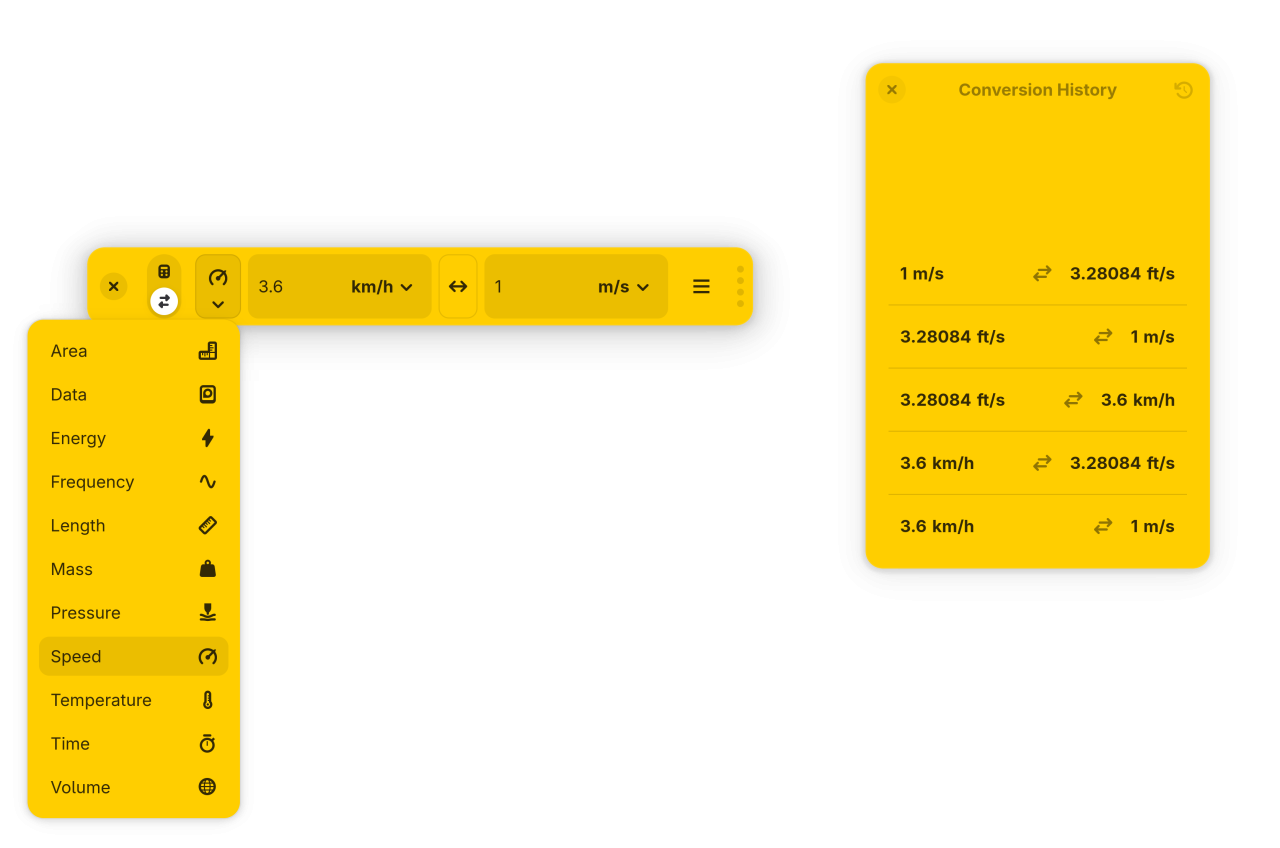
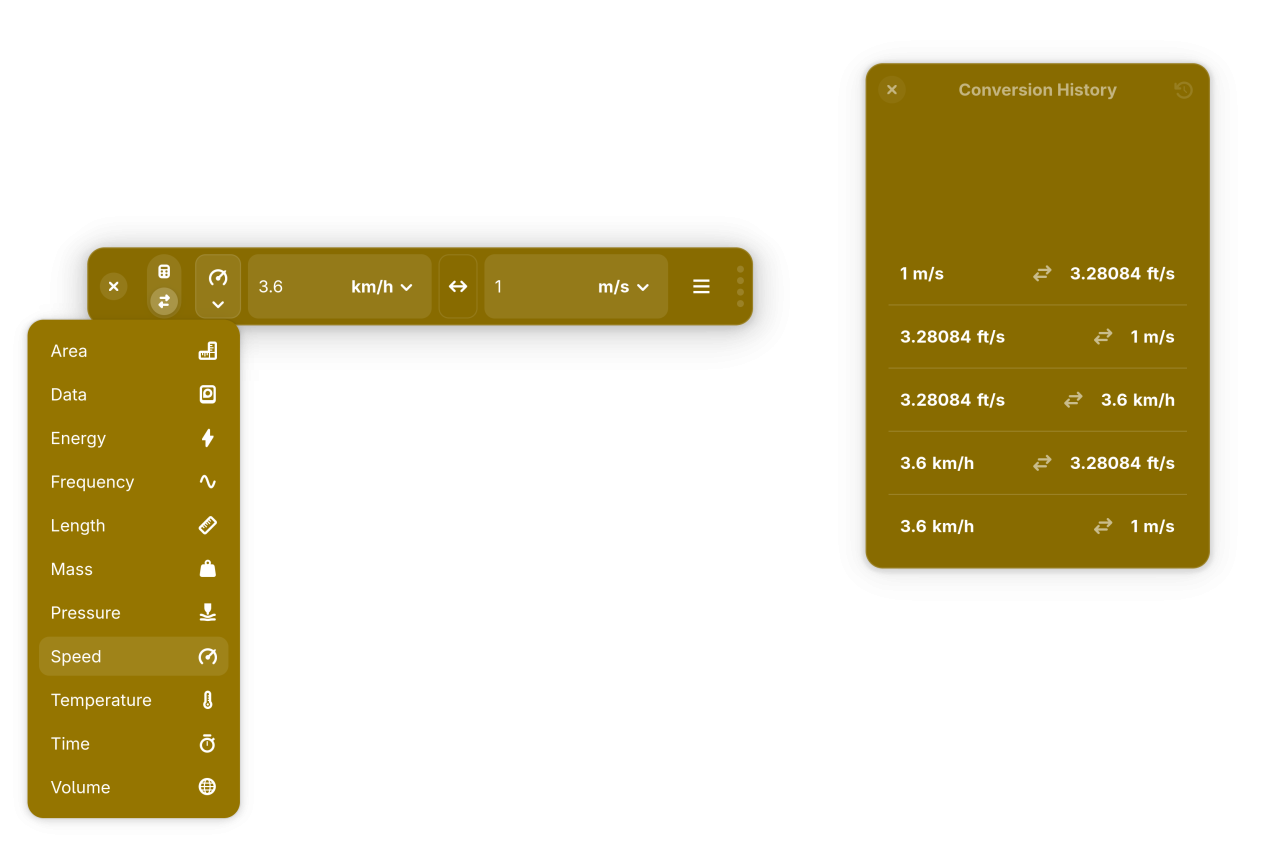
Conversion mode is a powerful conversion multi-tool that offers many different units to convert to and from. Unit types range from Area to Volume and Units inside these categories are grouped by common affiliation like metric and imperial.
For both modes Cuneo offers a history window that displays previous entries of your current session.
License: GPL-3.0-or-later
| Release info | Update on Sep 20, 2026 |
|---|---|
| Release notes | It's been a while and there have been updates laying dormant in the repo but now it's time for an update! This release brings maintenance updates to Cuneo like the newest GNOME SDK, important fixes to the calculation logic making interpretations consistent with Wolfram Alpha, new translations for Dutch and Russian and smaller visual updates. You can also now start Cuneo directly into conversion mode. Wolfram Alpha is now the reference for Cuneo's calculation logic, with supported expressions tested against it for consistent interpretation. Full changelog: Maintenance • Bump GNOME Platform SDK from 48 to 51 • Bump version number to 1.1 • Update copyright to include 2026 General updates • Launching • With launch flag --convert Cuneo now starts directly into conversion mode (as per #9) • Changes to desktop file and app store metadata Updates to calculation mode • Logical • Allow standalone percentage expressions (as per #6) • Allow implicit multiplication (as per #2, PR #10) • more flexible calculation with a unary minus operator (as per PR #10) • Fix percentage calculations after multiplication or division operators • Visual • Remove trailing parentheses from expression label • Developer • More in-depth math expression tests covering new functionailty and edge cases Updates to conversion mode • Visual • Duct-tape fix for entry text overflow below unit button Translation updates • German New translations • Dutch (Thanks to @Vistaus!) • Russian (Thanks to @ma12vlad!) If you have been using Cuneo and want to help with translation, please don't hesitate to contact me or contribute! Also thanks to @XPXPv2 for PR #10! In the end the new functionality was incorporated differently to better account for edge cases, but it was a great help for testing and figuring out how to implement this. |
| Related tags | Utility Calculator Conversion |
| Listing data | Flathub |
Reviews
No reviews yet. Be the first to review Cuneo.
Used Cuneo? Tell other visitors what you thought.
Log in to write a reviewOther products by this publisher
- "No Distractions" for YouTube 4.10 ----
- #Bible 11.6.1 "Incredible App - My sister shared this app with me a few weeks ago and it is truly incredible.
- #filmphotography 1.4.2 So, you decided to shoot on film?
- #LookBusy Fake Calendar Events 1.0.6 Look Busy scans your work calendar for open time slots and fills them with realistic-looking (but secretly fake) work events.
- #Small Talk Is Canceled 1.0.2 #Small Talk Is Canceled — Conversations That Matter
Most viewed Linux Utilities
-
1
 Press 0.4.0
Music library compressor
-
2
 Anytype 0.57.8-alpha
The everything app for those who celebrate trust and autonomy
- 3 vCard Studio 1.5.0 Contact management application
-
4
 Secrets 14.1
Manage your passwords
-
5
 SlimeVR 21.1.0
Accessible full-body tracking in VR
-
6
 openterfaceQT 0.5.33
App control openterface-Mini-KVM
-
7
 Tasks 0.3.1
Get things done
-
8
 Luna 1.1.6
An amazing calendar widget
-
9
 Barrier 2.4.0-5.15-23.08
Barrier - Share mouse and keyboard over the local network
-
10
 Greenery 1.0.0
Crypto bookkeeping wallet
Most downloaded Linux Utilities
-
1
 FormatLab 2026.11.3
Convert Video, Audio and Images
-
2
 Millisecond 0.2.3
Optimize for low latency
-
3
 VNote 4.14.1
A pleasant note-taking platform
-
4
 NeoRegex 3.2.0
Regular expression editor and tester.
-
5
openterfaceQT 0.5.33
App control openterface-Mini-KVM
-
6
 Vikunja 2.8.0
The open-source to-do app
-
7
 JRomManager 3.0.5
A Mame and Retrogaming Rom Manager
-
8
 Lenspect 1.0.7
Scan files for threats
-
9
 RustDiff 1.0.6
Semantic JSON, XML and SQL comparator
-
10
 QR Scanner 1.1.0
A QR code scanner/generator