
14downloads
1this week
FreeCommercial
0reviews
Screenshots
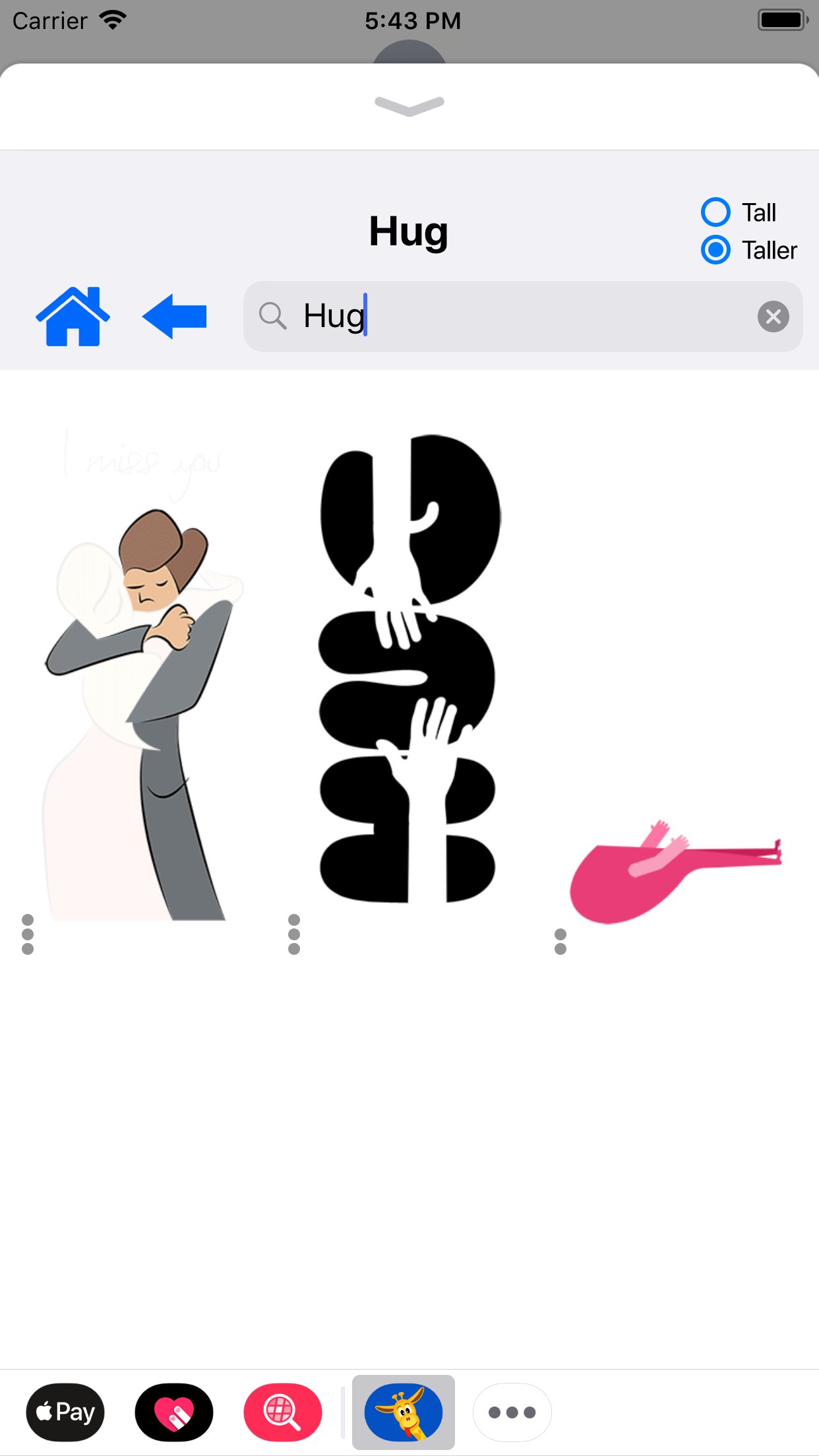
About CLIPish Tall Animations
New from the makers of CLIPish! Magically send TOWERING animations with iMessage!
TRY IT NOW: Text "TALL" to 214-949-3738 to receive a free Tall Animation text message--you have to see them to believe them!
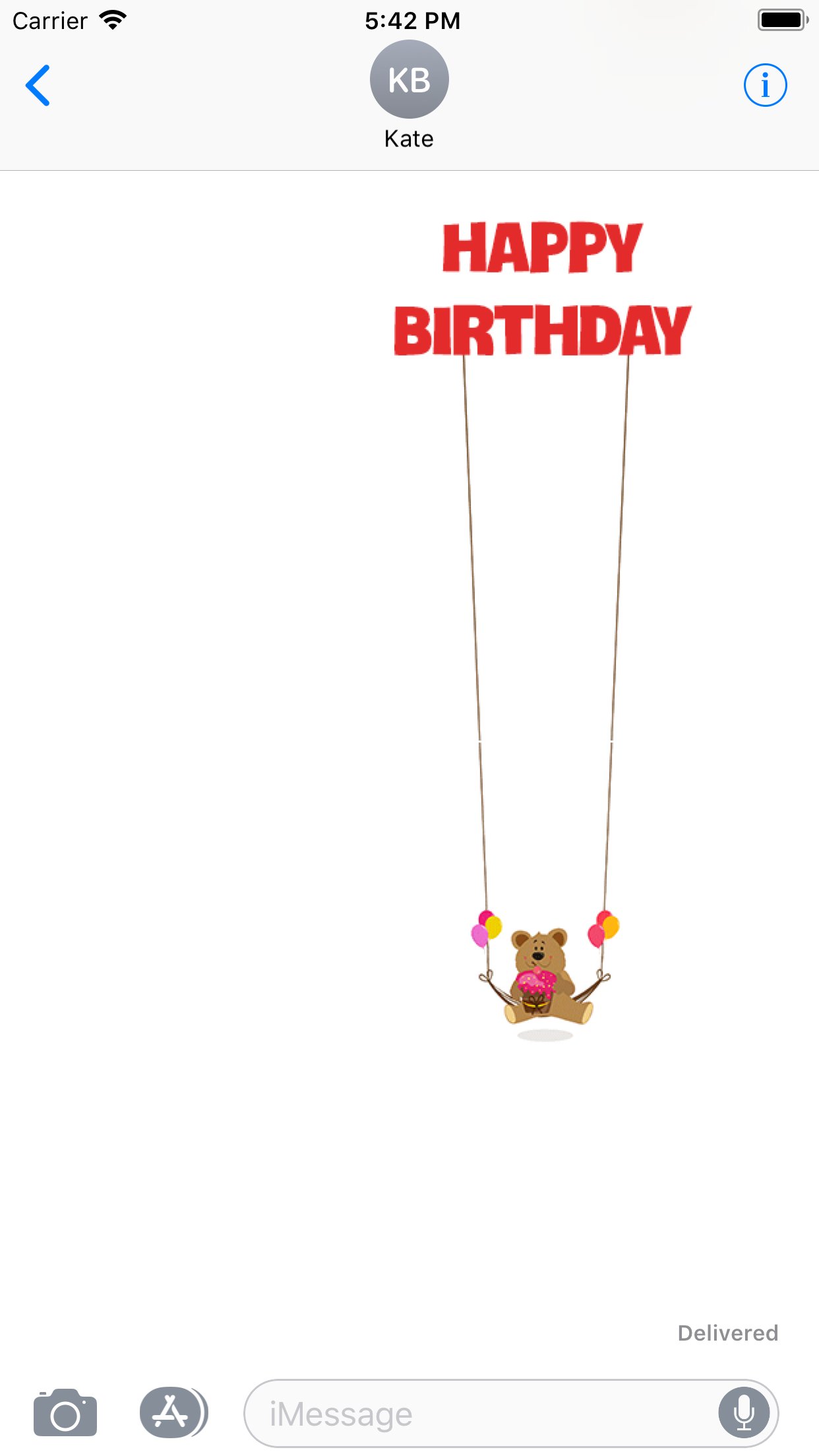
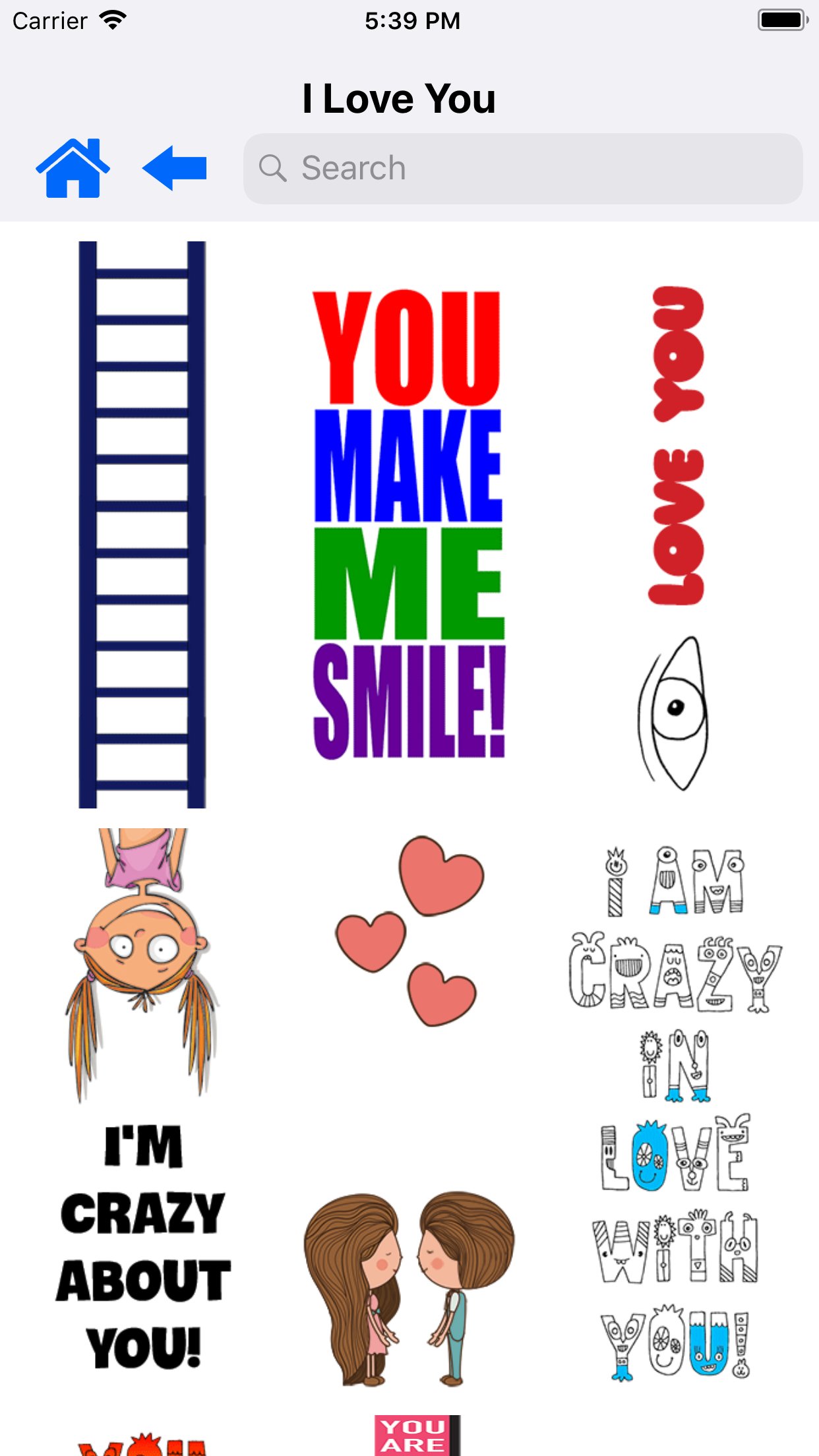
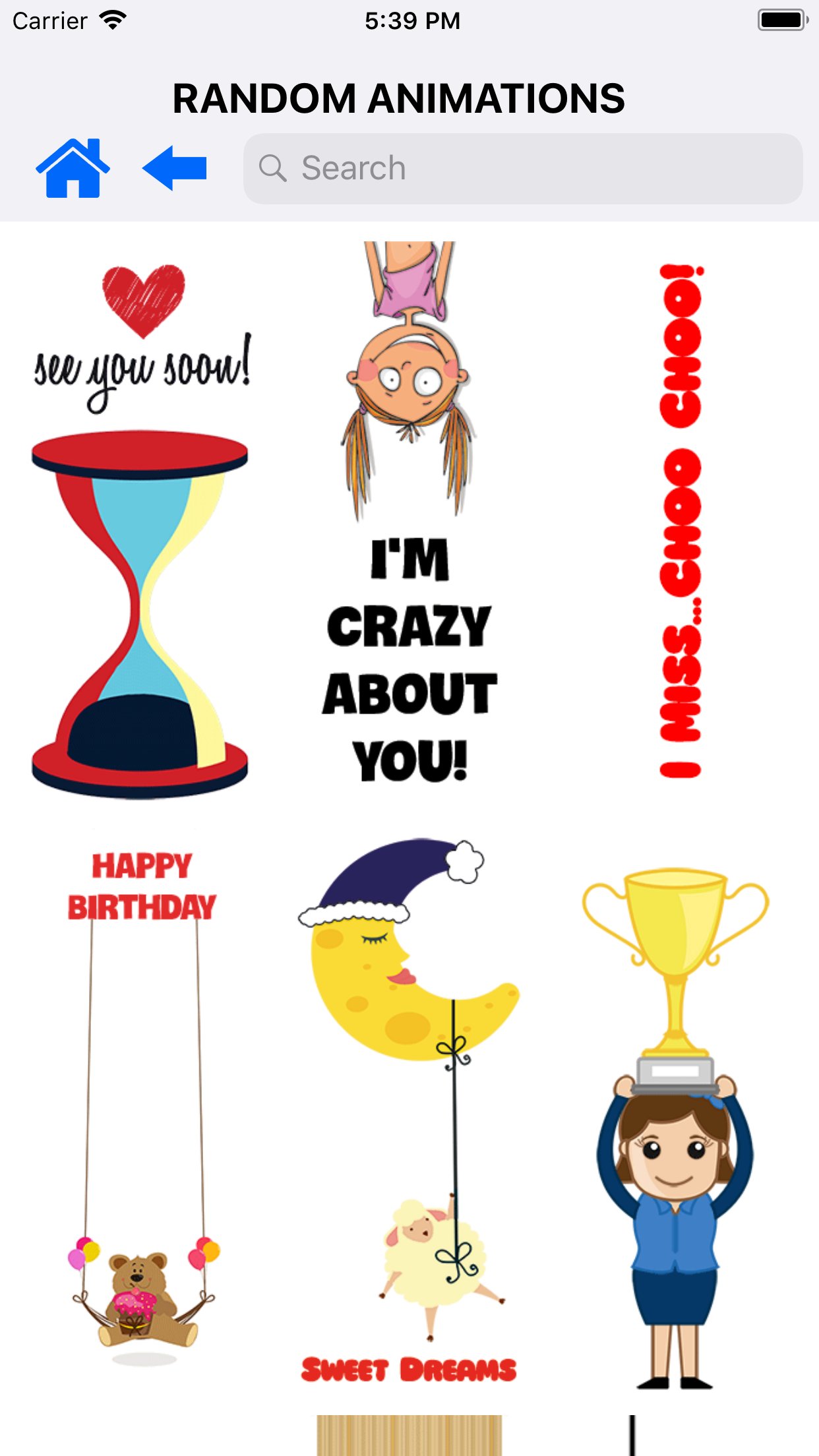
Amaze your friends with how you're able to send such TALL animations! There's never been an app like this before. Hundreds of all-new, original animations you won't find anywhere else!
THE TRICK? "Tall" animations are made up of 2 or more small synchronized animations that must be sent in order so they stack properly on top of each other when received by others. Don't worry, the Tall Animations app keeps track of all the different "segments" and walks you through sending them in the proper order.
HOW IT WORKS: To send an animation, use the iMessage extension of the app and simply tap on the animation you wish to send. The app will load the first segment into the iMessage app for you to send. You then tap the Send button in iMessage to send it off. You then tap the Next Segment button to load the next segment for you to send, and so on. This will continue until all segments have been sent. Most animations are two segments "tall," but some are more.
TALL vs TALLER MODE: You will normally use the Tall setting. However, if you know you are sending an animation to someone with an iPhone X or iPhone "Plus" you can choose to use the Taller setting, which will look better on these larger-display devices.
STAND-ALONE APP vs iMESSAGE EXTENSION: You can share the animations from the stand-alone app (uses cut and paste), but they won't be in the "tall" mode. To send the animations as segments to create the tall animations, use the iMessage extension of the app.
???????????????????????
ONLY SENDING FIRST SEGMENT? The Tall Animations iMessage app will only work properly when used from within AN EXISTING text message. If you try using it when starting a new text message (tapping New Text Message icon and entering in a name or number), iOS closes the Tall Animation app after you send the first segment. So, if you want to send Tall Animations to someone new, just send them any TEXT message FIRST (such as "Hi Karen!"), which will create the text message log and then you can use Tall Animations without any problems.
NEED HELP? Visit tallanimations.com to see why Tall Animations are so cool and for a tutorial video that shows you how to install and use Tall Animations from either iMessage or the stand-alone app.
* On rare occasions, depending on the type of device and Internet connection the user has who is receiving your text messages, animations may not appear stacked in the correct order.
* Some images featured are public domain. If you believe your work has been included in err, please let us know so it can be removed.
WRITE US! support@tallanimations.com
License: Commercial
| Release info | New Release on Feb 23, 2026 |
|---|---|
| Release notes | - Misc. bug fixes and improvements. |
| Listing data | App Store |
Reviews
No reviews yet. Be the first to review CLIPish Tall Animations.
Used CLIPish Tall Animations? Tell other visitors what you thought.
Log in to write a reviewOther products by this publisher
- "No Distractions" for YouTube 4.10 ----
- #Bible 11.6.1 "Incredible App - My sister shared this app with me a few weeks ago and it is truly incredible.
- #filmphotography 1.4.2 So, you decided to shoot on film?
- #LookBusy Fake Calendar Events 1.0.6 Look Busy scans your work calendar for open time slots and fills them with realistic-looking (but secretly fake) work events.
- #Small Talk Is Canceled 1.0.2 #Small Talk Is Canceled — Conversations That Matter
Most viewed iOS Communication
-
1
 TFG LIVE 1.0.1
TFG LIVE : Chat, Video, Live
-
2
 Swiftgram 13.2
Swiftgram is a modded client for Telegram with Lots of features, focus on Privacy, No Limits, No Ads.
-
3
 Frnds of Frnds 1.0.13
Frnds of Frnds: modern dating, the old-fashioned way
-
4
 rednote 9.55
Dear rednote villagers,
-
5
 Element X 26.11.3
Freedom to communicate on your own terms
-
6
 Instants, an Instagram app 457.0
Introducing Instants, a new app from Instagram.
-
7
 LINE 26.19.0
LINE is transforming the way people communicate, closing the distance between family, friends, and loved ones—for free.
-
8
 Bumpy 2.6.66
FIND YOUR INTERNATIONAL SOULMATE WITH BUMPY
-
9
 BLK 12.20.1
BLK
-
10
 GroupMe 16.42
GroupMe - the free, simple way to stay in touch with the people who matter most.
Most downloaded iOS Communication
-
1
rednote 9.55
Dear rednote villagers,
-
2
 WebComm 2.4
Access your iPhone photos, contacts, and messages from any web browser.
-
3
Swiftgram 13.2
Swiftgram is a modded client for Telegram with Lots of features, focus on Privacy, No Limits, No Ads.
-
4
 GettingOut Visits 6.0
Stay Connected to Those Who Matter Most
-
5
 Metatext 1.7.1
Metatext is a free, modern, open source, and accessible Mastodon client.
-
6
Instants, an Instagram app 457.0
Introducing Instants, a new app from Instagram.
-
7
 GettingOut 3.4.5
Stay Connected to Those Who Matter Most
-
8
Bumpy 2.6.66
FIND YOUR INTERNATIONAL SOULMATE WITH BUMPY
-
9
 GTL|Getting Out Messenger 1.1
Stay connected with inmates and access important correctional information in one convenient app.
-
10
 Hunch Dating App 3.2.47
Hunch is built for one thing: getting you on a real date, faster and with less effort.