
aSPICE Pro 63
Thank you for supporting my work and GPL open-source software by buying aSPICE Pro!
Download
15.00 MB
13downloads
1this week
FreeCommercial
0reviews
Screenshots

About aSPICE Pro
Thank you for supporting my work and GPL open-source software by buying aSPICE Pro!
If you are unhappy, please don't give us a bad review, instead, request a refund and get in touch by email support _at_ morpheusly _dot_ com:
[link removed]
Need a VNC app for controlling your Mac remotely?
[link removed]
Need an RDP app to control Windows, Ubuntu 22.04 or XRDP remotely?
[link removed]
If aSPICE doesn't work for you or you're unhappy, please do not ask for help in a review but do post your question in the forum by emailing bvnc-ardp-aspice-opaque-remote-desktop-clients@googlegroups.com.
Alternatively, email us drectly at support _at_ morpheusly _dot_ com for help!
Forum URL:
[link removed]
Report bugs:
[link removed]
Instructions:
Proxmox, oVirt, RHEV
- Be sure to read the in-app Help for in-depth instructions
- Direct integration with Proxmox, oVirt and RHEV allows you to create connection profiles for all your VMs right inside the app
- If you prefer, you can also use console.vv files - video showing aSPICE connecting with console.vv file: [link removed]
- Email our forum at bvnc-ardp-aspice-opaque-remote-desktop-clients@googlegroups.com for help
- Email us directly at support _at_ morpheusly _dot_ com for help!
Libvirt/Qemu KVM
- If your mouse pointer is not in sync with where you tap, you may need to add an
"EvTouch USB Graphics Tablet" to your virtual machine (when it's powered off) and
then power it on. To add the Tablet:
- If configuring through virt-manager, Go to the View->Details section, and select Add Hardware->Input->EvTouch USB Graphics Tablet.
- If running your virtual machine on the command-line, you need an option similar to: "-device usb-tablet,id=input0"
aSPICE is a secure, SSH capable, open source SPICE protocol client that makes use of the LGPL licensed native libspice library. Its features include:
- USB redirection
- Simulated Touchpad and two Direct input touch modes to choose from
- External keyboard support
- External mouse support
- Magic Trackpad support
- Multi-language support
- Multi-keyboard layout support - choose your keyboard layout while setting up the connection
- Console .vv file support allowing connections to Proxmox, oVirt, and Red Hat Enterprise Virtualization/RHEV frameworks
- Control any SPICE-enabled qemu virtrual machine with ANY guest OS.
- Audio support
- Multi-touch control over the remote mouse. One finger tap left-clicks, two-finger tap right-clicks, and three-finger tap middle-clicks
- Right and middle-dragging if you don't lift the first finger that tapped
- Scrolling with a two-finger drag
- Pinch-zooming
- Dynamic resolution changes, allowing you to reconfigure your desktop while connected, and control over virtual machines from BIOS to OS
- Full rotation support. Use the central lock rotation on your device to disable rotation
- Multi-language support
- Full desktop visibility even with soft keyboard extended
- SSH tunneling for added security or to reach machines behind a firewall.
- UI Optimizations for different screen sizes (for tablets and smartphones)
- SSH public/private (pubkey) support
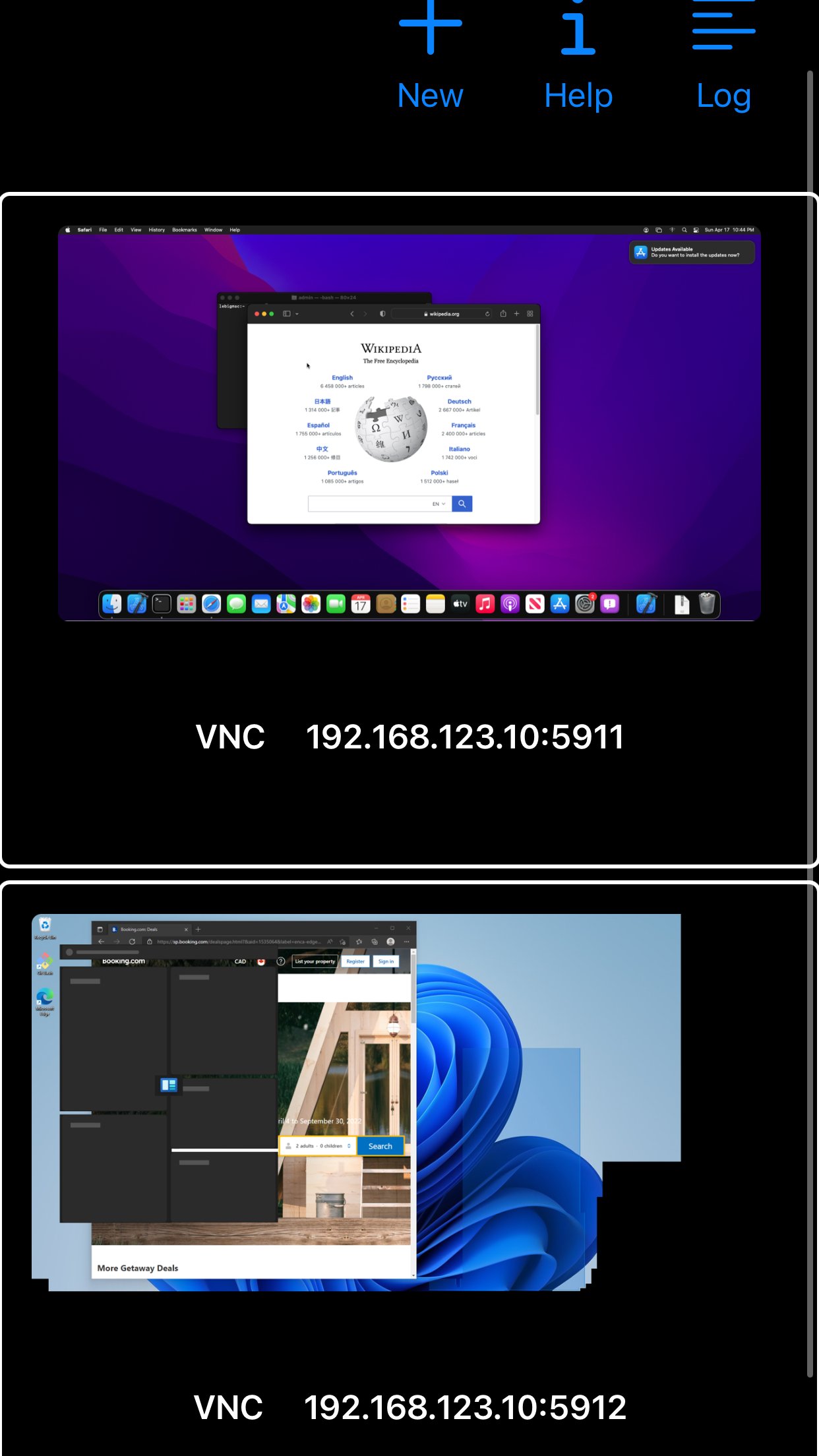
- Automatic connection session saving
- On-screen Ctrl, Alt, Tab, Super, Shift, Del, PageUp, PageDown, Function and Arrow keys
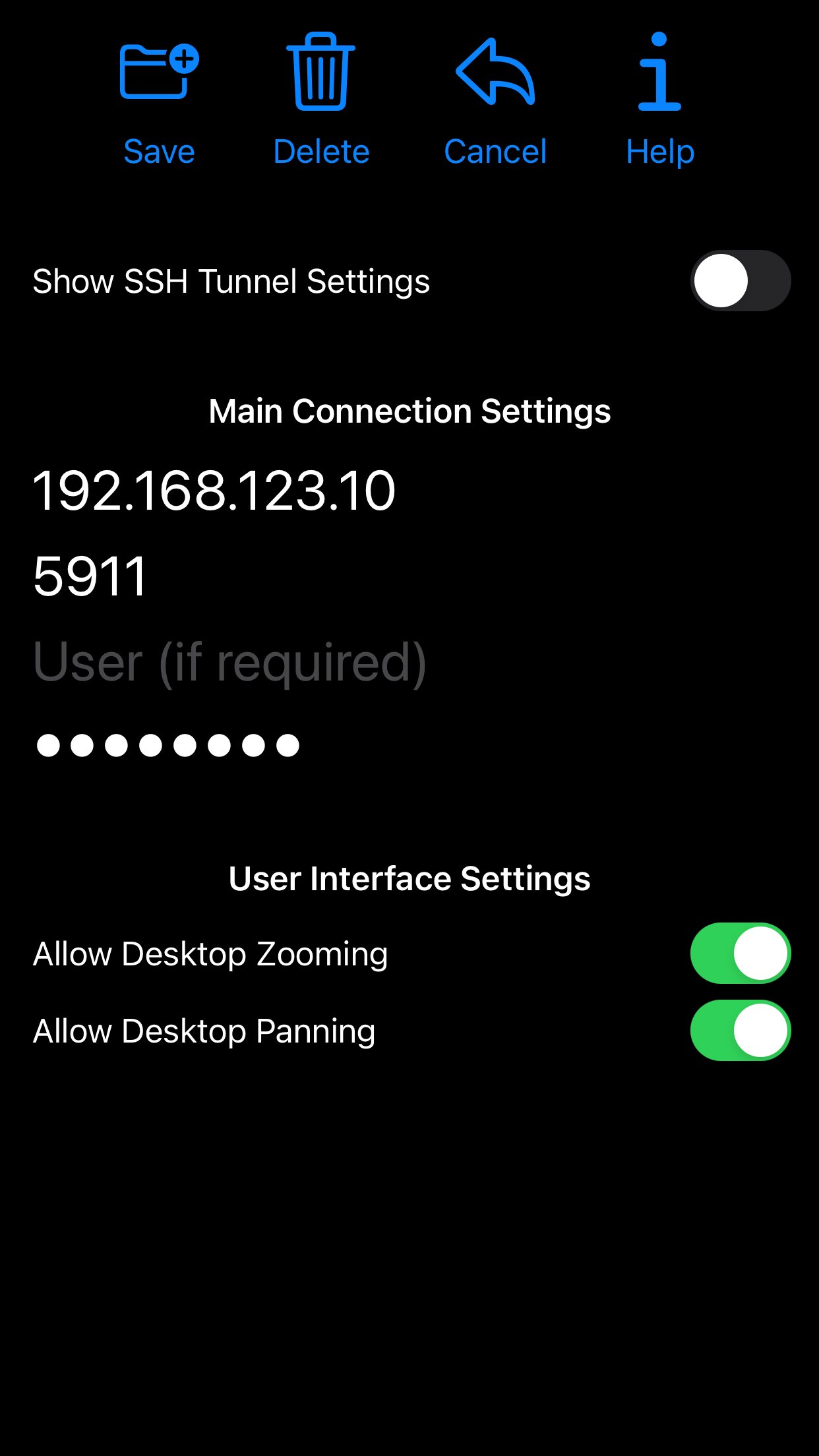
- Available on-device help on creating a new connection in the Menu when setting up connections
- Clipboard integration for copy/pasting from your device
Code:
[link removed]
License: Commercial
If you are unhappy, please don't give us a bad review, instead, request a refund and get in touch by email support _at_ morpheusly _dot_ com:
[link removed]
Need a VNC app for controlling your Mac remotely?
[link removed]
Need an RDP app to control Windows, Ubuntu 22.04 or XRDP remotely?
[link removed]
If aSPICE doesn't work for you or you're unhappy, please do not ask for help in a review but do post your question in the forum by emailing bvnc-ardp-aspice-opaque-remote-desktop-clients@googlegroups.com.
Alternatively, email us drectly at support _at_ morpheusly _dot_ com for help!
Forum URL:
[link removed]
Report bugs:
[link removed]
Instructions:
Proxmox, oVirt, RHEV
- Be sure to read the in-app Help for in-depth instructions
- Direct integration with Proxmox, oVirt and RHEV allows you to create connection profiles for all your VMs right inside the app
- If you prefer, you can also use console.vv files - video showing aSPICE connecting with console.vv file: [link removed]
- Email our forum at bvnc-ardp-aspice-opaque-remote-desktop-clients@googlegroups.com for help
- Email us directly at support _at_ morpheusly _dot_ com for help!
Libvirt/Qemu KVM
- If your mouse pointer is not in sync with where you tap, you may need to add an
"EvTouch USB Graphics Tablet" to your virtual machine (when it's powered off) and
then power it on. To add the Tablet:
- If configuring through virt-manager, Go to the View->Details section, and select Add Hardware->Input->EvTouch USB Graphics Tablet.
- If running your virtual machine on the command-line, you need an option similar to: "-device usb-tablet,id=input0"
aSPICE is a secure, SSH capable, open source SPICE protocol client that makes use of the LGPL licensed native libspice library. Its features include:
- USB redirection
- Simulated Touchpad and two Direct input touch modes to choose from
- External keyboard support
- External mouse support
- Magic Trackpad support
- Multi-language support
- Multi-keyboard layout support - choose your keyboard layout while setting up the connection
- Console .vv file support allowing connections to Proxmox, oVirt, and Red Hat Enterprise Virtualization/RHEV frameworks
- Control any SPICE-enabled qemu virtrual machine with ANY guest OS.
- Audio support
- Multi-touch control over the remote mouse. One finger tap left-clicks, two-finger tap right-clicks, and three-finger tap middle-clicks
- Right and middle-dragging if you don't lift the first finger that tapped
- Scrolling with a two-finger drag
- Pinch-zooming
- Dynamic resolution changes, allowing you to reconfigure your desktop while connected, and control over virtual machines from BIOS to OS
- Full rotation support. Use the central lock rotation on your device to disable rotation
- Multi-language support
- Full desktop visibility even with soft keyboard extended
- SSH tunneling for added security or to reach machines behind a firewall.
- UI Optimizations for different screen sizes (for tablets and smartphones)
- SSH public/private (pubkey) support
- Automatic connection session saving
- On-screen Ctrl, Alt, Tab, Super, Shift, Del, PageUp, PageDown, Function and Arrow keys
- Available on-device help on creating a new connection in the Menu when setting up connections
- Clipboard integration for copy/pasting from your device
Code:
[link removed]
License: Commercial
| Release info | Update on Oct 19, 2026 |
|---|---|
| Release notes | 63 - Report failures to access credentials from keychain - Protect from failures accessing credentials from keychain wiping saved password - Logging improvements - New Translations - Control over thumbnail save and refresh - Pointer size slider in Simulated Touchpad mode 62 - Bug fixes - Stability fixes - Performance optimizations - Disconnecting only after graceperiod ends on iOS (no change on MacOS) 61 - Simulated Touchpad pointer doesn't pan unnecessarily - Pinch Zoom zooms out to original fit-to-screen scaling 60 - Layout improvements for smallest screens - Re-added keyboard icon to Extended Keyboard Accessory view - Improvements to external keyboard detection - Import/Export Settings - Auto-adjustable connection grid - Sorting connections - Menu to organize functionality on the main page - Pinch-zoom follows fingers 59 - Fix for screenshots - Support showing title bar - Keyboard layout improvements - Physical keyboard handling improvements |
| Listing data | App Store |
Reviews
No reviews yet. Be the first to review aSPICE Pro.
Used aSPICE Pro? Tell other visitors what you thought.
Log in to write a reviewOther products by this publisher
- "No Distractions" for YouTube 4.10 ----
- #Bible 11.6 "Incredible App - My sister shared this app with me a few weeks ago and it is truly incredible.
- #filmphotography 1.4.2 So, you decided to shoot on film?
- $quirrel 1.5.1 $quirrel Budget & Finance helps you plan each paycheck, track spending, manage debt, and see what is safe to spend before the next payday.
- % Percentage Calculator Pro 1.41 This is the Pro version of % Percentage Calculator.
Most viewed iOS Productivity
-
1
 WordPress 27.4
Manage or create your WordPress blog or website right from your iOS device: create and edit posts and pages, upload your favorite photos and videos, view stats and reply to comments.
- 2 Voice Translator - Alive 1.6 Translation app that turns your iPhone into an interpreter instantly.
-
3
 Claude by Anthropic 1.261109.19
Meet Claude, your AI problem solver and thinking partner.
- 4 "No Distractions" for YouTube 4.10 ----
- 5 (beat) for iOS 0.5.10 An elegant Fountain screenwriting app, created by a screenwriter for screenwriters.
-
6
 DeepSeek 2.7.5
Experience seamless interaction with DeepSeek's official AI assistant for free!
-
7
 Life360 26.42.0
Whether at home, online, or on the move, our comprehensive family safety features bring peace of mind to your loved ones AND help safeguard your personal belongings.
-
8
 Howbout 16.7.0
The shared calendar for friends, couples, and family
-
9
 WristMemo 2.0
WristMemo turns your Apple Watch into an all-day voice recorder.
-
10
 Plot Digitizer 1.4.1
Plot Digitizer is an app to extract numerical data from plot images.
Most downloaded iOS Productivity
- 1 Voice Translator - Alive 1.6 Translation app that turns your iPhone into an interpreter instantly.
-
2
DeepSeek 2.7.5
Experience seamless interaction with DeepSeek's official AI assistant for free!
-
3
 SessionsAI 1.2.1
Sessions AI is a private AI workspace that runs entirely on your iPhone, iPad, or Mac.
-
4
 Voices AI 1.16.15
Discover Voices, the premier voice transformation app designed exclusively for iOS.
-
5
 Block Distracting Websites 1.11
"It's a great way to save time, and stop browsing Reddit when you should be doing coursework."
-
6
Plot Digitizer 1.4.1
Plot Digitizer is an app to extract numerical data from plot images.
-
7
 Google Docs 1.2026.45104
Create, edit, and collaborate on online documents with the Google Docs app.
-
8
 Pixy Mood Tracker 1.110.0
Track your mood, one pixel at a time.
-
9
 VPN 2.61.0
VPN - Super Unlimited Proxy is a free VPN and proxy app for iPhone, iPad, Mac and Apple Vision Pro.
-
10
Life360 26.42.0
Whether at home, online, or on the move, our comprehensive family safety features bring peace of mind to your loved ones AND help safeguard your personal belongings.