
AR Drawing How to Draw Sketch 2.65.0
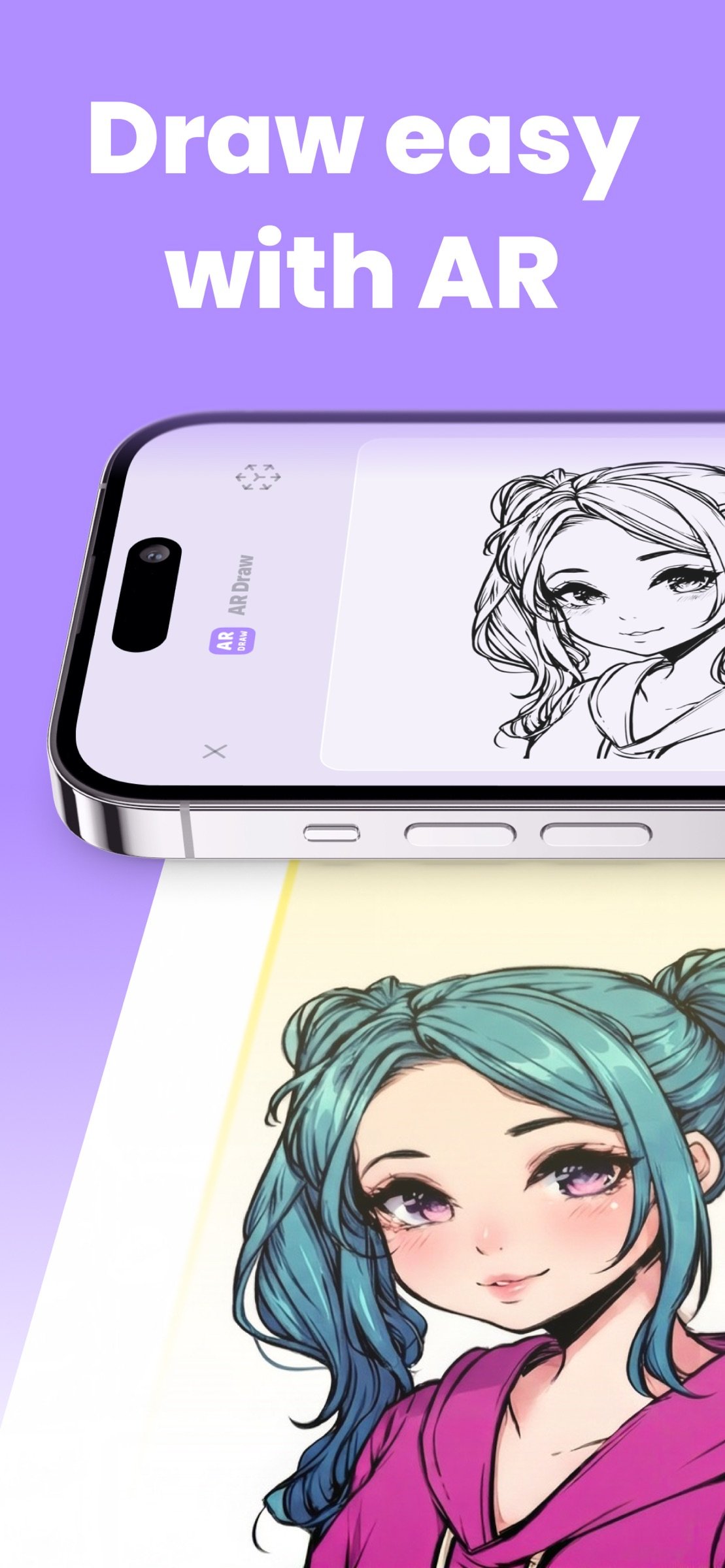
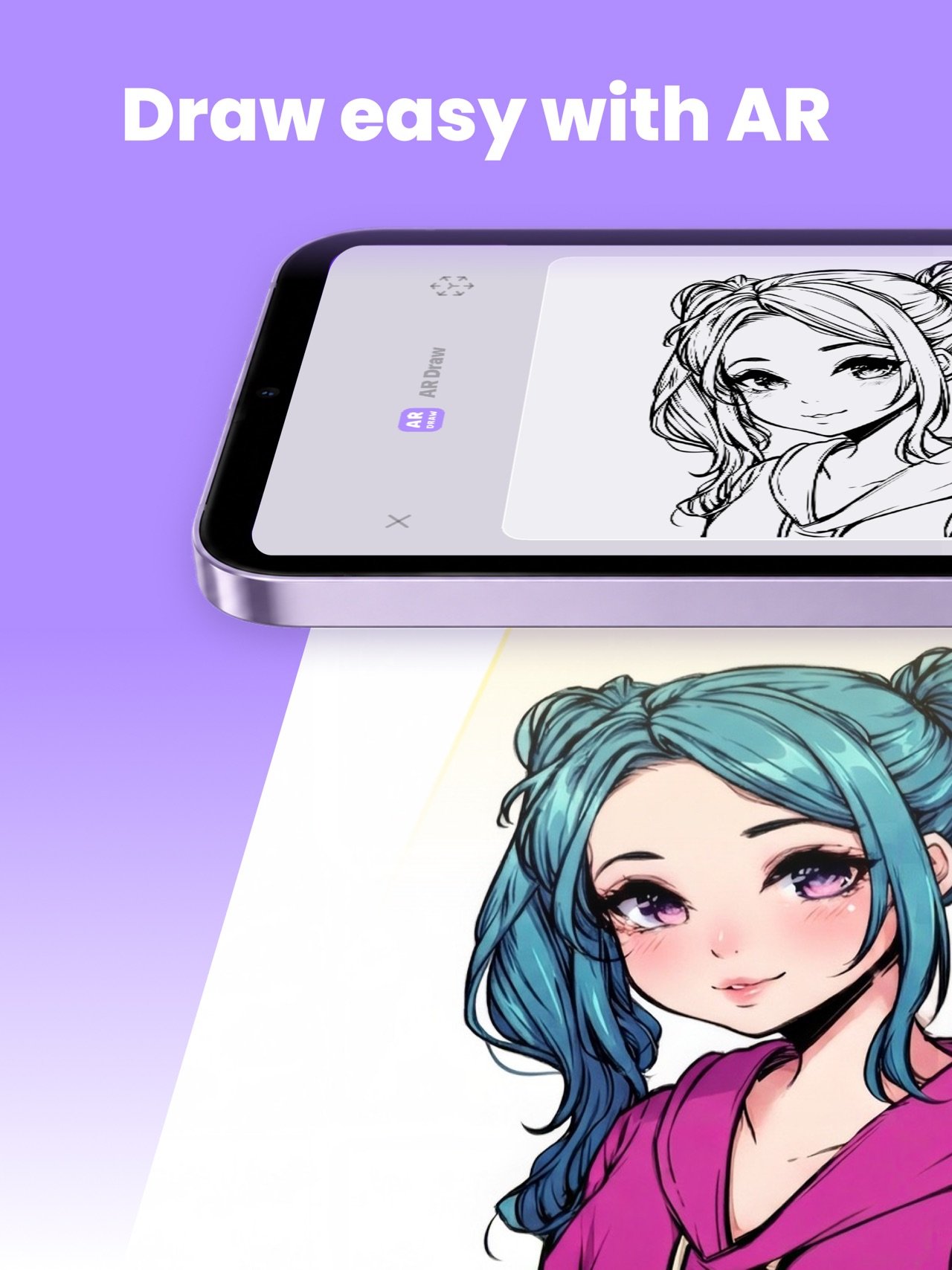
Meet AR Draw — the easiest way to start drawing with Video lessons and AR tracing.
Download
494.61 MB
20downloads
4this week
FreeFreeware
0reviews
Screenshots
About AR Drawing How to Draw Sketch
Meet AR Draw — the easiest way to start drawing with Video lessons and AR tracing.
Open the app, pick a sketch, and follow step-by-step drawing guides that teach you how to draw from simple lines to confident artwork.
AR Drawing: trace and sketch in real life
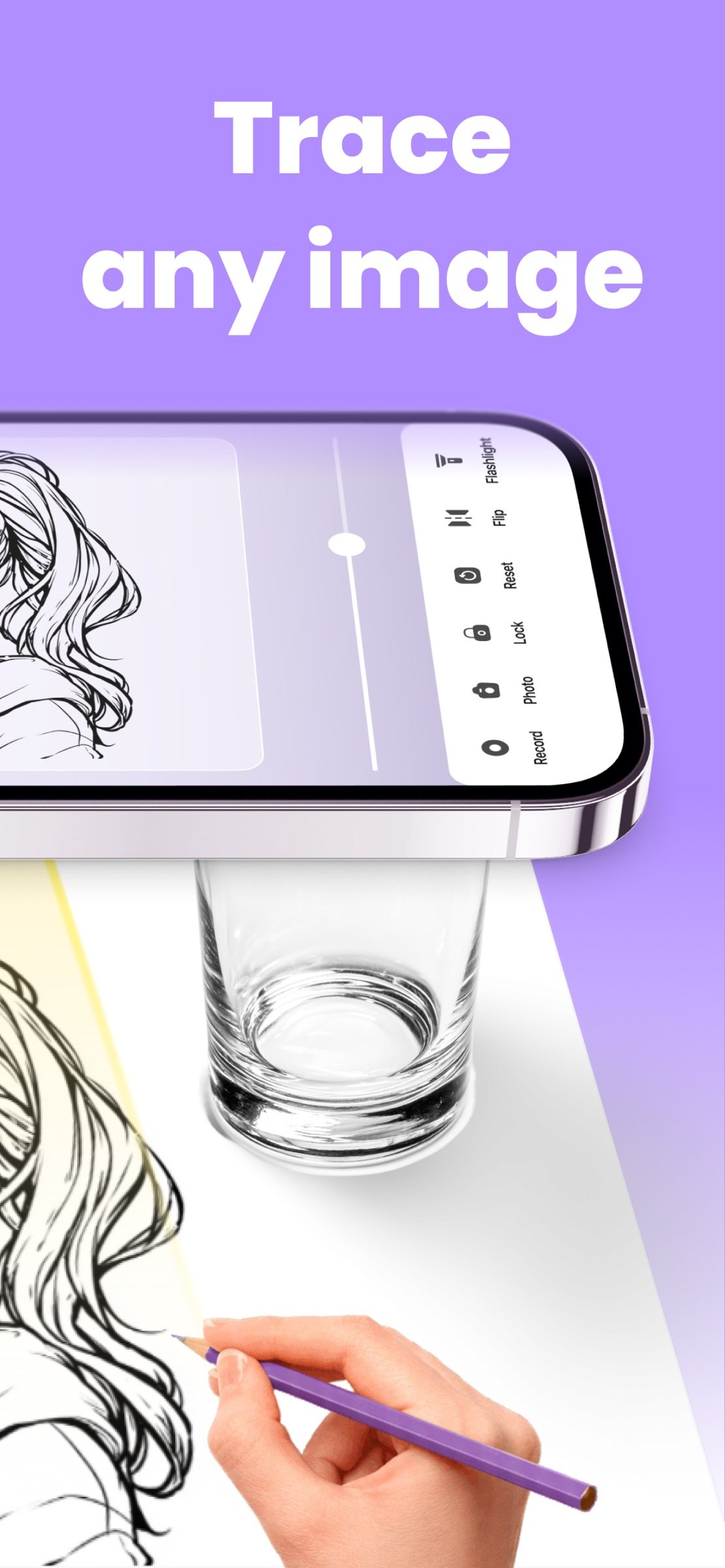
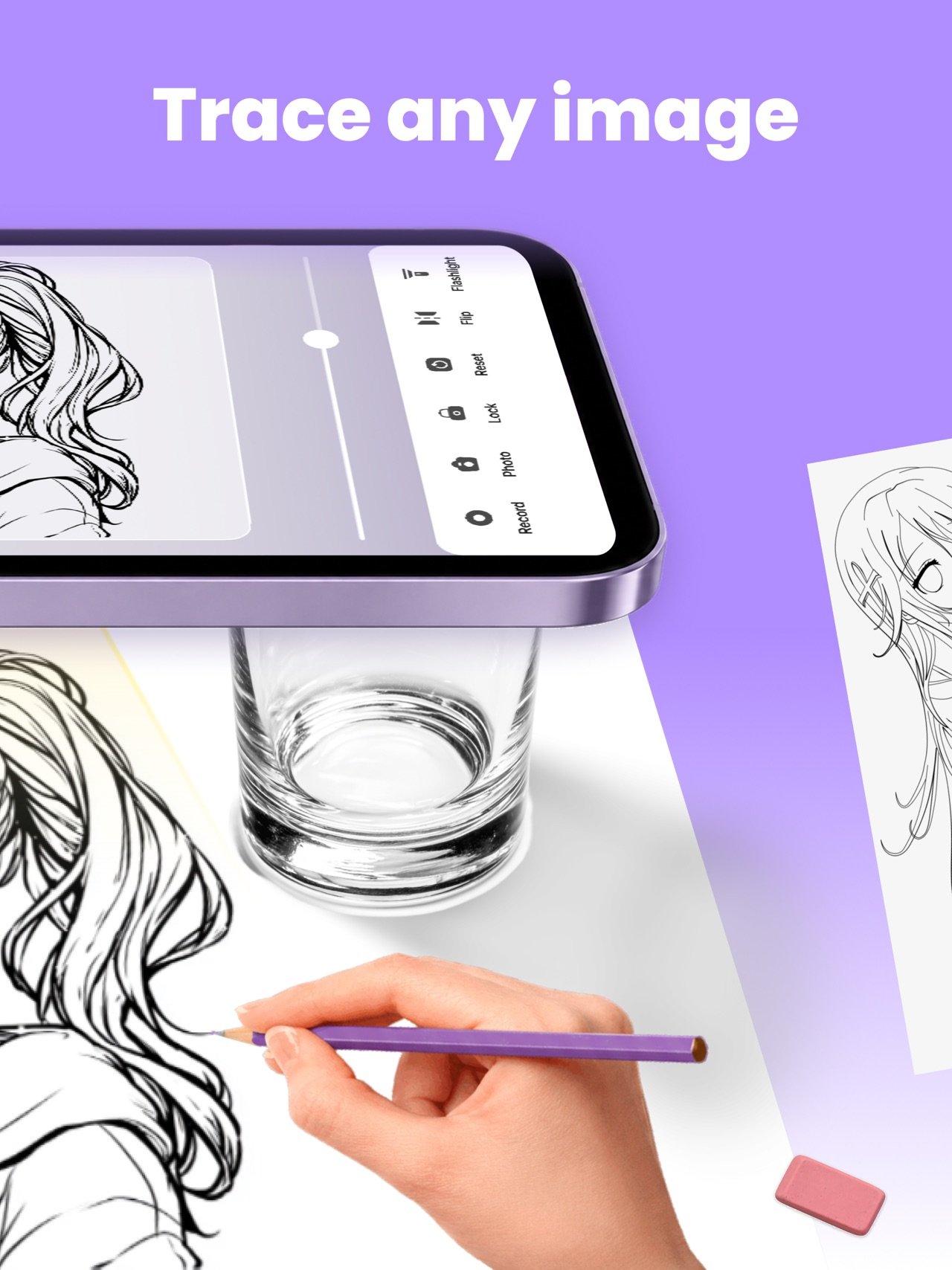
Turn your phone into a smart drawing helper. Project a reference onto paper and trace it at your pace — perfect for learning sketch drawing, improving hand control, and building clean outlines. Whether you want quick sketches to draw or a longer drawing lesson, AR makes the first steps feel simple and fun.
Video lessons: learn to draw step by step
Want real progress, not random tutorials? Our structured drawing lessons help you learn to draw the right way: from basic shapes and lines to complete drawings you’ll be proud of. Every lesson is made to be easy to follow, clear, and practical — you draw along with the video, repeat the steps, and level up with each attempt.
If you’re searching for learn to draw, how to draw, drawing lesson, drawing how to draw, step by step drawing, sketch drawing, sketches, sketches to draw, or drawing how to draw step by step, this app is built exactly for that.
What you’ll learn in our video drawing lessons
• How to draw step by step, from simple to more advanced
• Sketch drawing basics: lines, curves, angles, symmetry
• How to build a drawing using shapes and guide lines
• How to improve drawings: proportions, details, confidence
• How to practice faster with short daily lessons and repeatable steps
Popular categories you can practice
• Animal drawings: dog drawing, panda drawing, bird drawing, cute and easy options for beginners
• Butterfly drawing and other nature-themed sketches
• Dinosaur drawing (fun step-by-step lessons kids love)
• Cartoon drawing for expressive characters and simple shapes
• Anime drawing basics: faces, hair, eyes, poses, and beginner-friendly characters
Why AR + video lessons work so well
Watching a tutorial helps you understand the process. Tracing with AR helps you train your hand. Together they create a powerful method to learn to draw faster:
• Watch a drawing lesson to understand the steps
• Use AR drawing to practice accuracy and control
• Repeat the lesson with less help each time
• Save your favorites and build your own library of sketches
Made for beginners and still useful later
Start with easy sketches to draw, then move to more detailed sketch drawing lessons. Whether you’re a complete beginner, a parent looking for creative activities, or someone returning to drawing after a long break, you’ll find lessons that feel achievable and motivating.
Features you’ll love
• Step-by-step video lessons designed for real learning
• AR tracing mode for clean outlines and better hand control
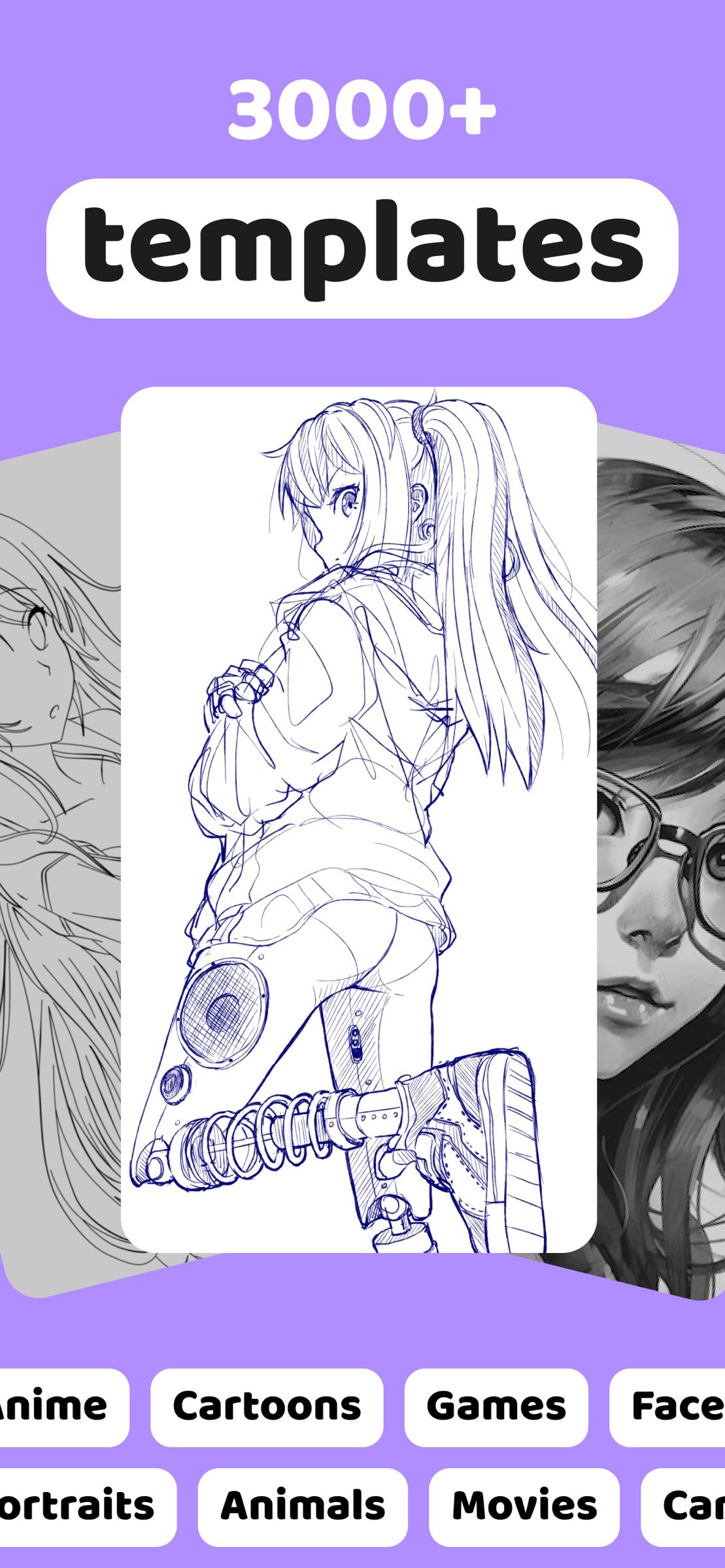
• A big collection of drawings across styles and themes
• Practice-friendly lessons: short, clear, and repeatable
• Great for kids, teens, and adults who want to learn to draw
———
Privacy Policy: [link removed]
Terms of Use: [link removed]
License: Free
Open the app, pick a sketch, and follow step-by-step drawing guides that teach you how to draw from simple lines to confident artwork.
AR Drawing: trace and sketch in real life
Turn your phone into a smart drawing helper. Project a reference onto paper and trace it at your pace — perfect for learning sketch drawing, improving hand control, and building clean outlines. Whether you want quick sketches to draw or a longer drawing lesson, AR makes the first steps feel simple and fun.
Video lessons: learn to draw step by step
Want real progress, not random tutorials? Our structured drawing lessons help you learn to draw the right way: from basic shapes and lines to complete drawings you’ll be proud of. Every lesson is made to be easy to follow, clear, and practical — you draw along with the video, repeat the steps, and level up with each attempt.
If you’re searching for learn to draw, how to draw, drawing lesson, drawing how to draw, step by step drawing, sketch drawing, sketches, sketches to draw, or drawing how to draw step by step, this app is built exactly for that.
What you’ll learn in our video drawing lessons
• How to draw step by step, from simple to more advanced
• Sketch drawing basics: lines, curves, angles, symmetry
• How to build a drawing using shapes and guide lines
• How to improve drawings: proportions, details, confidence
• How to practice faster with short daily lessons and repeatable steps
Popular categories you can practice
• Animal drawings: dog drawing, panda drawing, bird drawing, cute and easy options for beginners
• Butterfly drawing and other nature-themed sketches
• Dinosaur drawing (fun step-by-step lessons kids love)
• Cartoon drawing for expressive characters and simple shapes
• Anime drawing basics: faces, hair, eyes, poses, and beginner-friendly characters
Why AR + video lessons work so well
Watching a tutorial helps you understand the process. Tracing with AR helps you train your hand. Together they create a powerful method to learn to draw faster:
• Watch a drawing lesson to understand the steps
• Use AR drawing to practice accuracy and control
• Repeat the lesson with less help each time
• Save your favorites and build your own library of sketches
Made for beginners and still useful later
Start with easy sketches to draw, then move to more detailed sketch drawing lessons. Whether you’re a complete beginner, a parent looking for creative activities, or someone returning to drawing after a long break, you’ll find lessons that feel achievable and motivating.
Features you’ll love
• Step-by-step video lessons designed for real learning
• AR tracing mode for clean outlines and better hand control
• A big collection of drawings across styles and themes
• Practice-friendly lessons: short, clear, and repeatable
• Great for kids, teens, and adults who want to learn to draw
———
Privacy Policy: [link removed]
Terms of Use: [link removed]
License: Free
| Release info | Update on Oct 19, 2026 |
|---|---|
| Release notes | - Performance and stability improvements |
| Listing data | App Store |
Reviews
No reviews yet. Be the first to review AR Drawing How to Draw Sketch.
Used AR Drawing How to Draw Sketch? Tell other visitors what you thought.
Log in to write a reviewOther products by this publisher
- "No Distractions" for YouTube 4.10 ----
- #Bible 11.6 "Incredible App - My sister shared this app with me a few weeks ago and it is truly incredible.
- #filmphotography 1.4.2 So, you decided to shoot on film?
- $quirrel 1.5.1 $quirrel Budget & Finance helps you plan each paycheck, track spending, manage debt, and see what is safe to spend before the next payday.
- % Percentage Calculator Pro 1.41 This is the Pro version of % Percentage Calculator.
Most viewed iOS Photo & Video
-
1
 ShortDiShow 2.0
Drama Quest Island — An offline interactive short-drama adventure.
-
2
 Infuse 8.5.10
Infuse: Enterprise provides the same great features as the standard version of Infuse and includes permanent access to all Pro features via a traditional paid app.
-
3
 AI Video Generator 2.0.2
Vixel – AI Video Generator
-
4
 OPlayer 4.8
Play all your videos directly without having to convert them!
-
5
 Necrometer II 1.2
Necrometer II is a paranormal investigation companion designed for ghost hunters and researchers.
-
6
 CapCut 20.1.0
CapCut offers easy-to-use video editing functions, in-APP fonts and effects, advanced features such as keyframe animation, smooth slow-motion, chroma key, and stabilization, to help you capture and snip moments.
-
7
 Ai Photo 1.1.2
AI Photo Retouch – BG Eraser
-
8
 Treblo 1.6.0
Make songs with the world's best AI music model.
-
9
 CNU 3.0.12
CNU?????????????????????,???????????????
-
10
 Pop Dot Comics 1.48
Create a comic worthy of the Sunday newspaper or your favorite pulp-fiction cover.
Most downloaded iOS Photo & Video
-
1
Infuse 8.5.10
Infuse: Enterprise provides the same great features as the standard version of Infuse and includes permanent access to all Pro features via a traditional paid app.
-
2
 DJI Fly 1.21.18
DJI Fly is designed to help pilots fly drones with ease.
-
3
 Analog Radio 3.0
The iPhone and iPad devices don't have the FM/AM radio antenna installed.
-
4
 TurboCollage Automatic 1.2.4
#1 Easy automatic photo collage maker for iPhone & iPad.
-
5
 ReelyGo 1.1.42
ReelyGo: Your Daily Drama Escape
-
6
 AGAIN. Rehearsal Notes 2.0.1
AGAIN. is the rehearsal app that remembers why the band stopped — and, new in Version 2, who said what in a writing session or a table read.
-
7
Treblo 1.6.0
Make songs with the world's best AI music model.
-
8
 Rozeta Sequencer Suite 1.3.16
Rozeta is a suite of MIDI sequencers and controllers that lets you explore a new, freeform approach to sequencing and controlling mobile music apps.
-
9
 SSS IPTV, Simple, Smart Super 1.0.2
An Easiest way to watch TV Online or Movies or Series, Bring your Own list M3u,
-
10
Pop Dot Comics 1.48
Create a comic worthy of the Sunday newspaper or your favorite pulp-fiction cover.