
Adobe Scan 26.11.09
Major update: The new Digitize tool lets you scan handwritten notes and whiteboards into editable, searchable documents that look digitally created.
Download
439.09 MB
33downloads
4this week
FreeFreeware
0reviews
Screenshots

About Adobe Scan
Major update: The new Digitize tool lets you scan handwritten notes and whiteboards into editable, searchable documents that look digitally created.
Adobe Scan is free to download and turns your mobile device into a powerful PDF and document scanner that helps you create, save, and organize your paper documents as digital files.
6 WAYS TO USE ADOBE SCAN
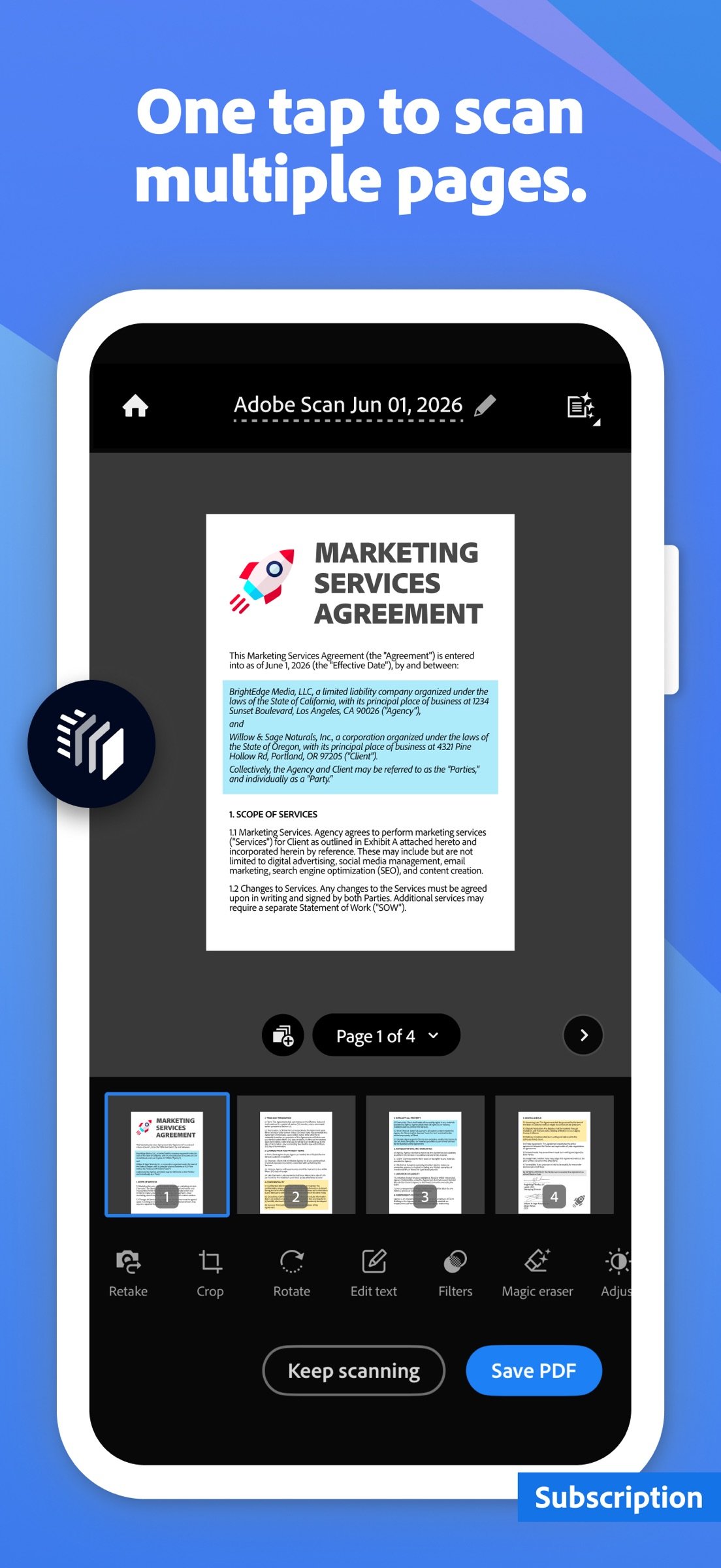
1) Save time with a fast document scanner: Use High-speed scan to bulk scan documents and turn stacks into PDFs in seconds.
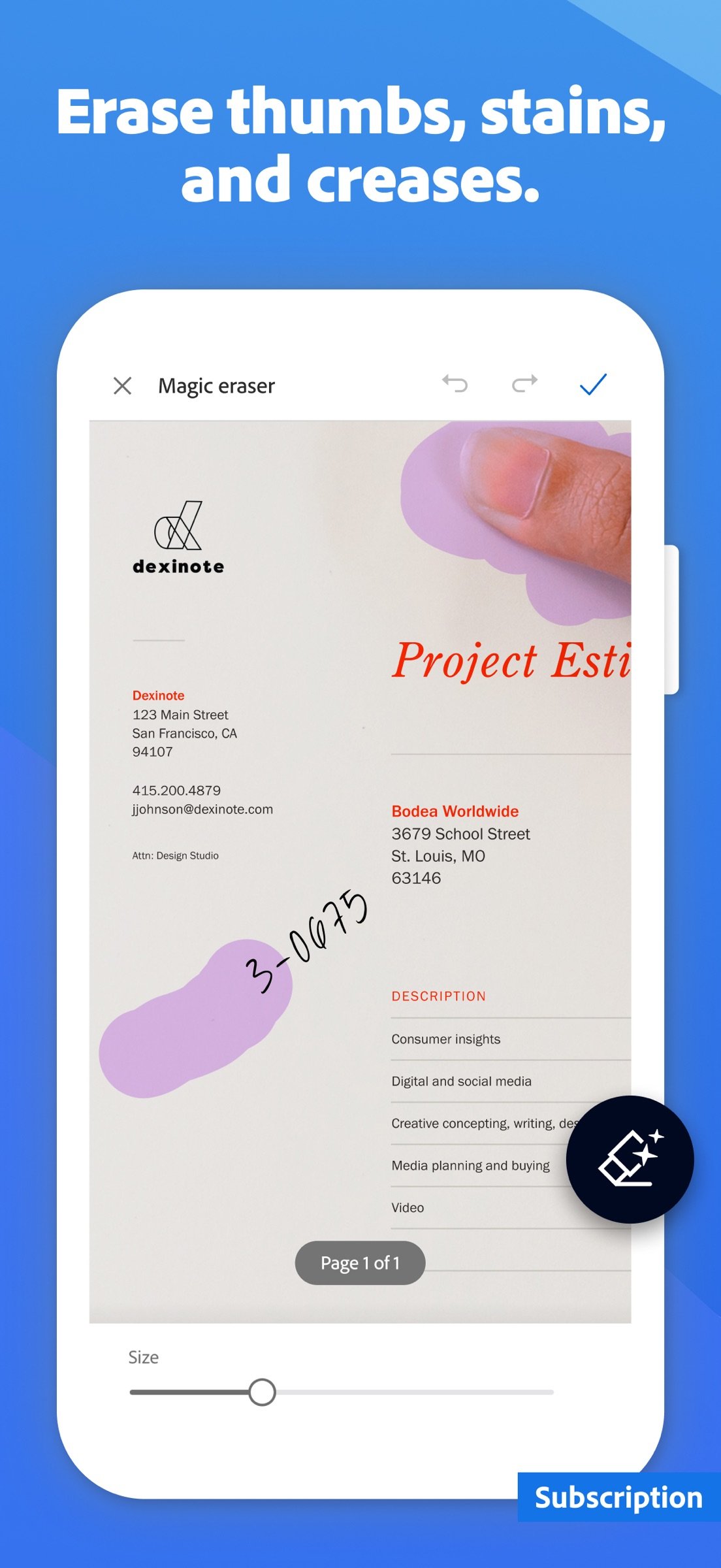
2) Clean up scans with Magic eraser: Auto-detect and remove thumbs, shadows, stains and creases so your document scans look clear and professional.
3) Make a PDF with your phone: Convert paper documents or printed images into PDFs or JPEGs with the mobile PDF and photo scanner.
4) Use the Extract pages tool to choose the pages you need from any multi-page scan and save them as a new PDF.
5) Turn images to text: Use the image-to-text feature to make words in your scans searchable and editable with OCR.
6) Scan anything: Receipts, IDs, notes, recipes, photos, business cards, whiteboards – scan documents into PDF or JPEG files you can work with on your phone, tablet, or computer.
CAPTURE WITH PRECISION
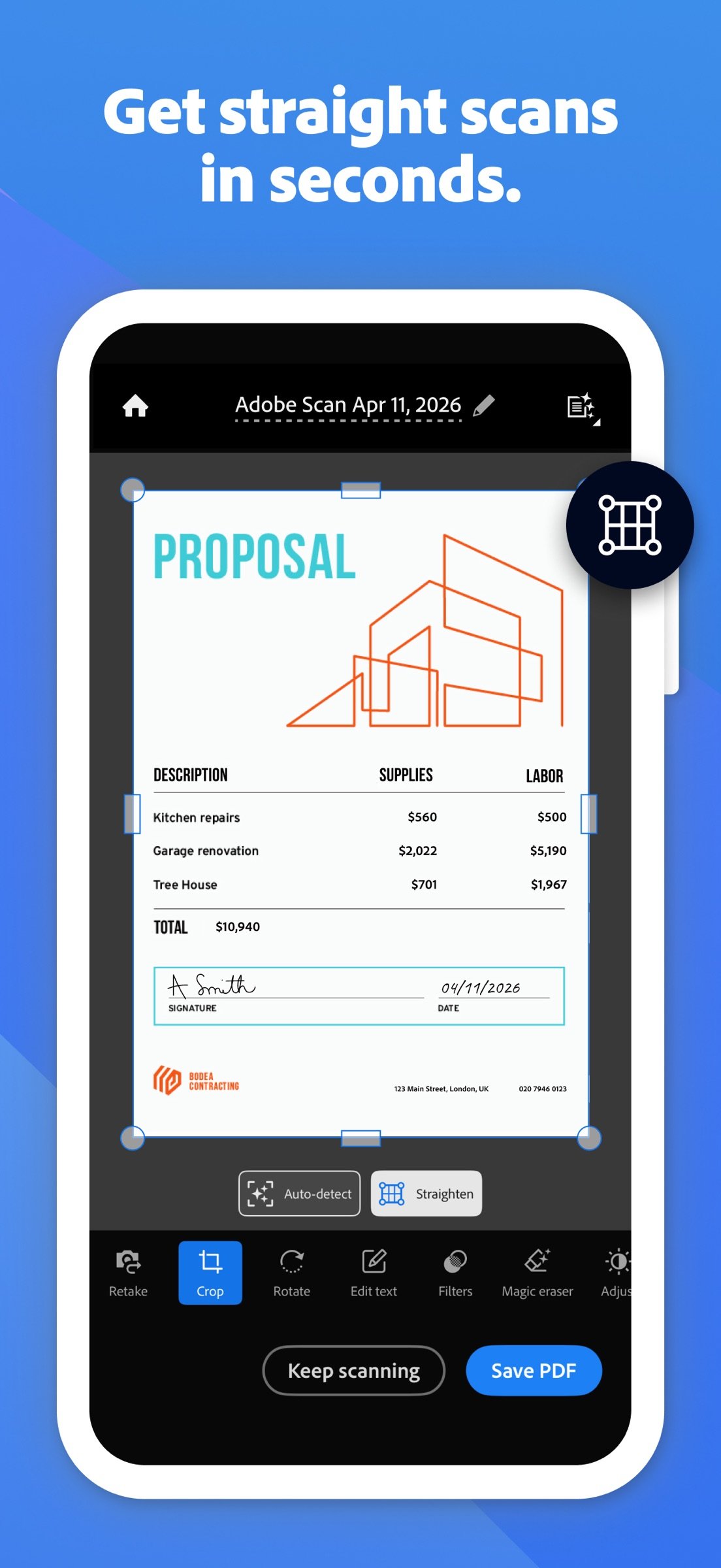
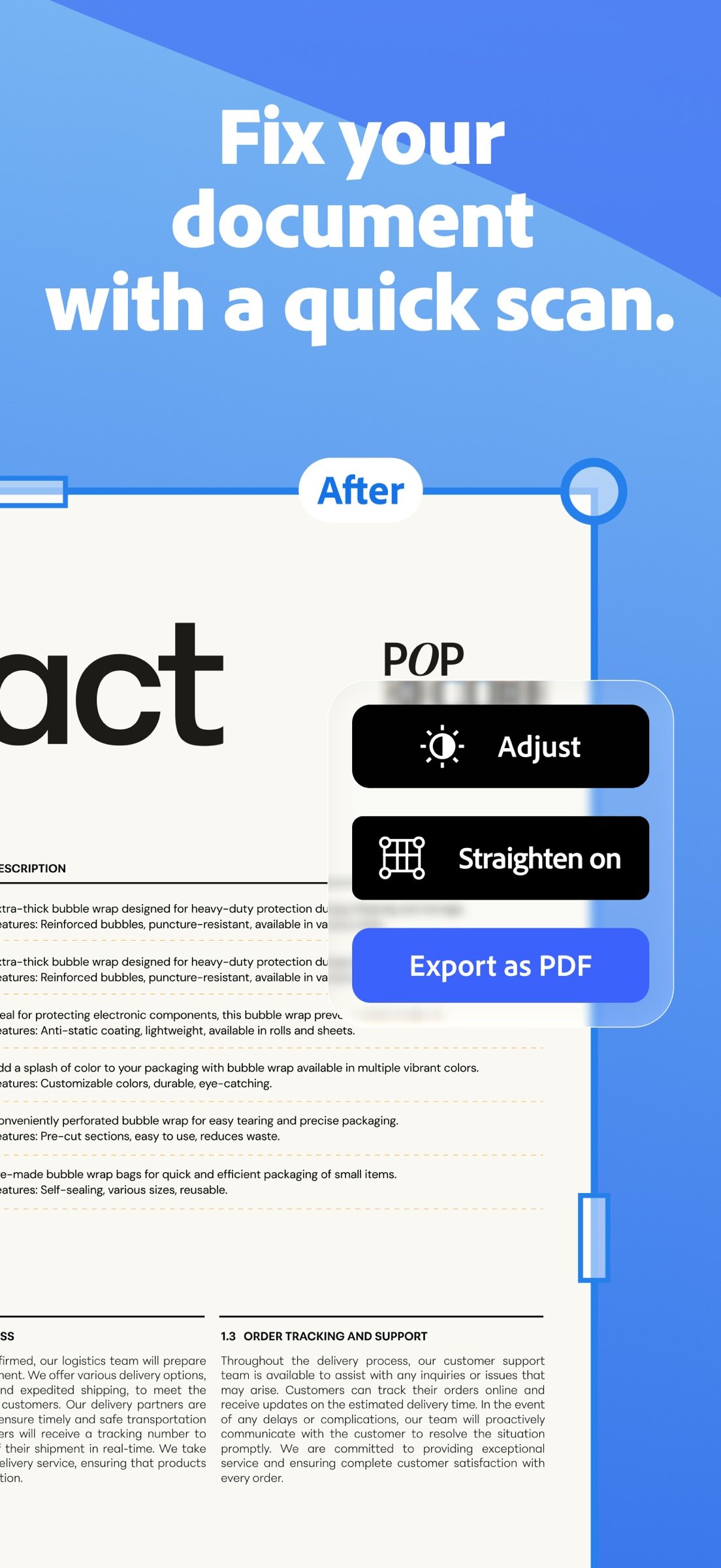
• The Straighten tool fixes pages that come out curved or tilted while you scan, even if all four corners aren’t visible in the scan.
• Advanced scanning technology detects borders, sharpens content, and makes your scans editable and searchable.
ENHANCE YOUR SCANS
• Edit in text lets you scan words, and handwritten text, to make it editable.
• The Modify tool helps you crop, rotate, resize, and adjust colors in your scans.
• Reorder pages and preview before saving.
• Adjust the brightness and contrast of your scans in just a few taps.
ORGANIZE YOUR DOCUMENTS
• Scan paperwork and create custom folders for work documents, personal files, school forms, or ID scans.
• Contact details are pulled straight from business cards so you can save them to your phone contacts in seconds.
• Scans are automatically saved to Adobe Document Cloud for instant access and sharing.
• Set a password to keep that important scan secure while you send it.
SMART LIBRARY
• This powerful doc scanner finds documents and receipts in your photo library and turns them into PDFs.
• Touch up scans or photos directly from your camera roll.
REUSE & SHARE
• Open PDFs directly in Adobe Scan, without leaving the app. Then use tools like Modify, Edit, and Share.
• Make high-quality PDFs that unlock text from images – from scanned contracts to study notes – so you can copy, edit, and reuse.
• Export your scans to Word, Excel, or PowerPoint for new formats, then share.
DO MORE WITH ACROBAT READER
• Open your PDF scan in Acrobat Reader to comment, highlight, fill forms, and sign documents.
• Access and share securely across Scan, Reader, and Acrobat on web and mobile.
IN-APP PURCHASE
• Subscribe for even more scanning power. Subscriptions work across Scan and Reader mobile apps and Acrobat on the web.
• Combine scans into one file so you can take multiple scans and consolidate into one document.
• Increase OCR capacity from 5 to 100 pages so that you can find text in multiple images.
Download this free mobile scanner to convert important photos and documents into PDF and JPEG files to help you stay organized. Adobe Scan is the PDF converter trusted by millions worldwide.
Terms & Conditions:
Your use of this application is governed by the Adobe General Terms of Use [link removed] and the Adobe Privacy Policy [link removed]
Do not sell or share my personal information www.adobe.com/go/ca-rights-linkfree
| Release info | Update on Nov 09, 2026 |
|---|---|
| Release notes | IMPROVED: • Performance and stability. |
| Listing data | App Store |
Reviews
No reviews yet. Be the first to review Adobe Scan.
Used Adobe Scan? Tell other visitors what you thought.
Log in to write a reviewOther products by this publisher
- "No Distractions" for YouTube 4.10 ----
- #Bible 11.6.1 "Incredible App - My sister shared this app with me a few weeks ago and it is truly incredible.
- #filmphotography 1.4.2 So, you decided to shoot on film?
- #LookBusy Fake Calendar Events 1.0.6 Look Busy scans your work calendar for open time slots and fills them with realistic-looking (but secretly fake) work events.
- #Small Talk Is Canceled 1.0.2 #Small Talk Is Canceled — Conversations That Matter
Most viewed iOS Business
-
1
 Navy Federal Credit Union 2026.10.2
Bank easy with the Navy Federal mobile app!
-
2
 Paycom 8.0.14
If you or your company use Paycom’s HR and software, the Paycom app helps you manage everyday HR and payroll tasks in one place — like checking your schedule, requesting time off and reviewing your pay.
-
3
 Entrust Identity 26.4.0
The Entrust Identity mobile application is the new Entrust mobile platform for delivering strong identity credentials to both employee and consumer users.
- 4 % Percentage Calculator Pro 1.41 This is the Pro version of % Percentage Calculator.
-
5
 Intune Company Portal 5.2610.0
Microsoft Intune helps organizations manage access to corporate apps, data, and resources.
-
6
 ParkNYC Powered by Flowbird 2.2.1
Have you ever been late to an important meeting and you can’t find a parking spot?
-
7
 Budget-Beacon 1.5
Budget Beacon connects to your Apple Wallet to help you understand and manage your spending.
- 8 $quirrel 1.5.1 $quirrel Budget & Finance helps you plan each paycheck, track spending, manage debt, and see what is safe to spend before the next payday.
-
9
 Shopify 11.2646.0
Shopify: build your online store, sell anywhere, run your business
-
10
 MiniVAN Touch 9.4.7
miniVAN Touch is a mobile canvassing application that integrates with websites provided by NGP VAN.
Most downloaded iOS Business
-
1
ParkNYC Powered by Flowbird 2.2.1
Have you ever been late to an important meeting and you can’t find a parking spot?
-
2
Budget-Beacon 1.5
Budget Beacon connects to your Apple Wallet to help you understand and manage your spending.
-
3
 Rocket.Chat 4.78.1
Rocket.Chat Secure CommsOS™ is a communication platform that unifies messaging, voice, video, AI, and mission-critical applications—ensuring uncompromising security, compliance, and operational efficiency for governments, defense, and critical infra…
-
4
 Business Timesheet 6.0
Are you looking for timesheet to track the work hours spent on hourly, daily or weekly basis accurately?
-
5
 Receivable Payment Ledger2026 1.1
Payment Ledger is a fully offline accounts receivable management tool for small businesses, shops, wholesalers, and salespeople who need to track customer debts and payment progress.
-
6
 Simple Budget Envelopes 2.2.1
An incredibly simple app, perfect for keeping track of how much money remains in your budget.
-
7
 Cvent Events 2.9.0
Cvent Events is your place to easily plan out your event experience, find where you need to go next, network with other attendees, and learn more about sponsors and exhibitors.
-
8
 Power Apps 3.26112.10
Get Power Apps to conveniently access your work or school apps no matter where you are: at home, on the road, in the field, off-campus, at the airport, or at the beach – anywhere life takes you.
-
9
 Vola 4.9.02
Vola is the only cash advance app built for Real-Time Payments (RTP).
-
10
 Checkbook Pro 3.3.5
An easy & quick way to manage your daily finances, Checkbook Pro keeps track of your credit card charges, cash expenditures...etc.